
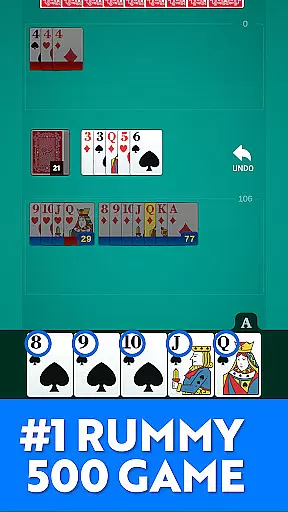
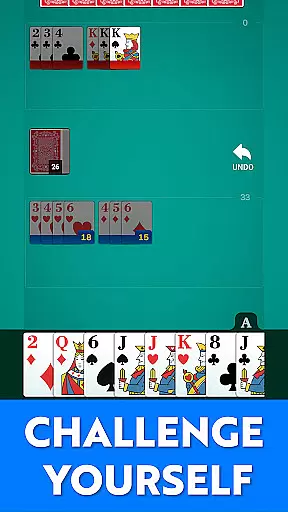
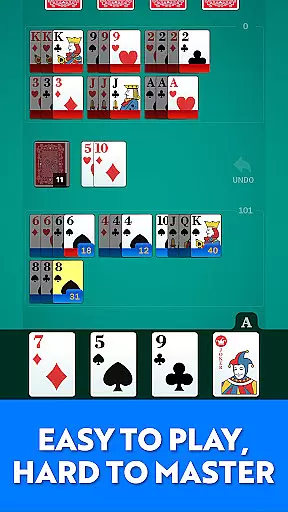
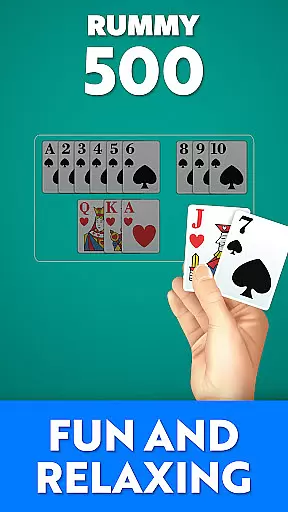
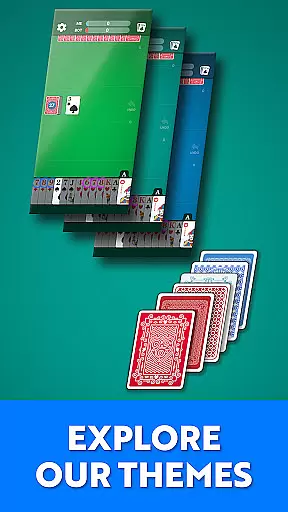
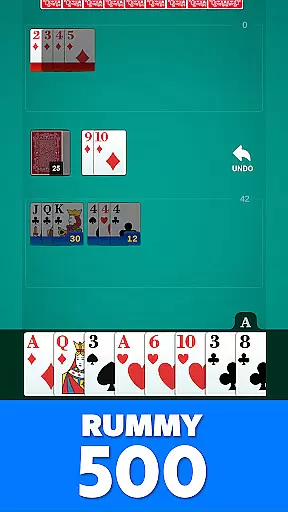
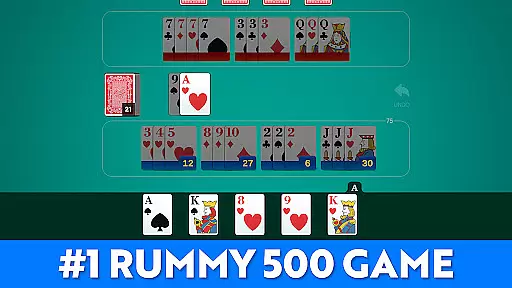
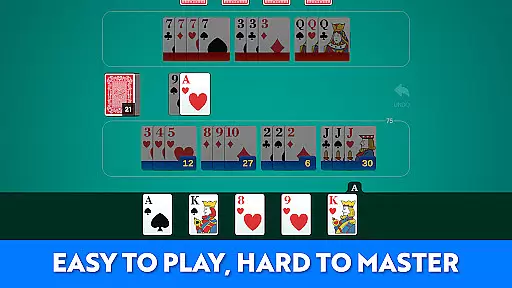
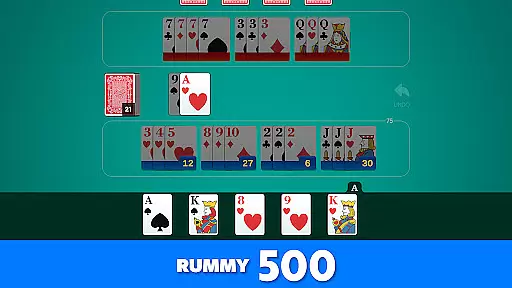
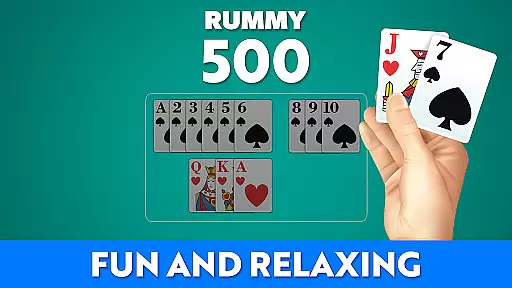
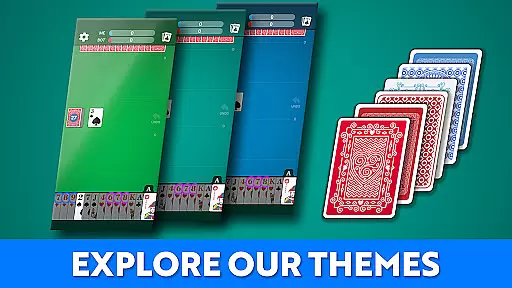


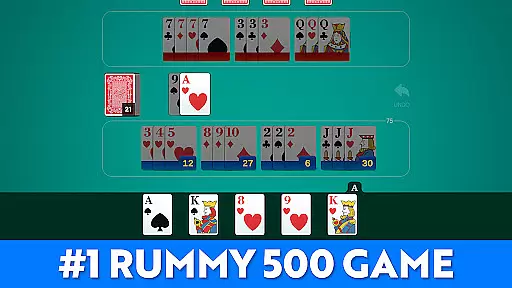
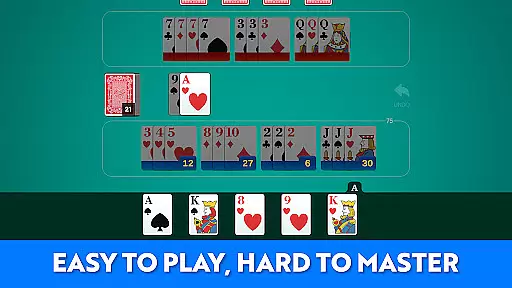
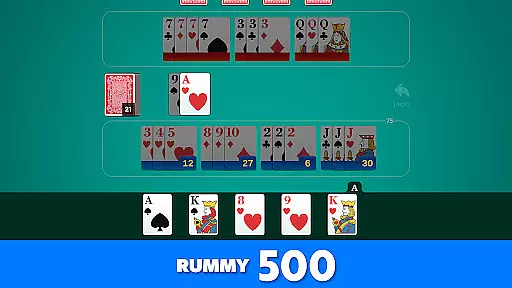
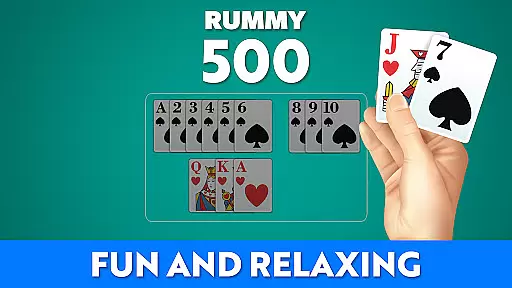


Rummy 500 - Card Game brings the classic card game to your mobile device with a focus on comfort, clarity, and strategic gameplay. Designed for both seasoned players and newcomers, this app offers smooth gameplay, intelligent AI opponents, and easy-to-read large cards.
Whether you're looking to enjoy a quick game or settle in for longer sessions, Rummy 500 provides an engaging experience without the need for an internet connection. The timeless appeal of forming sets and runs while competing against progressively challenging AI ensures every hand is both familiar and rewarding.
This digital adaptation of Rummy 500 captures all the nuances of the original game, including classic rules, scoring, and strategic depth. Players can draw from the deck or discard pile, meld cards into sets or runs, and track their scores as they aim to reach 500 points.
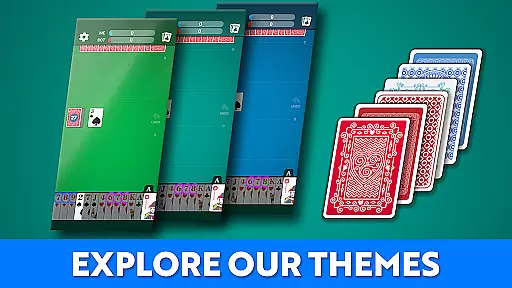
The app stands out with its smart AI opponents that offer a range of difficulties, ensuring a challenge for any skill level. With polished visuals, clean design, and large cards for readability, it enhances the traditional card-playing experience. Additional features include win tracking, score history, and suitability for both short hands and extended play sessions.
Random Number Generation (RNG) is crucial in card games like Rummy 500 to ensure that every shuffle and deal is genuinely random and fair. This app employs advanced RNG algorithms, certified by industry standards, to guarantee unbiased card distribution.
The implementation of RNG ensures that each game starts with a fresh, unpredictable shuffle, mimicking the randomness of physical card shuffling. Players can trust that their strategic decisions, rather than manipulated card sequences, determine the outcome of each round.
For users, this means an authentic and equitable gaming experience where skill and strategy prevail over artificially influenced luck. The certification process involves rigorous testing and validation, providing assurance that the game adheres to high ethical standards.
Smooth control and minimal input latency are essential for an enjoyable card gaming experience. In Rummy 500, the developers have optimized the user interface to ensure seamless interactions, allowing players to focus on their strategies without being hindered by sluggish controls.
The app's design prioritizes responsiveness, ensuring that every tap, drag, and drop action is executed instantly. This fluidity is particularly important during critical moments of gameplay, such as melding cards or discarding, where precision and timing can impact the game's outcome.
Players benefit from an intuitive and responsive interface that enhances their overall engagement and enjoyment. By minimizing delays between inputs and actions, the game maintains a steady pace, keeping players immersed and invested in each hand they play.
Classic Rummy 500 rules
Smart AI opponents
Large readable cards
No internet required
Track game history
Limited to single player
No multiplayer online
Graphics could be richer
AI predictability
Not for beginners

Become a hero or a villain as you make choice in the fairy Middle Ages!
 3.50
3.50
Relax and unwind with Solitaire: Card Games.
4.70
Enjoy Spider Solitaire: a classic card puzzle with relaxing, strategic gameplay!
4.50
Addictive Classic Solitaire of 2025! Relax with classic and fun card games now!
4.90
Learn how to play BlackJack, when to Hit, Stand, Split, Double or Surrender.
4.60
Krumit's Tale is a solo card-based dungeon crawler - a follow-up to ‘Meteorfall’
4.30
Classic Solitaire card games - Play Klondike Solitaire to unwind and feel good!
4.90
Classic, Original, Klondike Solitaire Game with Large Cards!
4.90
Solitaire Classic Pro, like Spider, Klondike Solitaire,FreeCell,Pyramid,Tripeaks
4.40
Large Card Solitaire Games: Play the addictive solitaire classic card games now!
4.90
Play and Master the Fun Classic Card Game Spades. Outsmart Opponents & Enjoy
4.80
Play and Master the Fun Classic Card Game Online & Offline
4.70
Train your brain with the challenging & addictive Solitaire Classic Card Games!
4.70
This classic partnership trick-taking card game is always ready to play!
4.60
Collect sets and runs but don't give away a card your opponent needs!
4.60
Always ready: the partnership trick-taking card game with so many rule options!
4.60
Train your brain and kill time
4.40
Compete against the computer in this classic trick-taking game.
4.20
Collect and play the original CCG on Arena. Magic is now on your phone!
4.10


User Reviews