

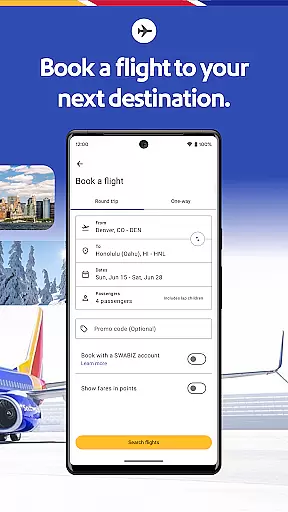
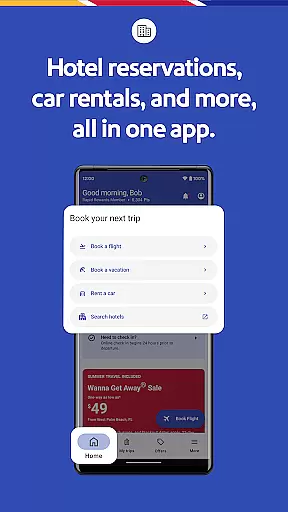


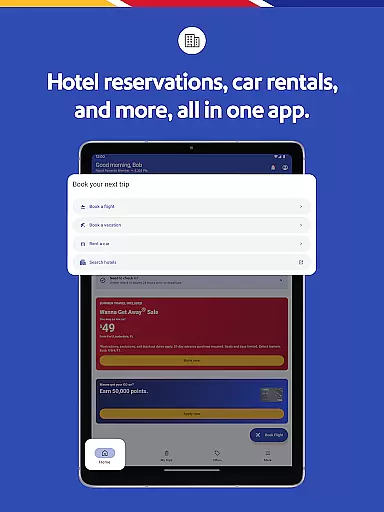
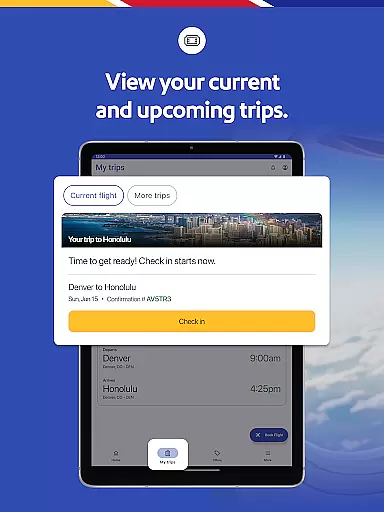

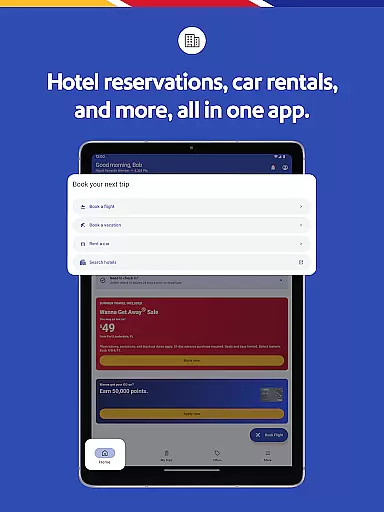
The Southwest Airlines app is a comprehensive travel companion that allows users to book flights, hotels, cars, cruises, or vacation packages with ease. The app simplifies the entire travel process from planning and booking to managing trips on-the-go.
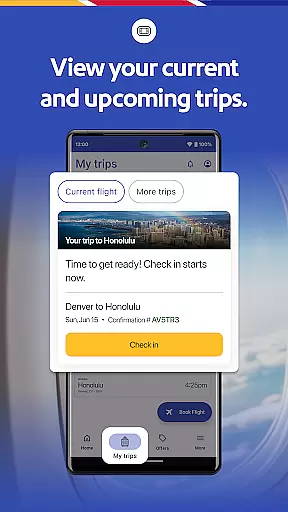
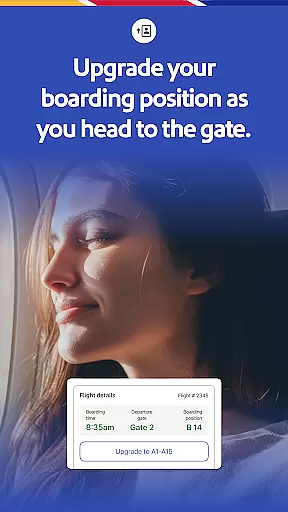
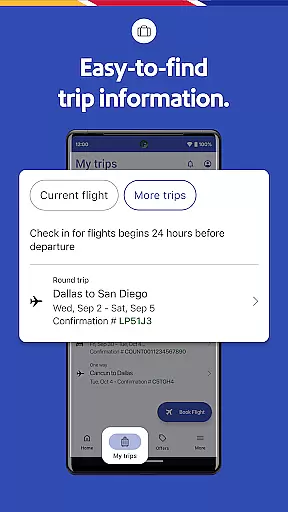
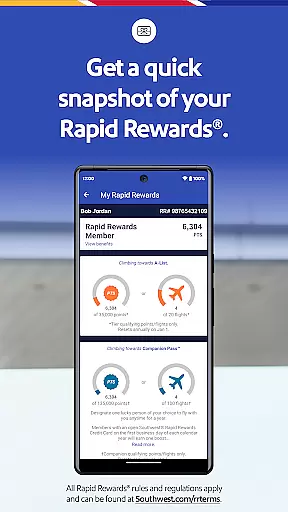
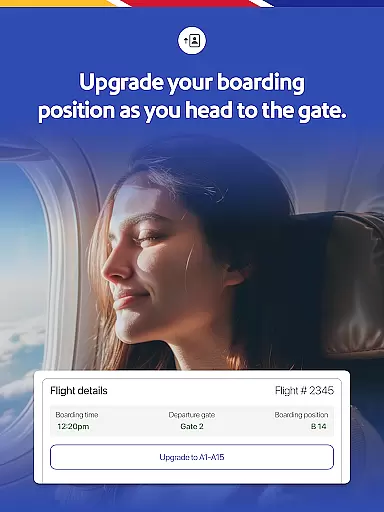
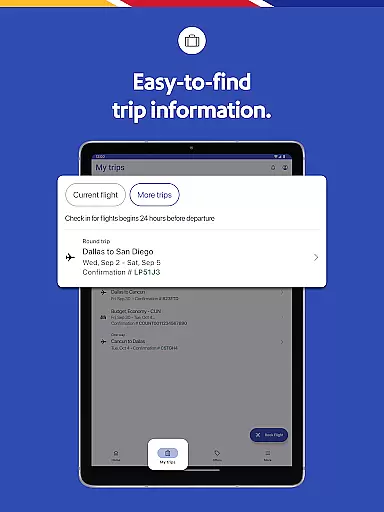
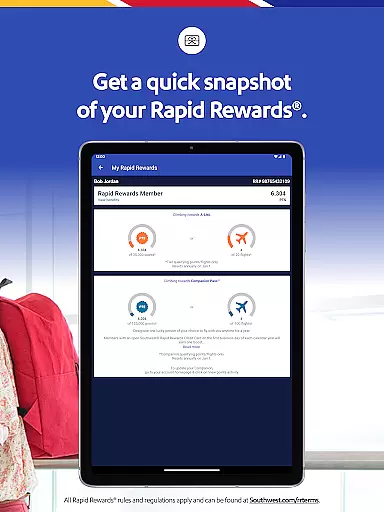
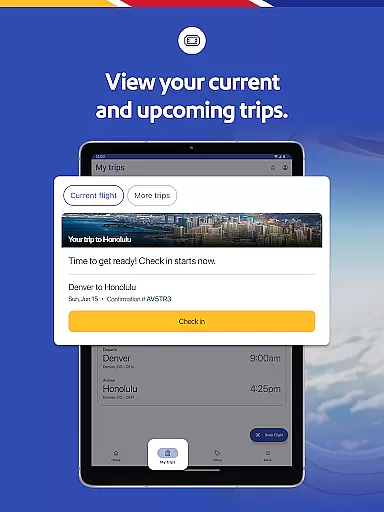
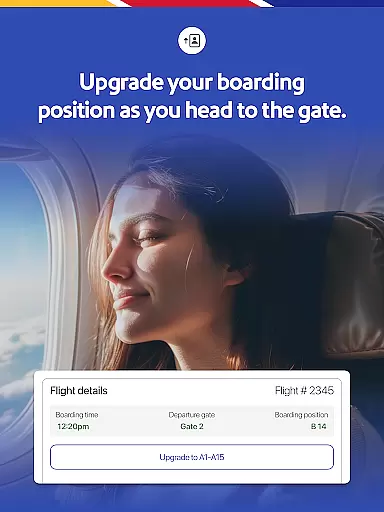
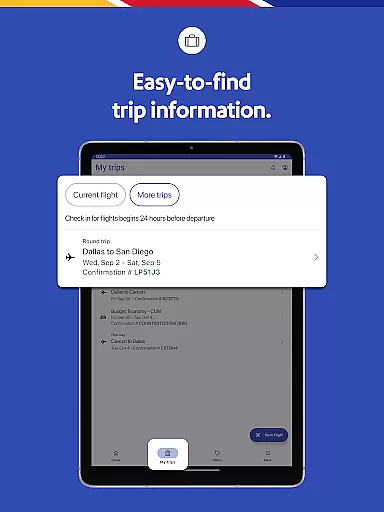
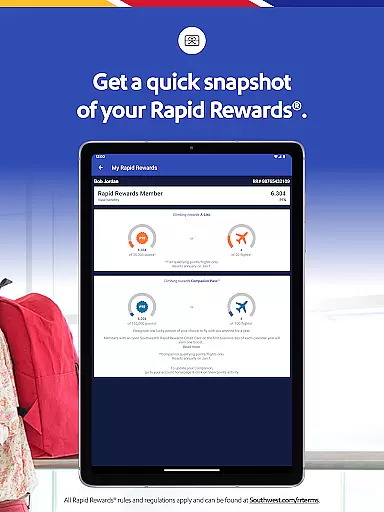
With features like 'My Trips' tab for gate information, boarding position, and flight status, travelers can stay informed about their journey. Users can also add extras such as EarlyBird Check-In® or Upgraded Boarding and redeem Rapid Rewards® points for qualifying purchases.
This app is ideal for those who seek a seamless travel experience, providing everything from mobile boarding passes to in-flight entertainment options, ensuring convenience and flexibility throughout your trip.
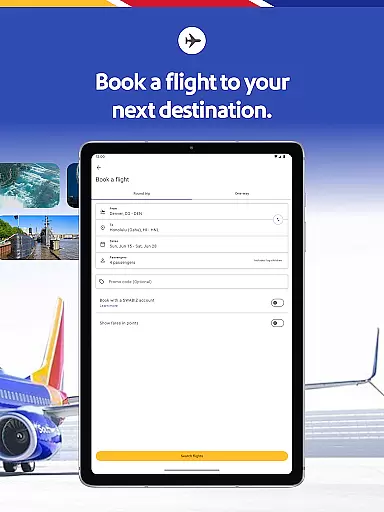
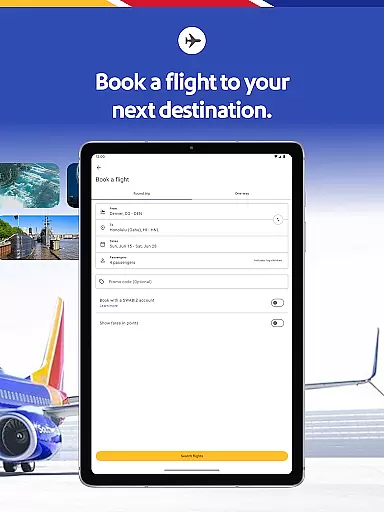
The Southwest Airlines app offers an array of robust features designed to enhance the travel experience. Booking a flight is straightforward, allowing users to search, book, and manage their flights effortlessly while accessing detailed trip information.
Travelers can find hotel bookings through the app, check into hotels, manage reservations, and earn Rapid Rewards points on hotel bookings. The app also supports various payment methods including PayPal®, Flex Pay, credit/debit cards, and Southwest LUV Vouchers®.
Additional standout features include mobile boarding passes available 24 hours in advance, live chat support, airport pickup and drop-off services via Lyft®, and access to in-flight entertainment. These tools collectively ensure a convenient, flexible, and enjoyable travel experience.
Booking authenticity is a crucial aspect of any travel application, ensuring that all reservations made through the platform are legitimate and reliable. The Southwestu00ae app excels in this area by providing users with a comprehensive booking system that covers flights, hotels, car rentals, cruises, and vacation packages.
The app allows travelers to search, book, and manage their trips seamlessly. With features like the 'My Trips' tab, users can view essential details such as gate information, boarding position, and flight status. This transparency helps build trust and ensures that customers have accurate and up-to-date information about their bookings.
Additionally, the app supports various payment methods including PayPalu00ae, Flex Pay, credit/debit cards, and Southwest LUV Vouchersu00ae. Users can also apply unused flight credits and gift cards when booking or changing their flights, which adds another layer of convenience and reliability. These features collectively enhance the booking experience, making it both secure and user-friendly.
Price transparency is vital for travelers who want to understand all costs associated with their bookings upfront. The Southwestu00ae app addresses this need by offering clear and detailed pricing information across its services, including flights, hotels, and vacation packages.
Users can take advantage of multiple payment options and easily apply available credits found under the 'Travel Funds' section. This flexibility ensures that customers are fully aware of how they can pay and what discounts or credits they might utilize, leading to more informed financial decisions.
Moreover, the app provides insights into additional costs such as optional extras like EarlyBird Check-Inu00ae or Upgraded Boarding. By presenting these options clearly, the app empowers users to make choices that best fit their budget and preferences without hidden surprises. Overall, the Southwestu00ae app's commitment to price transparency enhances the overall travel planning process.
User-friendly interface
Comprehensive travel options
Mobile boarding passes
Rapid Rewards integration
In-flight entertainment access
Limited international TV access
Payment method restrictions
Occasional bugs reported
Geographic limitations
Complex cancellation policies

A packing list app that helps you remember what to pack for a trip.
 3.10
3.10
The #1 Parent App in Brevard County
4.2
Meet Allyz®, your ultimate travel companion
4.70
Real-time flight tracking with live maps and flight status updates.
3.70
All-in-one delivery and taxi app. Ride, food, & grocery delivery app.
4.80
Tickets, hotels, wait times, maps, mobile ordering, Disney PhotoPass & more
4.50
Link & locate for real-time child & family safety: GPS tracker for families
4.40
Rent the perfect car for wherever you’re going
4.90
Get Moving Made Easier® with the official U-Haul® Moving & Storage app.
3.40
The travel app that makes booking cheap flights, hotels, and car rentals easy.
4.80
Book now to save with exclusive travel deals on hotels, flights, cars & packages
4.70
Frontier’s Android app makes travelling easier than ever before!
4.70
The United app puts valuable travel information in the palm of your hand.
4.70
The best way to book travel
4.60
Earn hotel and travel rewards, find hotel offers, and access your Digital Key.
4.50
Stack Upside with your current credit & debit rewards for even more cash back!
4.50
A tool for outdoor activities.
4.30
Managing your travel should be easy. With the Amtrak app, it is.
4.30
Navigate your world faster and easier with voice navigation & street view map
4.20


User Reviews