
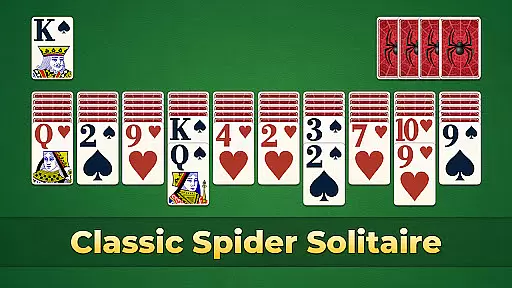
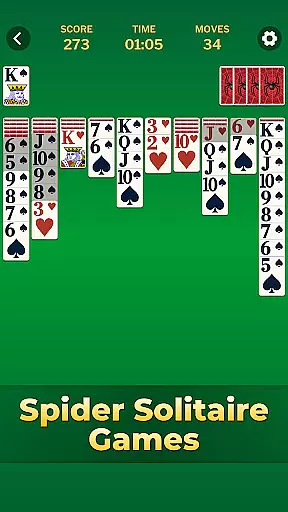
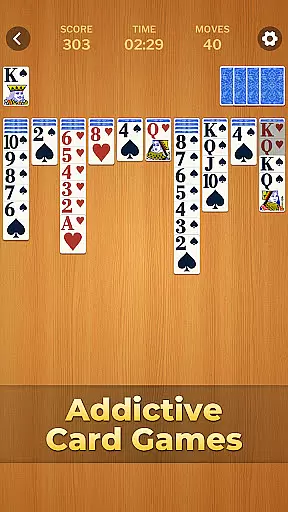
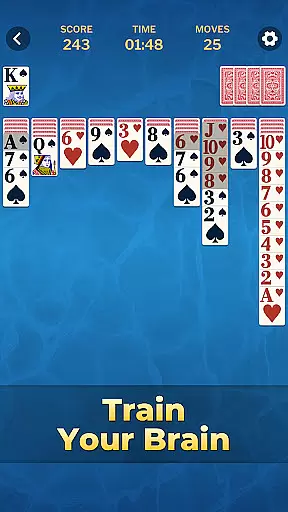
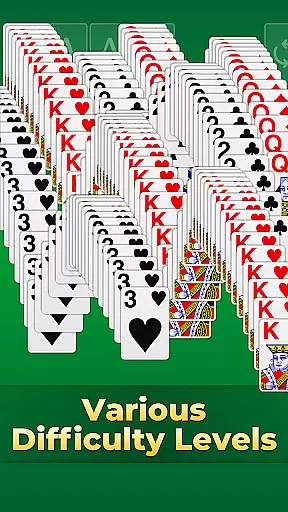

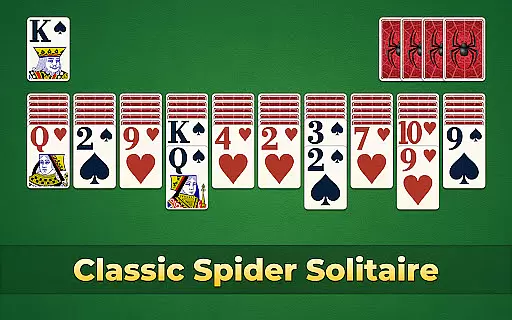
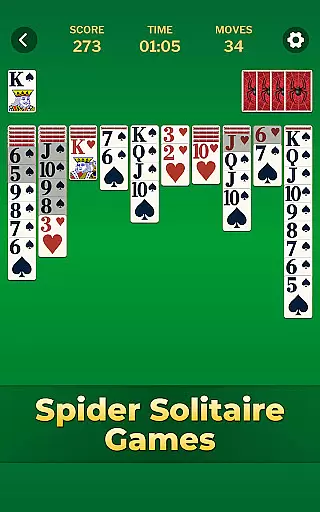
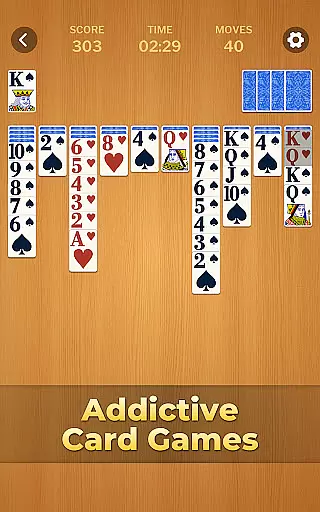
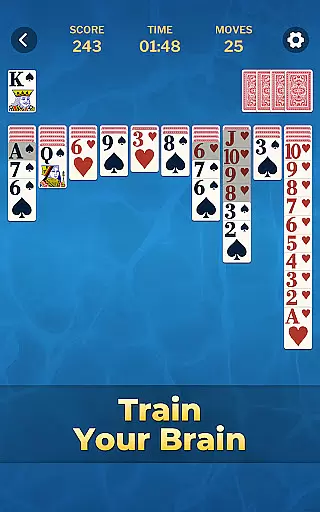

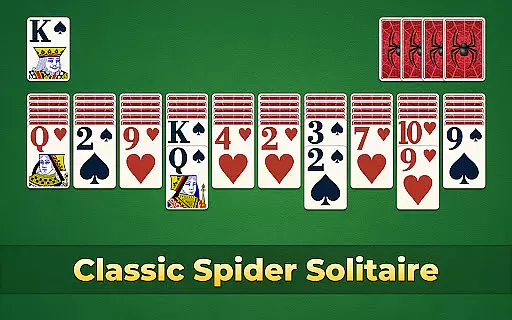
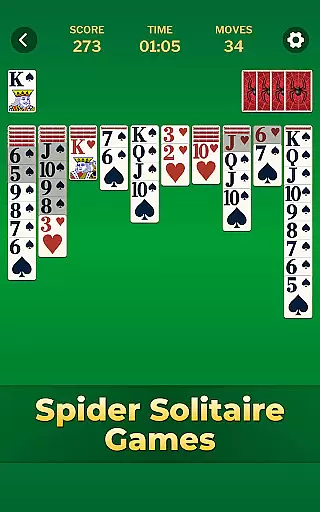
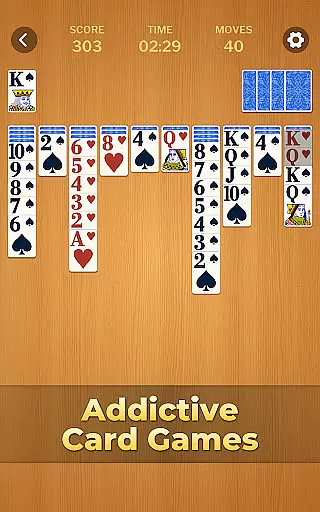
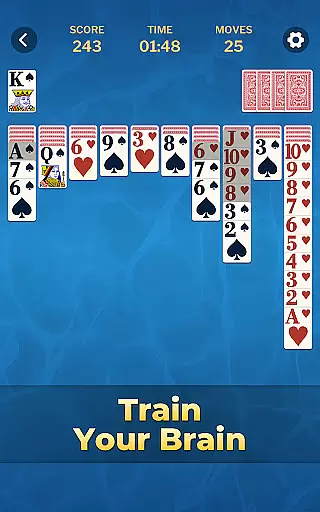
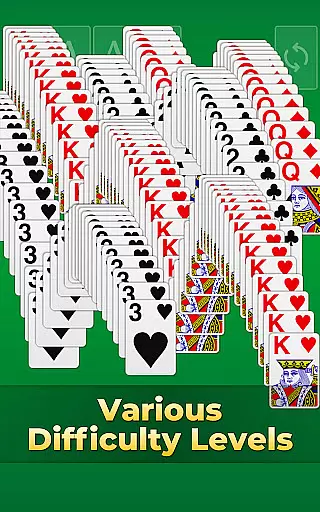

Spider Solitaire Classic Games is a premier card game app that combines the timeless appeal of both classic Solitaire and Spider Solitaire. Designed for enthusiasts who appreciate strategic depth and engaging gameplay, this app offers double the fun with its dual offerings. Available on mobile platforms, it provides endless entertainment through random deals across various difficulty levels, ensuring players remain captivated. The app's true value lies in its ability to challenge the mind while offering relaxation, making it an ideal choice for sharpening cognitive skills during leisure time.
The app stands out with features like unlimited hints, undo options, and an auto-complete function, which collectively enhance the user experience by preventing frustration and saving time. Additionally, customizable themes allow players to personalize card faces, backs, and backgrounds, creating a unique and visually pleasing environment. Regularly updated events and challenges further enrich the gaming experience, providing opportunities to win rewards and track progress through detailed statistics. This combination of engaging gameplay, personalization, and continuous updates makes Spider Solitaire Classic Games a must-have for card game aficionados.
Spider Solitaire Classic Games boasts an array of features that cater to both casual and serious players. One of its standout characteristics is the effortless gameplay enabled by tap-to-move mechanics and convenient auto-drags, allowing users to focus on strategy rather than cumbersome controls. The inclusion of diverse gameplay modes, daily challenges, and exciting seasonal events ensures that players have multiple avenues to test their skills and remain engaged over time. These elements contribute significantly to the app's replay value and user retention.
Another remarkable feature is the provision of unlimited hints and undo options, which ensure that players never get stuck on a tricky spot. This design choice fosters a supportive environment where users can learn and improve without the fear of making irreversible mistakes. Furthermore, the efficient auto-complete function saves time and enhances scores by streamlining the completion of sequences. Personalization is also key, with a wide range of customizable themes available to tailor the gaming experience to individual preferences. Detailed statistics offer insights into player progress, encouraging continuous improvement and mastery of the game.
Random Number Generation (RNG) fairness is crucial in card games like Spider Solitaire to ensure every shuffle and deal is genuinely random and not predictable. This creates a level playing field for all players, maintaining the integrity of both casual and competitive play.
Spider Solitaire Classic Games guarantees RNG fairness through advanced algorithms that simulate real-world shuffling. The game undergoes regular audits and testing by independent bodies to certify its randomness, ensuring that no patterns or biases affect gameplay.
For users, this means every session offers a unique challenge, replicating the unpredictability of physical card games. Players can trust that their wins are earned through skill and strategy rather than manipulated outcomes.
The certification process also enhances user confidence, as verified RNG systems protect against cheating and manipulation. This commitment to fairness ensures long-term engagement and enjoyment, making Spider Solitaire Classic Games a reliable choice for card game enthusiasts.
Control fluidity and input latency are essential factors in digital card games, influencing how responsive and smooth the gameplay feels. Low latency ensures that player actions are registered immediately, providing a seamless experience that mimics physical card handling.
In Spider Solitaire Classic Games, control fluidity is achieved through optimized touch controls and intuitive gestures. Players can drag and tap cards effortlessly, with minimal delay between input and action. This responsiveness is critical for executing strategic moves quickly and accurately.
The developers have prioritized reducing input latency by employing efficient coding practices and leveraging modern hardware capabilities. As a result, even complex sequences of moves are processed smoothly, without disrupting the flow of the game.
This focus on fluid controls enhances overall user satisfaction, allowing players to concentrate on strategy and enjoyment rather than battling unresponsive mechanics. It makes Spider Solitaire Classic Games an ideal choice for those seeking a polished and engaging card gaming experience.
User-friendly interface
Variety of game modes
Customizable themes
Unlimited hints and undos
Detailed progress tracking
Ads between games
Premium features locked
Complex for beginners
Limited offline play
Occasional bugs

Enjoy 4 classic solitaire card games : Klondike TriPeaks Spider & Pyramid cards
 4.2
4.2
Decked Builder is the premium deck building app for Magic the Gathering (MTG)
2.90
Build a squad of gnomes and embark on a roguelike adventure with card battles!
4.0
Play and Master the Fun Classic Card Game Spades. Outsmart Opponents & Enjoy
4.80
Find dragons in mysterious land and play card games.
4.60
Train your brain with the challenging & addictive Solitaire Classic Card Games!
4.70
Fishing, the card game that combines trick-taking strategy with deck-building
4.3
A game of apocalypse and yearning. Experiment. Die. Ascend.
4.60
Cozy Thanksgiving moments plus relaxing offline solitaire games.
4.60
Classic Solitaire: A smart mix of fun, relaxation, and brain training!
4.90
Classic Solitaire game you love! Offline, easy, and relaxing!
4.80
Sit on the Iron Throne
4.60
Always ready: the partnership trick-taking card game with so many rule options!
4.60
Swipe and be the Queen!
4.60
Compete against the computer in this classic trick-taking game.
4.20
An indie roguelike card game
4.20
Collect and play the original CCG on Arena. Magic is now on your phone!
4.10
Become a hero or a villain as you make choice in the fairy Middle Ages!
3.50
Word-building meets deck-building in the unique game Paperback Vol. 2
3.30


User Reviews