

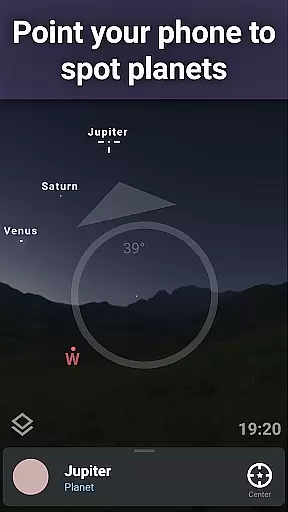

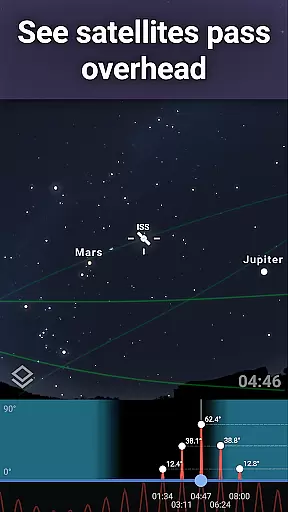
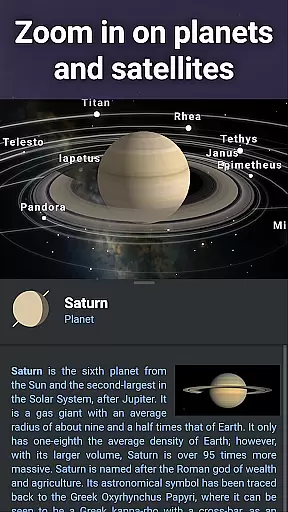
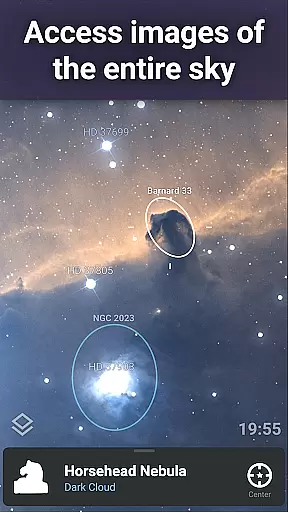
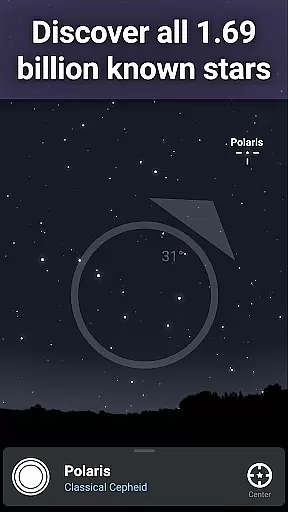
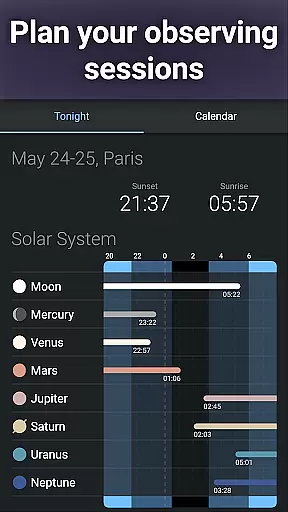

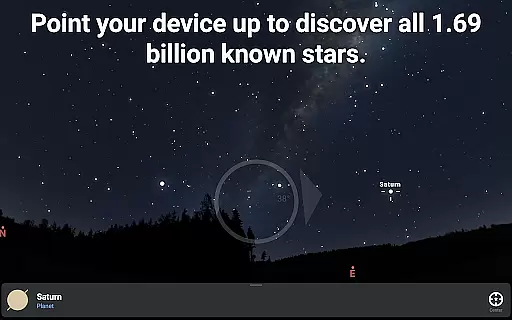
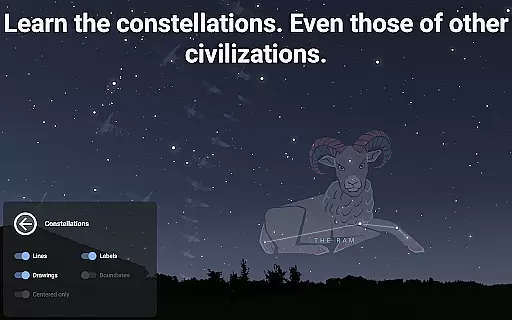

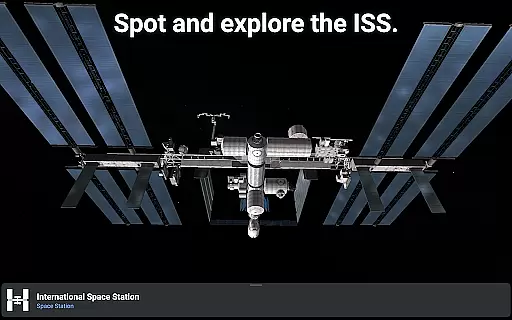
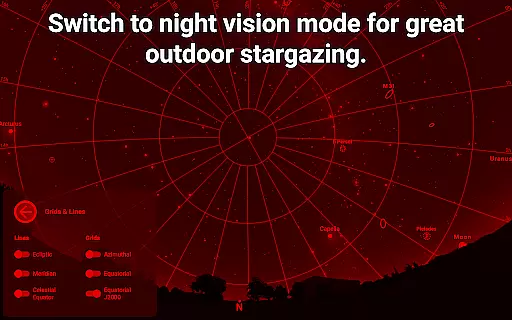
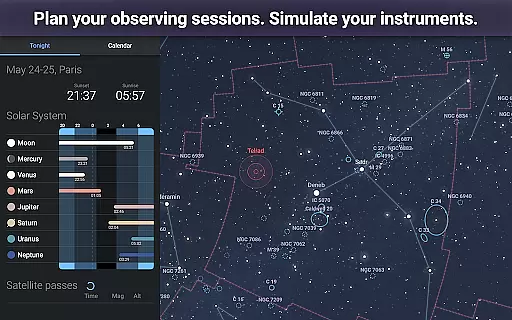


Stellarium Mobile - Star Map is an advanced planetarium app designed for both amateur stargazers and professional astronomers. This application provides a real-time, accurate representation of the night sky, featuring stars, planets, constellations, and deep-sky objects visible from any location on Earth. With its intuitive interface and powerful features, it serves as an educational tool for users who wish to explore celestial phenomena.
The app offers an immersive experience by allowing users to point their device at the sky to identify celestial bodies instantly. It includes extensive astronomical data, such as star catalogs, deep-sky objects, and planetary positions, making it suitable for detailed observation sessions. Whether you're an educator, student, or hobbyist, Stellarium Mobile transforms your device into a personal planetarium.
One of the standout features is its ability to simulate the sky from different cultures' perspectives, offering insights into how ancient civilizations perceived constellations. Additionally, the app supports telescope control and offline functionality, ensuring usability even in remote locations without internet access. This makes Stellarium Mobile not only an educational resource but also a practical tool for field observations.
Stellarium Mobile boasts a comprehensive set of features that cater to various astronomy enthusiasts' needs. The app's primary feature is its highly accurate night sky simulation, which can be customized to display celestial objects from any date, time, and geographic location. Users can zoom into realistic images of the Milky Way and other deep-sky objects, providing an engaging visual experience.
Another notable aspect is the inclusion of over 1.69 billion stars from the Gaia DR2 catalog, along with detailed information about planets, moons, asteroids, and comets. The app also supports advanced functionalities like telescope control via Bluetooth or Wi-Fi, enabling users to align their telescopes with precision. Furthermore, the night mode feature helps preserve dark adaptation while observing, enhancing the overall stargazing experience.
For those seeking more depth, Stellarium Plus (available through in-app purchase) unlocks additional capabilities, including extended catalogs of stars and deep-sky objects, predictive observation tools, and high-resolution imagery. These features make Stellarium Mobile a versatile tool for anyone interested in exploring the universe's wonders, whether for casual observation or serious astronomical research.
Stellarium Mobile - Star Map stands out in the Education category by offering highly accurate and authoritative astronomical content. The app provides real-time identification of celestial objects such as stars, planets, and satellites, all based on precise scientific data. This level of accuracy ensures that users can rely on Stellarium Mobile for both casual stargazing and educational purposes.
The application draws from extensive astronomical catalogs, including the Gaia DR2 catalog, which contains over 1.69 billion stars. It also features detailed information about planets, comets, and deep-sky objects like galaxies and nebulas. Such comprehensive data sets are crucial for delivering trustworthy information to astronomy enthusiasts and students alike.
Users benefit from this precision as they explore the night sky with confidence. Whether identifying constellations or tracking the International Space Station, Stellarium Mobile ensures that every piece of information is not only engaging but also scientifically validated. This commitment to accuracy enhances the learning experience, making it an invaluable tool for anyone interested in astronomy.
While Stellarium Mobile - Star Map may not offer traditional personalized learning paths like some educational apps, it does provide unique ways for users to tailor their astronomical learning journey. By allowing users to select different sky cultures and constellation illustrations, the app caters to diverse interests and cultural backgrounds. This feature enables a more personalized exploration of the cosmos, adapting to individual preferences and educational needs.
The app's advanced observation tools further enhance this personalized approach. Users can prepare observing sessions by predicting celestial object observability and transit times. These features help learners focus on specific areas of interest within astronomy, creating a customized path through the vast amount of available information.
Additionally, Stellarium Mobile offers various display options, including night mode and landscape simulation, which adapt to different learning environments. The ability to control telescopes through Bluetooth or Wi-Fi adds another layer of personalization for serious astronomy enthusiasts. Through these features, users can create their own unique learning experiences while exploring the universe at their own pace.
User-friendly interface
Accurate sky simulation
Extensive object database
Offline functionality
Cultural constellation views
Premium features locked
High system requirements
Complex for beginners
Limited free content
Occasional bugs

AR planetarium app that brings the solar system to you via XREAL Glasses.
 4.2
4.2
Universe simulator: Find & explore planets system, outer space, astronomy events
4.60
Short Lessons for Better Finances, Health, Skills, Jobs & Relationships.
4.80
Engage in learning science and math with the award-winning PhET simulations!
4.70
Master note reading with StaffWars….
4.00
Animals pop up and make sounds—learn names and noises in Peekaboo Barn!
4.3
A fast and fun way to learn guitar - works with any guitar.
4.60
Memorize anything efficiently with AnkiDroid! Many pre-built decks available.
4.80
Train, track, and reward potty training using Potty with Pull-Ups® ft. Disney®
4.70
Learn & Speak New Languages
4.70
Latest TLC Practice Questions! Multiple languages available!
4.50
SkyView®, an augmented reality space app, brings stargazing to everyone!
4.40
THE ESTABLISHED "GO TO" ARMY BOARD PREPARATION APP!
4.30
An aviator’s preparation, study and test tool for FAA Knowledge Exams.
4.30
A magical world of fun, building, and learning with Mickey Mouse and more!
4.20
An aviator’s preparation, study and test tool for FAA Knowledge Exams.
3.90
Listen, request and record pronunciations in more than 450 languages. Everywhere
3.90
MONOPOLY JUNIOR brings Hasbro's classic the board game to life.
3.00
Your best partner for learning Japanese words. Based on a best-selling textbook.
2.80


User Reviews