
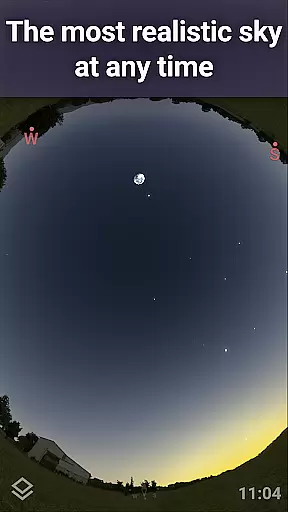
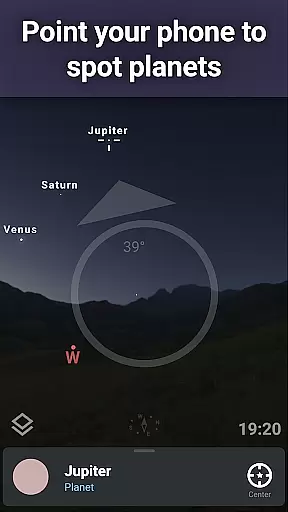
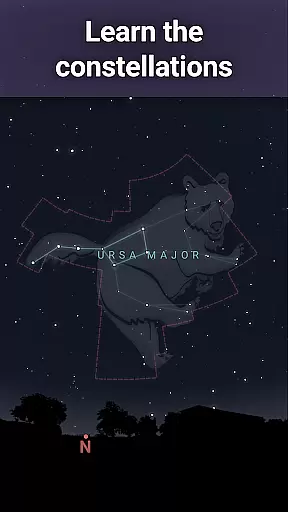
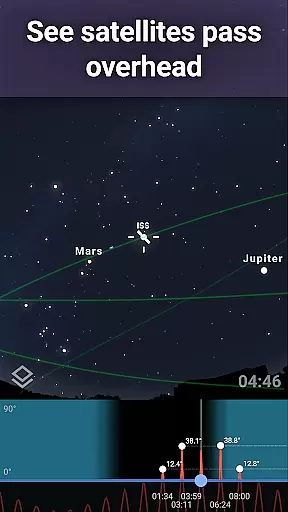
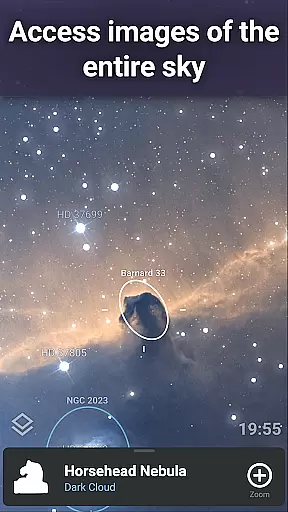
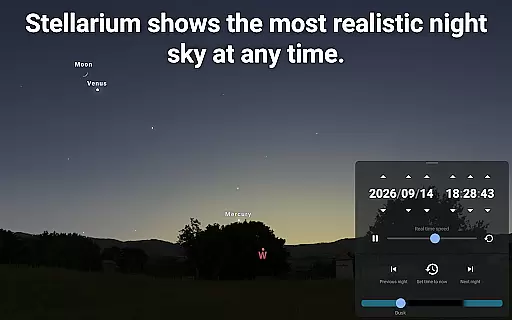
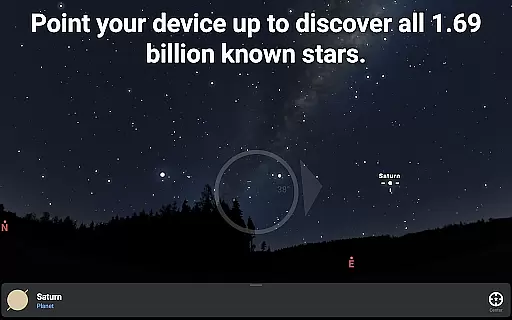
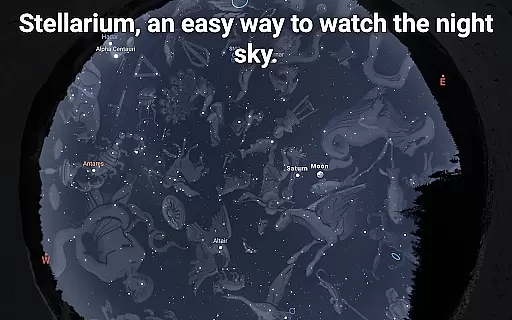
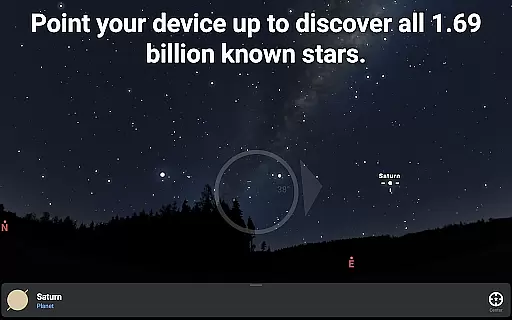
Stellarium Plus is an advanced planetarium app that offers a realistic simulation of the night sky, making it an ideal educational tool for both amateur stargazers and seasoned astronomers. The app provides an accurate representation of stars, planets, constellations, and deep-sky objects, visible in real-time when you point your device at the sky.
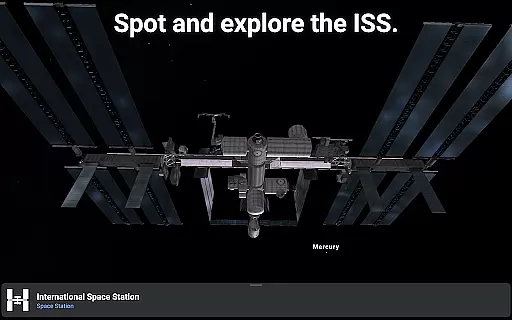
This Plus version stands out with its extensive database, reaching up to magnitude 22, and includes features such as telescope control and observation planning. With an intuitive interface, Stellarium Plus makes exploring the universe effortless and enjoyable, whether you're identifying constellations or tracking satellites like the ISS.
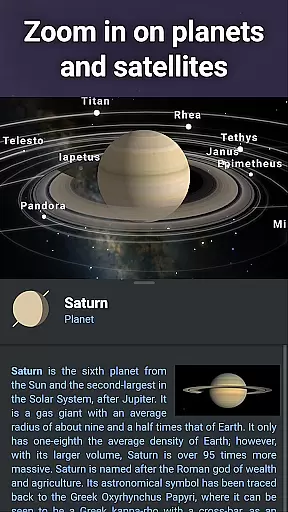
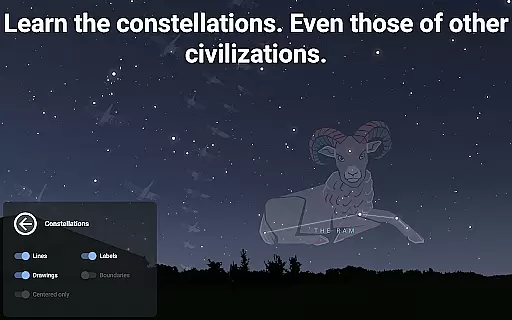
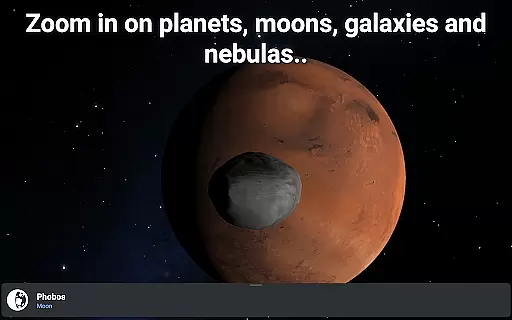
Perfect for educational purposes, Stellarium Plus allows users to understand different cultural perspectives on constellations and explore detailed 3D renderings of planets and moons. Its ability to function offline with a reduced dataset ensures accessibility even without internet connectivity.
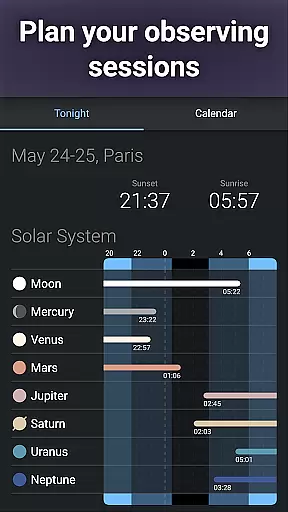
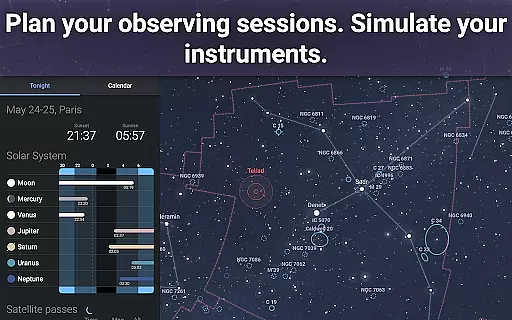
Stellarium Plus boasts a comprehensive set of features designed to enhance the stargazing experience. One of its key capabilities is the accurate simulation of the night sky, which can be customized for any date, time, and location, providing an invaluable resource for planning astronomical observations.
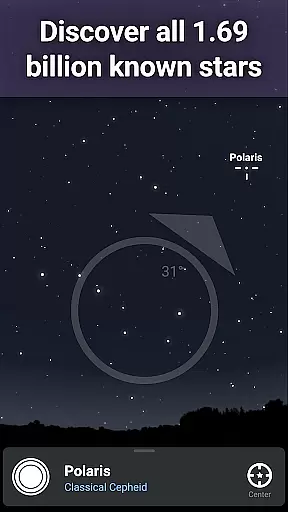
The app contains an extensive catalog of celestial bodies, including over 1.69 billion stars from the Gaia DR2 catalog, more than 2 million deep-sky objects, and detailed information on planets, moons, and asteroids. This massive collection is complemented by advanced functionalities such as landscape and atmospheric rendering, offering a truly immersive experience.
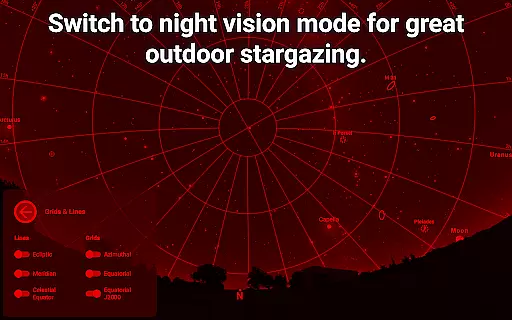
Additional features include a red night mode to preserve dark adaptation, satellite tracking, and compatibility with telescopes through Bluetooth or WIFI. These tools not only enrich the user's understanding of the cosmos but also cater to the needs of serious astronomy enthusiasts looking to deepen their knowledge and observational skills.
Stellarium Plus offers an exceptional level of content accuracy and authority, making it a trusted resource for both amateur stargazers and professional astronomers. The app provides real-time identification of celestial bodies, including stars, planets, and satellites, ensuring that users receive precise information about the sky above them.
The application draws from extensive astronomical catalogs, such as the Gaia DR2 which includes over 1.69 billion stars, to present users with an accurate representation of the night sky from any location on Earth. This meticulous attention to detail extends to the depiction of constellations from various cultures, offering a comprehensive view that is respectful of global astronomical traditions.
With its ability to simulate atmospheric conditions like sunrises and sunsets, Stellarium Plus not only informs but also immerses users in a realistic stargazing experience. By prioritizing factual correctness and authoritative sources, this app becomes an invaluable tool for education and exploration in the field of astronomy.
While Stellarium Plus may not offer traditional personalized learning paths like adaptive quizzes or tailored lesson plans, it excels in providing features that allow users to carve out their own unique educational journey through the cosmos. With advanced observation tools designed for planning observing sessions, users can set personal goals for what they wish to explore in the vastness of the universe.
The app's sophisticated telescope control capabilities enable users to engage with their astronomical studies at their own pace and according to their interests, whether they are tracking the International Space Station or examining the surface details of a distant planet. Such hands-on interaction fosters a deeper understanding and retention of complex astronomical concepts.
Moreover, by allowing offline access to a 'reduced' dataset containing millions of stars and deep-sky objects, Stellarium Plus supports uninterrupted learning anywhere, anytimeu2014encouraging learners to follow their curiosity without connectivity constraints. This flexibility effectively serves as a personalized path to discovering the wonders of the universe.
User-friendly interface
Extensive celestial database
Offline usability
Advanced telescope control
Cultural constellation insights
Premium price point
Complex for beginners
Heavy storage usage
Limited augmented reality
Occasional performance lags

AI Language tutor: Speak fluently with Lucy’s personalized coaching
 4.70
4.70
THE MOST COMPREHENSIVE JUMPMASTER STUDY RESOURCE AVAILABLE.
3.40
Practice Casino Roulette Payouts for Table Game Dealers and Croupiers
4.40
Pickleball guide complete with illustrated Pickleball drills and helpful info
4.0
Intuitive Transformer Lab - By a Lineman, For Linemen & Apprentices
4.50
An interactive enhancement of the Sesame Street classic.
4.50
The best way to study for your amateur radio license exam.
4.90
School Communication
4.30
Learn & Speak New Languages
4.70
Age-Related Child Developmental Milestones
4.80
Learn Words Daily in Just Minutes - Boost Your Language Skills Fast!
4.60
2026 DVSA Driving Theory Test revision with Hazard Perception + Highway Code
4.60
Stargazing Guide App. Stars and constellations map. Solar system planets finder.
4.60
A fast and fun way to learn guitar - works with any guitar.
4.60
Latest TLC Practice Questions! Multiple languages available!
4.50
Professional Award-Winning Astronomy Star Map App With Telescope Control
4.40
Designed for Calculator 84 users
4.20
Nighty Night Circus - Bedtime story for kids
4.10
Master note reading with StaffWars….
4.00


User Reviews