

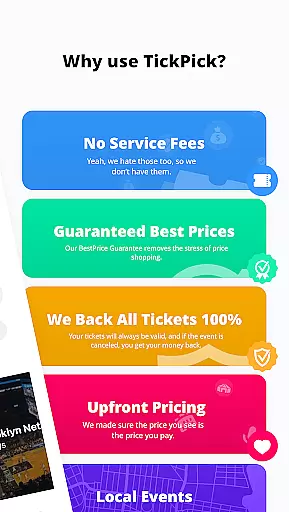
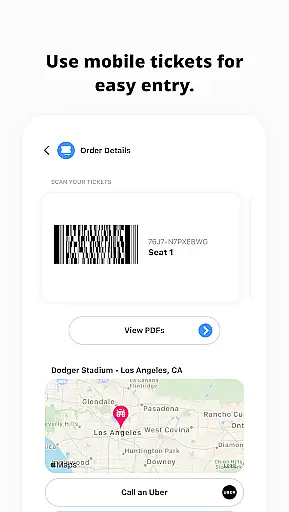
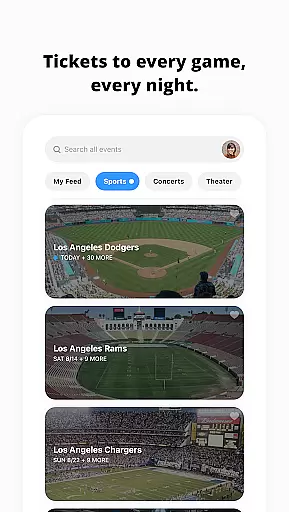
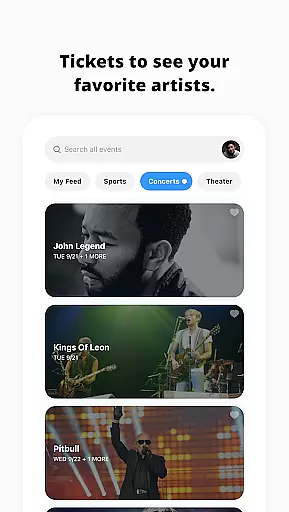
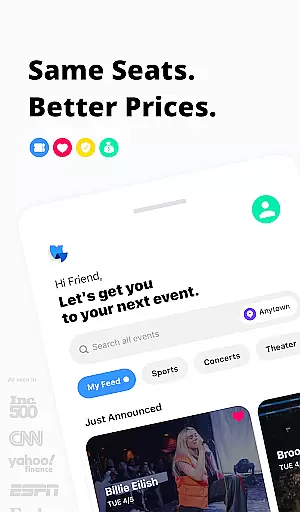
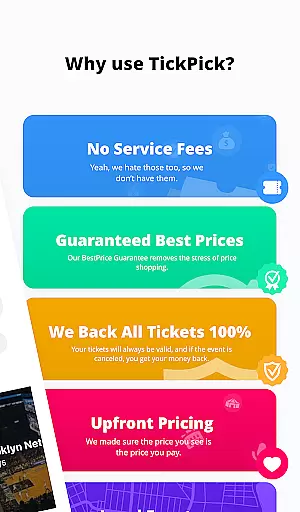
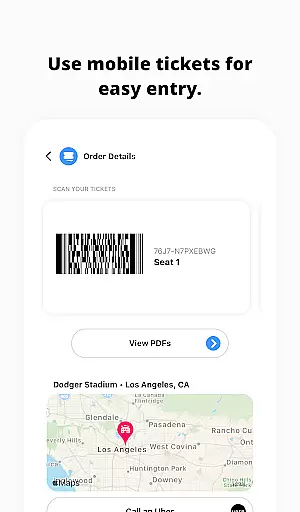
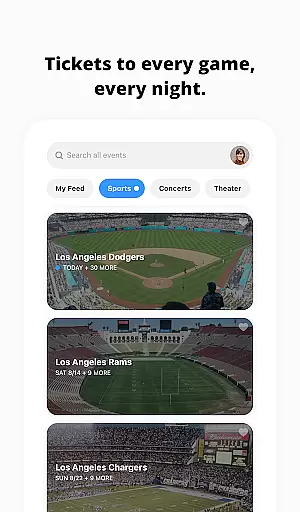
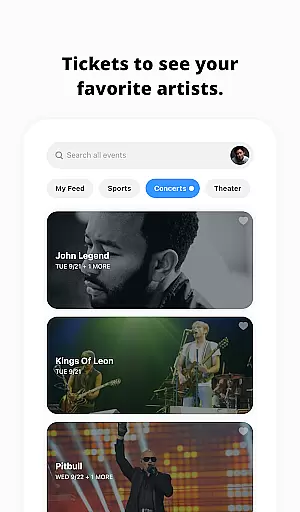
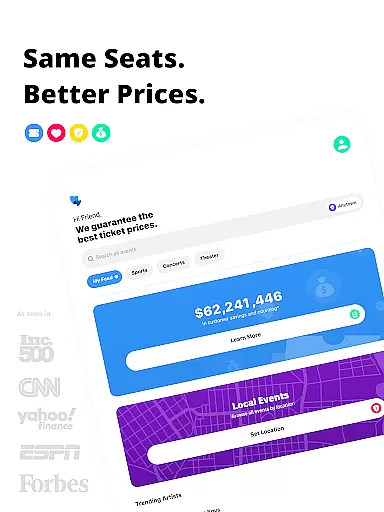
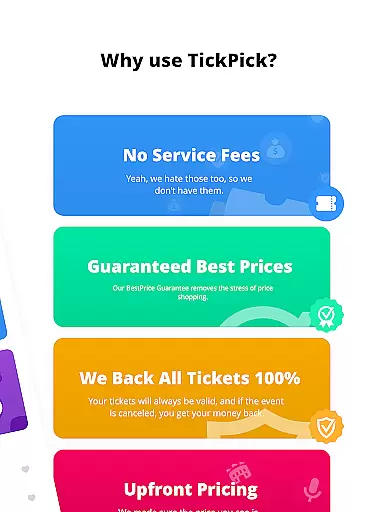
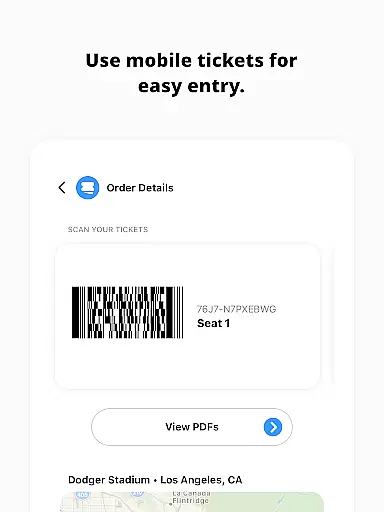
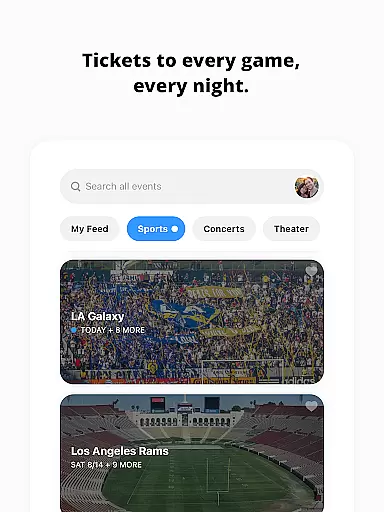
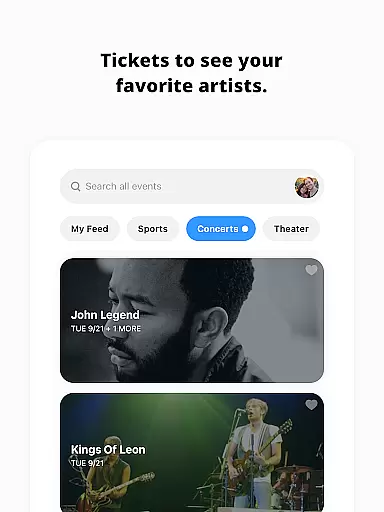
TickPick is a premier ticketing platform designed to simplify the process of purchasing tickets for live events, including sports, concerts, and theater performances. With its user-friendly interface, the app allows users to buy tickets in just a few taps, ensuring convenience and efficiency. What sets TickPick apart is its commitment to affordability; it does not add service fees, making ticket prices 10% cheaper compared to competitors. The app also offers a 100% BuyerTrust Guarantee, assuring users of ticket validity and providing refunds for canceled events.
Beyond ticket purchasing, TickPick enriches the user experience with features like virtual 360-degree seat views, a patented Score Report for finding the best deals, and a Seat Rating system to secure prime seating. Whether you're looking for NFL, NBA, MLB, NHL games, or concerts and theater shows, TickPick provides a seamless and cost-effective solution. Its integration with payment options such as Apple Pay and PayPal further enhances transaction security and ease.
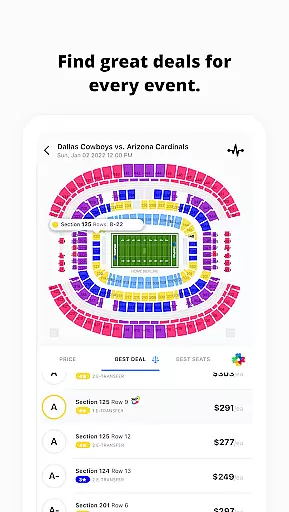
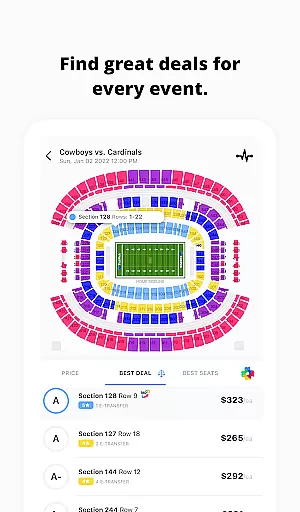
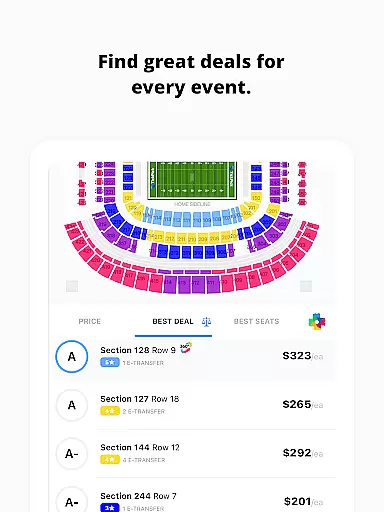
TickPick stands out with its array of innovative features tailored to enhance the ticket-buying experience. One of its key offerings is the patented Score Report, which ranks tickets based on price and seat location, ensuring users get the best value for their money. Additionally, the proprietary Seat Rating system allows users to sort tickets from the best seats to the worst, simplifying the decision-making process.
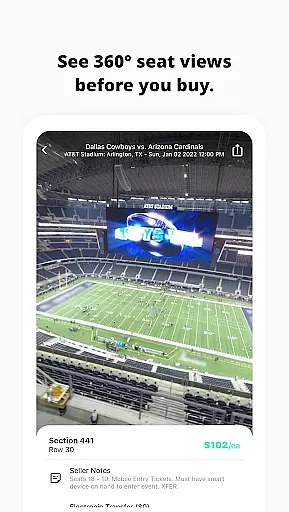
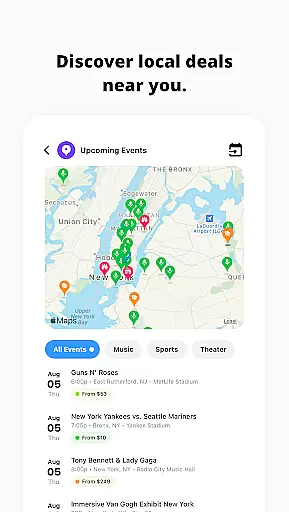
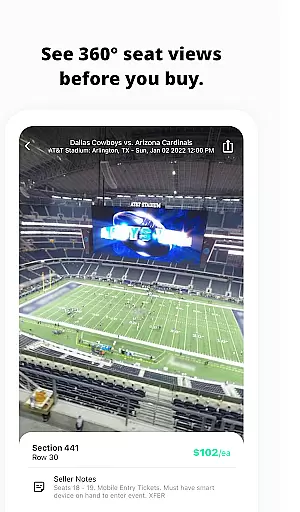
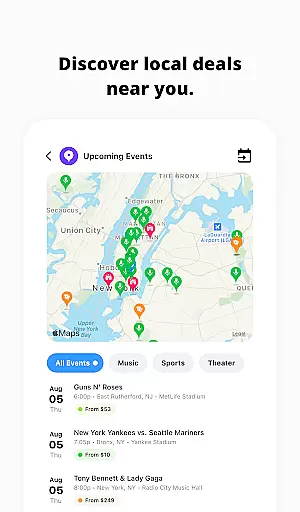
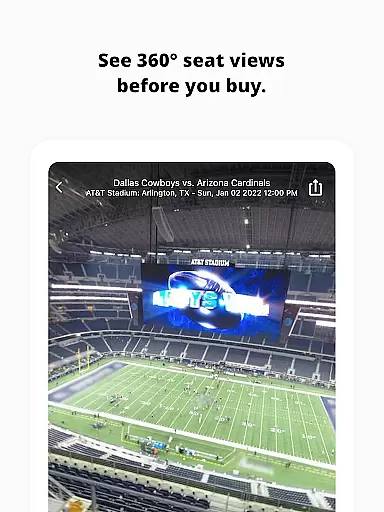
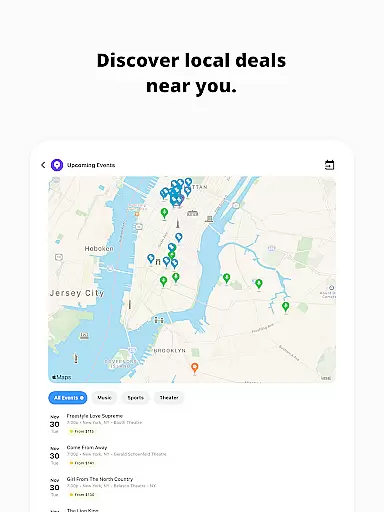
The app also excels in event discovery, enabling users to find last-minute events or newly announced concerts in their area. For major sports events, TickPick provides immersive 360-degree seat views, giving users a clear picture of their seating before purchase. Other notable features include the ability to track average ticket prices, manage listings and sales through dedicated tabs, and utilize flexible payment options like Apple Pay and PayPal. These functionalities collectively ensure a comprehensive, user-focused platform that prioritizes convenience, transparency, and satisfaction.
Task creation and detail customization are essential features for any event management app like TickPick. This functionality allows users to create personalized event tasks with specific details, ensuring a tailored experience that meets individual preferences.
TickPick excels in this area by offering a streamlined process for purchasing tickets to live events. Users can easily customize their event preferences, including sports, concerts, and theater shows. The app's intuitive interface enables users to specify seating preferences, price ranges, and other important details, making the ticket-buying process both efficient and enjoyable.
The benefits of this feature are numerous. By allowing users to set detailed preferences, TickPick ensures that customers find exactly what they're looking for, whether it's the best seats in the house or the most affordable options. This level of customization enhances user satisfaction and increases the likelihood of repeat usage.
Ultimately, TickPick's robust task creation and detail customization capabilities provide significant value to its users. By empowering customers to tailor their event experiences precisely as they desire, the app not only simplifies the ticket-buying process but also enriches the overall enjoyment of attending live events.
Reminder settings play a crucial role in ensuring users never miss an important event or deadline. For an app like TickPick, which specializes in ticket purchases for live events, effective reminder systems help keep users informed and prepared.
TickPick offers comprehensive reminder functionalities that notify users about upcoming events, ticket availability, and pricing changes. Whether it's setting alerts for when new tickets go on sale or reminding users of an approaching event date, the app provides timely notifications that enhance the user experience.
This feature significantly benefits users by keeping them engaged and informed. With customizable reminder settings, users can choose how and when they receive notifications, ensuring they stay updated without feeling overwhelmed. This flexibility leads to better planning and decision-making regarding event attendance.
In summary, TickPick's reminder settings offer substantial value by helping users manage their event schedules effectively. By providing timely and relevant notifications, the app ensures that users can make the most of their live event experiences while staying organized and informed.
No service fees
100% BuyerTrust Guarantee
Patented Score Report
360-degree seat views
Flexible payment options
Limited international events
Occasional app glitches
Customer support delays
Complex UI for new users
Fewer listings for niche events

Manage all your events, leads, ticketing, payments and check-ins.
 4.30
4.30
Mobile Event Guide for Greater NY Dental Meeting
4.4
Browse events, find transportation, keep up with the latest news from your team
4.4
TV.Garden is a video player to play your own TV streams from around the world!
3.40
No invest, Easy way to earn USDT through crypto cloud mining
3.80
Digital Income Wallet of the Final Libertadores 2025
4.0
The Official App
3.70
Octrober 2025: We've updated the MyGenMobile App with a new look and feel!
4.40
Plan your wedding for free on the go: vendors, budget, website and checklists!
4.80
Find Live Event Ticket Deals to Sports, Concerts, Festivals, & Comedy For Less!
4.80
Buy and Sell Tickets for Concerts, Sports, and Theater.
4.70
Listen Full Quran MP3 Offline - Qibla Compass, Salah Timing & 99 Names of Allah
4.60
Fast Scans. Happy Fans. For Every Hometown!
4.60
Meet people over dinner
4.40
Introducing the official Magic: The Gathering app for mobile.
4.20
Microsoft Ignite is an event that showcases latest advancements in technology
4.00
Create Birthday Cards in Birthday Invitation Maker and Birthday Card Creator App
3.00
Community for Mods, Addons, Melsaves, Melmods for Melon Playground
4.1
Thanksgiving Wishes, Thanksgiving Stickers & Animated GIF for Whatsapp Stickers
4.4


User Reviews