
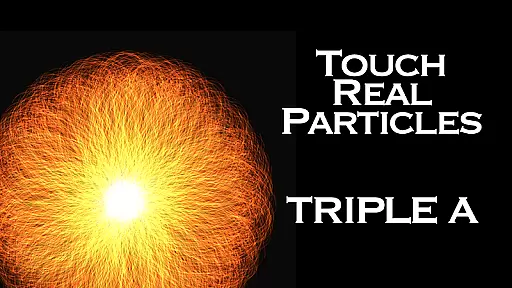
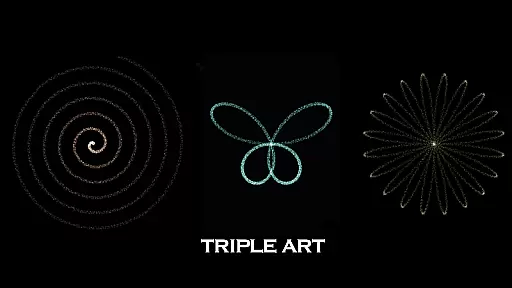
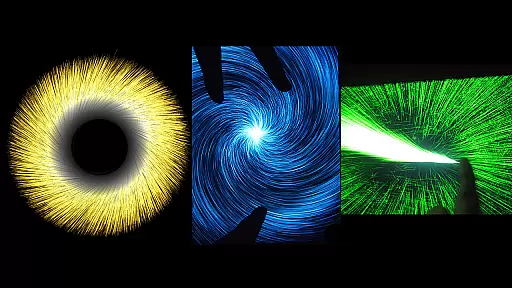
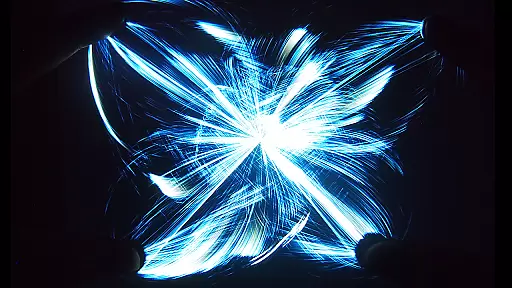
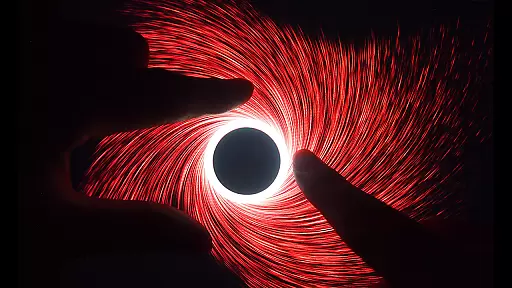
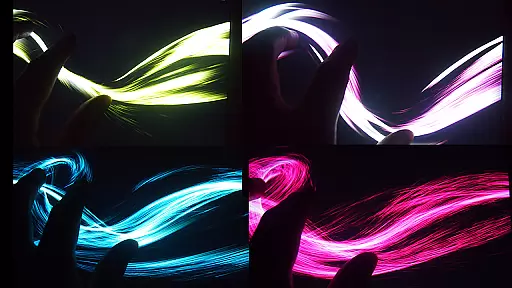
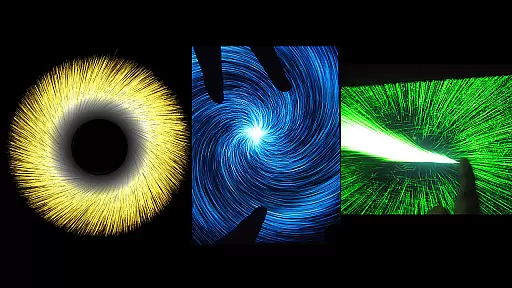
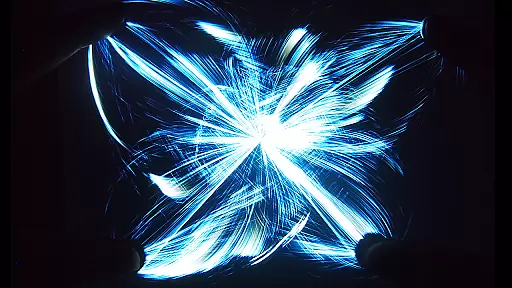
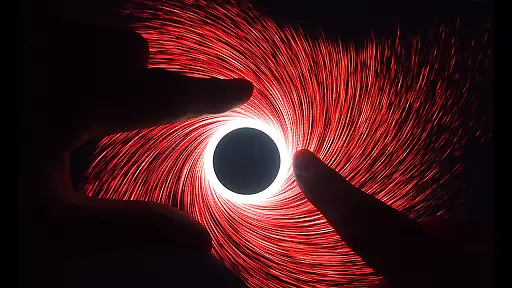
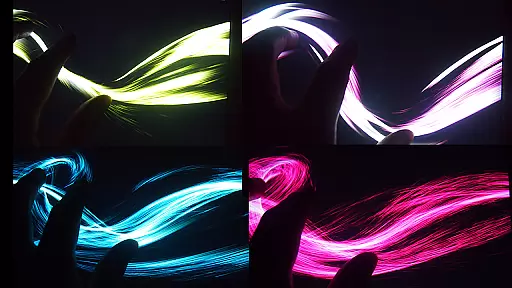
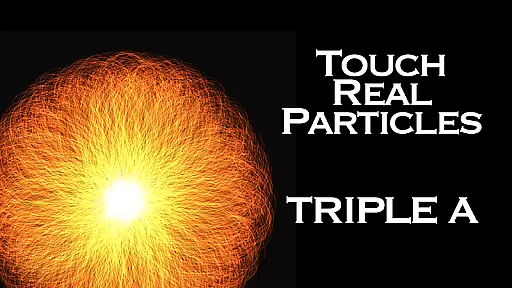
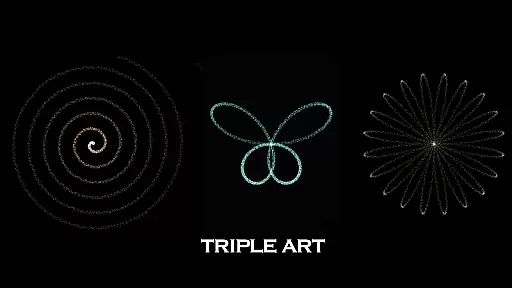
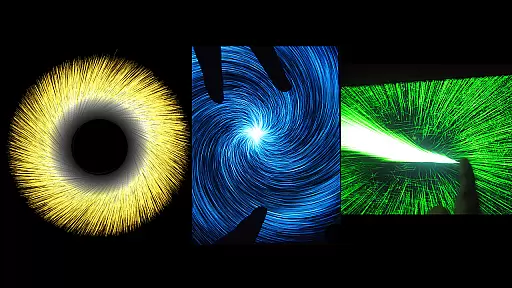
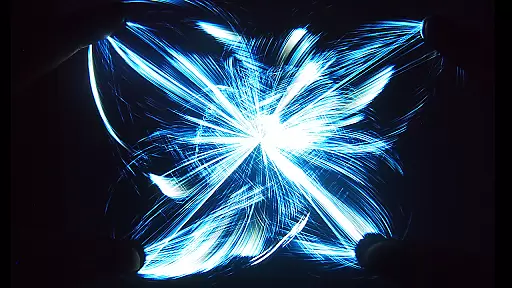
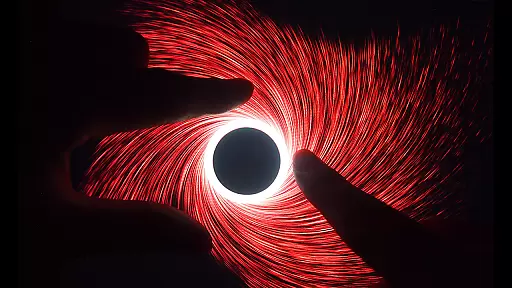
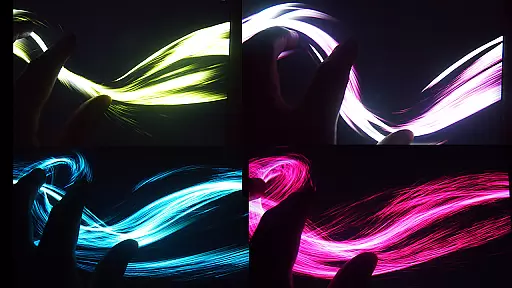
Triple A HD is an innovative entertainment app that combines interactive visual art with relaxation techniques, making it a unique digital experience for users of all ages. The app integrates the best features from five different digital art applications created by SungLab, offering a versatile platform for meditation, creative thinking, and fun.
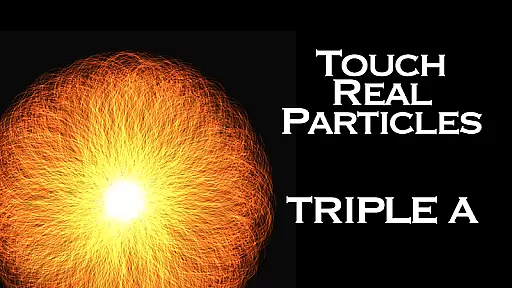
With its 5 distinct Art Modes and 25 mesmerizing effects, Triple A HD provides countless opportunities for exploration and enjoyment. Each mode offers 6 unique effects, resulting in stunning visuals like vortexes, flowers, butterflies, and even a breathtaking 100,000 particle explosion. These captivating visuals are complemented by built-in music tracks, which can be toggled on or off, creating an immersive environment perfect for relaxation or creative inspiration.
Designed for both children and adults, this app is ideal for anyone seeking a calming break from daily stressors or a creative outlet for self-expression. Its multi-touch functionality and customizable features ensure an engaging and personalized experience, while the HD version offers enhanced performance and an ad-free interface.
Triple A HD stands out in the entertainment category due to its advanced interactive features and artistic versatility. The app supports 5-finger, 2-hand multi-touch functionality, allowing users to engage with the visualizer in a tactile and intuitive way. This feature makes it highly interactive and suitable for both casual play and more focused creative sessions.
The app includes 5 distinct Art Modes—Art Particle, Art Wave, Art Gravity, Art Linear, and Art Lightning—each offering 6 unique effects. These modes utilize optimized calculations to deliver an impressive performance, emitting up to 100,000 particles at 60 FPS. Users can customize particle length, quantity, and size, giving them control over the visual intensity and style of their experience.
In addition to its visual features, Triple A HD offers 10 built-in music selections composed by Aden, enhancing the app's relaxing and meditative qualities. The HD version further improves the experience by providing three times more particle quantity than the standard version, ensuring smoother animations and more detailed effects. With its ad-free design, users can enjoy uninterrupted sessions, making it perfect for stress relief, creative thinking, or simply having fun.
Triple A HD stands out in the Entertainment category by offering an impressive variety of content that ensures users have a fresh and engaging experience every time they use the app. With five distinct Art Modes - Art Particle, Art Wave, Art Gravity, Art Linear, and Art Lightning - each containing six unique effects, the app delivers a total of 25 mesmerizing visual effects.
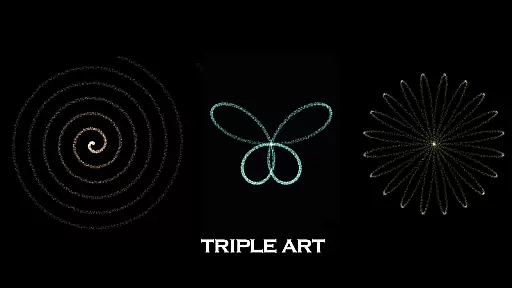
The application goes beyond just the core effects by providing numerous other captivating features that evoke images of vortexes, flowers and leaves, butterflies, rainbows, and much more. This extensive range of artistic expressions allows users to explore different visual landscapes, keeping their experience dynamic and new.
Moreover, Triple A HD includes 10 music selections composed by Aden, which can be turned on or off according to user preference. The combination of these vibrant visuals with optional musical accompaniment enriches the sensory experience and guarantees that users will not easily tire of the content provided by the app.
By regularly updating its effects and maintaining an ad-free environment, Triple A HD ensures that users are constantly greeted with novel and uninterrupted entertainment, making it an excellent choice for those seeking relaxation, meditation, or simply fun digital interaction.
User engagement duration and retention are critical factors for apps in the Entertainment category, and Triple A HD excels in these areas through its innovative design and interactive capabilities. The app is engineered to maintain high performance even when emitting an astonishing 100,000 particles at 60 frames per second (FPS), ensuring smooth visuals that keep users engaged without any lag or interruption.
With multi-touch functionality that supports up to five fingers and two hands, Triple A HD offers an intuitive interface that encourages extended play sessions. Users can customize particle length, quantity, and size, allowing them to tailor their experience to their liking, which promotes longer engagement as they experiment with different settings.
In addition to its captivating visual effects, Triple A HD also addresses various therapeutic needs such as relaxation and stress relief, making it beneficial for individuals experiencing burnout, sleep disorders, or ADHD. These calming features contribute significantly to user retention as people find ongoing value in using the app as part of their daily routines.
By combining stunning graphics with customizable options and built-in music tracks designed for relaxation, Triple A HD creates an immersive environment that invites users back repeatedly, thus enhancing both the duration of individual sessions and overall retention over time.
Visually stunning effects
Customizable particle settings
Built-in music tracks
Multi-touch functionality
Ad-free experience
Requires high device performance
Limited to 5 art modes
No external music support
Premium version cost
Complex for beginners

Journey to the world’s oldest rainforest and meet its Indigenous Custodians.
 4.2
4.2
Stream Movies & TV Series: Original Shows, Family Movies & New Releases Weekly
4.60
Real ghost box scanner with echo, reverb, EMF, & multi-stream channels.
3.80
Just play games to earn gift cards. Keep playing, keep earning.
4.50
Christmas Globe: Transform your Wear OS device into a festive timekeeper!
4.0
Raise Christmas Magic with daily missions, magical scanners, and kindness.
4.1
Explore the unknown!
3.00
Bold original series & hit movies that don't hold back.
4.40
Earn Real Rewards Playing Fun Mobile Games & Easy Cash Out - PayPal & Gift Cards
4.40
Wodfix Air aggregates popular online content for you.
4.80
Play games. Earn real rewards. Cash out in 3hours via PayPal or gift cards.
4.40
Create melty bead designs by numbers, photos or your imagination
4.40
Official KennysGifs Stickers
4.20
Experience the video editing experience brought by our intuitive interface
4.10
Watch New Episodes & Live TV
3.80
Simulation of Dashboard / Touch Screen for Tesla. (Works without actual Tesla).
4.0
A wonderful collection of the most beautiful sounds of animals and birds
4.5
Stream over 80 hours of exclusive mashups and remixes by DJ Rehab.
4.5
Collaboration with popular VTubers
4.0


User Reviews