
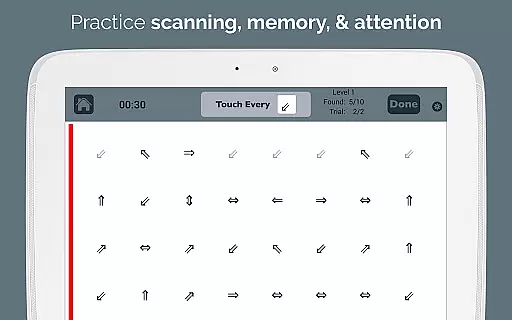
Visual Attention Therapy is a specialized medical application designed to assist individuals with visual attention deficits, particularly those recovering from brain injuries or strokes. The app focuses on retraining the brain to correctly move the eyes across the screen from left to right, which can significantly enhance skills such as reading, concentration, memory, and attention to detail.
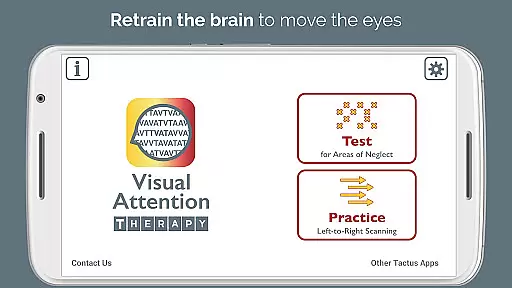
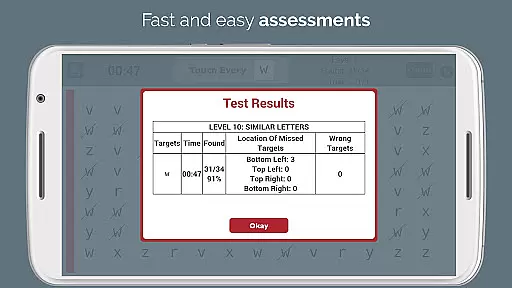
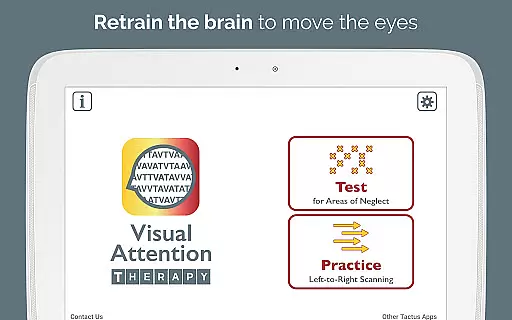
The app offers two primary modes of operation: Test mode and Practice mode. Test mode helps determine if a visual attention deficit exists and its location. In contrast, Practice mode trains users to scan by finding targets in sequence, promoting thorough scanning of the entire screen before progressing. This feature is especially beneficial for occupational therapy (OT) and speech therapy (SLP) professionals assessing and treating right or left neglect.
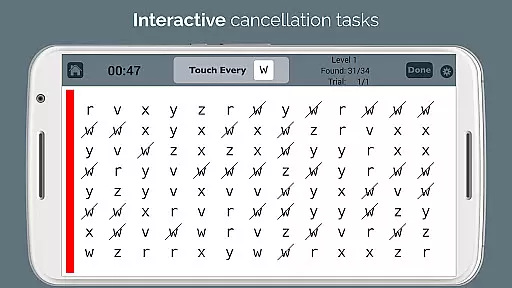
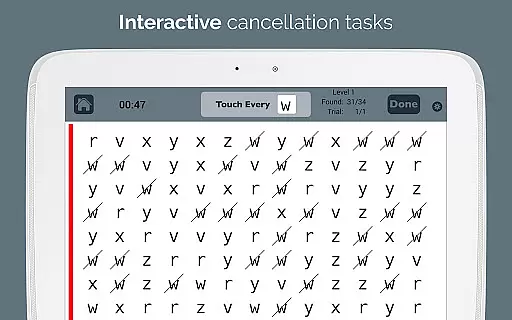
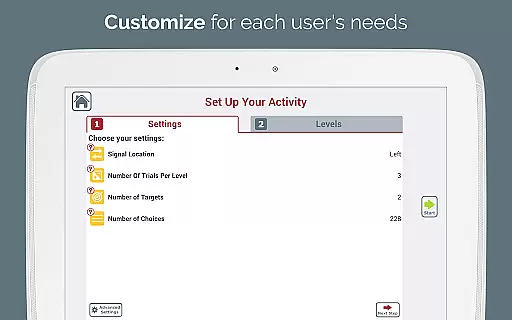
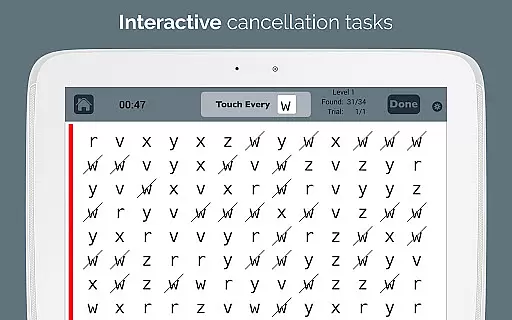
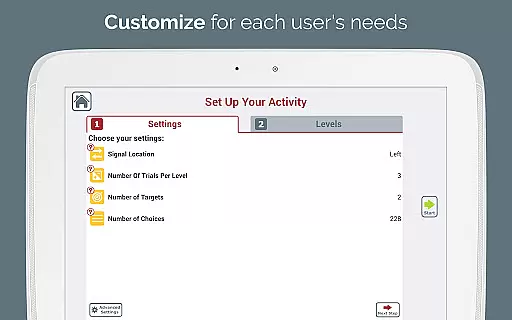
Visual Attention Therapy transforms traditional cancellation tasks into an interactive tool suitable for all ages. It incorporates technological advantages like immediate feedback through visual and auditory cues, timed exercises, automated scoring, and adjustable layouts. These features not only keep users engaged but also allow therapists to customize experiences according to individual needs.
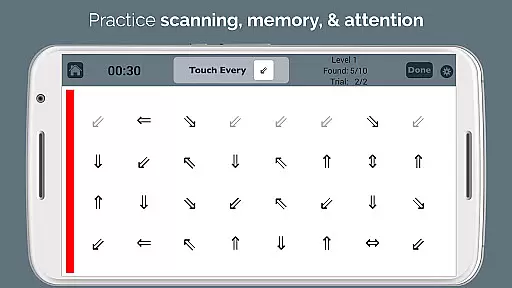
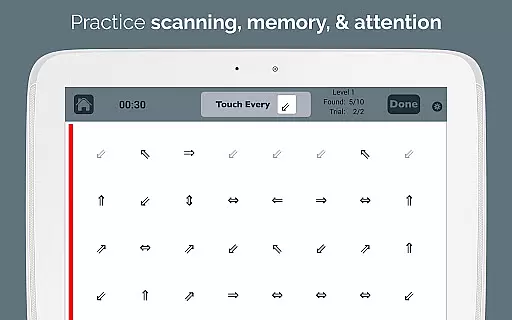
Visual Attention Therapy boasts several distinctive features that set it apart in cognitive training. One key aspect is its dynamic Practice mode, where targets must be tapped sequentially from left to right and top to bottom. This trains users to slow down and methodically scan the entire screen, improving their scanning abilities over time.
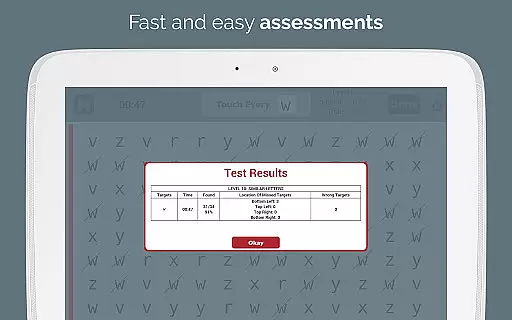
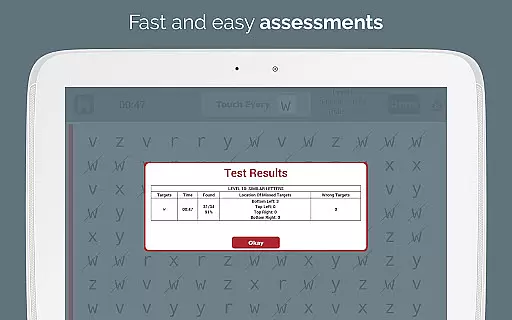
Another standout feature is the app's ability to provide immediate feedback using visual and auditory cues, keeping users motivated and engaged. Timed exercises further encourage working quickly yet accurately, while automated scoring saves valuable time by eliminating manual error counting. Detailed reports on accuracy by quadrant, completion time, and mistakes are sent via email to professionals.
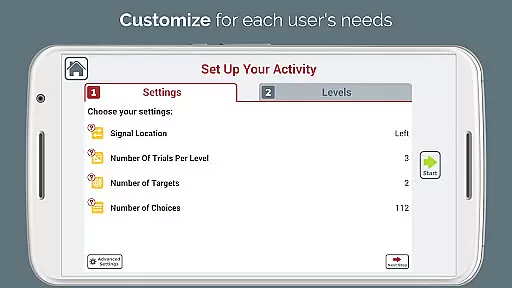
The app also includes adjustable layouts and ten difficulty levels, allowing customization for different users and evolving needs. A sidebar signal that flashes in various colors draws attention to specific areas, aiding those with left neglect. Additionally, the endless variety of combinations ensures users never run out of new challenges, reducing reliance on photocopied exercises. For traditional needs, screenshots can be printed.
Visual Attention Therapy stands out for its strong foundation in medical expertise and professional validation. Developed by a certified Speech-Language Pathologist (SLP), the app is designed to address critical cognitive issues such as left neglect, attention deficits, and memory challenges following strokes or brain injuries.
The app's content is meticulously crafted based on proven therapeutic techniques used in occupational therapy (OT) and speech therapy (SLP). This ensures that users receive scientifically-backed interventions aimed at retraining the brain to improve essential skills like reading, concentration, and visual scanning.
One of the key benefits for users is the assurance that they are engaging with a tool that has been validated by experts in the field. The incorporation of dynamic, interactive cancellation tasks offers an innovative approach to traditional therapy methods, making it suitable for all ages and adaptable to various cognitive rehabilitation needs.
By leveraging automated scoring and professional e-mailed reports, Visual Attention Therapy not only enhances user engagement but also provides therapists with reliable data to track progress and tailor treatment plans effectively.
While Visual Attention Therapy does not focus on teleconsultation in the traditional sense, it revolutionizes remote therapeutic support through its advanced digital tools. The app bridges the gap between patients and healthcare providers by enabling effective cognitive training from home.
Users benefit from two powerful modes: Test mode helps determine the presence and extent of visual attention deficits, while Practice mode trains users to scan systematically across the screen. These features allow therapists to assess and treat right or left neglect efficiently without needing to be physically present.
The appu2019s ability to generate detailed performance reports further enhances the quality of remote consultations. Therapists can rely on accurate data regarding user performance, including accuracy by quadrant and completion time, to make informed decisions about ongoing treatment strategies.
With adjustable layouts and multiple difficulty levels, Visual Attention Therapy ensures personalized care even in a virtual setting. This flexibility supports both stroke survivors in their rehabilitation journey and professionals aiming to deliver high-quality, evidence-based therapy remotely.
Improves reading skills
Engaging user interface
Customizable difficulty levels
Automated performance reports
Suitable for all ages
Limited free version
Requires guidance for best results
Advanced features need purchase
May overwhelm beginners
Specific focus may limit broader appeal

The OptumRx app empowers you to become an advocate of your pharmacy benefits.
 4.40
4.40
myVCA is your tailor-made guide to raising a healthy and happy pet.
4.90
3rd trimester? Counting Kicks is what moms should do-It’s important & easy too!
4.30
An easy way to earn money donating plasma. Book a visit, sit back, and get paid.
3.80
World's largest contact lens store
4.60
Internal medicine literature at your fingertips.
4.50
Voice pitch monitor for speech therapy, LSVT, Parkinson's, singing & trans
4.30
The world's best selling 3D Human Anatomy app with groundbreaking 3D technology
2.00
Update medical records, view upcoming appointments, message your provider & more
3.80
Live vet support by text/video
4.80
Access health information and communicate with your care team anytime, anywhere.
4.80
The doctor will see you now
4.70
Adaptive-learning flashcards and quizzes for the Top 250 Drugs
4.60
Check and Track your Blood Pressure & Heart Rate.
4.50
Personalized hearing experience and health data tracking
4.50
Manage your health care in one easy place
4.40
Explore human anatomy with this rich learning experience.
4.00
Donating plasma just got easier with the BioLife Plasma Services mobile app.
3.90
ECG modules improve rhythm ID. ACLS is a simulator for cardiac arrest scenarios.
4.2


User Reviews