
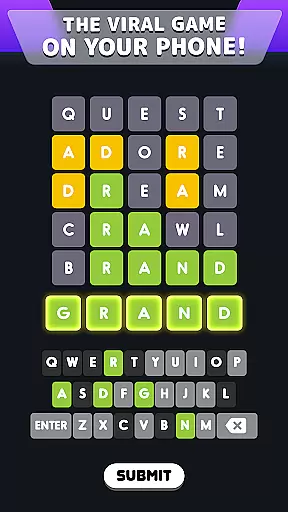
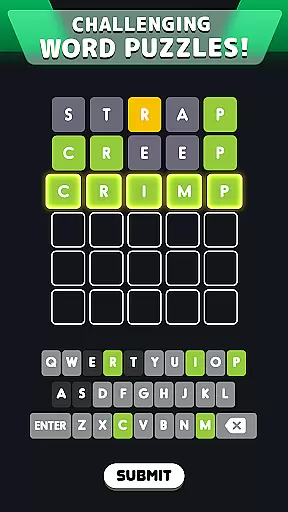
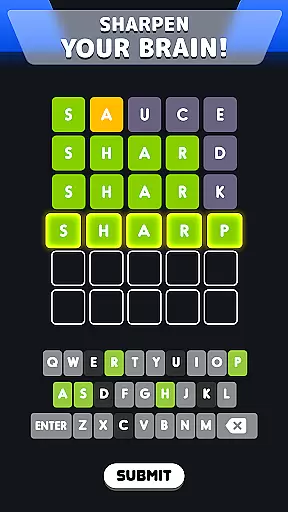
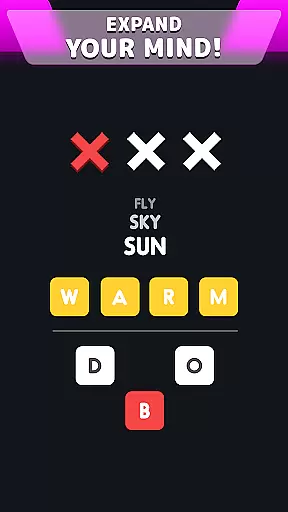
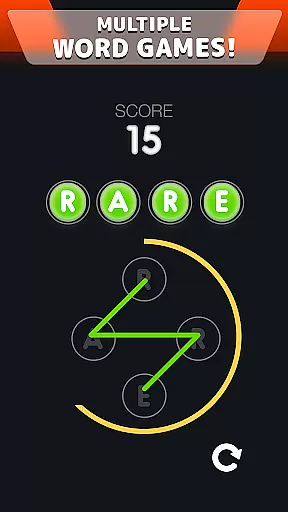
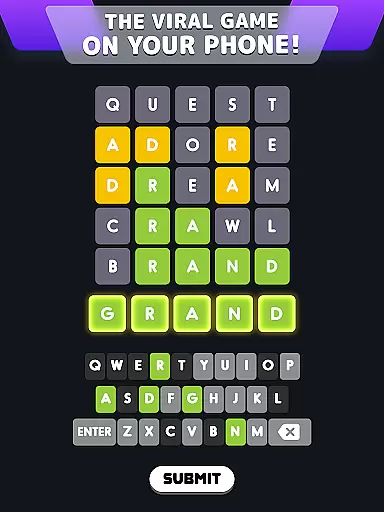
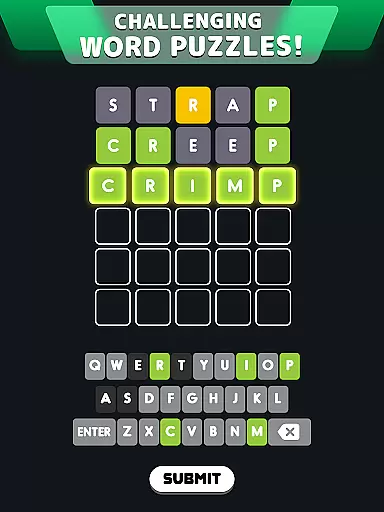
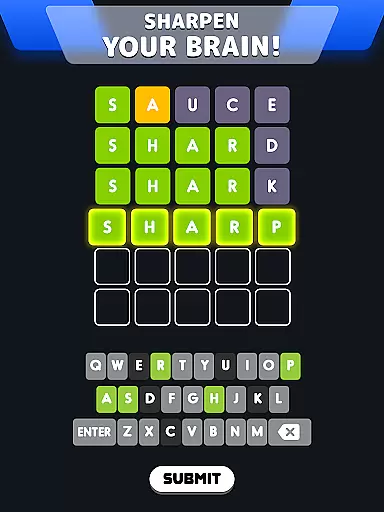
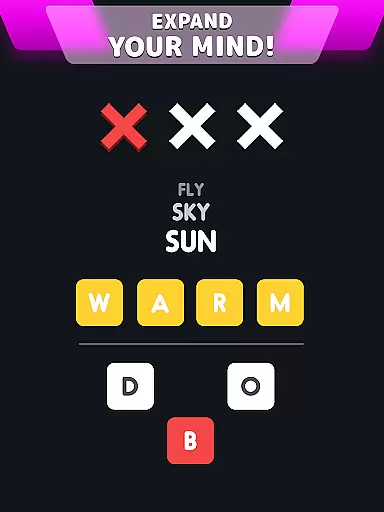
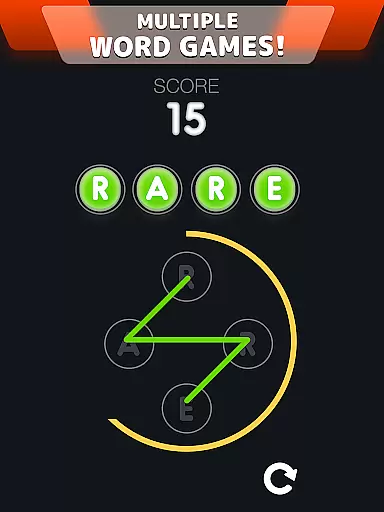
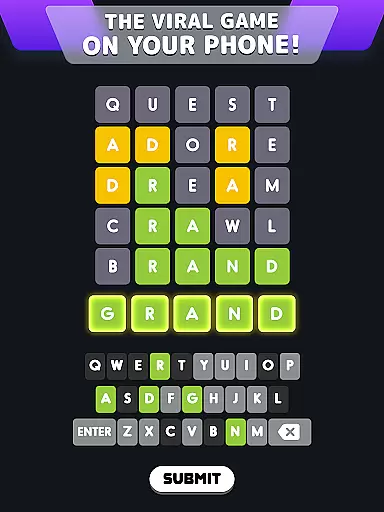
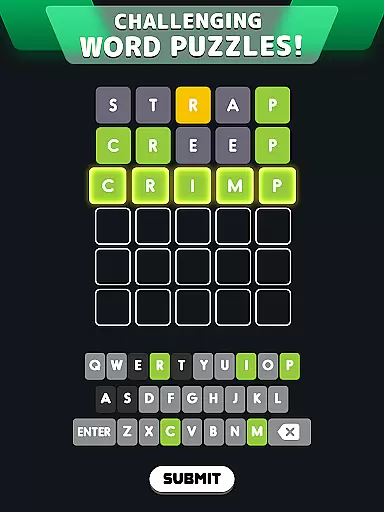
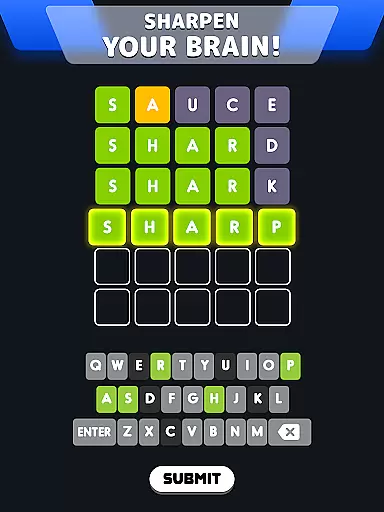
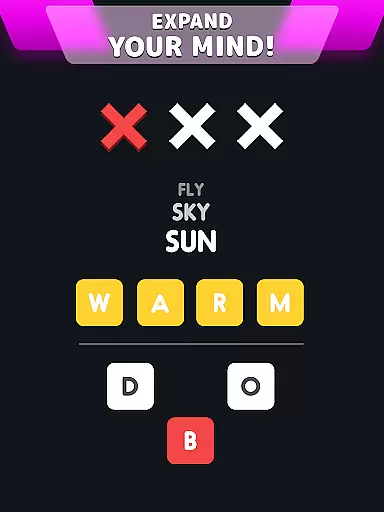
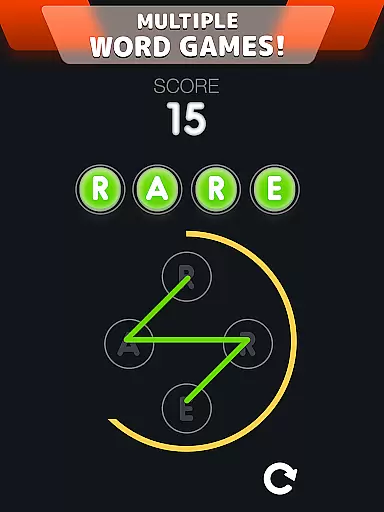
Wordle! is a word puzzle game that challenges players' spelling and word association skills through various game modes. The app offers Daily Puzzle mode, where users solve a word within six guesses, providing hints through color-coded tiles. Additionally, it features Classic mode for unlimited play, Word Fever for timed challenges, and Secret Word for testing word association over three attempts.
Beyond its core gameplay, Wordle! encourages social interaction with the Together Mode, allowing players to challenge friends by creating custom words. This feature promotes friendly competition as players earn points based on their guessing efficiency. Suitable for word game enthusiasts, Wordle! provides an engaging way to train your mind while offering shareable achievements to compare progress with others.
The true value of Wordle! lies in its ability to combine mental exercise with entertainment. With multiple modes catering to different play styles, from relaxed to competitive, this app ensures long-term engagement. Its vibrant design and interactive mechanics make it ideal for those looking to enhance their cognitive abilities while enjoying a fun, addictive experience.
Wordle! stands out with its diverse range of game modes designed to cater to different player preferences. In Daily Puzzle mode, players solve a single word each day with six attempts, receiving feedback via colored tiles indicating correct letters and positions. This viral-inspired format keeps users coming back daily while fostering a sense of routine and accomplishment.
For those seeking more flexibility, Classic mode allows unlimited Wordle puzzles without waiting periods between challenges. Complementing these are Word Fever, which tests speed under time pressure, and Secret Word, focusing on word association skills across progressively harder levels. Each mode offers unique mechanics, ensuring variety and sustained interest.
Special boosters such as hints and skips further enhance gameplay by helping stuck players progress or skip difficult levels altogether. Moreover, Together Mode adds a multiplayer twist, enabling users to compete directly with friends or random opponents. These features collectively create a dynamic gaming environment that balances challenge with accessibility, appealing to both casual and hardcore word gamers alike.
Clue quality and clarity are essential components of any word game, and Wordle! excels in this area. The game provides players with a unique system of feedback through color-coded tiles that indicate the accuracy of their guesses. This immediate visual response serves as an intuitive clue mechanism, guiding players toward the correct solution without explicit hints.
The yellow tiles signify that a guessed letter is part of the target word but not in the correct position, while green tiles confirm the right letter in the right spot. This clever use of visual cues enhances the clarity of each puzzle, allowing players to refine their strategy with every guess. The simplicity of this feedback loop ensures that players can quickly understand their progress and adjust their approach accordingly.
By offering clear and actionable clues, Wordle! empowers players to improve their deductive reasoning and word association skills. The structured hint system not only makes the game more engaging but also accessible to players of all skill levels. Whether you're a seasoned wordsmith or a casual player, the quality and clarity of these clues provide an enjoyable challenge that keeps players coming back for more.
Wordle! offers an impressive range of puzzle varieties that cater to different play styles and preferences. From Daily Puzzle mode, which provides a single daily challenge, to Classic mode's unlimited gameplay, the app ensures there's always something new to explore. Each game mode presents its own set of rules and objectives, keeping the experience fresh and exciting.
In addition to the standard Wordle! format, players can enjoy alternative modes like Word Fever, where they must solve puzzles against the clock, and Secret Word, which tests their ability to deduce words from limited clues. These diverse options create a dynamic gaming environment that appeals to both casual players looking for quick entertainment and dedicated word enthusiasts seeking more complex challenges.
The variety extends beyond just game modes; Wordle! also features adjustable difficulty levels and special boosters that add layers of complexity to the puzzles. Players can choose to flex their brain muscles with longer words or utilize power-ups to overcome particularly tricky situations. This combination of varied game types and customizable features ensures that Wordle! maintains high replay value while continuously challenging players' vocabulary and problem-solving skills.
User-friendly interface
Variety of game modes
Social sharing options
Daily challenges
Engaging brain training
Limited free hints
In-app purchases
Ads between games
Repetitive visuals
Occasional bugs

Dive into the fun word puzzle games for adults! Train your brain with word games
 4.80
4.80
Who's the impostor? Give clues, bluff your way through - the perfect party game
4.90
Train your brain and unscramble letters in this fun social crossword puzzle!
4.10
Try to find the hidden words!
4.30
Explore the world playing word puzzle games. Relax your brain by finding words
4.80
Play Word Games & train your brain in Word Collect - Word Games Fun Word Games!
4.70
Scramble Words Puzzle Game
4.5
Zen Word - where challengers relax, solve word games, and train their minds!
4.80
Daily logic and word puzzles: Sudoku, Bonza, Jigsaw, Keysmash & more.
4.60
Train your brain with word puzzle games for adults and enjoy word search offline
4.90
Great Word Game with Friends!
4.80
Enhance your mind and unwind with word puzzles and solitaire. Play now!
4.80
Looking for inspiration? Enjoy offline Bible word games and unlock daily verses.
4.80
A roguelike word game!
4.70
Unleash your inner codebreaker! Solve challenging cryptograms & word puzzles.
4.70
Better than Wordle, with Unlimited Words and No Daily Limit.
4.60
Word Puzzles from the hit TV show! Spin the wheel for fun word games!
4.60
The classic word game with advanced AI and built-in definitions
4.60
Play heads up with family and friends in an amazing charades and guessing game!
4.30


User Reviews