
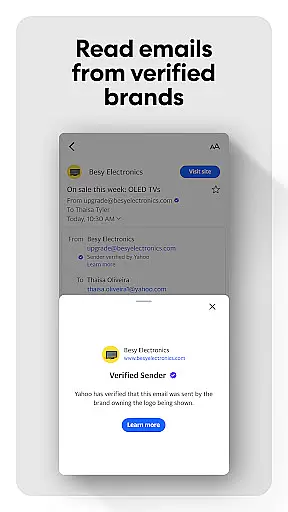
Yahoo Mail is a communication app designed to simplify email management. It offers advanced features like gamified inbox cleanup, one-tap unsubscribe, and package tracking. The app provides robust security measures to protect users from suspicious emails while supporting multiple account integration including Gmail and Outlook.
With accessibility options such as high contrast themes and VoiceOver compatibility, Yahoo Mail ensures an inclusive experience for all users. The premium Yahoo Mail+ subscription removes ads and adds enhanced organization tools, making it an ideal choice for those seeking a streamlined and secure email solution.
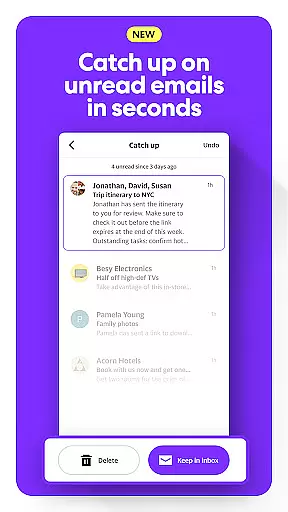
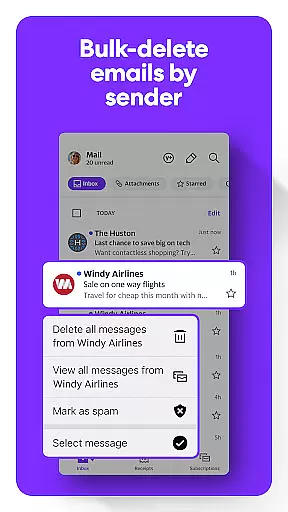
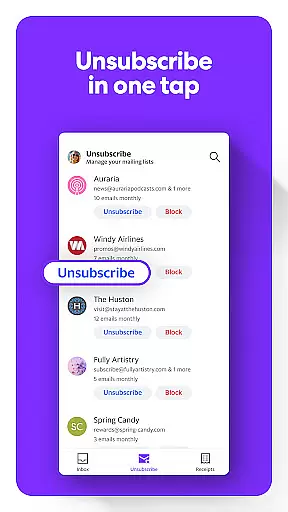
Yahoo Mail stands out with its innovative features that enhance productivity. The app's gamified email sorting allows users to quickly manage unread messages through an engaging interface. Its instant decluttering tools enable bulk deletion and easy unsubscribe options, keeping the inbox organized.
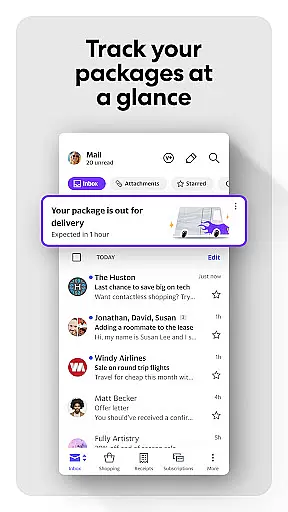
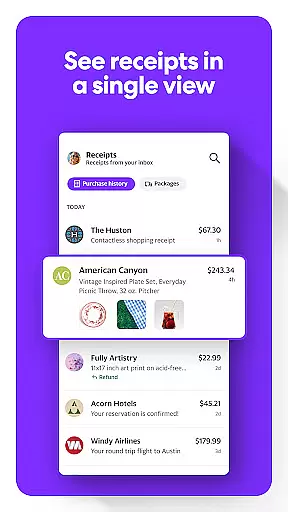
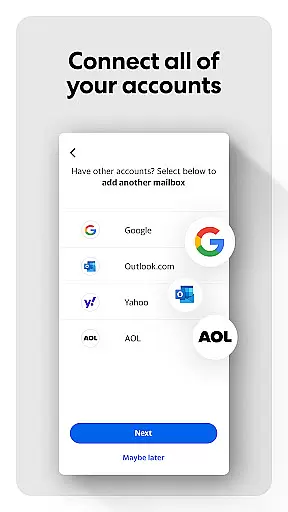
Package tracking and receipt management are seamlessly integrated, providing users with quick access to purchase information. Advanced security protocols warn users about potential threats, while multi-account support consolidates all email communications in one place. These comprehensive features make Yahoo Mail a top choice for efficient email management.
Real-time messaging speed is crucial for effective communication, and Yahoo Mail excels in this area by providing instantaneous delivery of emails. This ensures that users can send and receive messages without any noticeable delay, making conversations flow smoothly and naturally.
The app achieves this reliability through optimized server infrastructure and efficient data processing algorithms. These technical enhancements guarantee that even during peak usage times, the delivery speed remains consistently fast, maintaining a seamless user experience.
For users, this means they can rely on Yahoo Mail for time-sensitive communications, such as urgent business emails or important personal updates. The confidence in message delivery allows them to focus on the content of their communication rather than worrying about delays.
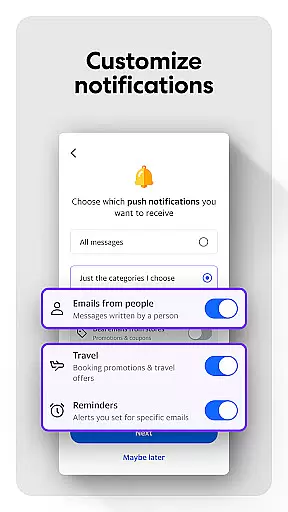
Moreover, Yahoo Mail's robust notification system complements its real-time capabilities by instantly alerting users to new messages. This combination of speed, reliability, and timely notifications ensures that users never miss an important email, enhancing both personal and professional correspondence.
Media sharing support in Yahoo Mail is designed to facilitate effortless exchange of photos, videos, and documents. The app offers a straightforward interface for attaching files directly from your device, cloud storage, or camera, streamlining the process of enriching your emails with multimedia content.
One of the standout features is the ability to preview media before sending, ensuring that users can verify their attachments' quality and relevance. This eliminates the need to open separate applications for file management, saving time and simplifying the overall workflow.
Additionally, Yahoo Mail supports a wide range of file formats, accommodating various user needs from casual photo sharing to professional document collaboration. The app also imposes generous size limits on attachments, allowing users to send large files without encountering restrictions commonly found in other email services.
This comprehensive media sharing support not only enhances user convenience but also encourages more engaging and interactive communication. Whether it's sharing memorable moments with family or collaborating on project deliverables with colleagues, Yahoo Mail provides the tools necessary to make these interactions smooth and efficient.
User-friendly interface
Advanced security features
Multi-account integration
Efficient inbox management
Accessibility options
Premium subscription cost
Limited offline functionality
Occasional syncing issues
Ad-supported free version
Complex settings navigation

Call Forwarding is easy and simple application to use.
 3.80
3.80
Messenger, an MMS & SMS messages app with Blockers, Driving mode & Private box
4.60
Fast, Simple And Secure Application That Provides SMBv3 Server On Your Device
3.30
Comprehensive and powerful scan tool app with enhanced functions
3.00
Watchgram for Telegram: Experience seamless Telegram messaging on your watch
1.80
Use this SMS app standalone or as a TREK: Total Interface companion.
4.30
Weargram is an unofficial Telegram Client for Wear OS.
3.50
BE PRIVATE
Anonymous. No Trace. Fast.
4.20
Talk & text free with a second phone number plus unlimited 5G data, no fees.
4.50
فیلتر شکن قوی پرسرعت کلید جدید برای اندرویدسریع ترین وی پی ان برای همه اپراتورها
4.70
Identify unknown numbers, block spam calls, customize calls with cool themes.
4.60
Adblock & VPN Browser: Blocks banners, pop-ups and video ads, fast downloader!
4.60
Smart and simple anti-wiring application - IMSI-catchers catcher
4.40
Simple tool for businesses to talk to their customers.
4.40
Fast Dialer & Contact Manager with Caller ID and Spam Protection
4.00
Threema is the messenger with the most consistent focus on security and privacy.
4.00 3.90
3.90
A softphone app with seamless SIP calling and an intuitive VoIP dialer
3.50
Radio communication simulator for gaming communities
4.5


User Reviews