
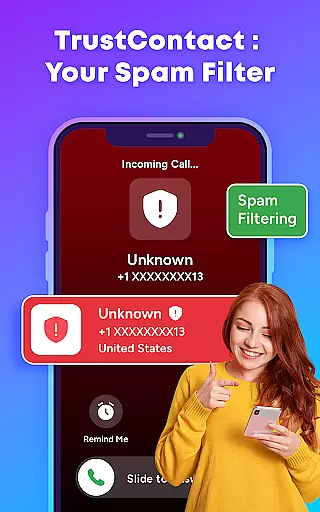
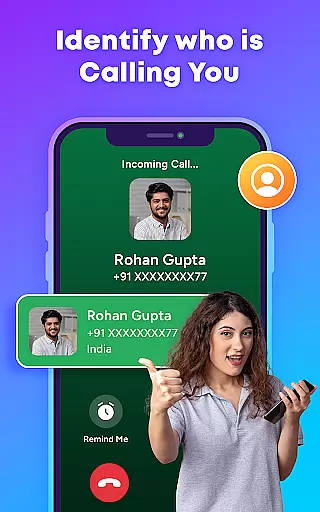
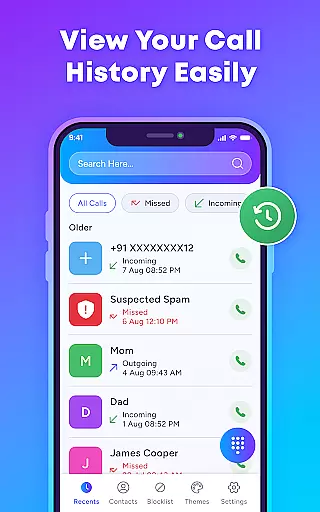
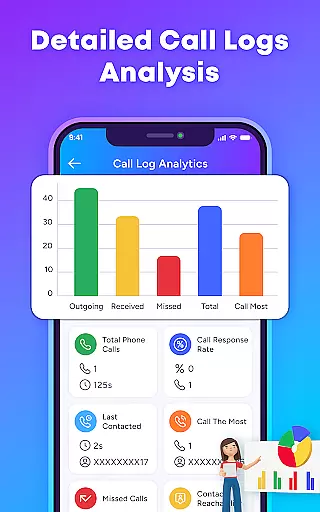
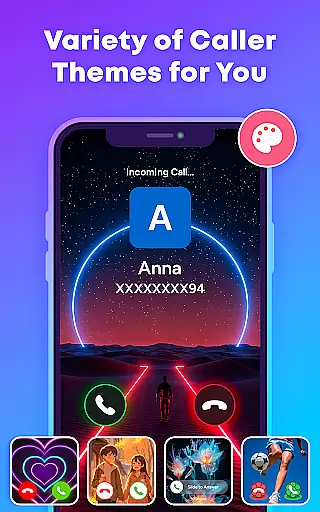
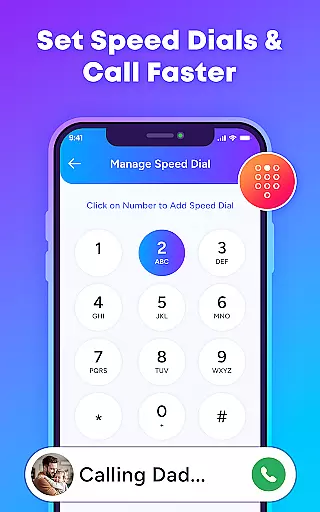
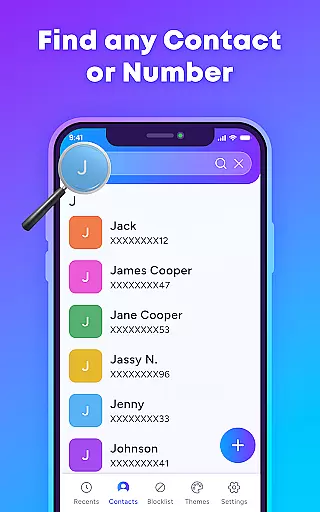
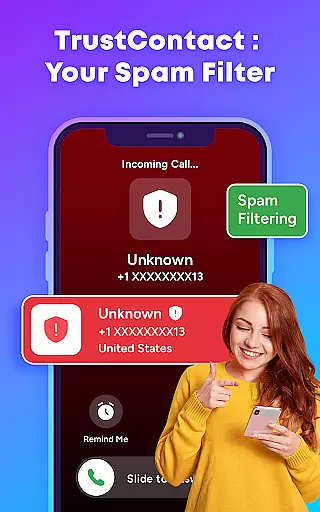
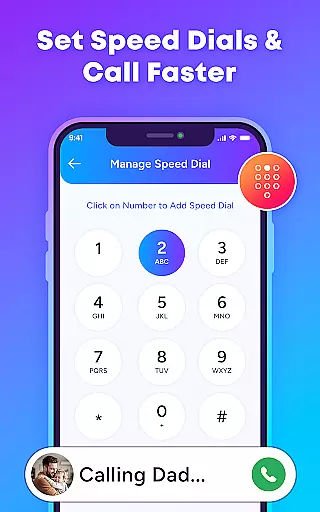
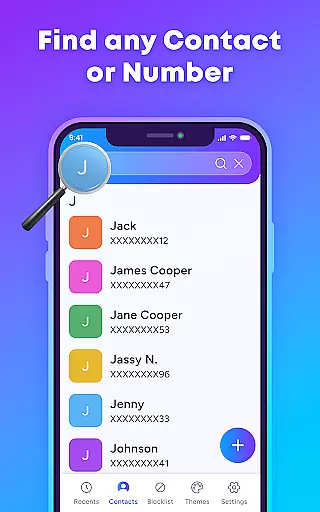
TrustContact is a comprehensive communication app designed to enhance your calling experience while protecting you from unwanted interruptions. This app combines real-time caller ID, spam blocking, and stylish call themes to provide users with both functionality and personalization. With its robust features, TrustContact allows you to identify unknown callers, block spam and scam calls, and organize your contact list efficiently.
In addition to its core security features, TrustContact offers customization options such as dynamic call screen themes and blacklisting tools. Whether you're looking to safeguard your phone from robocalls or simply personalize your call interface, this app delivers a complete solution for managing modern communication needs.
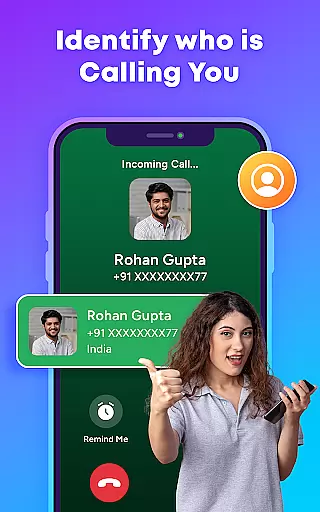
TrustContact stands out in the Communication category due to its diverse feature set tailored for both safety and user experience. The app's real-time caller ID instantly identifies incoming calls from businesses, telemarketers, or unknown numbers, ensuring you always know who's calling. Its spam call blocker uses advanced algorithms to detect and block robocalls, scam attempts, and fraud calls automatically.
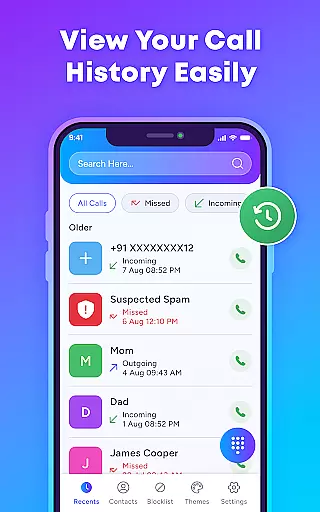
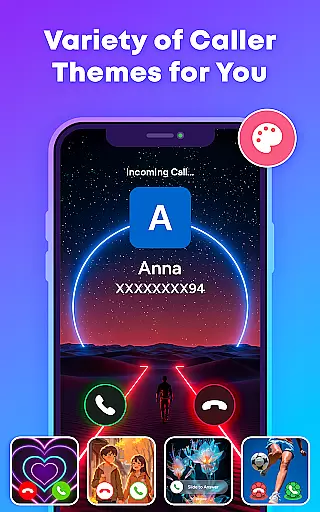
Beyond security, TrustContact provides practical tools like a smart contact manager for organizing contacts effortlessly and reverse number lookup for identifying unknown numbers. Users can also customize their experience with stylish call themes and privacy-focused settings that ensure no personal data is shared without consent. These features collectively make TrustContact an indispensable tool for anyone seeking control over their phone communications.
In today's fast-paced world, the speed and reliability of real-time messaging are crucial for effective communication. TrustContact ensures that every call notification reaches you instantly, allowing you to manage your communications without delay. This immediacy is vital when identifying and blocking unwanted calls, ensuring that you're not disturbed by spam or robocalls.
TrustContact uses advanced algorithms and an extensive database to provide real-time caller ID and spam detection. The app evaluates incoming calls against known spam numbers swiftly, providing timely alerts about potential threats. This empowers users to make informed decisions about answering or blocking calls, enhancing their control over personal communications.
The reliability of TrustContact's real-time messaging is evident in its consistent performance. Whether you're online or offline, the app maintains its ability to identify and manage calls effectively. This steadfast functionality ensures that users can depend on TrustContact to keep their phone lines clear of disturbances, regardless of their connectivity status.
Ultimately, the value of real-time messaging speed and reliability in TrustContact lies in user empowerment. By delivering prompt and precise information about incoming calls, it allows users to focus on important conversations while filtering out the noise. This seamless integration into daily life exemplifies how modern communication tools should function, making TrustContact a reliable digital guardian for your phone interactions.
In addition to managing calls, TrustContact offers robust media sharing support, which is essential for a comprehensive communication experience. While primarily focused on call management, the app facilitates the exchange of various media formats during calls, enhancing interaction quality. This feature ensures that users can share important files without switching applications, streamlining their communication process.
TrustContact's media sharing capabilities extend to its contact management system. Users can attach notes, images, or other relevant data to contacts within the app. This personalized information enriches the caller profile, providing context before answering a call. Such enhancements contribute to more meaningful conversations and efficient call handling.
Moreover, TrustContact's architecture supports optional data synchronization, enabling seamless media sharing across devices. This means that whether you're at home or on the go, your shared media remains accessible and up-to-date. The encryption protocols applied to this data transfer guarantee privacy and security, aligning with the app's commitment to protecting user information.
The inclusion of media sharing support in TrustContact underscores its versatility as a communication tool. By integrating these functionalities, the app not only blocks unwanted calls but also fosters richer, more engaging exchanges between users. This dual capability positions TrustContact as a holistic solution for managing both the quantity and quality of phone communications.
Effective spam blocking
User-friendly interface
Customizable call themes
Offline functionality
Privacy protection
Premium features locked
Occasional false positives
Requires permissions
Limited SMS support
Ads in free version

 3.90
3.90
Use this Dialer app alone or as a TREK: Total Interface companion.
4.70
A softphone with crystal clear SIP Calling & Reliable VoIP dialer
4.00
Manage Phone Calls, call history, and contacts easily with Phone Pro.
4.5
Auto Reply SMS, Text Messaging, Away SMS Response, Busy SMS messages, Block Text
3.10
Threema is the messenger with the most consistent focus on security and privacy.
4.00
A browser that does more than load page, like keeping your privacy safe.
4.70
A customizable phone number in the cloud
4.20
Fast internet with AI, Adblock & VPN. Browse on a safe, incognito web browser.
4.70
Useful. Social. Expressive.
4.70
Create a secure hotspot on-the-go with Portable WiFi - Mobile hotspot.
4.40
RemoteHams.com Android RCForb Client Pre-Release
4.30
BE PRIVATE
Anonymous. No Trace. Fast.
4.20
Send SMS and chat messages easily with a fast text messaging app for Android.
4.10
Share the moment!
4.10
Measure BHP, Torque & 0-60 Clear car OBD faults View engine data in Google Earth
4.00
SMS Messenger ensures that communication become effortless and accessible.
3.80
Fast, Simple And Secure Application That Provides SMBv3 Server On Your Device
3.30
TeamSpeak - Secure Chat for Gaming & Business
3.10


User Reviews