
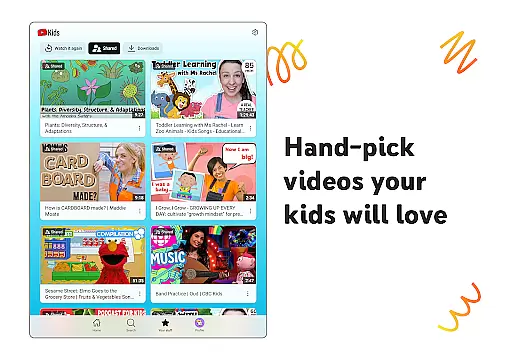
YouTube Kids provides a safe and engaging environment for children to explore video content that both kids love and parents trust. Designed specifically for younger audiences, this app helps children discover new interests while nurturing their imagination and confidence. With intuitive navigation tools and customizable features, YouTube Kids ensures an age-appropriate experience tailored to each child's unique developmental stage.
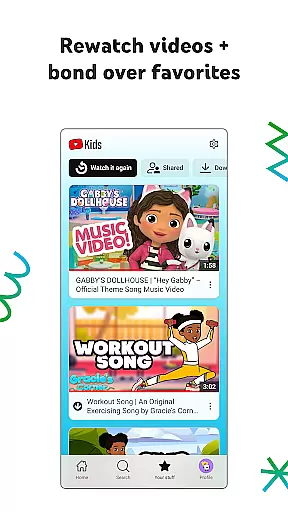
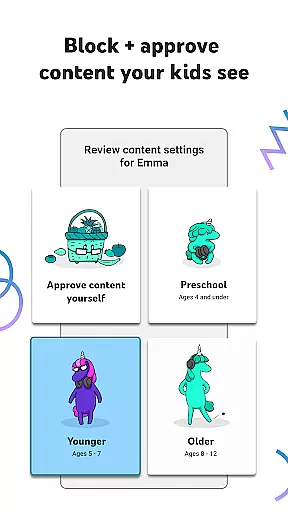
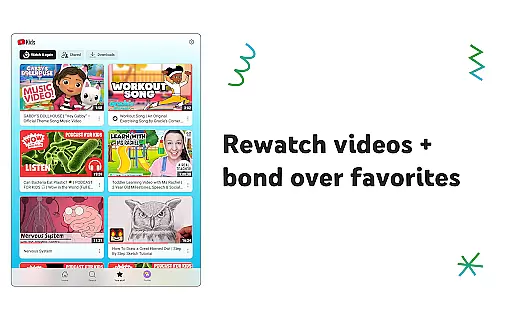
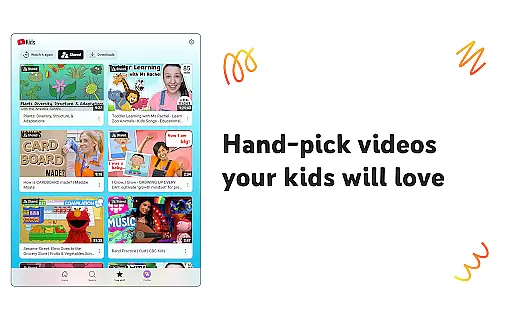
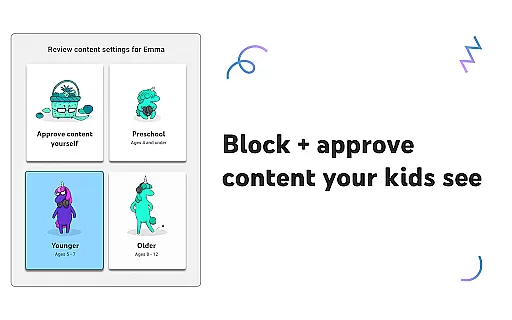
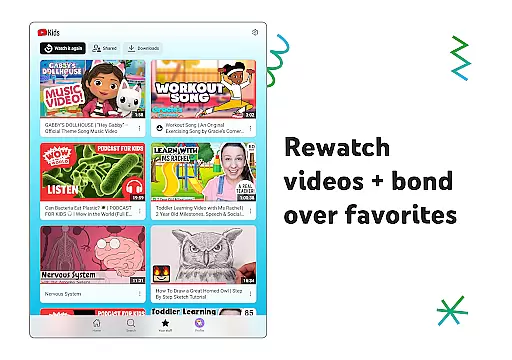
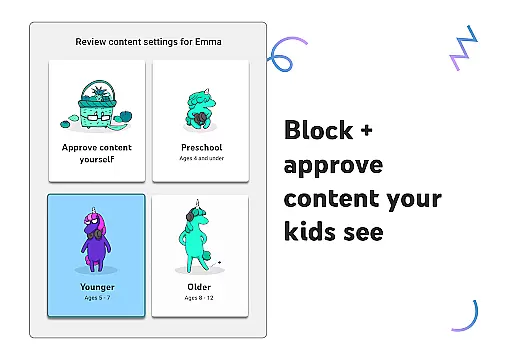
The app offers various modes to suit different age groups, from Preschool mode for early learning to Older mode for more independent exploration. Parents can also curate content by selecting specific videos, channels, or collections in Approved Content Only mode. Additionally, the Watch it Again tab allows families to revisit favorite videos, creating opportunities for shared experiences and bonding over beloved content.
YouTube Kids stands out with its robust parental controls and customization options. The app includes multiple viewing modes such as Preschool, Younger, and Older settings, ensuring content is appropriate for each child's maturity level. Parents can further refine selections using custom filters or by enabling Approved Content Only mode, which restricts viewing to pre-selected materials.
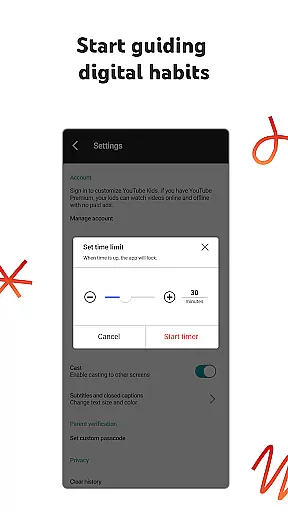
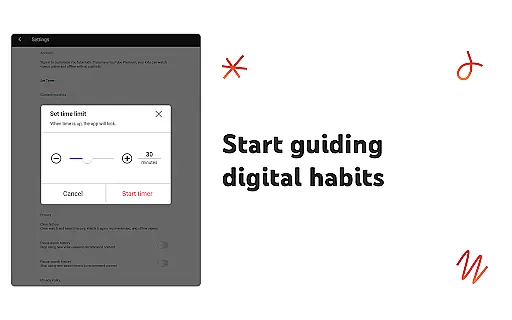
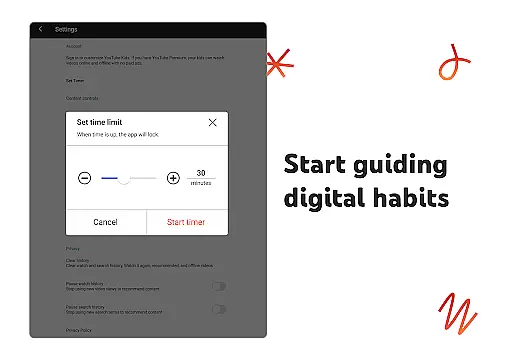
Beyond content curation, YouTube Kids promotes healthy screen habits through its Timer feature, allowing parents to set daily limits on usage. The app also supports flagging inappropriate content for review, maintaining a family-friendly environment. With these comprehensive tools, YouTube Kids empowers parents to shape their children's digital experiences while providing kids with a platform to safely explore their interests and expand their knowledge.
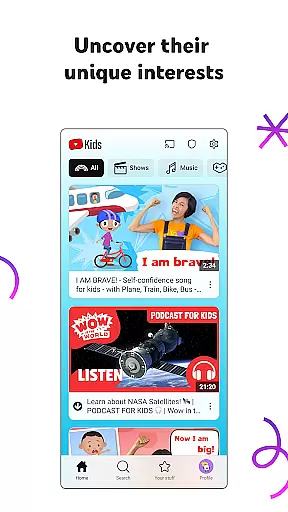
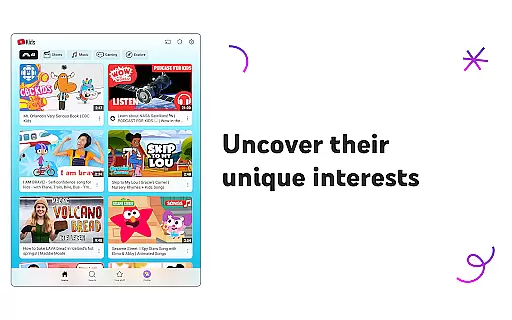
YouTube Kids offers a diverse range of content tailored to inspire and educate children across different age groups. The app categorizes its library into various modes, such as Preschool, Younger, and Older, ensuring that each child accesses age-appropriate videos.
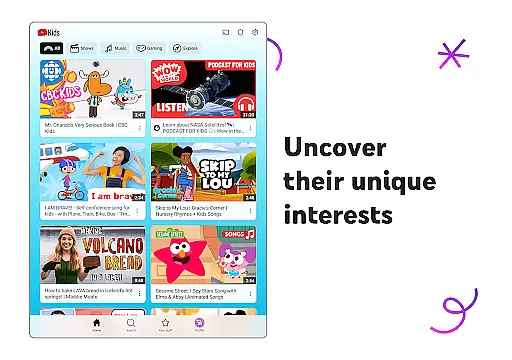
In the Preschool mode, toddlers can enjoy content focused on foundational learning like alphabets and curiosity-driven explorations. As kids grow, they transition to Younger mode with engaging songs, cartoons, and DIY crafts, while Older mode introduces them to popular music and gaming videos. This tiered approach ensures fresh and relevant content for every developmental stage.
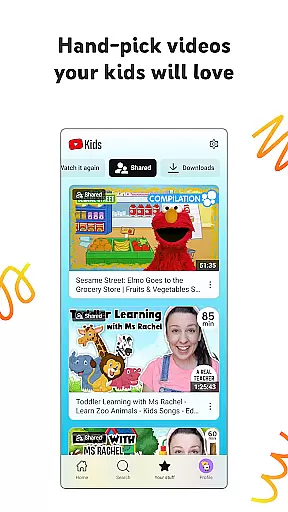
Parents also have the option to handpick specific videos, channels, or collections in Approved Content Only mode, giving families complete control over what their children watch. With regular updates and new content, YouTube Kids keeps young viewers engaged and eager to explore.
YouTube Kids is designed to maximize user engagement through personalized content that captures children's interests. By offering specialized modes based on age and interest, the platform encourages longer viewing sessions as kids find more videos that resonate with them.
The Watch it Again tab allows kids to revisit their favorite videos, enhancing retention by creating a comforting routine of rewatching beloved content. This feature not only boosts engagement but also helps parents understand what captivates their children's attention.
Additionally, parental controls such as setting screen-time limits ensure healthy usage habits. By freezing the app when time is up, kids are encouraged to take breaks and apply learned skills in real-world scenarios, striking a balance between digital entertainment and practical application.
User-friendly interface
Customizable content filters
Multiple age-based modes
Parental control features
Engaging educational content
Limited offline functionality
Potential ad exposure
Content moderation challenges
Requires parental setup
Dependent on internet connection

Live TV, sports & holiday movies — stream on phone, tablet & TV
 4.60
4.60
Atomus is a 10-finger multi-touch interactive visualizer.
4.30
Create melty bead designs by numbers, photos or your imagination
4.40
Watch everything you want.
2.90
Come and watch short dramas, reels with diverse genres!
4.40
Official KennysGifs Stickers
4.20
Explore the unknown!
3.00
Stream, Watch, Chat. Live.
4.00
Pop Drama is a premier app crafted for short drama lovers
4.60
Hand-drawn, cartoon OC creator - original character creator
4.70
Watch short films, dramas, reels, series and movies anytime on Micro Drama.
4.60
Stream Online TV - Watch Live IPTV Playlist & Channel with Built-In Player
4.50
Underrated short-drama gems that hit hard and keep your heart hooked.
4.50
Fetch money rewards all just for playing games. Cash out for gift cards in app.
4.50
Earn gift cards for playing games. Become a real game tester!
4.40
Your choice of 350+ networks plus movies and full TV series on-demand.
3.70
NFL, NBA, NHL, MLB, local sports coverage, shows, movies & news!
3.20
With the Steam Mobile App, you can take Steam with you anywhere.
3.00
Air Horn - Siren Sounds Prank, Fun way to wake up your Friends and Family
4.1


User Reviews