
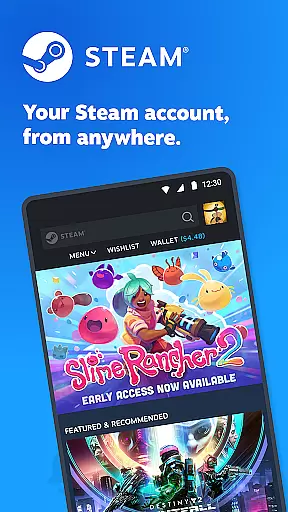
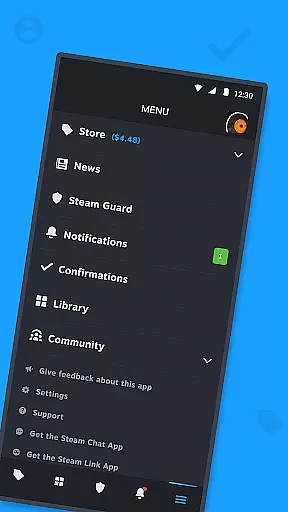

Steam Mobile is a versatile entertainment application that brings the full Steam experience to your mobile device. The app allows users to shop for PC games, protect their accounts with advanced security features, and manage their gaming libraries on the go. With functionalities like Steam Guard, remote downloads, and trade confirmations, it ensures both convenience and security.
The application also provides personalized news feeds, customizable notifications, and access to the entire Steam community. Whether you want to stay updated on game news, manage friend lists, or control your account's authorized devices, Steam Mobile serves as an all-in-one solution for gamers who need access to their Steam accounts outside of their PCs.
This makes the app particularly useful for gamers who travel frequently or prefer managing their gaming libraries remotely. By offering two-factor authentication and quick trade confirmations, Steam Mobile adds a layer of security while maintaining the flexibility that modern gamers require.
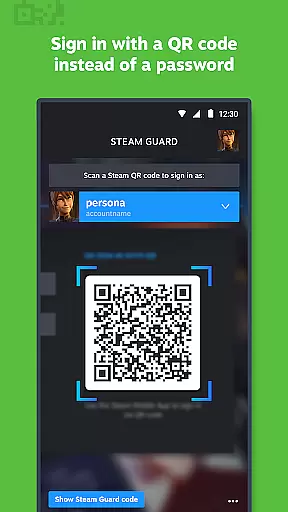
Steam Mobile offers a comprehensive set of features designed to enhance user interaction with the Steam platform. One of its standout features is Steam Guard, which uses two-factor authentication and QR code sign-ins to secure user accounts. This ensures that only authorized users can access sensitive information, providing peace of mind for users who are concerned about account security.
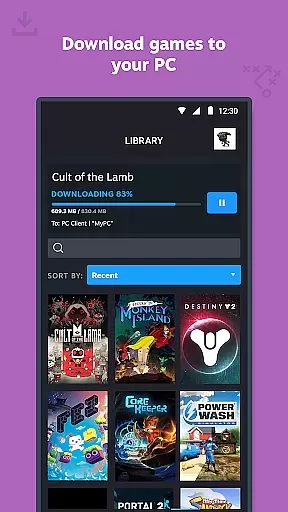
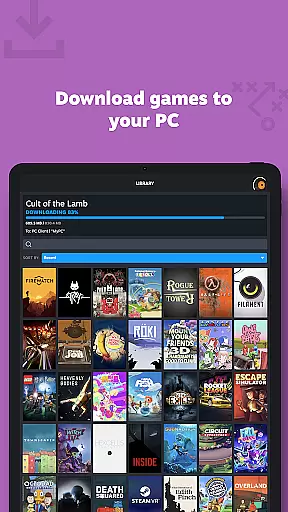
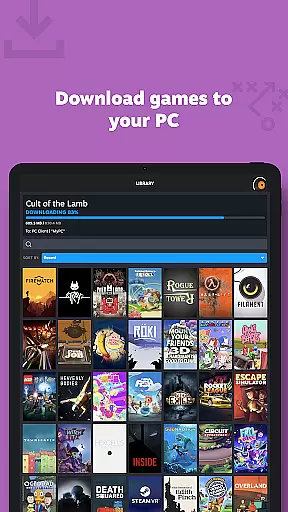
Another key feature is the ability to manage your game library remotely. Users can view discussions, guides, and support options directly from their phones. Additionally, the app allows for remote downloads and updates, meaning you can start downloading a game to your PC even when you're not at home. Trade and Market Confirmations further speed up item trades by allowing users to confirm transactions via their mobile devices.
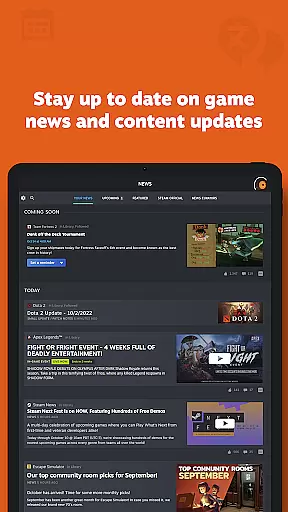
Finally, the app offers a personalized News feed based on your game library, along with customizable notifications for various activities such as sales, trades, and friend requests. These features collectively make Steam Mobile a powerful tool for staying connected to the Steam community and managing your gaming life efficiently.
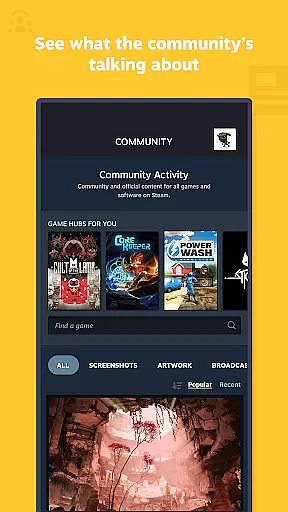
The Steam Mobile App offers a diverse range of content that caters to all types of gamers. With access to the entire Steam Community, users can engage in discussions, join groups, read guides, and even participate in the Market and Workshop.
One of the standout features is the personalized News feed, which provides the latest news, events, and content updates directly from publishers and game developers based on your game library. This ensures that you are always in the loop with what's happening in your favorite games.
In addition to the News feed, the app supports customizable notifications for wishlists, sales, comments, trades, discussions, friend requests, and more. This customization allows users to tailor their experience to their preferences, ensuring they never miss out on important updates or opportunities.
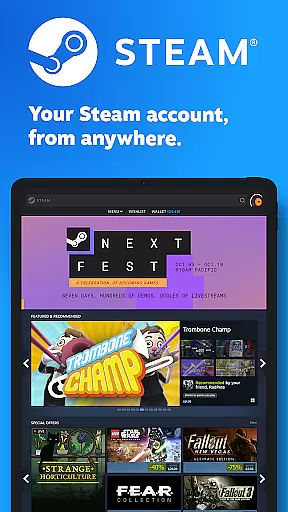
Furthermore, the app's improved Store browsing experience for mobile screens makes it easier than ever to shop for PC games on the go. Whether you're looking for specific titles or just want to browse through the latest releases, the Steam Mobile App has got you covered.
User engagement is at the heart of the Steam Mobile App's design. The app offers a comprehensive suite of features that encourage prolonged usage and repeated visits. From managing your game library to participating in community discussions, there's always something to do within the app.
One key aspect that enhances user retention is the ability to manage game downloads and updates remotely. This means you can ensure your PC is ready to play as soon as you are, without having to wait for updates to complete.
Another feature that boosts engagement is the Trade and Market Confirmations. By allowing users to confirm item trades and sales directly from their phones, the app streamlines these processes and keeps users actively involved in their gaming economy.
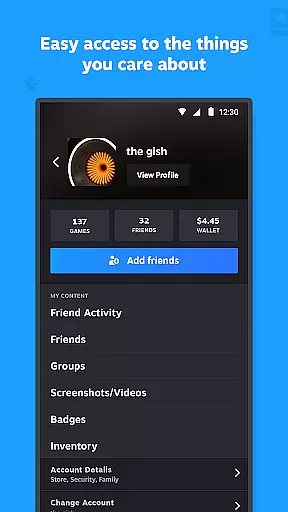
Lastly, the inclusion of authorized device management and support for multiple Steam accounts adds an extra layer of convenience and security. Users can easily switch between accounts and manage which devices have access to their information, promoting both ease of use and peace of mind.
User-friendly interface
Advanced security features
Remote library management
Personalized news feed
Comprehensive community access
Limited game streaming
No in-app purchases
Occasional bugs
Heavy on battery
Requires constant internet

Time tracking, lap counting and much more for Carrera® Digital 132/124
 4.80
4.80
SpiritWave is paranormal ITC application.
5.00
Create and play realistic-looking mock Emergency Alert System messages.
4.30
Underrated short-drama gems that hit hard and keep your heart hooked.
4.50
Your choice of 350+ networks plus movies and full TV series on-demand.
3.70
NFL, NBA, NHL, MLB, local sports coverage, shows, movies & news!
3.20
Realistic Baby Simulator App
4.00
Hand-drawn, cartoon OC creator - original character creator
4.70
Connect. Discover. Control.
3.60
Exclusive creator communities
4.70
Fun brain twisting challenge with trending Whirlpool Filter.
4.70
Series,Películas y Telenovelas
4.50
The Xbox app keeps you connected to your gaming community.
4.50
Catch the latest episodes of The Voice or live stream NFL games with The NBC App
4.20
Exclusive Short Drama Video! All in HD. Bringe trending reels & enjoy drama time
3.80
Alice Box is an Instrumental Trans Communication app.
3.80
With the credits you earn play more games
2.90
Christmas Globe: Transform your Wear OS device into a festive timekeeper!
4.5
The classic game of rock, paper, scissors
4.2


User Reviews