
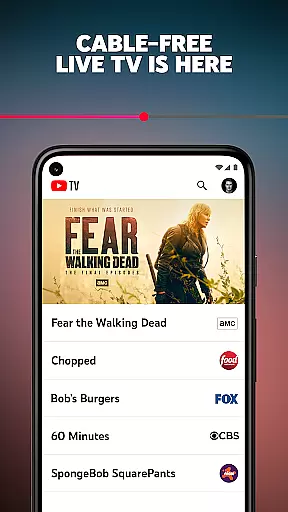
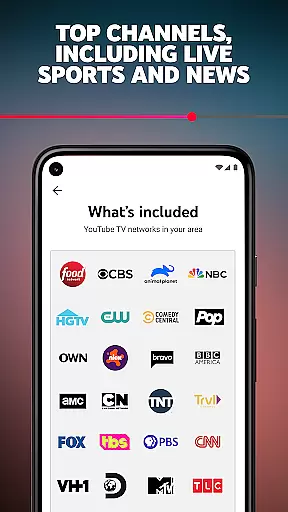
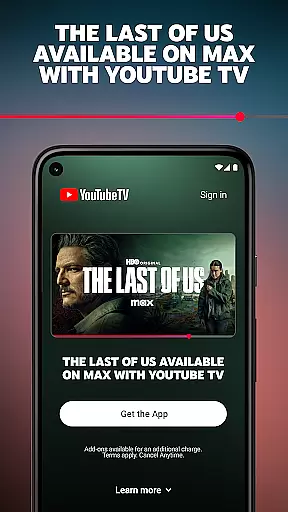
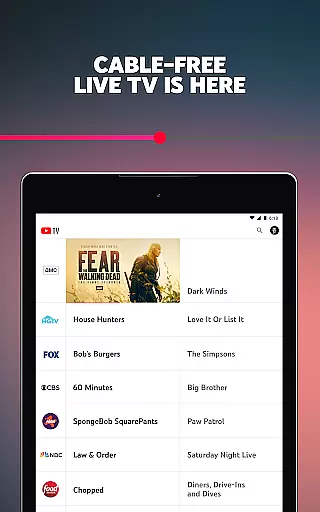
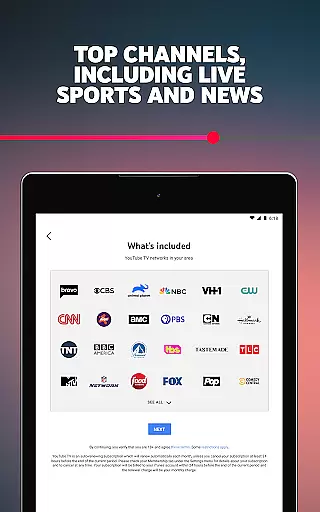
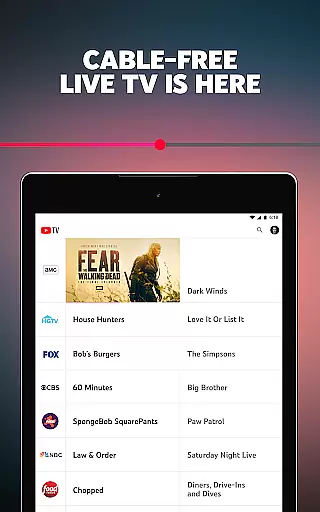
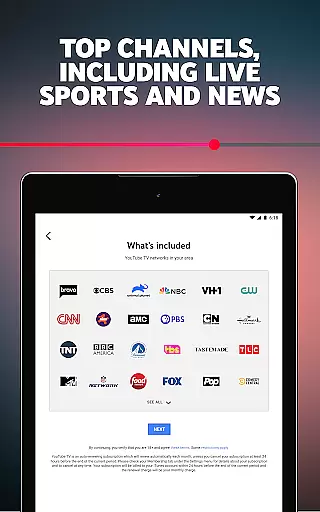

YouTube TV is a cable-free live TV streaming service that offers access to over 100 networks, including major broadcast and cable channels such as CBS, FOX, NBC, NFL Network, HGTV, and more. Available nationwide in the United States, this app allows users to enjoy live sports, news, entertainment, and kids programming on multiple devices.
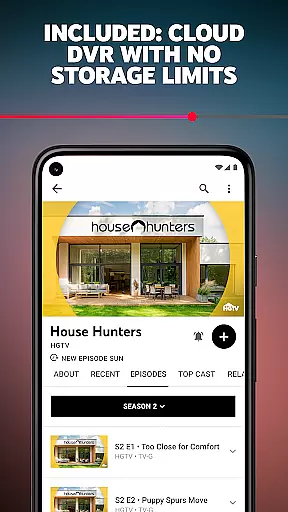
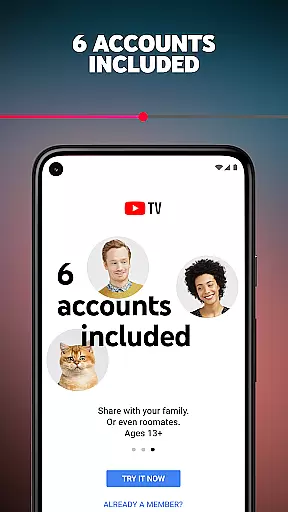
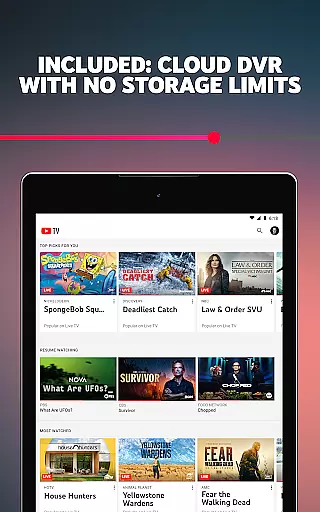
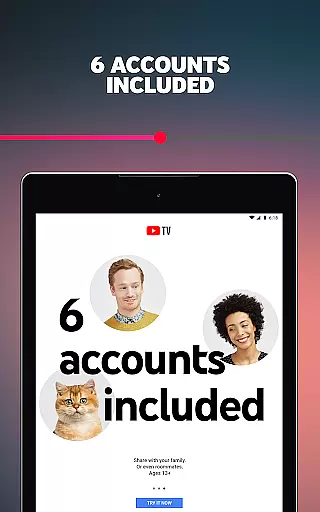
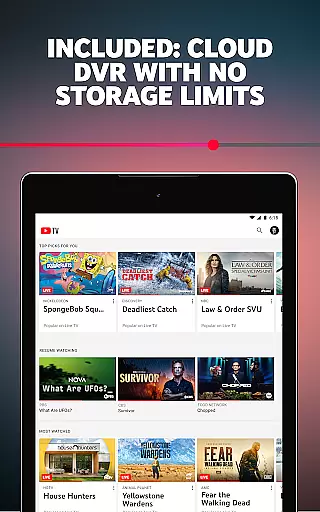
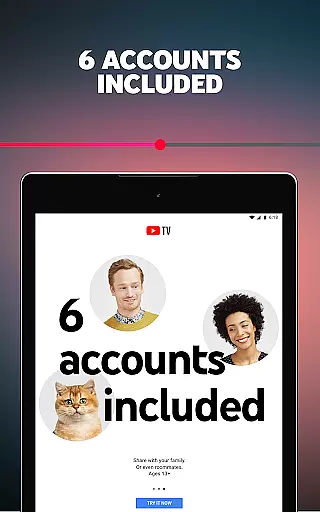
The service includes cloud DVR functionality with no storage limits, enabling users to record and store content for up to nine months. With support for up to six accounts per household, each user can have personalized login credentials, recommendations, and DVR settings. YouTube TV also provides flexibility with its month-to-month subscription model, allowing members to cancel anytime without long-term contracts or cancellation fees.
Whether you're looking to watch live sports events, catch up on your favorite shows, or access local news channels, YouTube TV delivers a comprehensive cable-free experience tailored to modern viewing habits.
YouTube TV stands out with its robust feature set designed for seamless live TV streaming. The app supports live streaming from over 100 networks, including popular channels like AMC, ESPN, and HGTV, ensuring users have access to a wide variety of content across different genres.
A key highlight is the unlimited cloud DVR feature, which lets users record live TV without worrying about storage space. Each recording remains available for nine months, providing ample time to watch saved programs. Additionally, the multi-user support allows up to six individual profiles per household, each with personalized settings and recommendations.
Users can stream content on various devices, including smartphones, tablets, computers, and smart TVs. The app also integrates smoothly with regional sports networks and local news channels, making it an ideal choice for staying updated on regional events. With its flexible subscription model and extensive channel lineup, YouTube TV caters to diverse entertainment needs.
In the realm of entertainment, content variety and freshness are paramount. YouTube TV excels in this area by offering over 100 networks that span multiple genres including sports, news, kids programming, and lifestyle channels. This extensive selection ensures that there is always something new and engaging for every viewer.
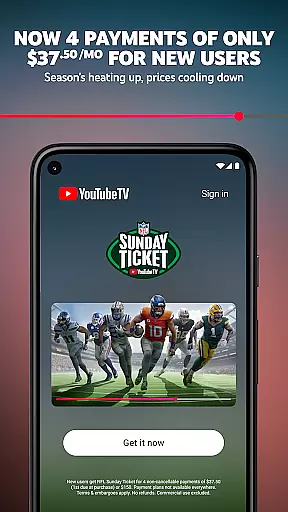
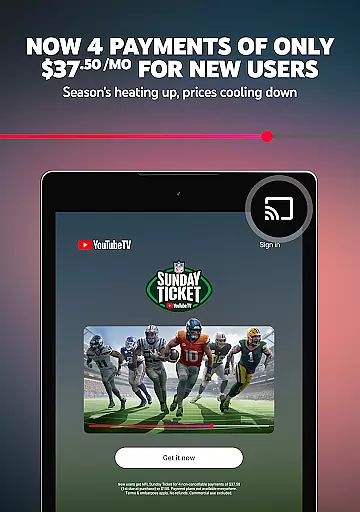
YouTube TV provides access to major broadcast networks such as CBS, FOX, and NBC, alongside cable networks like AMC, HGTV, and TNT. The platform also includes sports-specific channels such as NFL Network and ESPN, catering to sports enthusiasts who crave live events and exclusive content like NFL Sunday Ticket games.
Beyond traditional broadcasting, YouTube TV keeps its content library fresh with regular updates and additions. Subscribers can enjoy the latest episodes from popular series, breaking news, and live events as they happen. With cloud DVR capabilities, users can record their favorite shows without worrying about storage limits, ensuring they never miss out on fresh content.
The service's dedication to variety and freshness extends to its user experience. Each household member gets personalized recommendations based on viewing habits, which helps in discovering new content tailored to individual preferences. This personal touch enhances the overall entertainment value, making YouTube TV a dynamic and ever-evolving platform.
User engagement duration and retention are critical metrics for any entertainment platform, and YouTube TV addresses these aspects effectively. By providing a seamless streaming experience across various devicesu2014smartphones, tablets, computers, and TVsu2014the service ensures that users remain engaged regardless of where or how they choose to watch.
One key feature contributing to prolonged engagement is the unlimited cloud DVR. Users can store recordings for up to nine months, allowing them to revisit favorite shows or catch up on missed episodes at their convenience. This flexibility encourages longer viewing sessions and increases the likelihood of retaining subscribers over time.
Additionally, YouTube TV offers six individual accounts per household, each with personalized logins and recommendations. This customization fosters a sense of ownership and connection to the platform, prompting users to spend more time exploring content that aligns with their interests. Personalized suggestions keep viewers engaged by introducing them to new shows and channels they might not have discovered otherwise.
Finally, the ease of use and absence of long-term contracts make it simple for users to maintain their subscriptions. With the ability to cancel anytime online, customers feel empowered and are more likely to stay subscribed due to the lack of commitment pressure. These factors combined create an environment conducive to sustained user engagement and high retention rates.
Wide network selection
No DVR storage limits
Multi-device compatibility
Personalized user profiles
Flexible subscription options
Monthly subscription fee
Limited international access
No offline viewing mode
Requires stable internet
Regional restrictions apply

Stream over 80 hours of exclusive mashups and remixes by DJ Rehab.
 4.3
4.3
Stream Movies & TV Series: Original Shows, Family Movies & New Releases Weekly
4.60
Time tracking, lap counting and much more for Carrera® Digital 132/124
4.80
Catalog & tracker of your DVD, Blu-ray & Digital Movie and TV Collection Library
4.80
Himnario LLDM - Fast and Easy to read , updated Hymnal 2019 Edition Official
4.20
Alice Box is an Instrumental Trans Communication app.
3.80
Binaural Brainwave Doses for Every Imaginable Mood
3.60
Geooh GO is the most feature rich geocaching app available today.
4.50
Catch the latest episodes of The Voice or live stream NFL games with The NBC App
4.20
SpiritWave is paranormal ITC application.
5.00
Classic dynamic pixel art from Mark Ferrari.
4.70
Live TV, sports & holiday movies — stream on phone, tablet & TV
4.60
Premium version to enjoy your favorite anime
4.60
Underrated short-drama gems that hit hard and keep your heart hooked.
4.50
Just play games to earn gift cards. Keep playing, keep earning.
4.50
Fire effects for your Philips Hue lights
4.20
Binge-worthy short dramas on DramaRush—engaging stories that fit your day.
3.90
Ultimate VR movie player for android mobile videos
4.0
Christmas Globe: Transform your Wear OS device into a festive timekeeper!
4.5


User Reviews