
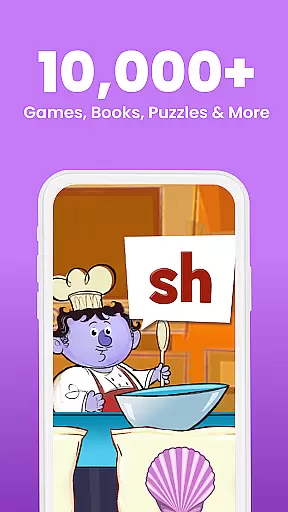
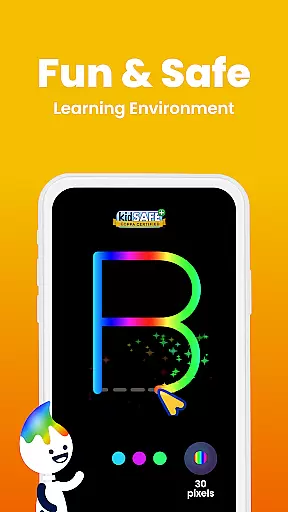
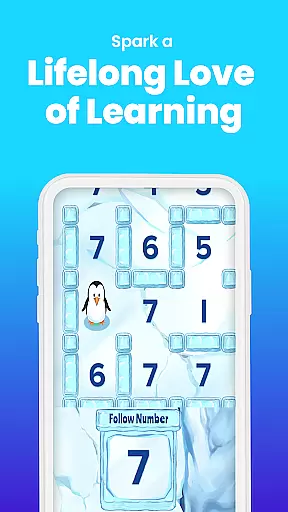
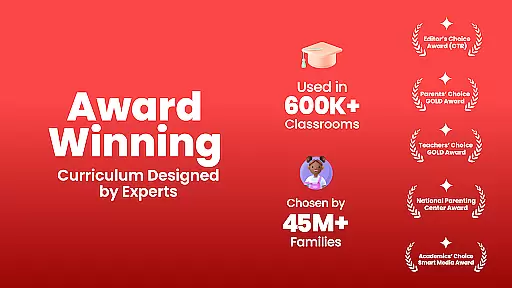
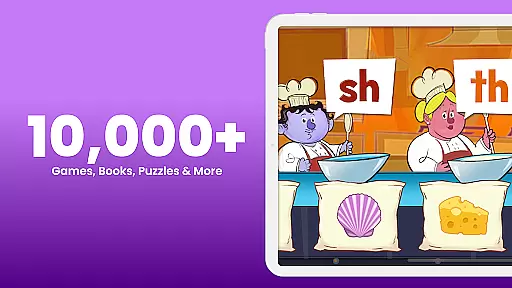
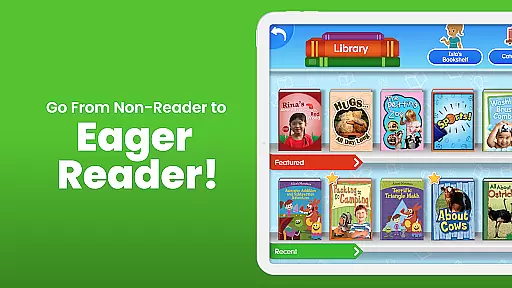
ABCmouse – Kids Learning Games is an award-winning educational app designed for children aged 2 to 8. This comprehensive learning platform covers essential subjects including math, reading, science, social studies, art, and music. Created by teachers and education experts, the app offers over 10,000 engaging Learning Activities that cater to various academic levels.
The app features a full standards-based curriculum optimized for mobile learning. With 10 progressive levels, more than 850 structured lessons, and thousands of books, videos, puzzles, and games, ABCmouse ensures a balanced development of early literacy and math skills. The inclusion of customizable avatars and interactive environments like My Room and Pet Park makes learning enjoyable and personalized.
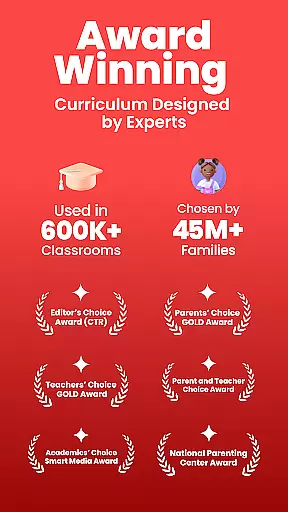
ABCmouse is widely used in educational settings, including over 70,000 classrooms and nearly half of all U.S. public libraries. Its effectiveness in preparing children for kindergarten and third grade has been recognized with prestigious awards such as Mom’s Choice GOLD and Teachers’ Choice. The app provides a safe, kid-friendly environment for independent learning and easy progress tracking for parents and educators.
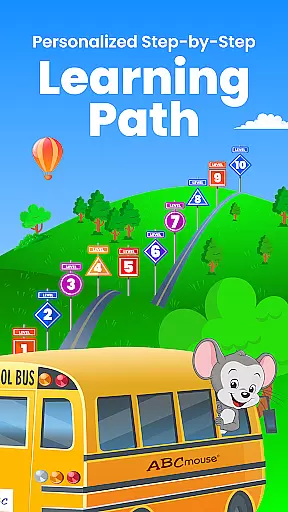
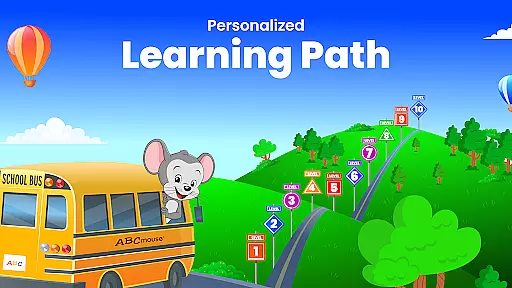
ABCmouse stands out with its research-validated curriculum developed by early learning experts. The app's Step-by-Step Learning Path guides children through a comprehensive educational journey covering all major academic subjects. Each level includes carefully designed lessons that adapt to different learning stages from toddler to second grade.
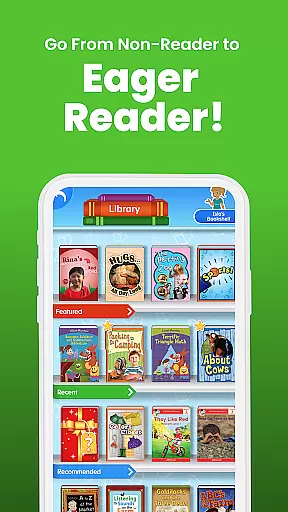
The app's content library is impressive, featuring over 900 books and activities available in Spanish, making it suitable for bilingual learners. Interactive elements such as Customizable Avatars, My Hamster, and virtual environments encourage creativity while reinforcing learning concepts. The inclusion of printable activities and animations provides additional offline learning opportunities.
Parents and educators appreciate ABCmouse's robust progress tracking system and its suitability for homeschooling. The app's subscription model offers flexible learning options, though it automatically renews unless managed through account settings. With its 100% safe environment and recognition through multiple education awards, ABCmouse delivers both quality and reliability in early childhood education.
When it comes to educational content for children, accuracy and authority are paramount. ABCmouse u2013 Kids Learning Games ensures that all its learning materials are crafted by teachers and early learning experts. This guarantees that the information provided across subjects like math, reading, science, and social studies is not only accurate but also age-appropriate for kids aged 2 to 8.
The app's curriculum is standards-based, meaning it aligns with educational benchmarks set for each grade level. With over 850 lessons and 10,000 individual learning activities, every piece of content is carefully designed to accelerate the development of early literacy and math skills. The inclusion of thousands of books, videos, puzzles, and games ensures a comprehensive learning experience that prepares children for kindergarten and third-grade readiness.
Parents and educators can trust that the content within ABCmouse has been validated by research and is implemented in over 70,000 classrooms. Its recognition through prestigious awards such as Momu2019s Choice GOLD, Teachersu2019 Choice, and Parentsu2019 Choice GOLD further attests to its authoritative status in early childhood education.
ABCmouse u2013 Kids Learning Games offers personalized learning paths that cater to each child's unique pace and academic level. The Step-by-Step Learning Path guides children through different levels, ensuring they master foundational concepts before moving on to more complex topics. This tailored approach helps maintain engagement and motivation as young learners progress through the curriculum.
Customizable features such as Avatar, My Room, My Hamster, and Pet Park provide an interactive environment where kids can express themselves while learning. These elements make the educational journey more enjoyable and relatable, encouraging independent exploration and discovery. By allowing children to personalize their virtual spaces, ABCmouse fosters a sense of ownership and investment in their learning process.
Additionally, ABCmouse supports various learning styles and needs, making it an excellent tool for homeschoolers or those seeking flexible education solutions. With easy progress tracking, parents can monitor their child's advancements and identify areas needing reinforcement. This personalization ensures that every child receives a balanced and enriching educational experience tailored specifically to them.
Comprehensive curriculum
Engaging learning activities
Customizable features
Progress tracking tools
Bilingual content support
Subscription required
Auto-renewal default
High device requirements
Limited free content
Internet connection needed

Test prep for Indiana students
 4.1
4.1
One of the most engaging and innovative ABC apps on the market.
4.30
The Only Official DVSA Theory Test Kit App
4.50
MONOPOLY JUNIOR brings Hasbro's classic the board game to life.
3.00
Stack the Countries makes learning world geography fun!
4.50
An aviator’s preparation, study and test tool for FAA Knowledge Exams.
4.10
School Communication
4.30
Make your own game and world. Draw and animate characters
3.70
Memorize anything efficiently with AnkiDroid! Many pre-built decks available.
4.80
Hebrew Vocab
4.90
AI Language tutor: Speak fluently with Lucy’s personalized coaching
4.70
Discover Your Place in the Universe
4.70
Stack the States makes learning about the 50 states fun!
4.70
Astronomy Guide to the Night Sky
4.40
An aviator’s preparation, study and test tool for FAA Knowledge Exams.
4.30
An aviator’s preparation, study and test tool for FAA Knowledge Exams.
4.00
Snap a dog photo to identify its breed instantly. Fast, accurate and easy to use
3.40
Visit Daniel's house & make believe. Play doctor, make music, & feed fish.
3.20
Your best partner for learning Japanese words. Based on a best-selling textbook.
2.90


User Reviews