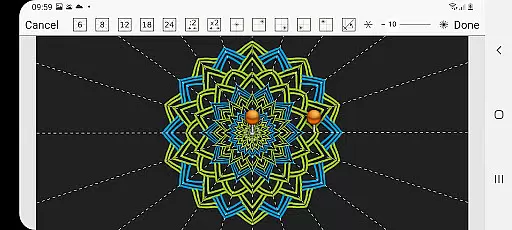
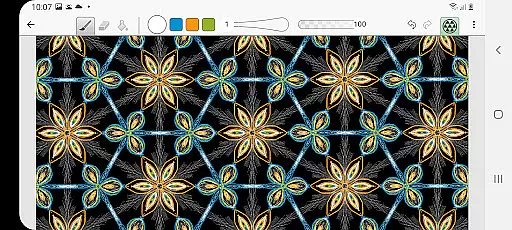
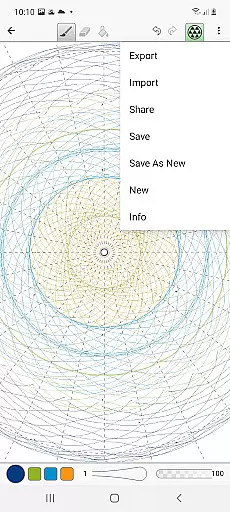
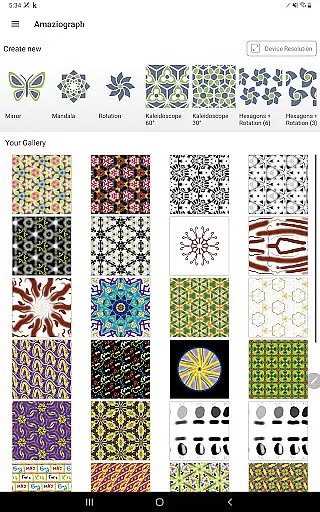
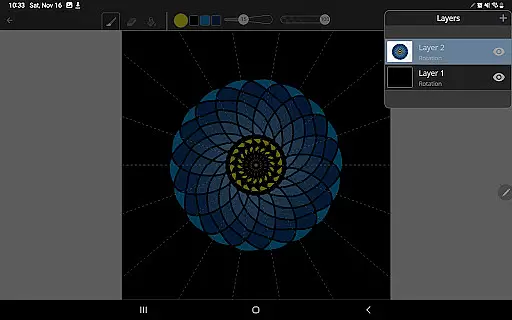
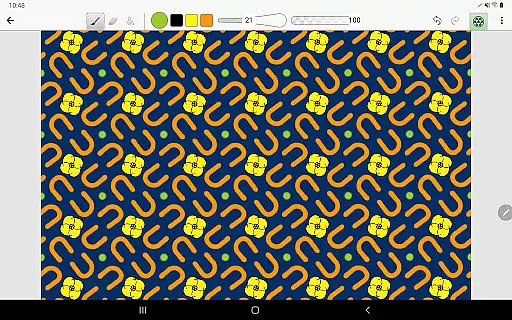
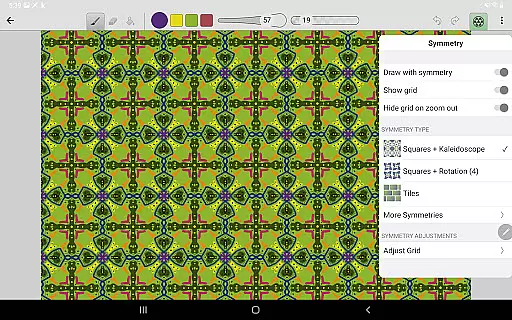
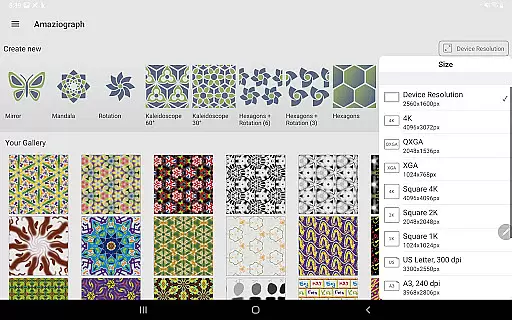
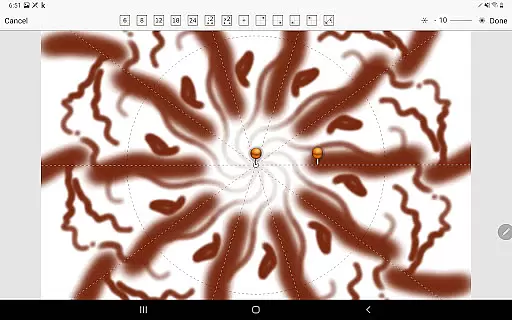
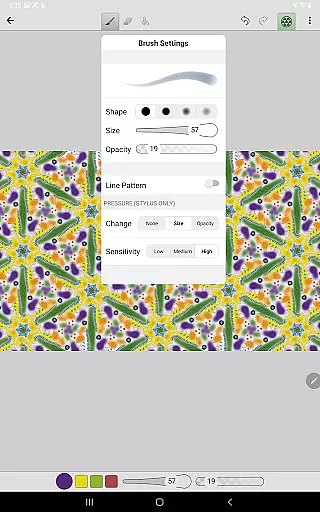
Amaziograph is an innovative digital art application that allows users to create stunning symmetrical designs and tessellations with remarkable ease. Designed for both professional artists and casual users, this app offers a unique approach to digital drawing through its intuitive interface and versatile features.
The core functionality of Amaziograph lies in its ability to generate complex symmetrical patterns while users draw freely. Whether you're a professional tattoo artist working on new designs or a student exploring the world of geometric art, the app provides tools like adjustable brushes, 30-level undo, and customizable canvas sizes up to 4096px x 4096px. These features make it suitable for both educational purposes and professional projects.
One notable use case is in school art rooms where Amaziograph serves as an excellent tool for introducing students to the principles of symmetry and tessellation. The app's user-friendly design ensures that even children can easily create beautiful artwork, making it perfect for all age groups and skill levels.
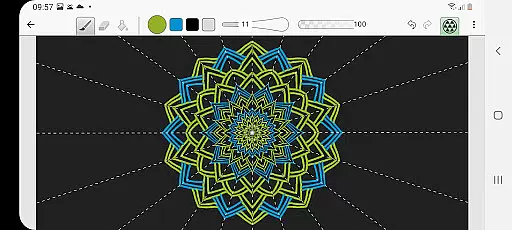
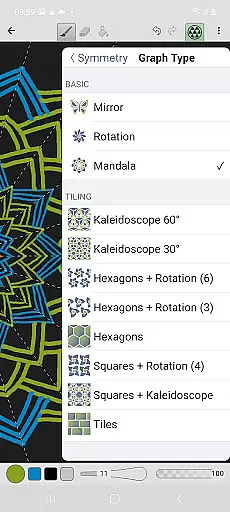
Amaziograph stands out in the crowded market of drawing applications due to its specialized focus on symmetry and tessellation-based artwork. The app supports various types of symmetry graphs including kaleidoscopic and mirrored effects, enabling users to instantly visualize their creations as they draw. This real-time feedback makes the creative process both engaging and educational.
Beyond its symmetry features, Amaziograph offers a complete set of professional-grade tools. Users can take advantage of pressure-sensitive brushes, gradient color palettes, and easy-to-use mixing options that mimic traditional painting techniques. The app also includes practical features such as pinch-to-zoom functionality, dashed line drawing capabilities, and the option to import images for tracing or enhancement.
What truly sets Amaziograph apart is its ability to combine powerful artistic tools with an accessible interface. From saving files in JPG or PNG formats to offering precise control over brush opacity and softness, every feature is designed to enhance the user's creative experience while maintaining ease of use.
Amaziograph stands out in the entertainment category by offering a unique blend of content variety that caters to both professional artists and casual users. The app provides an array of features such as tessellations, symmetries, and an innovative color palette that allows for gradient color creation.
Users can explore different types of graphs including kaleidoscopes and mirrors, which change dynamically as they draw, ensuring that each piece of art is distinct and engaging. This dynamic approach guarantees that the content remains fresh and exciting with every use.
The application's ability to import images and draw symmetrical patterns over them adds another layer of variety. Whether you're a tattoo artist looking for inspiration or a student learning about art, Amaziograph adapts to various needs and keeps its offerings novel.
With regular updates and a robust set of drawing tools like brush, eraser, and paint bucket, Amaziograph ensures that users always have access to the latest features, maintaining high levels of engagement and interest.
User engagement and retention are critical factors for any entertainment app, and Amaziograph excels in these areas through its intuitive interface and comprehensive feature set. The simplicity of the app makes it accessible even to children, encouraging longer usage sessions.
Professional tools such as adjustable brush size, opacity, and softness, along with 30-level undo functionality, ensure that users can refine their work without frustration, leading to extended periods of engagement. These features help maintain user interest over time.
Moreover, the app's pressure sensitivity and pinch-to-zoom capabilities provide a tactile experience that mimics traditional drawing methods, further enhancing user retention. Users can save their creations in JPG and PNG formats, allowing them to build a portfolio within the app.
By supporting customized canvas sizes up to 4096px x 4096px and offering advanced options like dashed line drawing, Amaziograph caters to both beginners and professionals, ensuring that users remain engaged and committed to the platform for the long term.
Easy-to-use interface
Innovative symmetry tools
Versatile color mixing options
Professional-grade drawing tools
Excellent for educational purposes
Limited free features
Requires learning curve
No cloud backup
High storage usage
Few sharing options

Open-source, fast, simple and powerful IPTV app
 4.90
4.90
Fun brain twisting challenge with trending Whirlpool Filter.
4.70
The JBL Portable app works with JBL portable Bluetooth speakers.
4.60
Experience the video editing experience brought by our intuitive interface
4.10
Build and Share AI
4.20
Catch the latest episodes of The Voice or live stream NFL games with The NBC App
4.20
Watch New Episodes & Live TV
3.80
Everything FOX in one place. Watch FOX News, NFL, MLB, TV shows and more.
4.50
Pop Drama is a premier app crafted for short drama lovers
4.60
Colorful flows will relax and calm you down, or get you trippy and creative!
4.90
Classic dynamic pixel art from Mark Ferrari.
4.70
Watch short films, dramas, reels, series and movies anytime on Micro Drama.
4.60
Fetch money rewards all just for playing games. Cash out for gift cards in app.
4.50
Geooh GO is the most feature rich geocaching app available today.
4.50
Best of icon for christmas
4.30
Watch everything you want.
2.90
Ultimate VR movie player for android mobile videos
4.0
Unofficial Game Companion App” “Guides • Builds • Tips • Progression
4.3
Christmas Globe: Transform your Wear OS device into a festive timekeeper!
4.1


User Reviews