
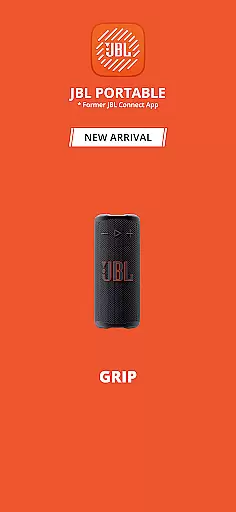
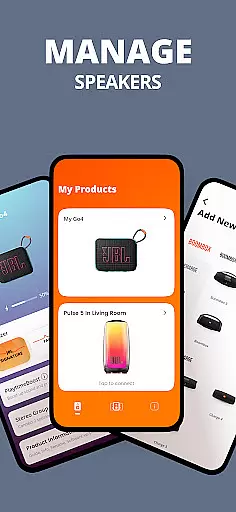
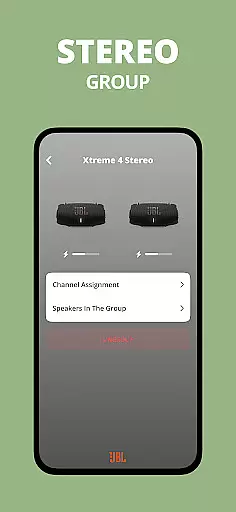
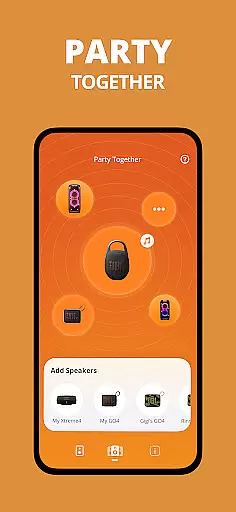
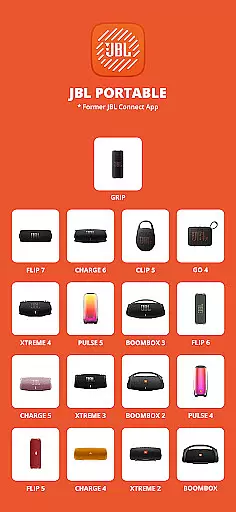
JBL Portable is an essential companion app designed to enhance your experience with JBL portable speakers. This app allows you to unlock advanced features and optimize the performance of a wide range of compatible JBL speaker models, from the Clip 5 to the Boombox series. Whether you're looking to amplify sound through Stereo mode or create an immersive party atmosphere with Party mode, this app delivers both control and customization.
Through the JBL Portable app, users can conveniently manage software updates, access product support, and personalize their speaker settings directly from their mobile device. It serves as a centralized platform for maximizing the audio experience while ensuring your speakers remain up-to-date with the latest features and improvements.
The JBL Portable app offers a comprehensive suite of features tailored to elevate your speaker experience. One standout capability is its seamless connectivity options, allowing users to pair multiple compatible JBL speakers in either Stereo mode for enhanced sound quality or Party mode for synchronized audio across devices. This flexibility makes it ideal for both personal use and larger gatherings.
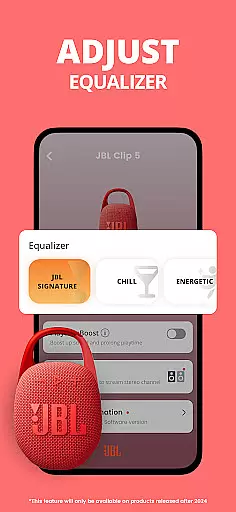
In addition to connectivity, the app provides intuitive controls for customizing speaker settings. Users can adjust equalizer presets, manage firmware updates, and receive dedicated product support, all from their smartphone. These features ensure that your JBL speakers consistently deliver optimal performance while offering convenience and ease of use.
Whether you own a Flip, Charge, Pulse, or Boombox model, the app supports a broad lineup of JBL products, making it a versatile tool for any owner. By combining powerful functionality with user-friendly design, JBL Portable ensures you get the most out of your audio equipment.
The JBL Portable app offers a diverse range of features that enhance the user experience with compatible JBL portable speakers.
From Stereo mode for amplified sound to Party mode for an immersive audio experience, users can enjoy various functionalities tailored to different occasions.
Additionally, the app provides regular software updates and product support, ensuring that users always have access to the latest features and improvements.
This commitment to content variety and freshness ensures that your speaker remains up-to-date and continues to deliver high-quality performance.
User engagement is a key focus of the JBL Portable app, designed to keep users connected to their JBL portable speakers for longer periods.
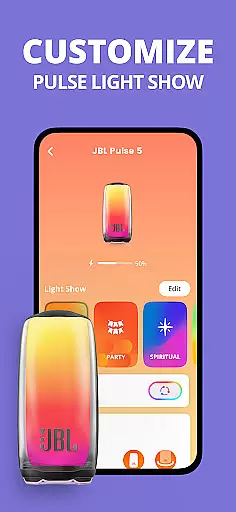
With personalized control options, users can tailor their speaker settings directly from the app, enhancing the overall interaction and satisfaction.
The ability to connect multiple speakers in Stereo or Party modes encourages extended use, making it ideal for gatherings and events.
By offering continuous value through software updates and dedicated product support, the app successfully boosts user retention and encourages consistent engagement over time.
User-friendly interface
Wide device compatibility
Regular software updates
Enhanced audio modes
Convenient remote control
Limited to JBL devices
Requires Bluetooth connection
No offline functionality
Occasional connectivity issues
Firmware update dependency

EVP Recorder / Voice Recorder for ghost hunting, to communicate with ghosts.
 4.3
4.3
Pathfinder 2e initiative tracker with bestiary, HP, reaction, conditions, etc
4.80
Practice and master your ESP and intuition with five mode trainer.
4.20
Browser for Chromecast to stream webvideos, online movies, IPTV & HD livestreams
4.40
Real ghost box scanner with echo, reverb, EMF, & multi-stream channels.
3.80
Stories that spark in seconds.
4.80
Wodfix Air aggregates popular online content for you.
4.80
Explore the unknown!
3.00
Companion app for Elden Ring to track quests, bosses, progress and more.
4.70
Stream Live TV, News & Documentaries. Watch Full Seasons with PBS Passport.
4.80
Fun brain twisting challenge with trending Whirlpool Filter.
4.70
Chat with AI characters! Anime, games, roleplay & more.
4.50
Everything FOX in one place. Watch FOX News, NFL, MLB, TV shows and more.
4.50
Create melty bead designs by numbers, photos or your imagination
4.40
Start EVP/Spirit Box tonight: real EMF, offline, recording. One-time purchase.
4.10
Binge-worthy short dramas on DramaRush—engaging stories that fit your day.
3.90
Exclusive Short Drama Video! All in HD. Bringe trending reels & enjoy drama time
3.80
Watch whatever you want, whenever you want, wherever you want.
3.30
NFL, NBA, NHL, MLB, local sports coverage, shows, movies & news!
3.20


User Reviews