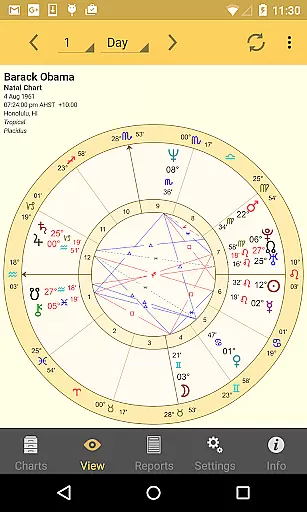
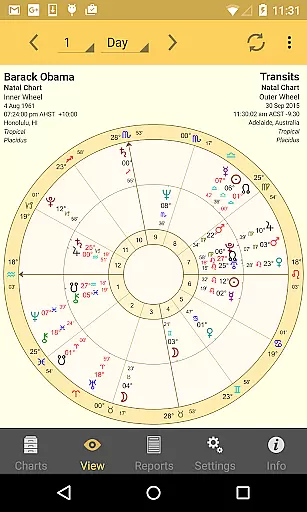
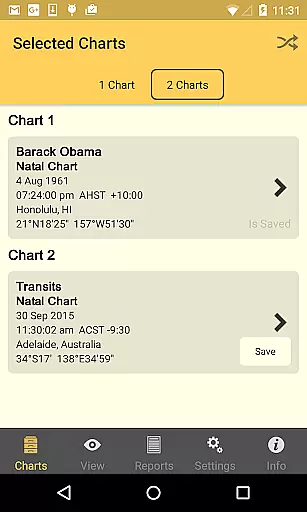
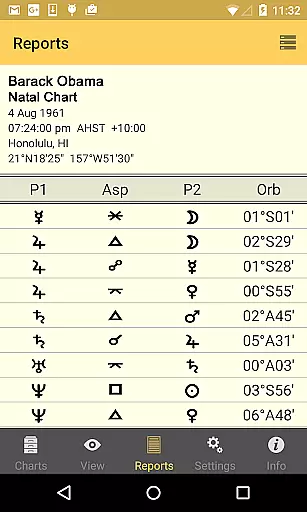
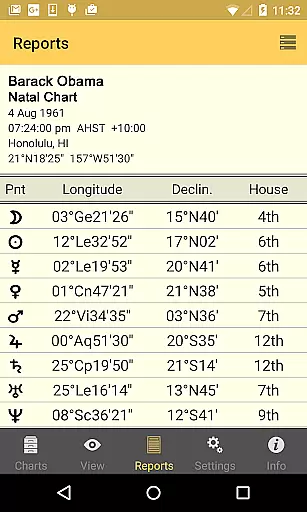
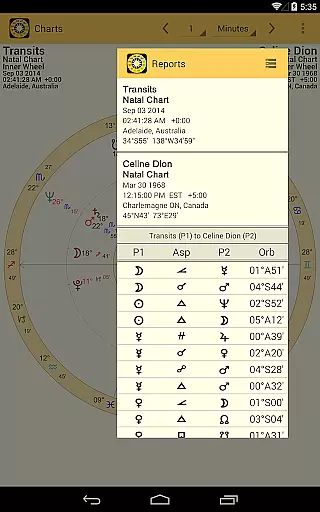
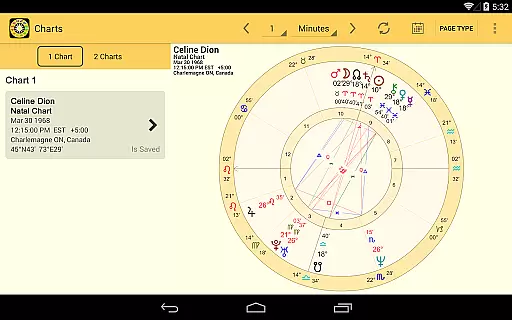
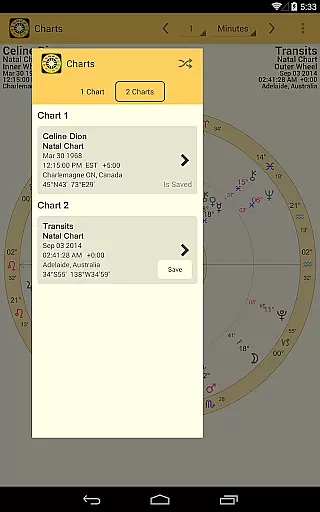
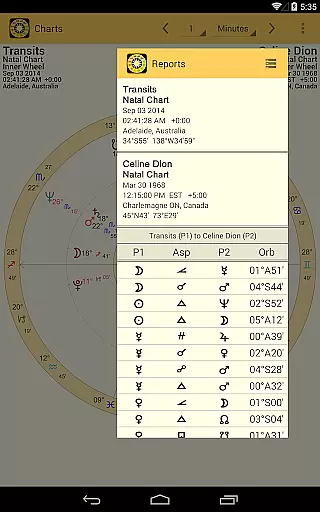
Astro Gold is a professional-level astrology app designed for Android users who seek precision and depth in astrological analysis. The app offers high-precision calculations using the Swiss Ephemeris, making it possible to generate Natal, Transit, Progression, and Synastry charts with interpretations. Whether you're an amateur astrology enthusiast or a professional astrologer, Astro Gold provides tools that cater to both casual exploration and advanced charting.
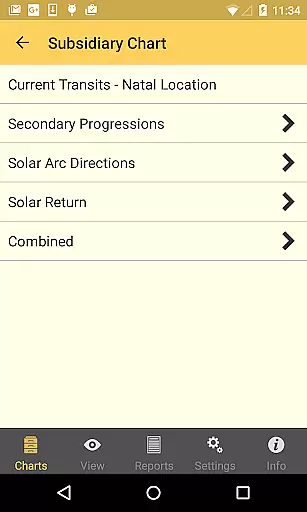
One of the standout features of Astro Gold is its compatibility with the Solar Fire desktop program, allowing users to exchange chart files via email import and export. This makes it an ideal companion for those already familiar with professional astrology software. With a clean and intuitive interface, users can easily cast various types of charts, including Solar Return, Secondary Progressed, and Composite charts, while also customizing display settings to suit their preferences.
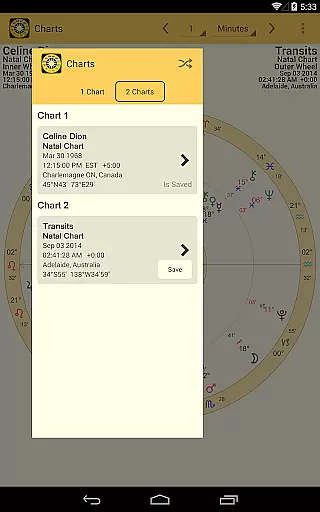
Astro Gold stands out with its comprehensive set of features tailored for serious astrologers. The app allows users to create multiple types of charts such as Natal, Solar Return, Secondary Progressed, and Relationship charts. Each chart type can be saved, edited, and reopened, offering flexibility and convenience. Additionally, the app supports importing and exporting chart files through email, ensuring seamless integration with other astrology tools like the Solar Fire PC program.
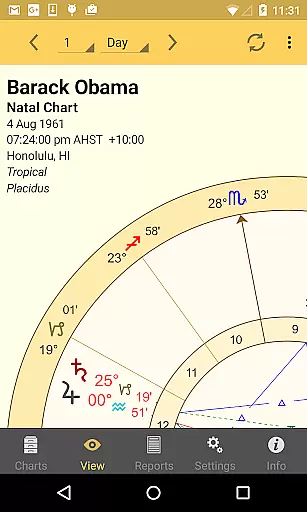
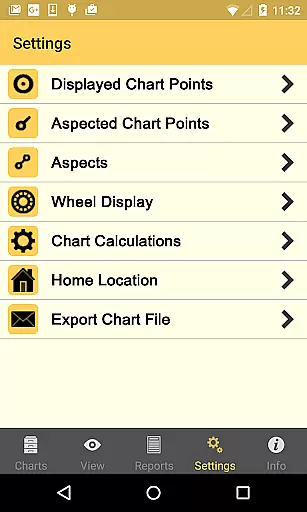
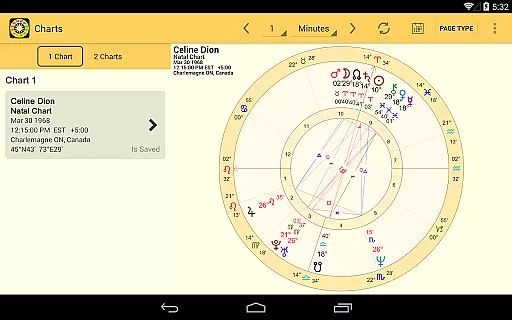
The display options are equally impressive, providing users with zoomable hi-res wheels, bi-wheels, aspect grids, and synastry grids. Users can customize nearly every aspect of the chart's appearance, from planet colors to wheel styles, and even choose between dark or light backgrounds. Advanced settings include over 25 house systems, multiple zodiac types, and precise control over aspect orbs. These features ensure that Astro Gold delivers both accuracy and personalization, catering to the specific needs of professional astrologers.
Astro Gold is a professional-level astrology app that offers extensive coverage of lifestyle-related astrological needs. The app provides users with Natal, Transit, Progression, and Synastry interpretations, making it an all-in-one solution for astrology enthusiasts. With features such as casting new Natal charts, Solar Return charts, and Secondary Progressed charts, Astro Gold ensures that users have access to a wide range of astrological tools.
The app's compatibility with the Solar Fire PC program allows seamless exchange of chart files via email import and export. This interoperability enhances its utility for users who require both mobile and desktop solutions. Additionally, the ability to save, edit, and re-open charts adds to the convenience, ensuring that users can manage their astrological data effectively.
Display options in Astro Gold are diverse, offering zooming and panning capabilities to view high-resolution wheels and grids. Users can choose from various wheel styles, planet and sign colors, and background themes. These customization features ensure that each user can tailor the app to their personal preferences, enhancing the overall user experience.
Astro Gold stands out due to its commitment to content authenticity and expert credibility. Utilizing the latest Swiss Ephemeris and ACS Atlas files, the app delivers precise calculations essential for accurate astrological readings. The inclusion of over 25 house systems and multiple zodiac types, including tropical and sidereal zodiacs, underscores its dedication to providing reliable and diverse astrological data.
The app also features comprehensive settings that allow users to customize aspects such as aspect orbs, lunar node types, and part of fortune types. These detailed options reflect the depth of expertise integrated into Astro Gold, catering to both novice and experienced astrologers. By prioritizing accuracy and flexibility, the app ensures that users receive trustworthy and personalized insights.
Furthermore, Astro Gold's vast atlas with more than 250,000 locations worldwide, combined with its extensive timezone history, guarantees that users can generate charts based on precise geographical data. This level of detail reinforces the app's reliability and positions it as a credible tool for serious astrological study and practice.
High-precision calculations
Professional interpretations
Customizable display options
Compatibility with Solar Fire
Comprehensive atlas with 250,000+ locations
Complex for beginners
Requires technical knowledge
No iOS version available
Premium price point
Limited free features

Unique BIG BOLD TIME with amazing colors and customisations.
 3.70
3.70
Fly your Solo like a boss.
4.10
This is a simple and highly functional alarm clock "Smart Alarm" paid version.
4.20
Communicate with your vehicles and Powerwalls anytime, anywhere
3.60
Colorful minimal digital watch face for Wear OS
4.60
An Eerie Musical Trigger Toy for Spirits to Play with!
3.50
Going above and beyond known spirit communication
3.60
No more juggling multiple apps, now you can control everything in one place!
4.60
Control your Tapo smart devices from anywhere.
4.60
Make money, get paid cash rewards & gift cards for every survey. Earn today!
4.60
Stay connected with your loved ones & vehicles | Share live GPS location updates
4.60
PARAVOX 4 is a professional ITC paranormal research application.
4.50
Earn points with every purchase with Moe Rewards.
4.20
Mixing Colors for Menswear
4.20
SmartHQ: Your Connected Home Command Center
4.10
Do you want to communicate with spirits?
3.80
Unique Dark Analog style for Wear OS watches.
4.1
Bring the warm colors of fall directly to your wrist with Autumn Leaves!
4.0
Futuristic watchface inspired by Back to the Future: sleek, retro, timeless
4.2


User Reviews