
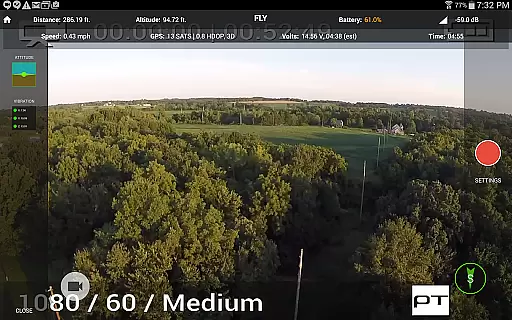
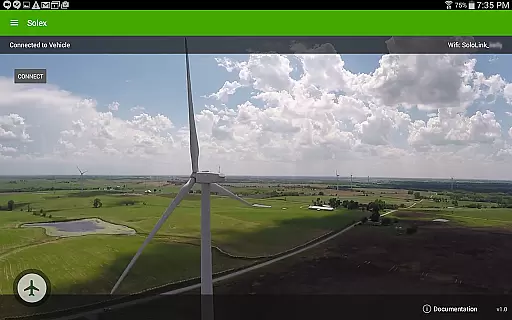
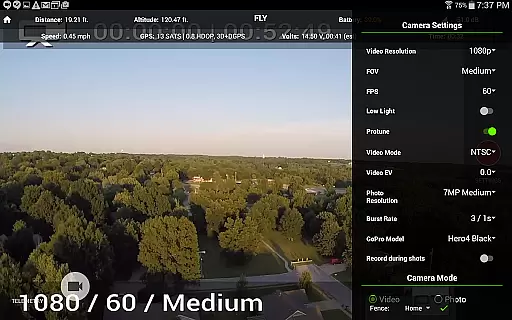
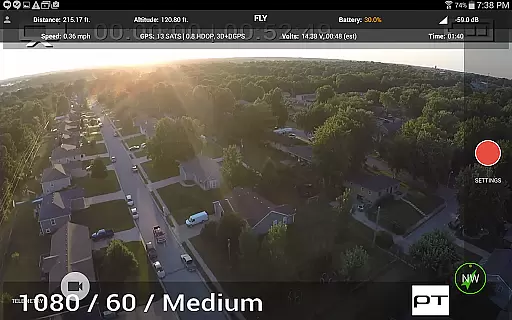
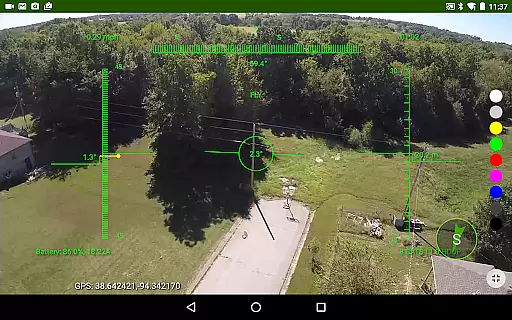
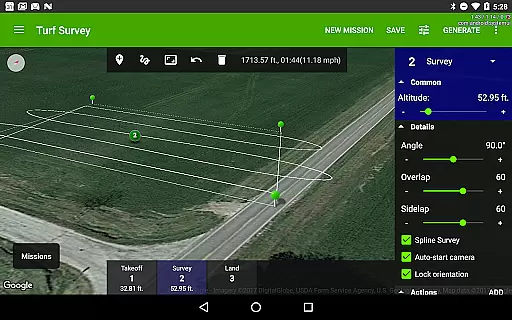
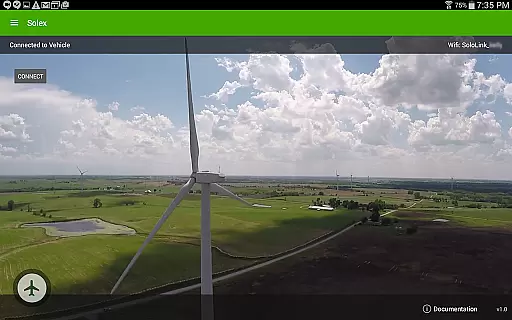
Solex is a feature-rich companion app designed specifically for 3DR Solo drone users. This application expands the capabilities of your drone with advanced Smart Shots, flight management tools, and customization options. Whether you're a professional photographer or a drone enthusiast, Solex provides the tools to enhance your aerial photography and videography experience.
Key features include multiple Smart Shot modes like Orbit, Selfie, and Cable Cam, as well as Follow/Me functionality that uses GPS tracking. The app also offers geofencing for safe flying, time-lapse photography, and flight profile customization. With additional utilities such as Return To Me, Distance Fence, and various widgets, Solex ensures both convenience and safety during flights.
Ideal for creative professionals, Solex allows users to execute precise flight paths, manage multiple vehicle health, and even change LED colors on the Solo. These features make it an indispensable tool for capturing stunning aerial footage while maintaining complete control over your drone's operations.
Solex stands out with its comprehensive suite of Smart Shots and advanced flight management features. The Smart Shot modes include Orbit, Selfie, Cable Cam, Zipline, and multiple Follow modes including Follow/Me, Follow/Remote, Follow/Record, and Follow/Optical which uses machine vision. These modes allow users to automate complex shots with precision and ease.
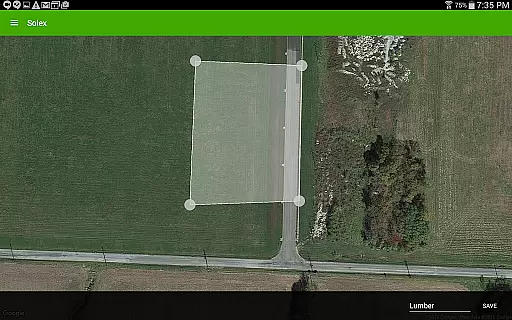
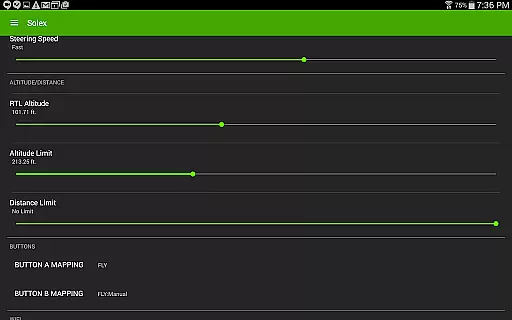
Beyond Smart Shots, Solex offers practical utilities such as geofencing to keep your drone within a safe area, time-lapse photography for capturing intervals and stitching them into videos, and Flight Profiles for customizing vehicle settings. The Home Pointer and Return To Me features ensure easy navigation back to the launch point, while the Distance Fence prevents flyaways by setting a maximum distance.
Additional functionalities include widgets for monitoring pitch/roll, vibration, and EKF status, the ability to save locations and automatically return to them, and tools for tracking battery and motor health. Users can also execute remote commands, share flight data, and customize startup screens, making Solex a versatile and powerful tool for any 3DR Solo user.
Solex offers an extensive range of features that cater to various lifestyle activities, making it more than just a drone control app. With its diverse set of Smart Shots and additional functionalities, it covers recreational filming, professional photography, and even advanced autonomous flight operations.
The app includes specialized modes such as Orbit, Selfie, Cable Cam, and Follow options that utilize GPS and machine vision for capturing dynamic footage. These features are designed to enhance user experience by providing creative freedom and ease of use in different scenarios.
Moreover, Solex provides practical tools like geofencing, time-lapse photography, and flight profile customization which appeal to both hobbyists and professionals. This comprehensive feature set ensures users can explore multiple aspects of aerial videography and drone operation within one platform.
By integrating these capabilities, Solex not only enhances the enjoyment and utility of drone flying but also supports a wide array of personal and professional pursuits, truly embodying a complete lifestyle application.
The content provided by Solex is developed with authenticity and expert input, ensuring reliable and high-quality user experiences. Each feature, from Smart Shots to advanced Follow modes, is crafted based on real-world applications and technological expertise in drone operations.
For instance, the Follow/Optical mode uses machine vision technology to track objects, demonstrating a deep understanding of current AI capabilities. Similarly, professional tools like geofencing and EKF widgets reflect collaboration with experts in aviation safety and drone engineering.
Furthermore, Solex allows users to customize their drone settings through Flight Profiles and share their creations via integrated sharing options. These aspects highlight the app's commitment to delivering genuine value backed by technical knowledge and industry standards.
Users can trust that the information and functionalities presented in Solex are credible and designed to enhance their drone flying experience with proven techniques and innovative solutions.
Advanced Smart Shots
Comprehensive flight management
Machine vision Follow mode
Customizable Flight Profiles
Multiple vehicle health tracking
Complex for beginners
Requires 3DR Solo
Occasional connectivity issues
Limited to specific drone models
High learning curve

Design and brew great homebrewing beer, mead, cider and wine recipes on the go!
 3.60
3.60
Easily manage your child's playtime, spending messaging and more.
3.50
Material You inspired colors with BIG and Bold looks for Wear OS watches.
4.20
Spirit Communicator is a real paranormal ghost hunting app with many fun modes.
3.90
Connect to your Shark ROBOT™ from anywhere using the SharkClean™ App.
3.60
Communicate with your vehicles and Powerwalls anytime, anywhere
3.60
Vehicle ownership simplified. Get the myChevrolet® app today.
4.60
Redecor your home with Home AI interior design, room planner and home designer.
4.50
AAA Mobile provides on-the-go access to the services you know and trust.
4.60
Get the news, events and savings that matter to you with AARP Now.
4.80
See wait times and check into a hair salon ahead of time with Online Check-In.
4.80
Premium floor cleaning robots
4.50
A smart Siddur with halachic times
4.50
Chat, meet genuine singles in your area. Real connections start with being real.
4.30
SmartHQ: Your Connected Home Command Center
4.10
Do you want to communicate with spirits?
3.80
Subwoofer school’s in session! You’ve now enrolled into KICKER U.
3.80
Paranormal EVP, Ghost Box, Spirit box, ITC, Haunted, Spirit communication device
3.70
Designed to delight, impress and energize your festive spirit every single day
4.0


User Reviews