
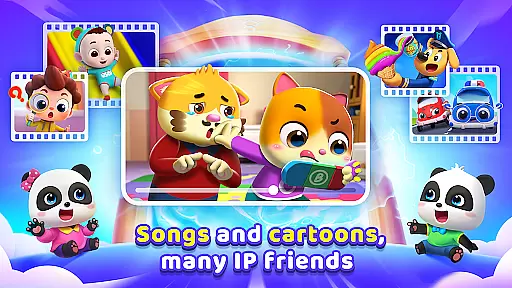

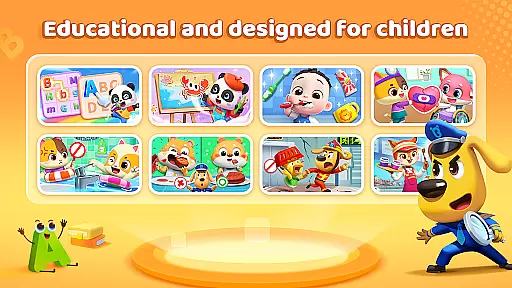
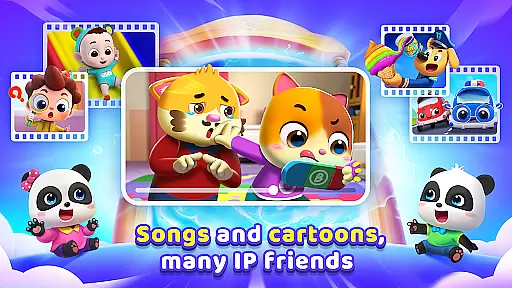

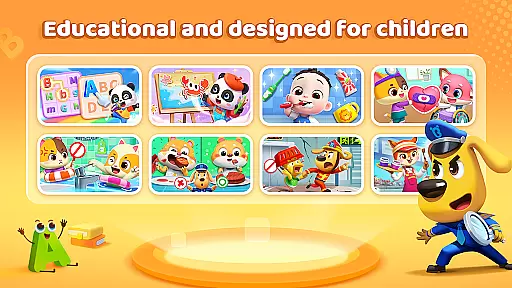
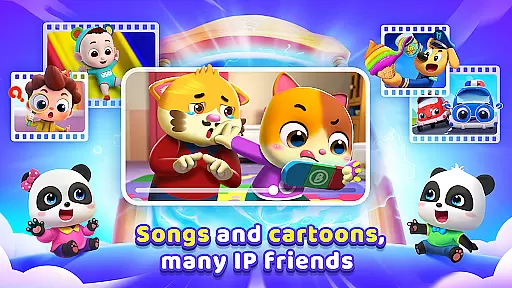

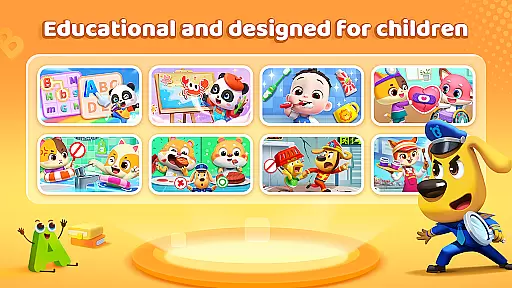
BabyBus TV is an educational app designed to spark children's imagination and foster a love for learning through engaging content. With over 600 episodes featuring beloved characters like Kiki and Miumiu, the app covers various educational themes including habits, art, safety, cognition, emotions, and knowledge.
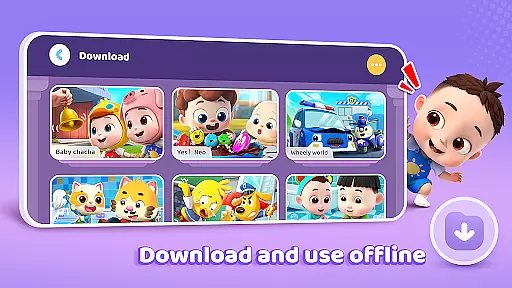
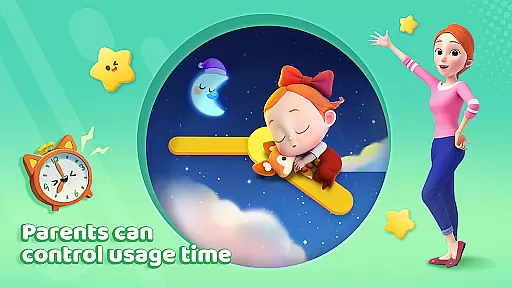
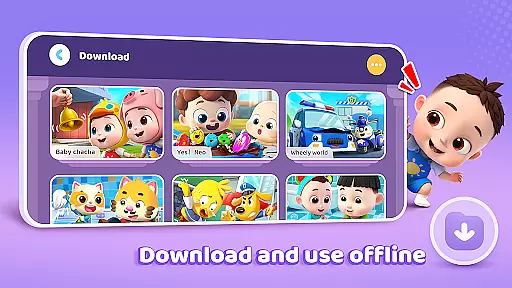
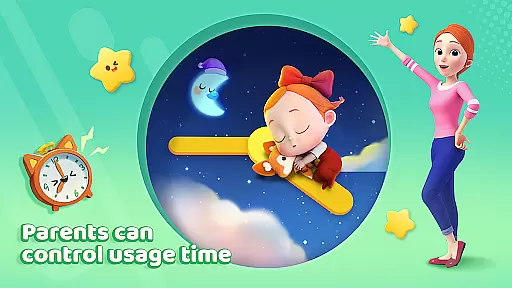
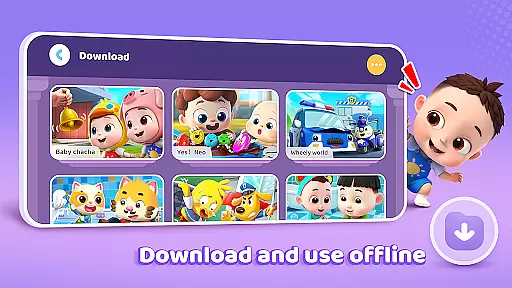
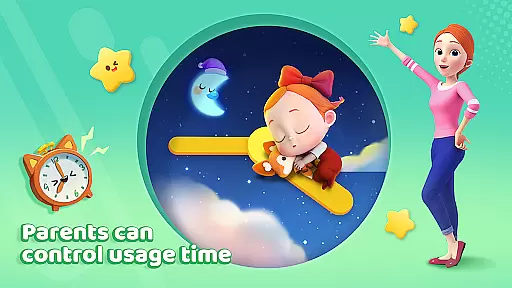
The app provides parents with essential features such as screen time control, free downloads, offline viewing, auto-save of viewing history, full-screen play, and stringent privacy protection measures. These ensure a safe and balanced learning environment for children while giving parents peace of mind.
BabyBus TV offers a rich selection of educational content tailored for young learners. The app includes children's songs, cartoons, and interactive games that teach crucial life skills and knowledge across multiple domains such as math, English, and safety.
Parents can manage their child's experience with practical features like screen time control and viewing history tracking. The app also supports offline viewing, allowing children to enjoy content on the go without internet access. Additionally, BabyBus TV prioritizes user privacy with robust data protection measures, ensuring a secure learning environment.
In the realm of educational content for children, accuracy and authority are paramount. BabyBus TV takes this responsibility seriously by offering a vast library of over 600 episodes that cover a wide array of educational topics. These include essential life skills such as brushing teeth and taking showers, to more complex subjects like math and English, ensuring that each piece of content is not only engaging but also factually correct and beneficial for young minds.
The app collaborates with child education experts to develop its content, instilling confidence in parents that their children are learning from reliable sources. This dedication to authoritative content ensures that whether it's through songs, cartoons, or interactive games, children receive age-appropriate knowledge that aligns with educational standards and promotes cognitive development.
Moreover, BabyBus TV extends its commitment to quality by nurturing creativity and social skills among children. By integrating lessons on empathy and safety knowledge into its programming, the platform provides a holistic educational experience. Parents can rest assured knowing that their child's screen time is constructive, contributing positively to both intellectual and emotional growth.
BabyBus TV stands out by recognizing that every child is unique, which is why it offers personalized learning paths tailored to individual interests and developmental stages. The app's diverse content range allows children to explore various subjects at their own pace, from dinosaurs and cars to numbers and art, sparking curiosity and fostering a love for learning.
With features like Auto Save, the app tracks a childu2019s viewing history, enabling it to recommend content that aligns with their evolving interests and educational needs. This personalized approach not only keeps children engaged but also supports their natural learning progression by introducing new concepts when they are ready.
Furthermore, BabyBus TV empowers parents with tools like Screen Time Control and offline viewing options, allowing them to tailor the digital learning environment according to their preferences and lifestyle. Such flexibility ensures that each child's journey through BabyBus TV is as unique as they are, promoting an effective balance between screen time and other activities while maximizing educational outcomes.
User-friendly interface
Extensive educational content
Offline viewing capability
Privacy protection measures
Screen time management
Limited original content
Ads between videos
In-app purchases available
Occasional bugs reported
Heavy storage usage

Learn and joke with the Silly Turkey!
 4.5
4.5
Bebefinn and Baby Shark educational, animated videos & games for kids
3.40
Astronomy Guide to the Night Sky
4.40
Welcome to the Speak Navajo Language Application - Volume 1
4.50
Hasbro's Classic Board Game - Make Cavity Sam better or get the buzzer!
3.50
Enrich the experience of your visit to the Pantheon with our audiotour.
1.60
An aviator’s preparation, study and test tool for FAA Knowledge Exams.
3.80
An aviator’s preparation, study and test tool for FAA Knowledge Exams.
4.00
Plant identifier: Identify plants, trees, weeds, flowers. Disease diagnosis.
4.30
Short Lessons for Better Finances, Health, Skills, Jobs & Relationships.
4.80
A realistic sky map to observe stars, planets, satellites and constellations!
4.80
Perform physics experiments with your phone. (by the RWTH Aachen University)
4.70
Turn scrolling hours into improving your knowledge, communication, intelligence
4.50
Designed for Calculator 84 users
4.20
Build math skills in: addition, subtraction, multiplication and division.
4.10
A must-have app for mastering Japanese verb/adjective conjugations.
3.60
THE MOST COMPREHENSIVE JUMPMASTER STUDY RESOURCE AVAILABLE.
3.40
Quiz App to help case managers studying for CCMC Certification, 200+ Questions
3.40
Pickleball guide complete with illustrated Pickleball drills and helpful info
4.5


User Reviews