
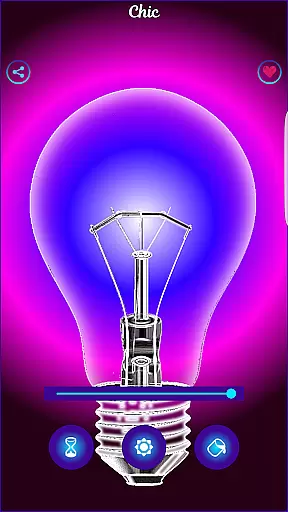
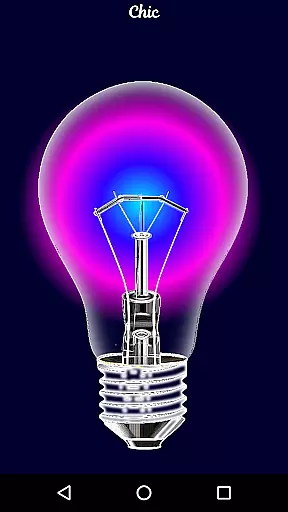
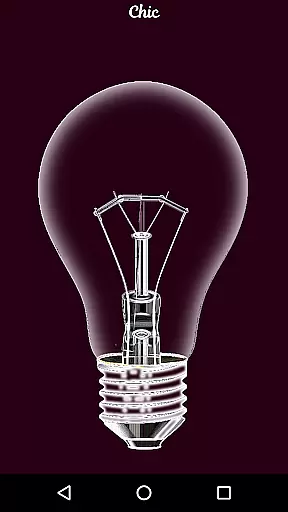
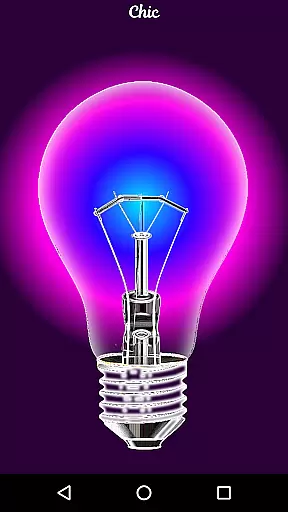
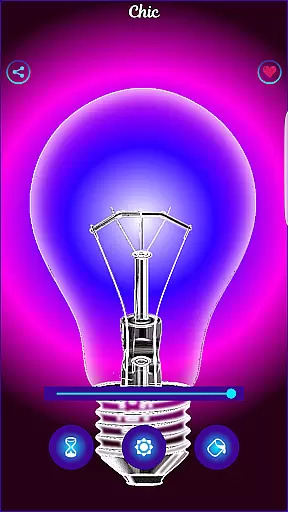
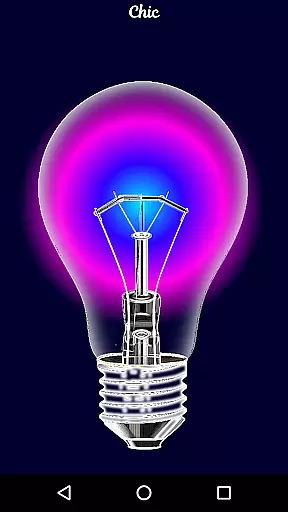
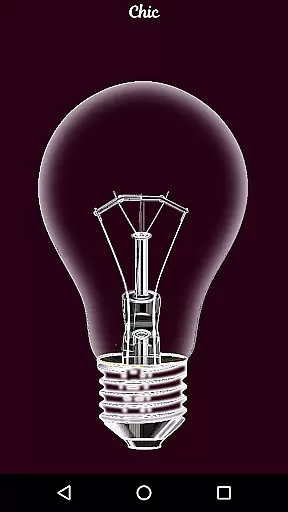
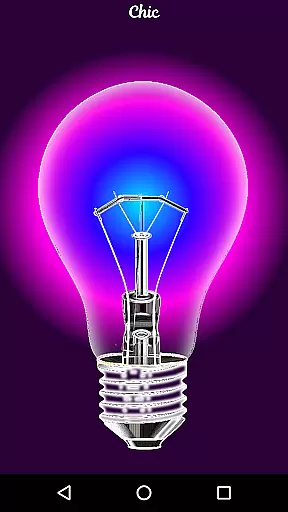
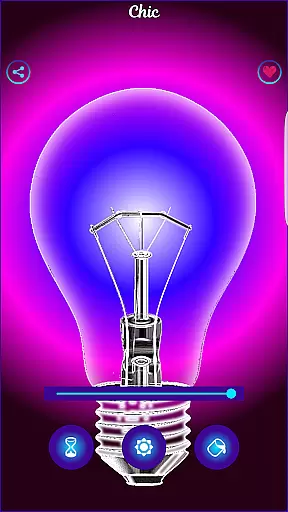
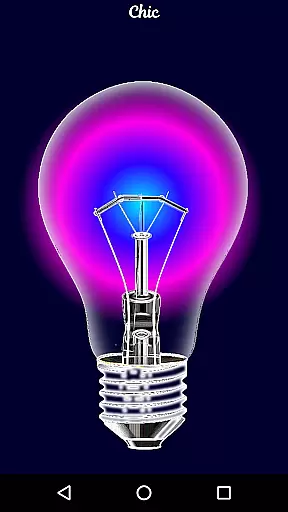
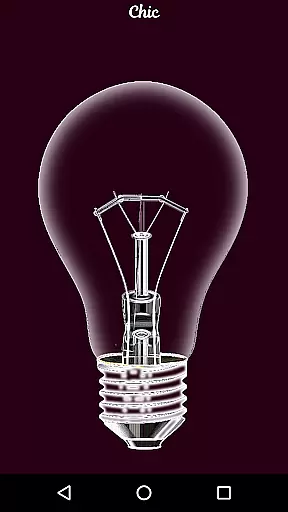
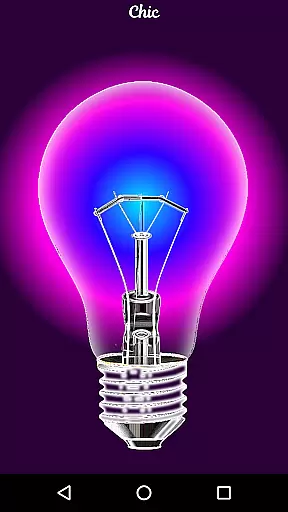
Black Light is a unique simulator app designed to mimic the effects of real black light. The app allows users to customize their experience by adjusting the tone, time, and brightness settings to create an immersive environment in dark spaces. With optimized color variations that produce deep purple hues, Black Light delivers a powerful radiant effect, making it ideal for entertainment purposes. While it doesn't generate actual black light, its simulation offers a fun way to explore creative lighting scenarios.
The app's interface is user-friendly, enabling quick adjustments to suit individual preferences. Whether you're hosting a party or looking to enhance your space with ambient lighting, Black Light provides a simple yet effective solution. Its ability to transform any setting into a vibrant atmosphere makes it a valuable tool for those seeking an engaging visual experience.
Black Light stands out with its customizable features that cater to various user needs. Users can select from multiple deep purple color tones, each optimized for maximum visual impact in low-light conditions. The adjustable timer function allows users to set how long the screen remains active, ensuring convenience and energy efficiency. Additionally, the brightness control feature lets users fine-tune the intensity of the simulated black light to match their desired ambiance.
Beyond its core functionality, Black Light offers seamless usability. The app is lightweight and easy to navigate, providing instant access to all essential controls. Its intuitive design ensures that even first-time users can quickly adapt and enjoy the full range of features. By combining practical customization options with straightforward operation, Black Light delivers both versatility and ease of use, making it a standout choice among similar apps.
Functionality completeness refers to the range of features an application offers to meet user needs. For Black Light, this simulator provides a comprehensive set of tools for users interested in experimenting with light and color in dark environments.
The app allows customization of color tones, specifically deep purple variations, which are optimized for a radiant effect in the dark. This feature ensures that users can explore different shades and find the perfect tone that suits their preference.
Additionally, Black Light includes adjustable settings for screen activity duration and brightness control. These options enhance user experience by allowing precise adjustments, making it versatile for various entertainment or experimental purposes.
By offering these functionalities, Black Light delivers a complete package for users seeking to mimic black light effects on their devices, ensuring both fun and visually striking experiences.
Usability and operational smoothness focus on how intuitive and seamless an application is to use. Black Light excels in providing a user-friendly interface where individuals can effortlessly navigate through its features.
Users can easily modify settings such as color tone, screen activity time, and brightness. The straightforward controls ensure that even those unfamiliar with technical details can quickly adapt and enjoy the app's capabilities without frustration.
Moreover, the app guarantees operational smoothness by maintaining stable performance while running these customizations. Thereu2019s no lag or interruption when switching between different tones or adjusting brightness levels, contributing to uninterrupted enjoyment.
This dedication to usability makes Black Light not only accessible but also reliable, enhancing overall satisfaction as users experiment with digital black light effects at their convenience.
User-friendly interface
Customizable color tones
Adjustable timer function
Optimized radiant effects
Lightweight and efficient
No real black light emission
Limited to purple tones
Basic feature set
Not suitable for professional use
May drain battery faster

Game Booster GFX for smoother gaming experience. Enjoy 120 FPS and 4x Game Space
 4.20
4.20
Do you want to drive easy ? do you wanna full mirror link Mobile with your car
4.10
Sad ringtones full of feeling, sad music ringtones
3.90
Identify securely online
3.10
Collection of Maps and Mods for Dmod
3.30
charging your phone by other phone easly
4.00
Looking to connect your phone to your car screen? Mirror Link is the solution.
3.20
Ps2 plugins for 64 bit artitechture
3.70
The best PS2 games from your childhood come to life in their mobile version!
4.00
Read Holy Quran Feel Like Real Quran & Listen Al Quran Mp3 Audio Online Offline.
4.70
Game booster GFX may reduce interruptions and improve gaming experience.
4.50
An impressive collection of tools, characters, weapons, skins and more!
4.30
Unlock the hidden menus of your phone with our mobile secret codes app.
4.20
You can remote control and play much easier.
4.10
Connect your phone to any endoscope camera, USB camera, or borescope with ease.
3.70
Mirror phone to TV effortlessly! Stream, share & connect with Airplay ease.
3.60
Now Available on Android ™
3.40
Connect and Find your smart tag via our app.our app is compatible with smarttag.
3.30
Zlink Carplay Android a mirror link app with a Carplay interface style
4.5


User Reviews