
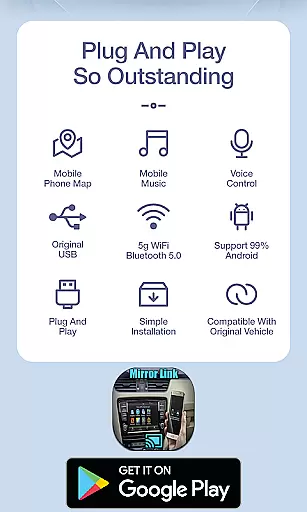
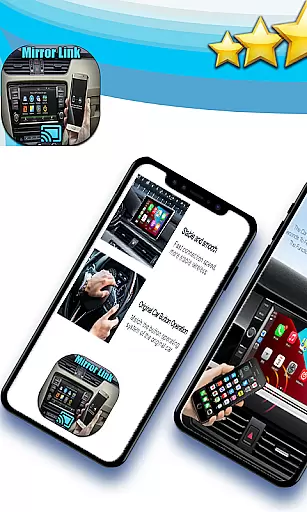
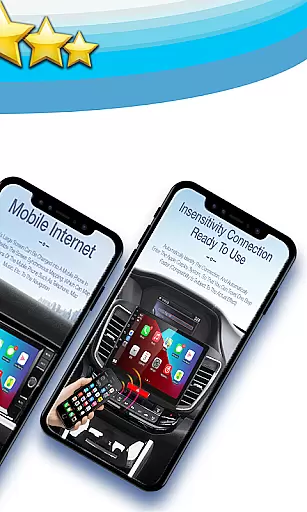
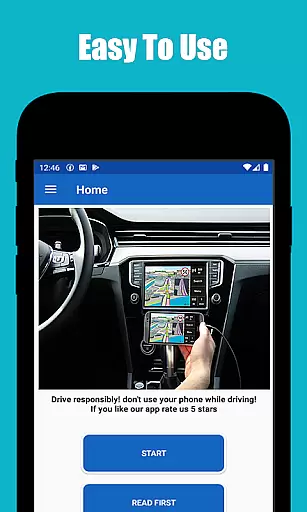
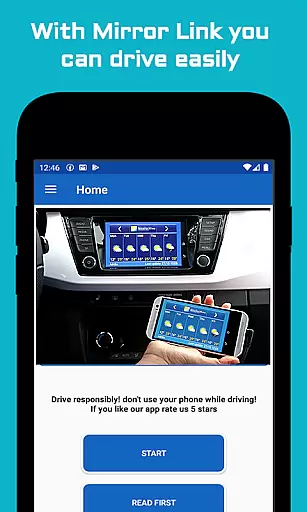
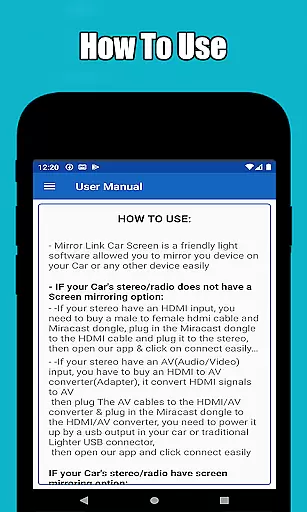
Mirror Link Car Connector is a specialized application designed to enhance driving convenience by enabling seamless screen mirroring between mobile devices and car displays. The app utilizes the screen mirroring feature available on Android devices, allowing users to connect their phones to their car screens without the need for cables.
One of the key functionalities of this app is its ability to mirror not only with car screens but also with home TVs and other compatible devices. This ensures that drivers can focus on the road while still accessing essential mobile features. Additionally, the app offers automation capabilities, such as playing and pausing music when the device connects to the car's screen, thus eliminating manual adjustments and enhancing safety.
This application is particularly useful for those who spend a significant amount of time driving and wish to integrate their mobile experience with their vehicle's display system. By providing an effortless connection process, Mirror Link Car Connector ensures that users can concentrate on driving safely while enjoying the benefits of their mobile devices.
Mirror Link Car Connector stands out due to its versatile connectivity options and user-friendly interface. One of the primary features is its ability to connect with any compatible device, not just limited to car screens. This flexibility allows users to mirror their phone screens with home TVs and other display systems, broadening its utility beyond just automotive use.
The app employs advanced screen mirroring technology to ensure a stable and high-quality connection. Users can easily manage their media playback directly from their car's display, thanks to the automation features integrated into the app. These include automatically playing or pausing music when the phone connects or disconnects from the car screen, which minimizes distractions and enhances the driving experience.
Another notable feature is the simplicity of its setup process. With intuitive controls and straightforward instructions, users can quickly establish a connection without needing technical expertise. This ease of use, combined with the app's robust performance, makes Mirror Link Car Connector a valuable tool for anyone looking to streamline their in-car entertainment and information systems.
Mirror link car connector offers a comprehensive solution for connecting your mobile device to various screens, including car displays and home TVs. This functionality is crucial for users seeking a seamless transition of their mobile experience onto larger screens.
The app leverages the screen mirroring feature inherent in Android devices, ensuring broad compatibility and ease of use. By facilitating wireless connections, it eliminates the need for cumbersome cables and adapters, streamlining the process of linking your phone with external displays.
With its ability to connect with any device beyond just cars, Mirror link car connector extends its utility beyond driving scenarios. Whether you're at home or in your vehicle, this app ensures that your content is accessible wherever you are.
Ultimately, the value of Mirror link car connector lies in its versatility and user-centric design. It empowers users to focus on what truly mattersu2014like safety and convenienceu2014while enjoying an uninterrupted multimedia experience across different devices.
Usability is a critical factor for any application, and Mirror link car connector excels in providing a smooth operational experience. The app's intuitive interface allows users to effortlessly mirror their phone screens to car displays, enhancing both convenience and safety during drives.
One notable feature is the automation capability that plays and pauses music when connecting to a car's screen. This hands-free operation minimizes distractions, enabling drivers to concentrate on essential tasks such as adjusting mirrors or securing seat belts without manually handling their devices.
The app's straightforward setup process further enhances its usability. Users can quickly establish a connection without needing extensive technical knowledge, making it accessible even to those who may not be tech-savvy. Its simplicity does not compromise functionality but rather complements it by offering an efficient way to manage media playback.
In summary, Mirror link car connector stands out through its commitment to delivering a hassle-free user experience. By prioritizing ease-of-use and operational fluidity, it ensures that users can enjoy their favorite content safely and conveniently across multiple environments.
User-friendly interface
Wireless connectivity
Versatile device compatibility
Automation capabilities
Enhanced driving safety
Limited to Android devices
Requires compatible hardware
Occasional connection issues
No iOS support
Basic feature set

If you are looking for melon playground mod that fun you deffinitely try our app
 2.70
2.70
The Free Catholic Latin American Bible in complete Spanish
4.60
Popular mods fnaf mods for melon playground
4.50
Block, disable and secure phone camera from secretly taking photos by spyware.
4.50
Turn your phone into a wireless Xbox controller – play, stream & control anytime
4.1
Mobile Connect To TV - HDMI USB & WiFi Screen Mirroring
3.70
Endoscope camera an app to connect with endoscope cam or any device
3.30
Phone Software Update Quick Checker helps you to keep your phone apps up to date
4.50
The best PS2 games from your childhood come to life in their mobile version!
4.00
Game booster GFX may reduce interruptions and improve gaming experience.
4.50
An impressive collection of tools, characters, weapons, skins and more!
4.30
Unlock the hidden menus of your phone with our mobile secret codes app.
4.20
You can remote control and play much easier.
4.10
Connect and find your Smarttag devices through our app.
4.00
charging your phone by other phone easly
4.00
A Pydroid Quick Install repository provider.
4.00
Sad ringtones full of feeling, sad music ringtones
3.90
Collection of Maps and Mods for Dmod
3.30
Record with Double Camera Video Recording using Dual Camera Front and Back Video
3.00


User Reviews