
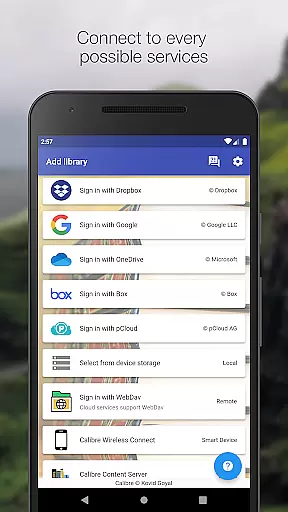
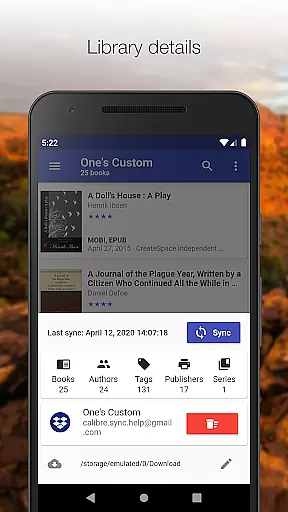
Calibre Sync is a comprehensive solution for managing your Calibre libraries across multiple cloud services and devices. This Books & Reference app allows users to seamlessly access their entire Calibre library on popular personal cloud platforms like Google Drive, Dropbox, Microsoft OneDrive, Box, pCloud, MEGA, WebDav, Nextcloud, and OwnCloud. The application transforms your device into a smart device emulator that connects wirelessly to Calibre, supporting both external storage and Calibre Content Server with impressive performance.
The app's key strength lies in its ability to handle unlimited Calibre libraries across various accounts simultaneously. Whether you need to browse, sort, search, download, or read books directly on your device, Calibre Sync provides the tools to manage your digital library efficiently. Its automatic library update feature ensures your collections are always current, while the support for different book list layouts and custom columns enhances the user experience. With dark/light themes and detailed library statistics, this app offers both functionality and customization options that cater to avid readers and digital librarians alike.
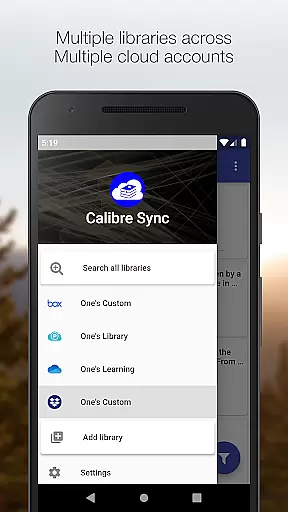
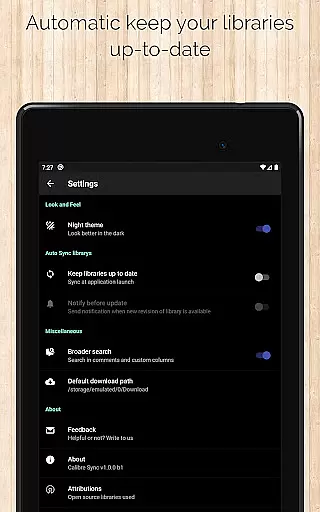
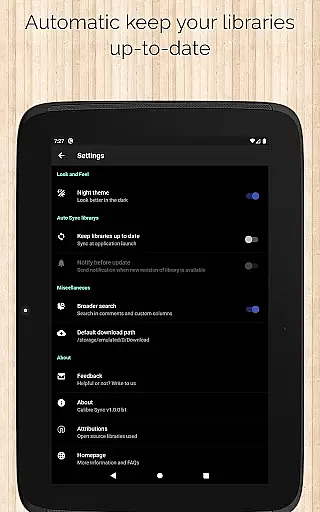
Calibre Sync stands out with its extensive feature set designed to optimize the management of digital libraries. The app supports unlimited Calibre libraries and enables effortless wireless connection to Calibre as a smart device. Users can easily switch between multiple libraries across different accounts, ensuring seamless access to their entire collection regardless of where it's stored. The automatic check and update function when launching the app guarantees that your libraries are always up-to-date without manual intervention.
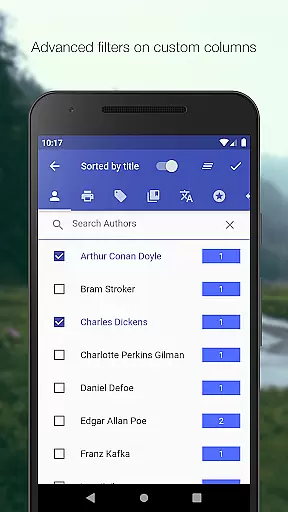
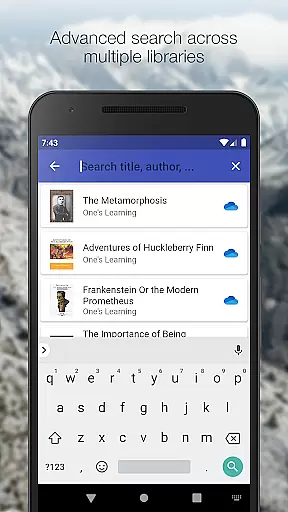
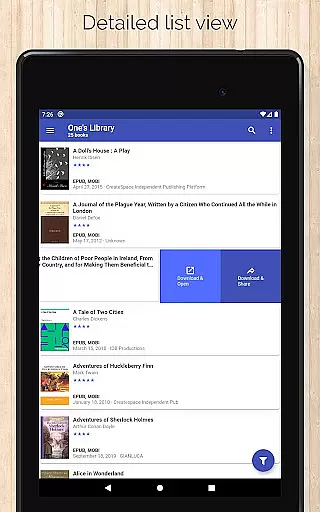
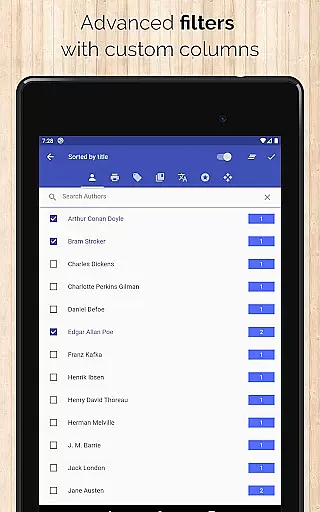
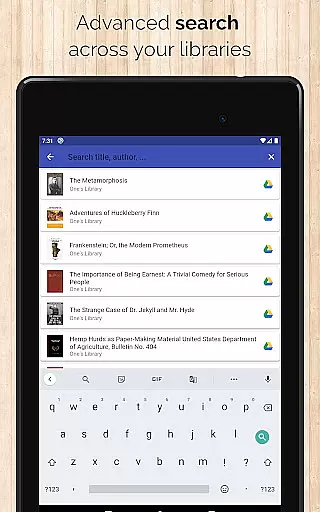
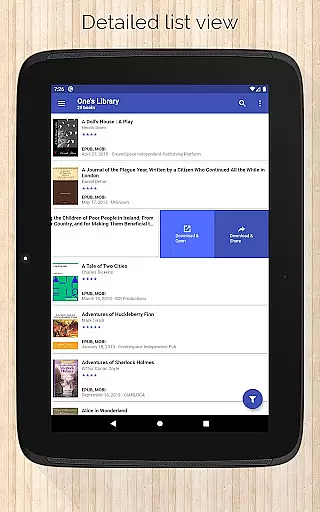
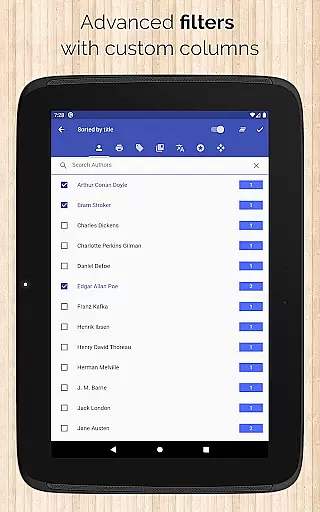
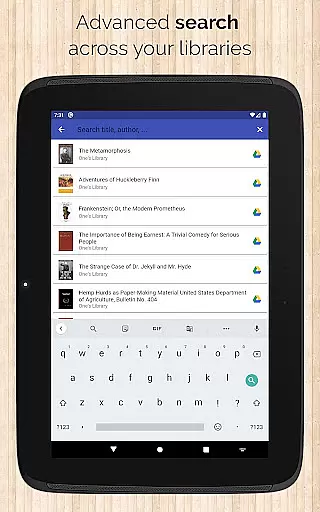
Among its many capabilities, Calibre Sync offers advanced search and filter options. You can search books by title, authors, comments, and custom columns while filtering them based on authors, series, tags, language, publishers, formats, and custom columns. Sorting options include title, author, ratings, and various date parameters in both ascending and descending order. Additionally, features such as quick access to book downloads via slideable list view, zoomable book covers, and swipe navigation in book details view enhance usability. The app also supports emailing or sharing downloaded books and viewing file sizes of each format, making it an indispensable tool for managing extensive e-book collections.
Calibre Sync offers an impressive e-book library solution by allowing users to access full Calibre libraries on most popular personal cloud services. This includes Google Drive, Dropbox, Microsoft OneDrive, and more, ensuring a vast collection of books is readily available.
The app supports unlimited Calibre libraries, enabling users to move their libraries to their favorite cloud providers. This feature not only expands the library size but also ensures that all content remains authentic and true to its source, as it directly syncs with Calibre's extensive database.
Users can browse, sort, search, download, and read books on their devices, making it a comprehensive tool for managing extensive e-book collections. The ability to filter books by authors, series, tags, language, publishers, formats, and custom columns adds another layer of precision in accessing desired content.
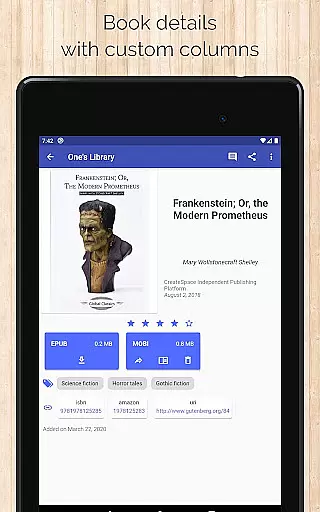
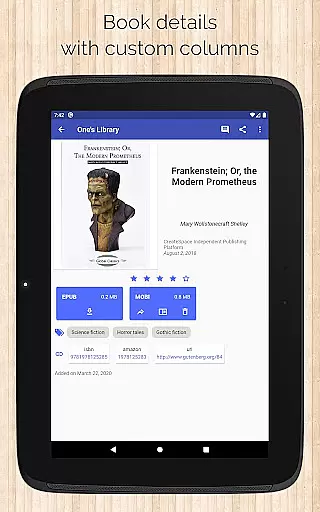
With Calibre Sync, users are assured of the authenticity of their e-books, as they can view book identifiers and link to sources like ISBN, Amazon, Google Books, and Goodreads. This guarantees that the content accessed is credible and aligned with original publications.
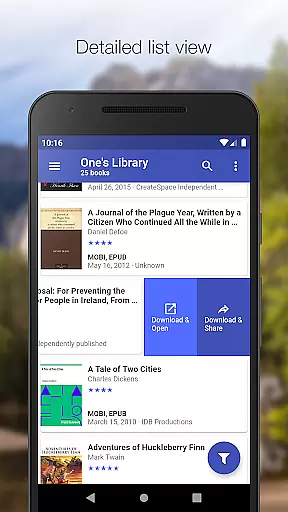
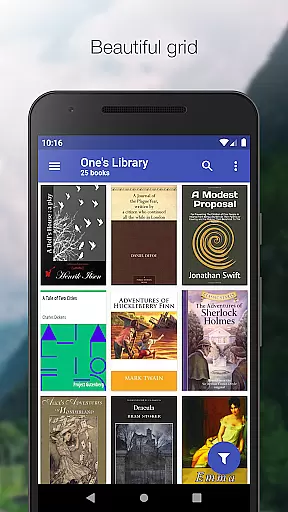
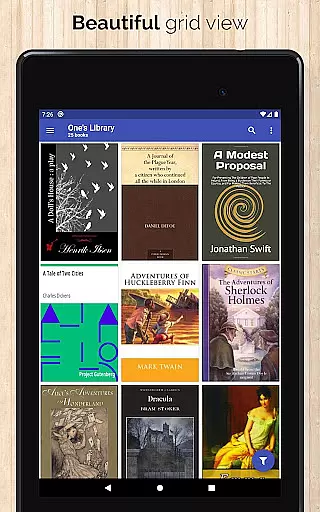
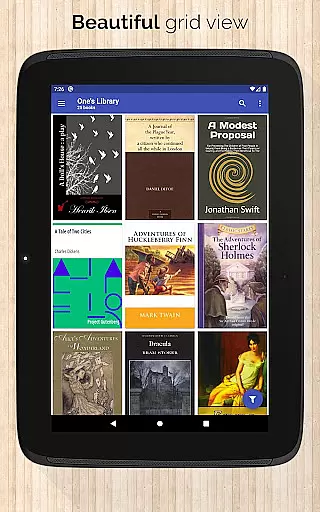
One of Calibre Sync's standout features is its exceptional format compatibility, supporting various book list layouts such as detailed and simple lists, grids, and carousels. This flexibility allows users to choose how they wish to view their library, enhancing the overall user experience.
The app supports different book formats and enables users to view the file size of each format, ensuring optimal storage management. Users can download books in their preferred formats and open them using their favorite reader apps, providing seamless integration across platforms.
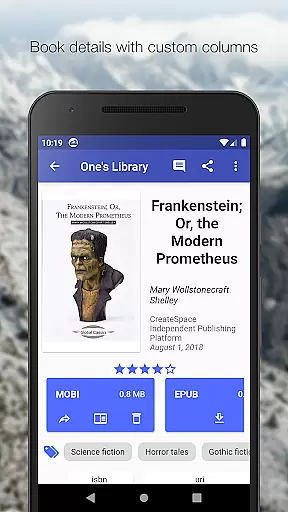
Calibre Sync also supports custom columns in book details view, offering enhanced customization options for users who require specific data fields. This level of detail ensures that no matter the book format or additional information required, the app can accommodate these needs effortlessly.
Furthermore, the app provides dark and light themes, catering to user preferences and ensuring readability in various lighting conditions. This attention to format compatibility and user interface makes Calibre Sync a versatile tool for avid readers and digital library curators alike.
User-friendly interface
Extensive cloud service support
Advanced search capabilities
Customizable layout options
Automatic library updates
No built-in reader functionality
Limited OneDrive support
Requires storage permission
Box API write permission needed
Case-sensitive file system required

Flora of Virginia Project (www.floraofvirginia.org)
 5.00
5.00
Novels, audiobooks, ebooks & fanfiction. Read anytime, anywhere!
3.40
Knots 360 Pro ( 3D ) shows you animated 192 knots in 3D perspective
4.10
7 Languages, Google, Wiki, Vocabulary.com, Cambridge & Urban Dictionary!
4.50
The Original & Authentic Crystals, Gemstones, Rocks & Minerals Encyclopedia.
4.60
Read unlimited novels, audiobooks, stories & Unlock ebooks, fanfiction and more!
4.70
Daily Devotional Widgets & Hourly Verses. Listen to Bible & Watch Holy Stories
4.70
Read the Quran in Arabic alongside its translation, with color coded Tajweed.
4.50
Liturgy of the Hours and Mass for every day of every year. No Internet needed!
5.00
Offline dictionary for learning Cantonese as a second language
4.90
Universal Zoom, learn about sizes & distances of the universe and microcosmos
4.80
The dynamic dictionary/reference app for piano chords and scales!
4.80
Read aloud texts, audiobooks, PDFs or any eBook with text to speech AI audio
4.60
Scan. Price. Grade.
4.60
“It is fun to have fun, but you have to know how!”
4.40
Improve your vocabulary and grammar with the 15 biggest Oxford Dictionaries.
4.30
Holy Bible with verses and audio for studying and prayer
4.30
Read Trending Romance Stories
4.00
America's best dictionary and thesaurus - with premium content and no ads
3.40


User Reviews