
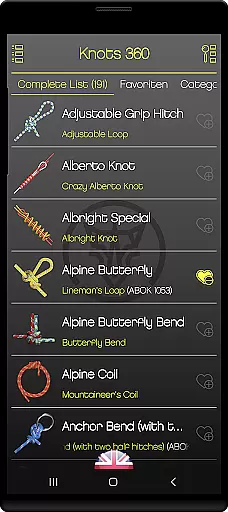
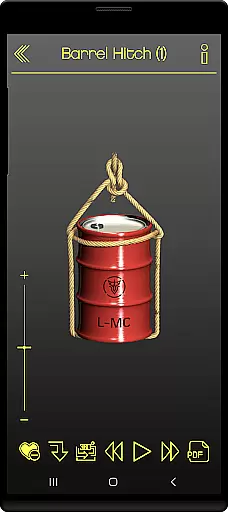
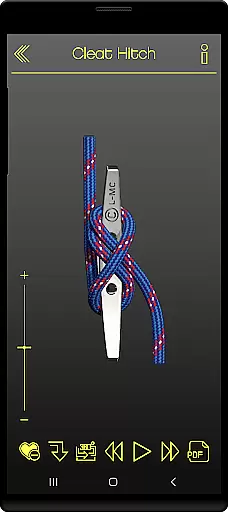
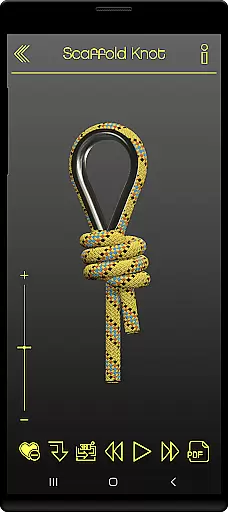
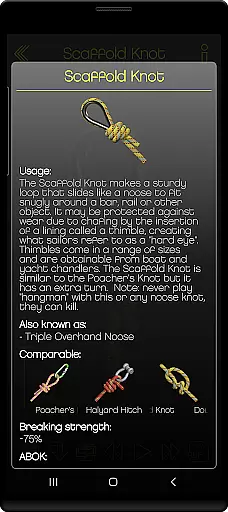
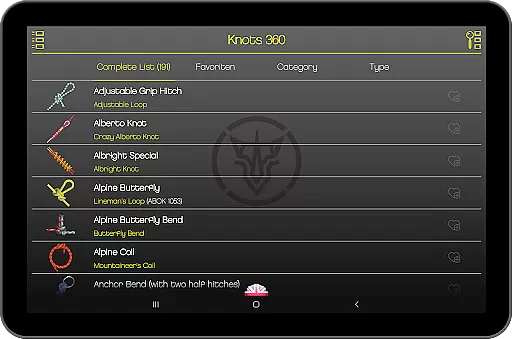
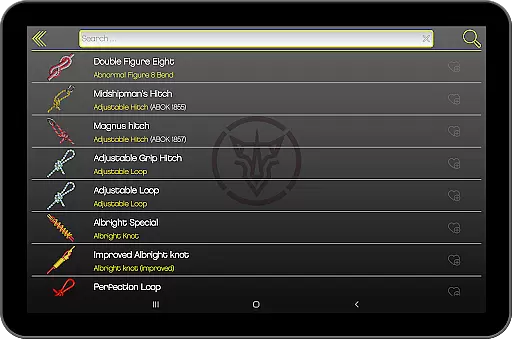
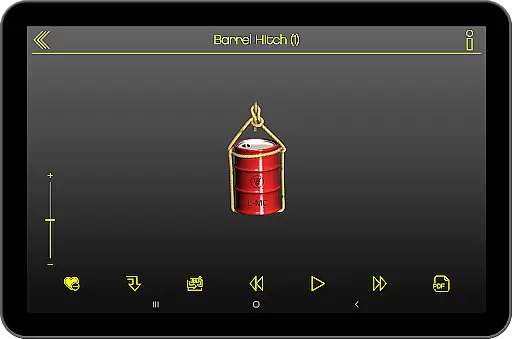
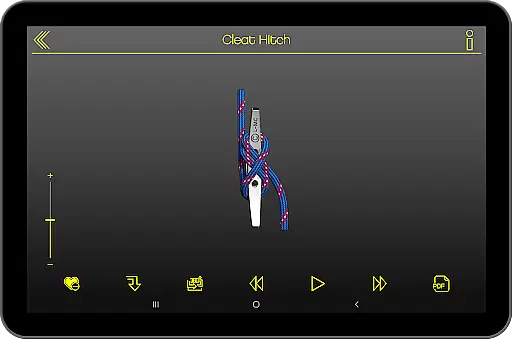
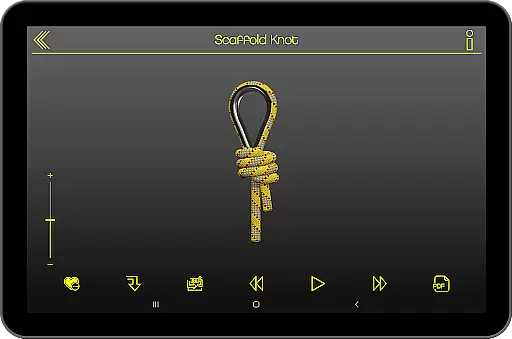
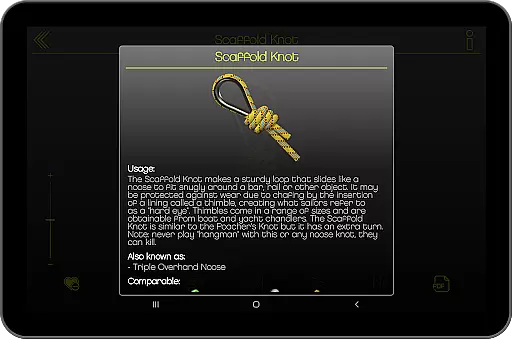
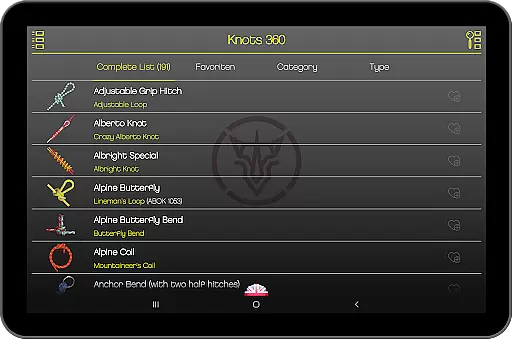
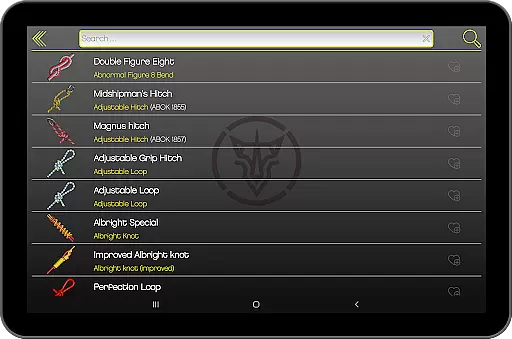
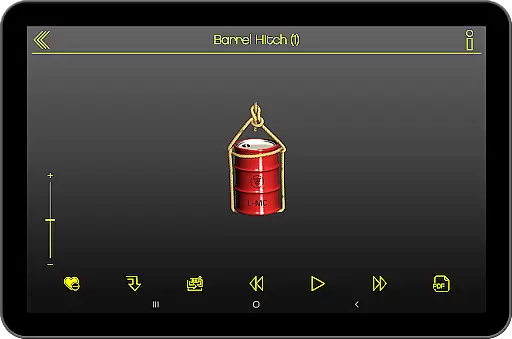
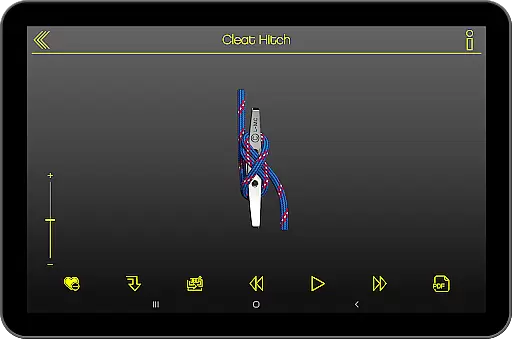
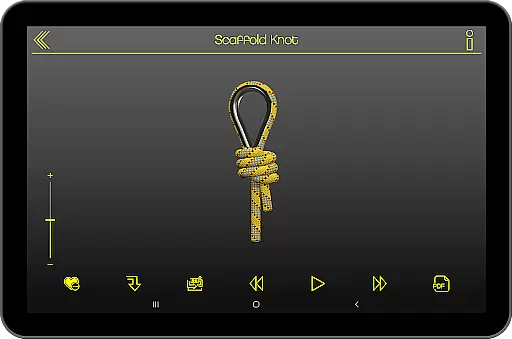
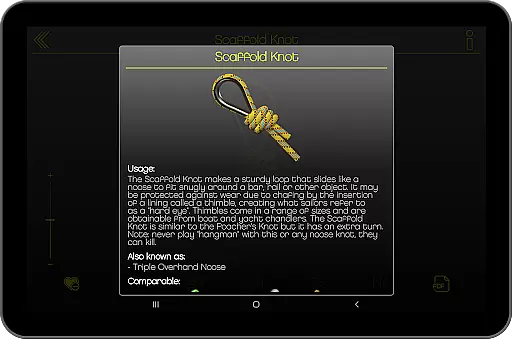
Knots 360 Pro (3D) is a comprehensive knot reference application that provides users with an interactive 3D perspective of 192 different knots. The app offers detailed animations and step-by-step instructions, making it easy for users to learn and master each knot. With features like adjustable animation speed and the ability to rotate, zoom, and animate knots using finger gestures, this app caters to both beginners and experienced knot enthusiasts.
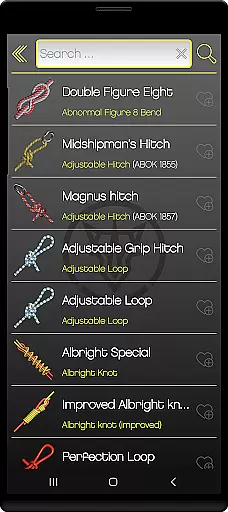
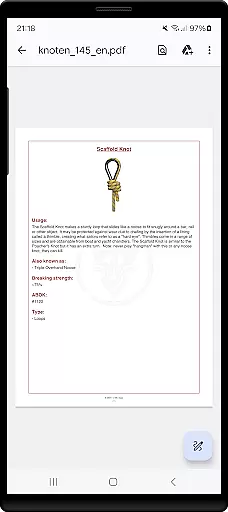
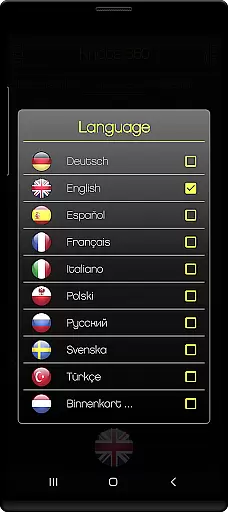
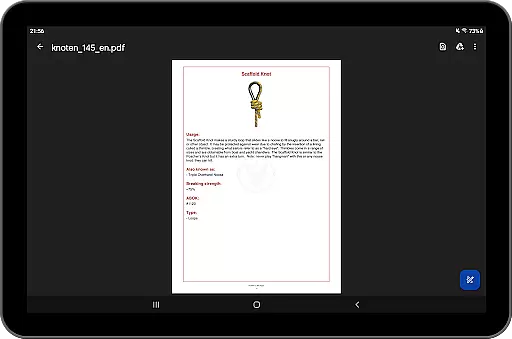
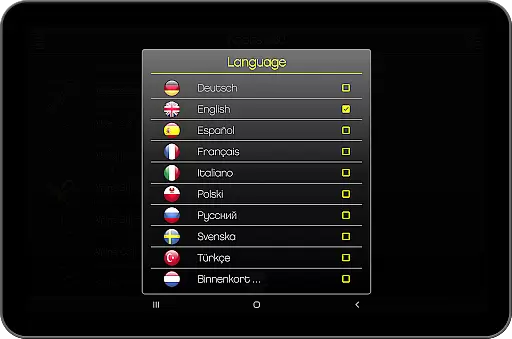
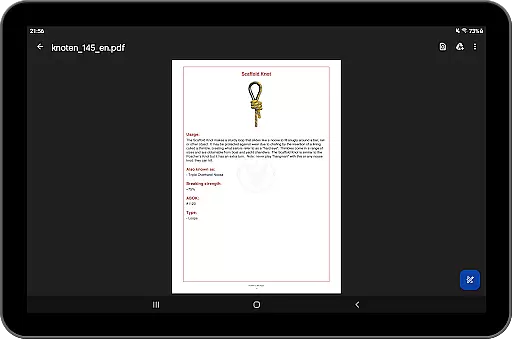
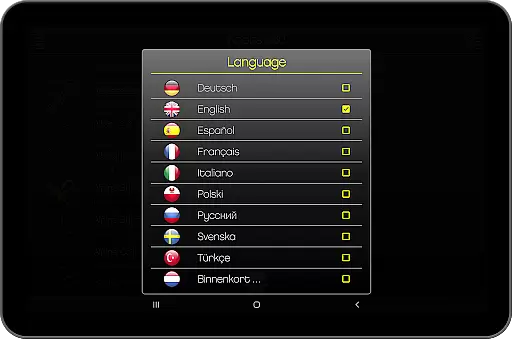
Designed for convenience and usability, Knots 360 Pro supports multiple languages including English, French, German, Italian, Polish, Russian, Spanish, Swedish, and Turkish. Users can create a favorites list, print knots in PDF format, and access knot information across various categories. The app's display is optimized for devices with screen sizes greater than 6 inches and can be installed on an SD card, ensuring smooth performance even on older devices.
The standout feature of Knots 360 Pro is its advanced 3D animation capability, which allows users to interact with each knot from all angles. This includes the ability to start, stop, and adjust the animation speed, providing complete control over the learning process. Additionally, the single picture mode enables users to focus on specific steps without distractions.
Beyond its core functionality, the app includes practical tools such as a favorites list for quick access to frequently used knots, and a categorization system that organizes knots into logical groups. The inclusion of fishing knots and support for multiple languages makes this app versatile and accessible to a global audience. Moreover, the pro version is completely ad-free, offering an uninterrupted user experience.
Knots 360 Pro (3D) offers an extensive collection of knot references, showcasing 192 distinct knots in a fully interactive 3D format. This comprehensive digital library spans across multiple categories, ensuring that users have access to a wide variety of knot types including 42 specialized fishing knots.
The app guarantees copyright authenticity by implementing strict protection measures, such as requiring internet access for verification purposes. Users can trust the legitimacy of the content, which is presented in nine different languages, with more planned for the future.
With features like PDF printing and the ability to save favorites, this reference tool ensures that users can rely on its content for both personal and professional use. The sheer volume and quality of knots available make it an invaluable resource for anyone interested in knot-tying.
One of Knots 360 Pro's standout features is its versatile format compatibility, allowing users to interact with the knots in various ways. The app supports 3D animation, enabling users to rotate, zoom, and animate each knot using their fingers. This interactive approach caters to different learning styles and preferences.
In addition to its touch-based controls, the app provides options for adjusting animation speed and switching between single-picture mode and a full 360-degree view. These features ensure that users can customize their experience based on their specific needs and device capabilities.
The application is optimized for devices with display sizes of 6 inches or larger and can be installed on SD cards, making it accessible to a wider range of users. Its landscape orientation support further enhances usability across different devices, providing flexibility in how and where users can access this valuable reference material.
User-friendly interface
Comprehensive knot library
Interactive 3D animations
Multi-language support
Ad-free experience
Limited free version
Requires internet for DRM
No offline language packs
Large file size
Complex for beginners

Read the KJV Bible with Strong’s offline: reading plans, audio Bibles, and more.
 4.70
4.70
Find, discuss, and organize your world of books and shows.
4.60
Bible Spiritual Companion
4.40
Manage collectibles, survey and treasure maps in Elder Scrolls Online.
4.40
The dynamic dictionary/reference app for piano chords and scales!
4.80
The Original & Authentic Crystals, Gemstones, Rocks & Minerals Encyclopedia.
4.60
A companion for prayer, with Azan alarm, Quibla direction, and Holy Quran book
4.10
Daily Bible app: King James Version with verses and audio for studying&prayer
4.40
A Comprehensive Restoration of Sacred Scripture
4.50
Offline dictionary for learning Cantonese as a second language
4.90
"When tweetle beetles fight, it's called a tweetle beetle battle."
4.90
Bible Study App with Audio Book, Verse of the Day, and Devotionals.
4.80
Liturgy of the Hours totally off-line
4.80
Daily Prayer, personalized Bible Study, AI-guided Insights, and Spiritual Growth
4.80
King James Bible read offline, AI Priest, Bible Quiz, Guiding Prayers & Plans
4.80
A lightweight reader for comics and mangas files (.cbr, .cbz, .cbt, .pdf, ...)
4.80
"Do you like green eggs and ham?"
4.70
Research your family history to explore ancestors and search for your heritage
4.50
Improve your vocabulary and grammar with the 15 biggest Oxford Dictionaries.
4.30


User Reviews