
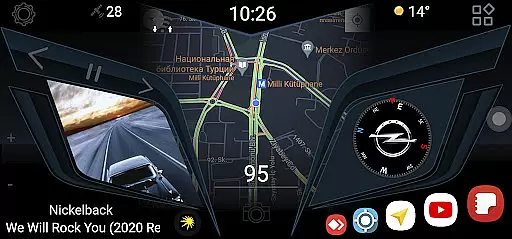
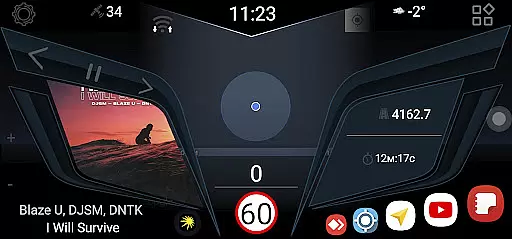
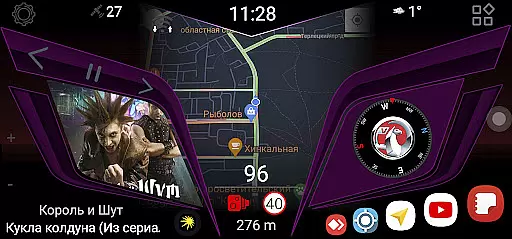
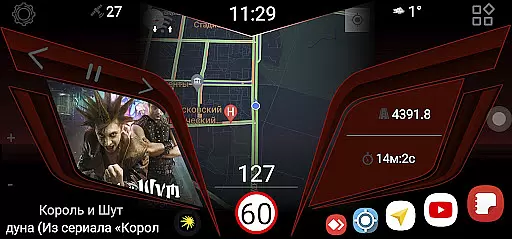
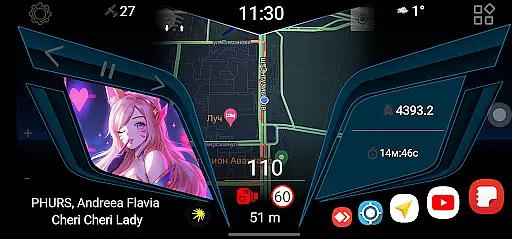
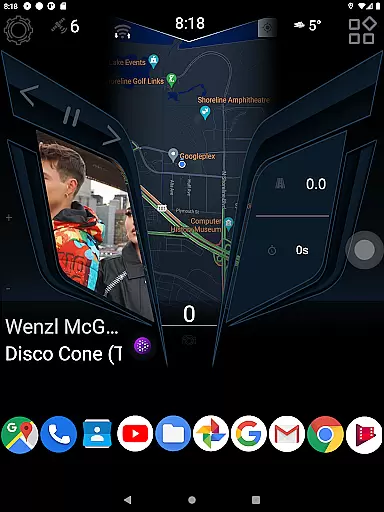
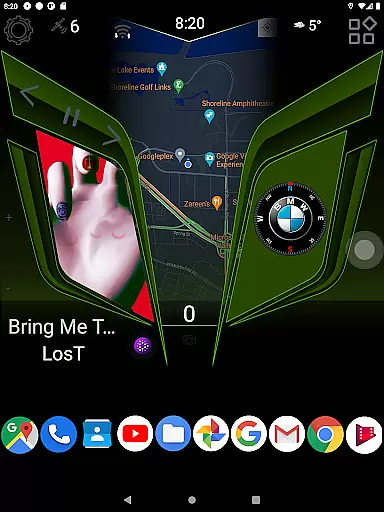
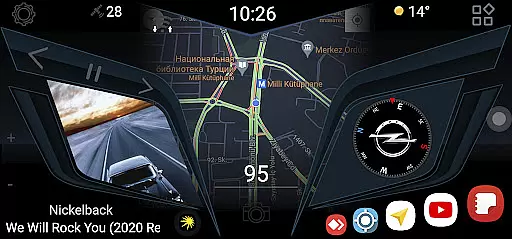
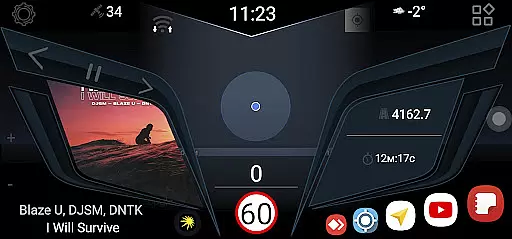
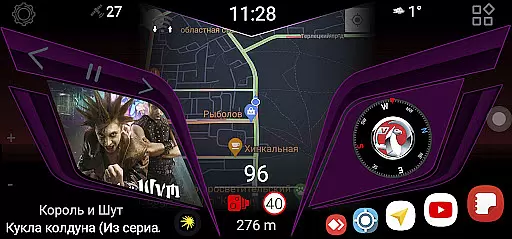
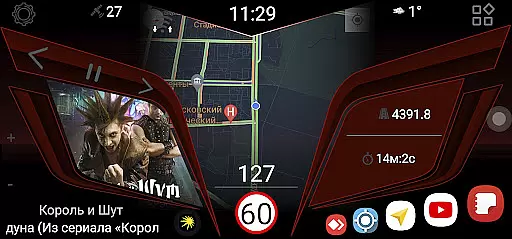
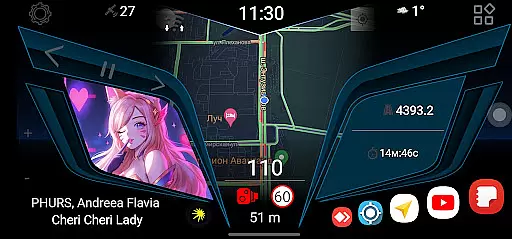
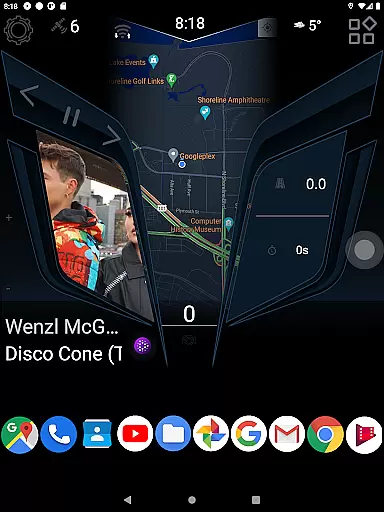
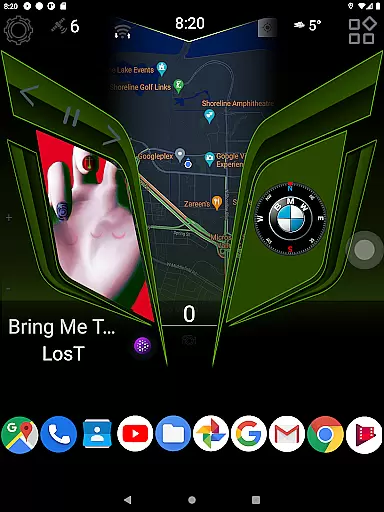
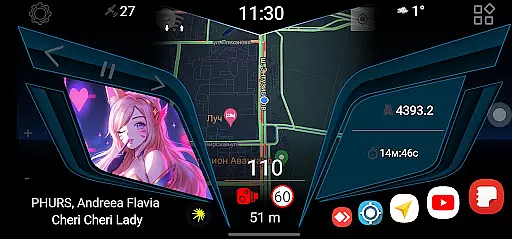
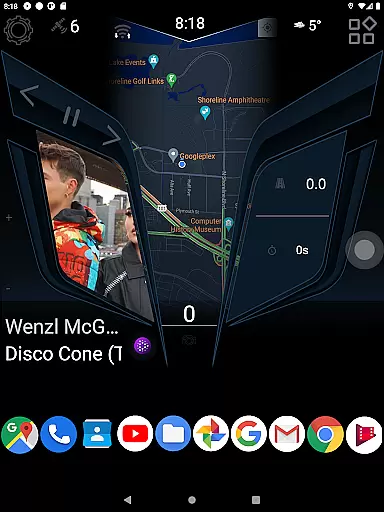
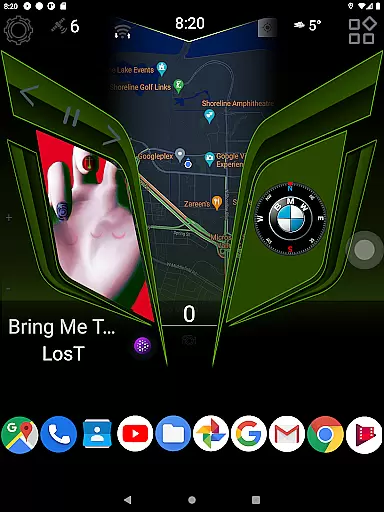
CL Theme Line is a specialized theme designed exclusively for the Car Launcher Free/Pro app, catering to users who want to enhance their in-car interface experience. This theme transforms the visual layout of your car's launcher, providing a sleek and modern design that focuses on simplicity and usability while driving.
The theme requires the base Car Launcher application from Apps Lab Studio to be installed on your device. Once integrated, it allows users to customize their car interface with a streamlined look, ensuring essential apps and functions are easily accessible. The CL Theme Line is ideal for drivers seeking an uncluttered dashboard-style interface that minimizes distractions while offering quick access to navigation, music, and communication tools.
CL Theme Line offers several distinguishing features that set it apart as a top choice for Car Launcher customization. First, its minimalist line design provides a clean aesthetic that reduces visual clutter, making it easier for drivers to focus on the road while interacting with their car's system.
Another notable feature is the seamless integration process. Users can install the theme directly through the Car Launcher's settings by selecting "Choose a theme" and applying the desired design. This ensures a hassle-free setup without requiring technical expertise. Additionally, the theme supports all core functionalities of the Car Launcher, including quick access buttons for navigation, phone calls, and media controls, thus maintaining full usability while enhancing visual appeal.
When it comes to customizing your vehicle's digital interface, having access to detailed vehicle information is crucial. CL Theme Line offers a unique way to enhance the user experience by providing themes specifically designed for Car Launcher Free/Pro app users.
This theme does not function as a standalone application but rather complements the Car Launcher app from Apps Lab Studio. It provides visual and functional enhancements that can display relevant vehicle data in an aesthetically pleasing manner.
Users can enjoy a streamlined process to customize their vehicle's interface by following simple installation steps. After ensuring the Car Launcher app is installed, users can select the CL Theme Line from within the app's settings to apply the new look.
The benefit of using CL Theme Line lies in its ability to transform the ordinary car launcher interface into a personalized dashboard. This allows drivers to access important vehicle information with ease, making every drive more enjoyable and visually engaging.
Price transparency is essential when selecting additional features for your vehicle's digital system. CL Theme Line addresses this by offering a straightforward pricing model for its themes, which are designed exclusively for the Car Launcher Free/Pro app.
Before purchasing, users can easily verify if they need to install the main Car Launcher application to utilize the theme. This clarity ensures there are no hidden costs or surprises during the installation process.
By clearly outlining the compatibility requirements and offering the theme at a visible price point, users can make informed decisions about enhancing their vehicle's interface without unexpected expenses.
Ultimately, CL Theme Line empowers users with both aesthetic improvements and financial clarity, allowing them to personalize their driving experience while maintaining full visibility into associated costs.
Enhances visual appeal
Easy to install
Reduces interface clutter
Supports core Car Launcher functions
Improves focus while driving
Requires base app
Limited to Car Launcher
No standalone functionality
Few customization options
Premium version needed

Launcher for use in the car
 4.40
4.40
The Texaco App allows you to pay for fuel from the comfort of your car!
4.80
Car Values, Research and More
4.80
Lexus app currently supports 2010 or newer vehicles (2018 or newer for Hawaii).
4.80
View your car’s service records and find out when maintenance is due.
4.70
Monitor your behind-the-wheel behavior to become a safer driver and save.
4.10
Available in select states.
4.00
Marathon ARCO Rewards members earn rewards & apply the rewards for fuel savings!
4.80
Browse millions of cars, track vehicle listings or sell your car today
4.70
DMV practice test 2025: Driver License permit test & written test for all states
4.70
Quick and easy car diagnostics to get you the right fix.
4.70
Find Fast EV Chargers | Charge Your Vehicle at 1,100+ Fast Car Charging Stations
4.60
Easy connect & control your cars from afar. Remote Lock & unlock car and carplay
4.60
CVT diagnostics with ELM327 for Nissan-based vehicles
4.40
myAudi offers users services and Audi connect services for Audi drivers
4.10
Boost profits and hit your goals faster with GigU's amazing tools for gigworkers
4.00
Wonder how much horsepower and torque your car/truck makes? Look no further.
3.40
Earn and save with Fuel Rewards®
3.20
Ferrari inspired analog & digital watch face with quick access and premium style
4.1


User Reviews