
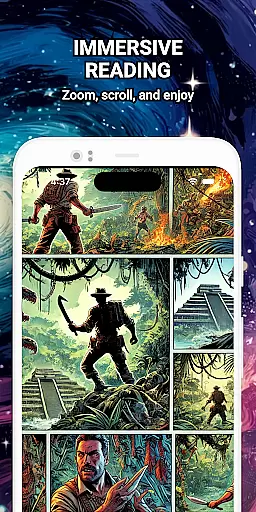
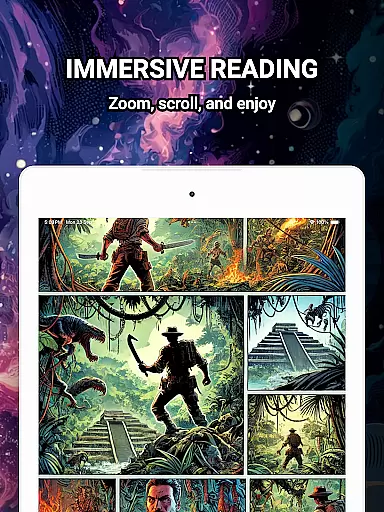
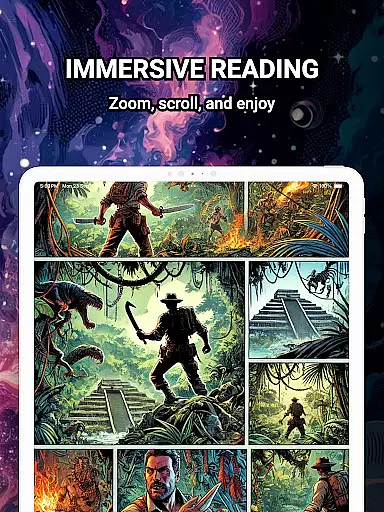
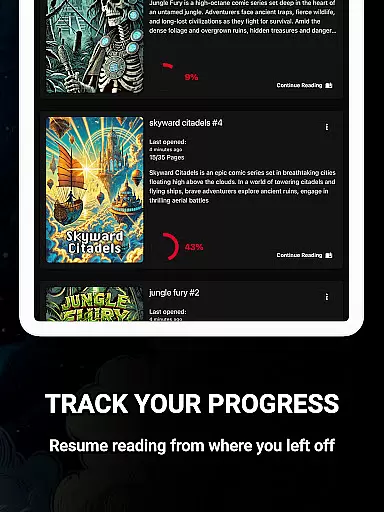
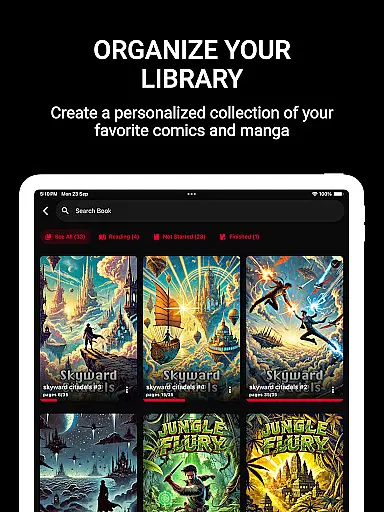
ComiQuest is a versatile comic reader app tailored for fans of CBR, CBZ, and PDF formats. It offers an elegant reading experience with smooth navigation and smart library features. Whether you're into graphic novels, manga, or webtoons, this app provides seamless access to your entire collection without any distractions.
The app's standout feature is its ability to handle multiple file formats without requiring conversions. With automatic progress tracking, customizable collections, and an experimental eye comfort mode, ComiQuest ensures that readers can enjoy their favorite comics in a personalized and comfortable way.
Perfect for comic enthusiasts who value organization and accessibility, ComiQuest brings all your digital comics together in one intuitive platform. Its ad-free interface and advanced organizational tools make it an ideal choice for managing large collections while maintaining a focus on pure reading enjoyment.
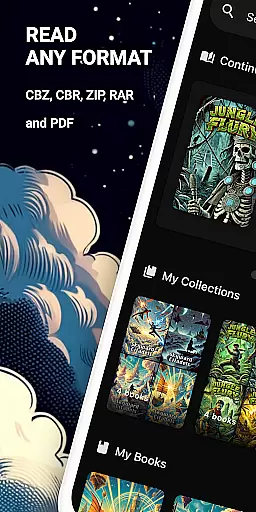
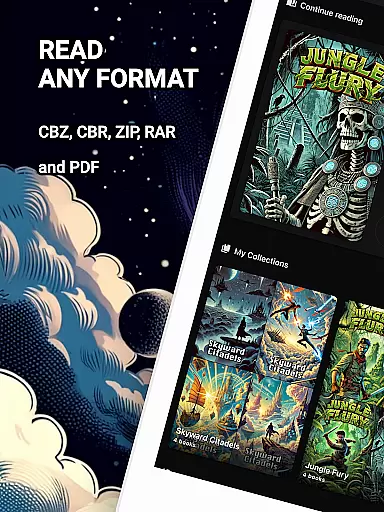
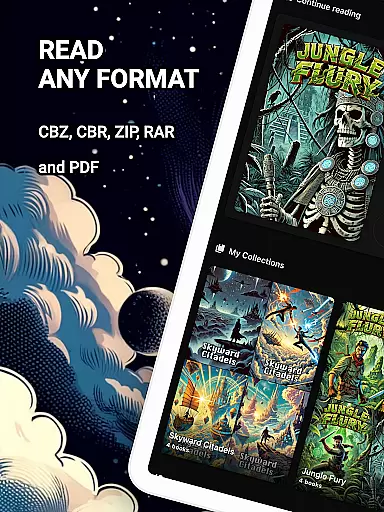
ComiQuest stands out with its robust feature set designed specifically for comic lovers. The app supports popular formats like CBR, CBZ, and PDF, allowing users to import files directly from local storage or USB drives without hassle. This versatility eliminates the need for format conversion, streamlining the reading process.
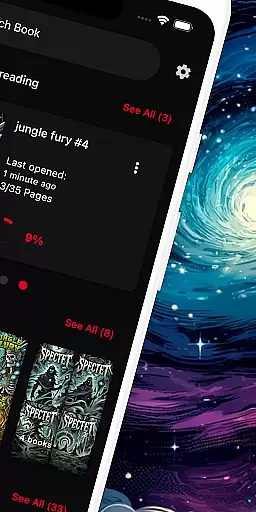
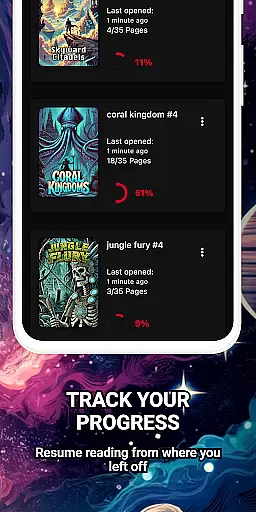
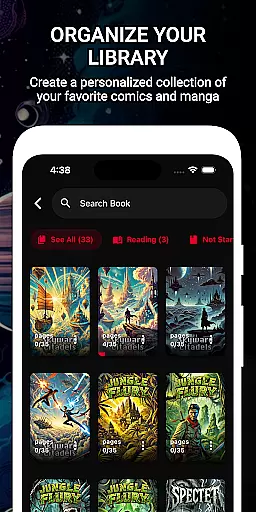
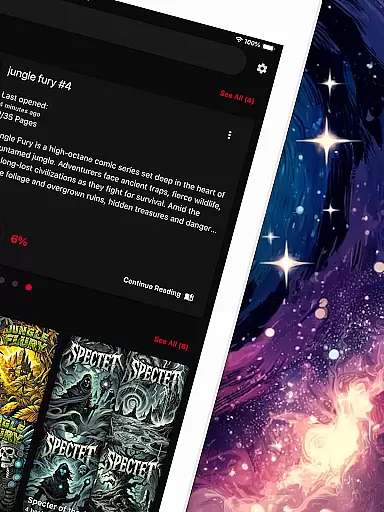
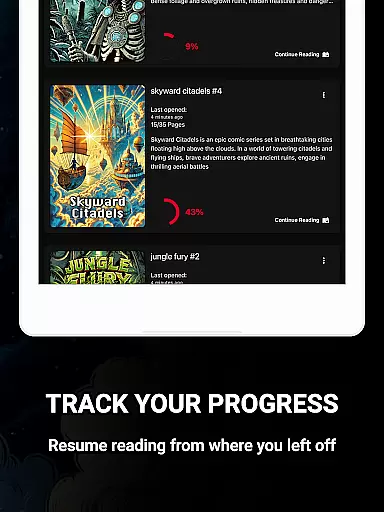
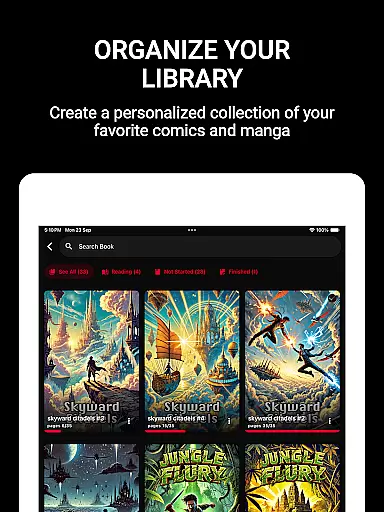
One of the key highlights is the automatic reading progress tracker, which remembers where you left off in every comic. Additionally, users can organize their collections through customizable libraries, making it easy to sort and manage different types of content such as graphic novels or manga. These features ensure that your library remains tidy and accessible.
For added comfort, ComiQuest includes an experimental blue light filter for CBR and CBZ files, reducing eye strain during long reading sessions. With premium options offering unlimited imports and continuous updates, the app provides a comprehensive solution for avid comic readers seeking both functionality and convenience.
ComiQuest offers an extensive comic library that supports multiple formats including CBR, CBZ, and PDF. This ensures that users can access a wide variety of comic books without the need for conversion or additional apps.
The app allows seamless import of files from local storage or USB drives, making it easy to expand your digital collection. Whether you're a fan of graphic novels, manga, or webtoons, ComiQuest provides a comprehensive solution for all your reading needs.
With unlimited imports available through its premium features, ComiQuest encourages users to grow their libraries without restrictions. The ability to organize comics into custom collections further enhances the user experience by keeping everything well-organized and easily accessible.
ComiQuest places a strong emphasis on content authenticity and proper licensing. By supporting direct file imports, the app ensures that users can read their legally acquired comics in their original formats.
While the app itself does not distribute comics, it provides tools for managing personal collections responsibly. Users can be confident that they are engaging with authentic content, preserving the integrity of the creators' work.
Additionally, ComiQuest's ad-free reading environment demonstrates respect for both creators and readers by eliminating intrusive advertisements. This commitment to quality ensures a focused and enjoyable reading experience while respecting intellectual property rights.
User-friendly interface
Multiple format support
Automatic progress tracking
Customizable collections
Ad-free experience
Premium features locked
Limited eye comfort mode
No cloud sync
USB import only
Heavy on storage

Follow your favorite manga and get notifications for new chapters!
 4.50
4.50
A free paradise specially built for comic lovers. When you step into this comic universe full of surprises, it is like opening a door to endless joy. You are immediately immersed in the wonderful world brought by reading and enjoy the infinite charm of reading.
4.5
Read your favorite mangas for free
4.50
매일 매일 새로운 네이버 웹툰
4.50
Pose Tool 3D for the Artists, create any human figure pose quickly for your art.
4.00
The most popular comic book reader.
4.80
Read official webcomics, webtoons, Korean manga & webnovels
3.70
Read comics & manga
4.70
Read Manga, Comics & Manhwa of Romance, Action, Fantasy, Drama, BL and more!
4.40
Instant access to over 30,000 Marvel comics with new issues added every week.
4.70
Dive into creative online comics, short video, graphic novels and web novels!
4.60
Joke book collection with the funniest dad jokes and riddles for you to enjoy!
4.60
Manga reader for manga, manhua, manhwa & webtoon, online & offline, update daily
4.50
Manga Reader for Comics, Webtoons & Manhwa. Read Mangas, Chat Stories and Novel.
4.30
MangaRise - Your Manga and Manhwa Companion
3.90
AsuraScans read manga, manhua, manhwa, and webtoon
3.90
Official digital-manga store. Quality translations that support artists.
3.10
Get the latest manga chapters daily, released simultaneously with Japan.
3.10
You can create comics, manga and manwha using AI with Arcstory comic book maker
2.70


User Reviews