
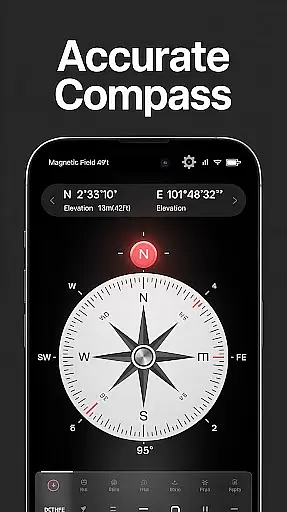
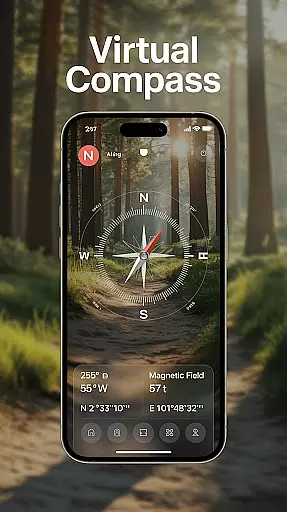
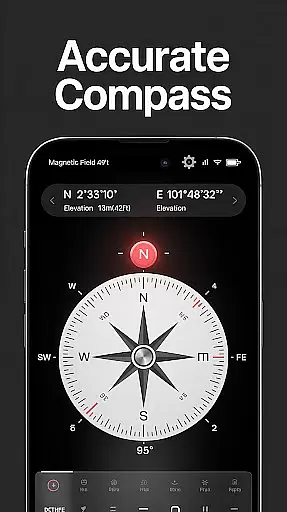
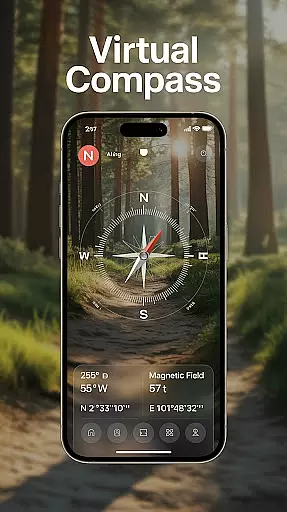
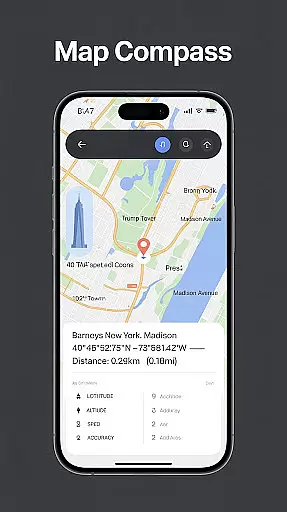
Compass - Directional Compass is a smart and accurate navigation tool designed for both casual users and outdoor enthusiasts. The app provides real-time directional guidance with pinpoint precision, ensuring you can always find your way whether you're hiking, traveling, or exploring new areas.
In addition to its core compass functionality, the app offers advanced features like GPS location tracking, magnetic field detection, and map integration. These features make it an essential companion for various activities such as camping, road trips, and maritime navigation. With its user-friendly interface and customizable themes, including night mode, this app ensures optimal usability in all conditions.
Compass - Directional Compass stands out with its comprehensive feature set tailored for seamless navigation. The app includes a real-time digital compass that operates in both traditional and digital modes, providing smooth and precise directional readings. Its GPS functionality displays exact latitude, longitude, and altitude, enhancing positioning accuracy.
For professional users, the app offers advanced tools like a tilt and level meter for checking surface alignment and angles. It also supports offline use, making it reliable even without an internet connection. Customizable themes, including a night mode, ensure the app remains accessible and easy on the eyes in low-light environments.
Map accuracy is a crucial feature for any navigation app, and Compass - Directional Compass excels in this area. The app provides real-time directional guidance with pinpoint precision, ensuring users can confidently locate North, South, East, or West.
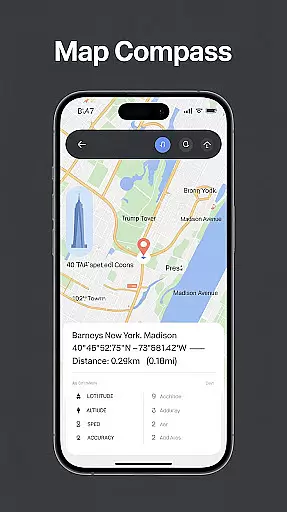
The integration of GPS functionality allows users to access their exact latitude, longitude, and altitude, enhancing positioning accuracy. This data is continuously updated, providing reliable information for better navigation decisions.
Additionally, the app includes magnetic field detection, which helps users stay aware of any magnetic interference that could affect compass readings. By accounting for these variables, Compass - Directional Compass ensures more accurate and trustworthy direction finding.
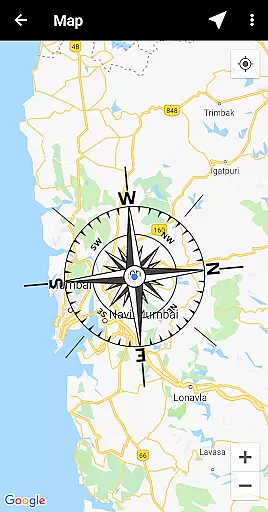
Route planning is made effortless with the advanced features provided by Compass - Directional Compass. The app offers map integration, combining traditional compass functionality with digital maps for enhanced route planning.
Users can take advantage of the tilt and level meter feature, allowing them to check surface alignment and tilt angles through the built-in inclinometer. This tool proves invaluable when navigating uneven terrains or when precise leveling is required.
Even without an internet connection, the offline mode ensures that users can rely on the app's route planning capabilities anywhere they go. Whether hiking remote trails or sailing open seas, Compass - Directional Compass remains a steadfast companion in all navigation endeavors.
User-friendly interface
Highly accurate navigation
Real-time GPS tracking
Offline functionality
Customizable themes
Requires device calibration
Drains battery quickly
Limited advanced features
No voice guidance
Occasional glitches

Turn your Android device into a real off-road GPS using off-line topo maps!
 4.40
4.40
Route schedules, maps, and real-time tracking of MTA buses in New York City.
4.20
Find trails, organize your locations and navigate with offline maps.
4.60
OpenCPN is a full featured ChartPlotter and Navigator for Android.
3.60
Parcel map, property lines, owner, acres, land use, zoning and more from Regrid.
4.60
Get route map navigation with 3D satellite view, and live earth camera streaming
3.70
Navigate seamlessly with Real-Time Traffic, Offline Maps, and Voice Navigation.
4.10
Track friends in real-time and explore worldwide live cameras.
4.60
GPS phone tracker, family locator, secure location sharing app
4.20
Neshan: map & navigation app with 20M+ monthly active users
4.50
Track accurate speed & distance with GPS Speedometer. Check speed limit & time.
4.50
Phone Tracker and GPS Location Sharing
4.20
Simple & easy to use a compass app. Get accurate directions.
4.20
TACNAV-X: Precision MGRS navigation, built specifically for the military.
4.00
Navigation, weather, offline maps & tools for smarter, safer travel planning.
4.00
Drive safe with real-time speed camera radar, police, and traffic alerts
3.80
Live Satellite view app for find GPS navigation Direction and live location map
3.70
Explore offline maps with radar, satellite view, and real-time alerts.
3.60
Your real-time window to the world. Explore anywhere, anytime.
3.30


User Reviews