
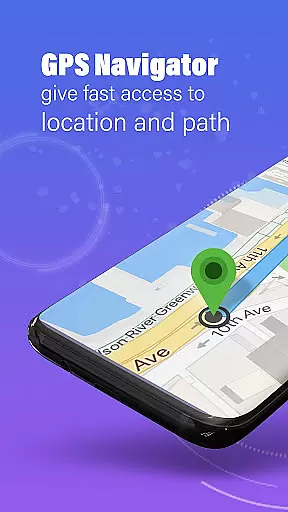
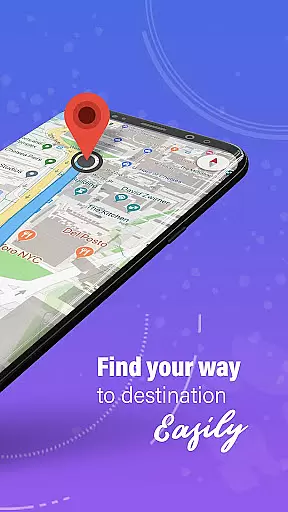
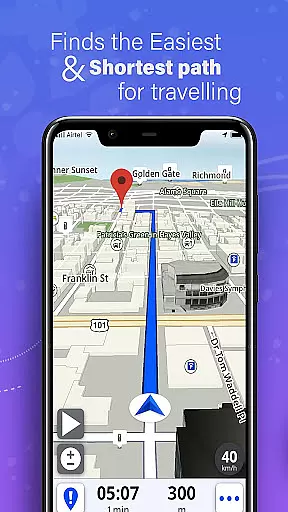
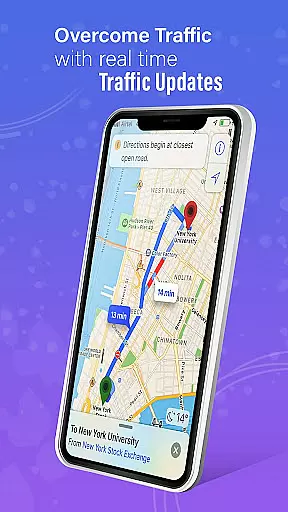
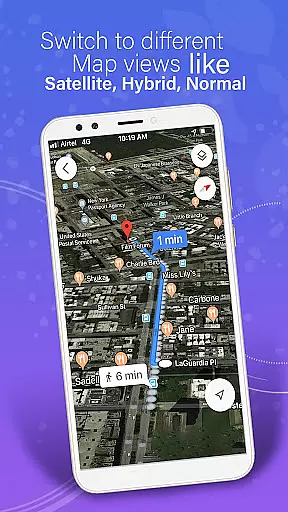
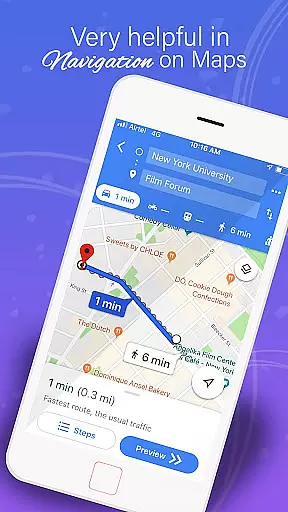
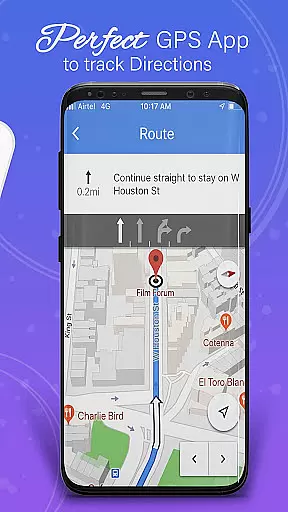
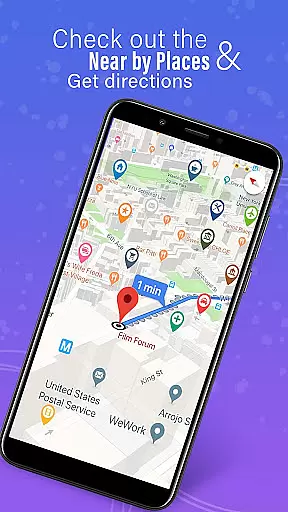
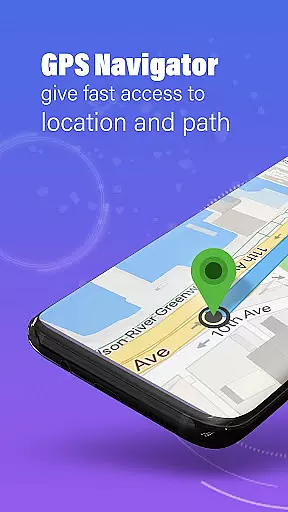
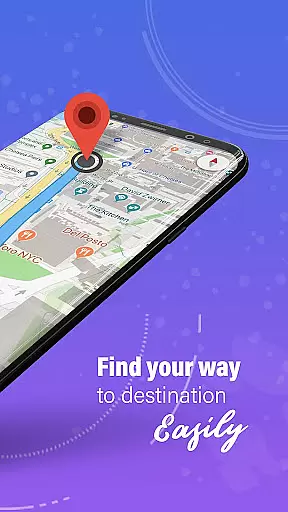
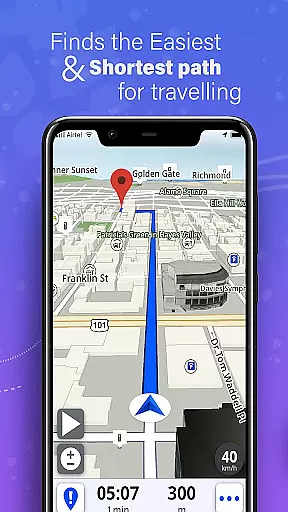
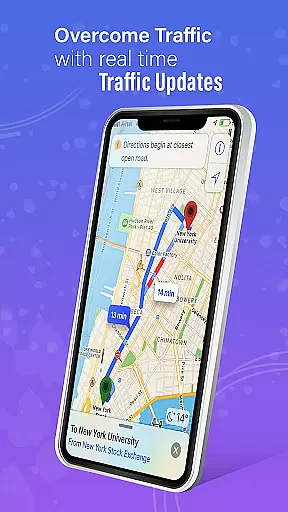
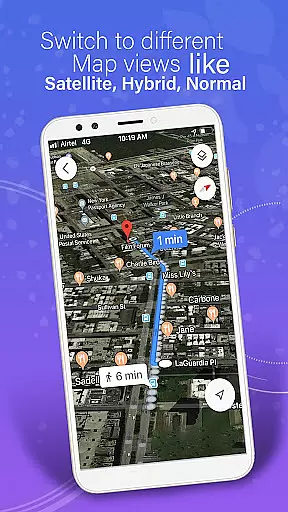
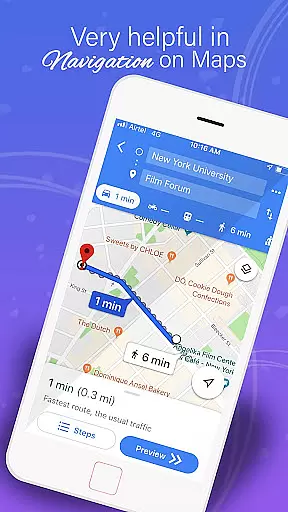
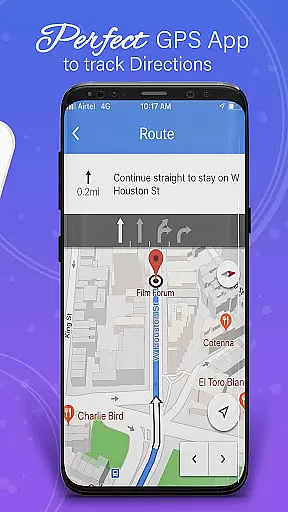
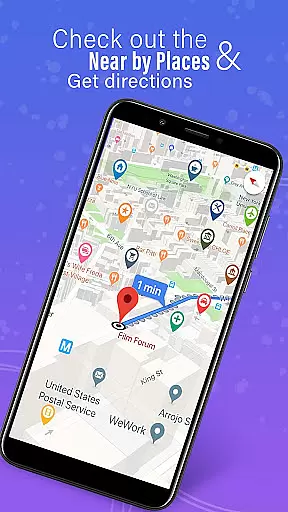
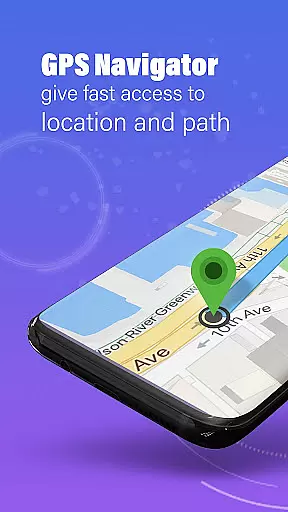
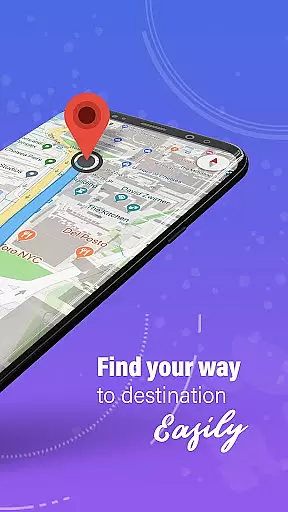
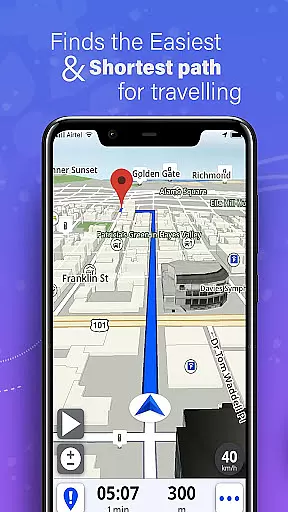
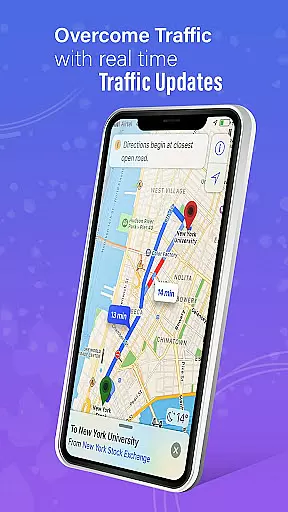
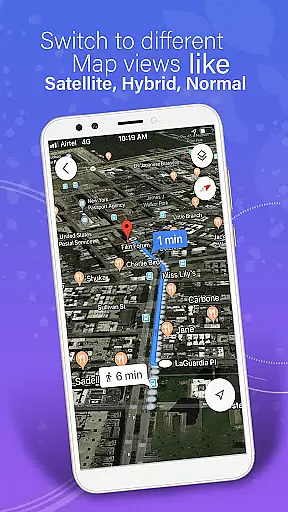
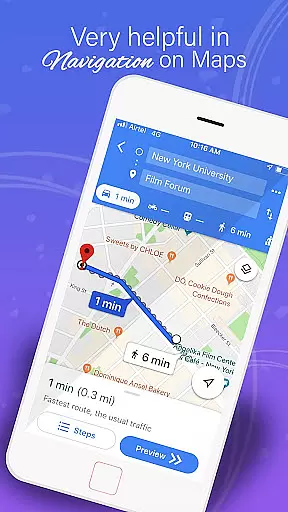
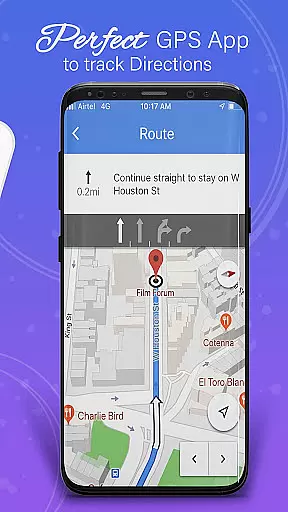
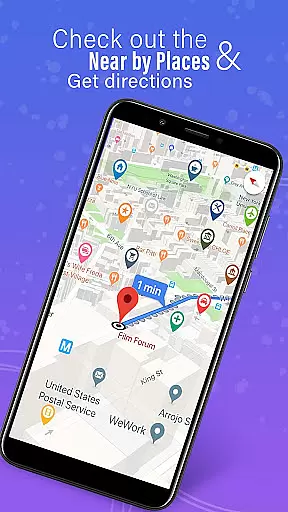
GPS, Maps, Driving Directions is a comprehensive navigation app designed to cater to all your travel needs. Whether you are driving, walking, or cycling, this app provides accurate navigation, real-time traffic data, and turn-by-turn directions. With features like offline maps, location sharing, and voice navigation, it ensures you reach your destination quickly and efficiently, regardless of internet connectivity.
The app offers highly detailed maps with precise GPS navigation suitable for both on-road and off-road travels. Its built-in compass and GPS route finder tools help users stay on track. Additionally, customizable routes and multi-stop navigation options allow users to tailor their journeys according to their preferences, ensuring a seamless travel experience.
One notable use case is during road trips in remote areas where internet coverage might be spotty. The offline navigation feature becomes invaluable here, providing reliable directions without the need for a constant internet connection. This functionality highlights the app's commitment to user convenience and safety, making it an essential tool for travelers.
GPS, Maps, Driving Directions stands out due to its rich array of features tailored to enhance user experience. One of the key highlights is the provision of real-time traffic updates, which helps users avoid congestion and find the fastest routes. These updates include instant notifications about road conditions, traffic jams, accidents, and weather alerts, ensuring that users are always informed.
Another significant feature is the advanced voice guidance system. This system provides intuitive driving directions through voice navigation, allowing users to keep their hands free and eyes on the road. Coupled with turn-by-turn navigation, it ensures a hassle-free journey. Moreover, the app includes a route planner that helps users choose the most efficient and scenic routes available, adding a layer of personalization to each trip.
The app also emphasizes user safety and coordination with features like location sharing and real-time location tracking. Users can share their current location with friends and family, create private circles to track members in real time, and access location history. These functionalities not only improve travel coordination but also enhance personal safety, making the app a versatile tool for various travel scenarios.
Map accuracy is a fundamental aspect of any navigation application, ensuring users reach their destinations efficiently and without unnecessary detours. The GPS, Maps, Driving Directions app excels in this area by providing highly detailed maps coupled with precise GPS navigation capabilities.
The app's mapping data is regularly updated to reflect the latest road networks and points of interest, guaranteeing that users have access to current and reliable information. This commitment to up-to-date mapping ensures that whether you're traveling on major highways or exploring off-road trails, the map will accurately represent your surroundings.
For travelers who venture into areas with limited connectivity, the app offers offline maps. These can be downloaded in advance, allowing for uninterrupted navigation even when there's no internet connection available. With these offline directions, users maintain access to accurate location data regardless of their network status.
Ultimately, the precision of map data provided by GPS, Maps, Driving Directions enhances user confidence while navigating unfamiliar territories. By delivering consistently accurate and comprehensive mapping services, it becomes an indispensable tool for both everyday commutes and adventurous journeys alike.
Route planning is essential for efficient travel, and the GPS, Maps, Driving Directions app provides an intuitive route planner that helps users find the most effective paths to their destinations. Whether you need to navigate through bustling city streets or serene countryside roads, this feature ensures you take the optimal route every time.
The app's route planner takes into account various factors such as real-time traffic updates, road conditions, and weather alerts. By analyzing these elements, it calculates the fastest or most scenic routes based on user preferences. Users can also customize their trips by selecting options like avoiding tolls or choosing cycling-friendly paths, making each journey tailored to individual needs.
In addition to personalization, multi-stop navigation with circuit route optimization allows for seamless travel between multiple locations. This means whether you are planning a day of errands or embarking on a cross-country adventure, the app will optimize your stops for maximum efficiency. Automatic rerouting further enhances convenience by quickly adapting to changes in travel plans or unexpected obstacles along the wayu2014even when offline.
By integrating advanced technology with user-centric design principles, GPS, Maps, Driving Directions delivers superior route planning capabilities. Its ability to adapt dynamically not only saves time but also reduces stress associated with navigation challenges, offering peace of mind during any trip.
User-friendly interface
Accurate GPS navigation
Real-time traffic updates
Offline map availability
Voice-guided directions
Occasional GPS inaccuracies
High battery consumption
Limited public transport info
Ads in free version
Complex settings menu

Easy, Moderate and difficult offroad adventures.
 4.00
4.00
Fully offline 1:50k New Zealand topographical map North Island
4.3
OpenCPN is a full featured ChartPlotter and Navigator for Android.
3.60
Airport parking, with airport shuttle (TPS shuttle), reservations, and Spot Club
4.80
Maps, Driving Directions & GPS navigation using directions app & GPS App
4.30
Your real-time window to the world. Explore anywhere, anytime.
3.30
LIRR and Metro-North tickets and trips
4.80
Off-Roading Navigation App With Trails, Public Lands, & Private Property Info
3.30
Navigation, weather, offline maps & tools for smarter, safer travel planning.
4.00
Order a cab online. An affordable taxi ride and driver in no time. What a bolt!
4.80
Find EV & Tesla charging stations with PlugShare
4.70
Navigate with your watch and keep the phone in your pocket!
4.60
Turn your Android device into a real off-road GPS using off-line topo maps!
4.40
Find radar, speed camera, flight tracker. Use hud, location tracker, speedometer
4.20
TACNAV-X: Precision MGRS navigation, built specifically for the military.
4.00
Get real-time bus and train schedules for easy, hassle-free city transportation.
3.90
Navigate via GPS Maps of GPS Voice Navigation, driving directions to find routes
3.60
Explore Earth with live GPS, satellite view & street navigation
3.60
Explore offline maps with radar, satellite view, and real-time alerts.
3.60


User Reviews