
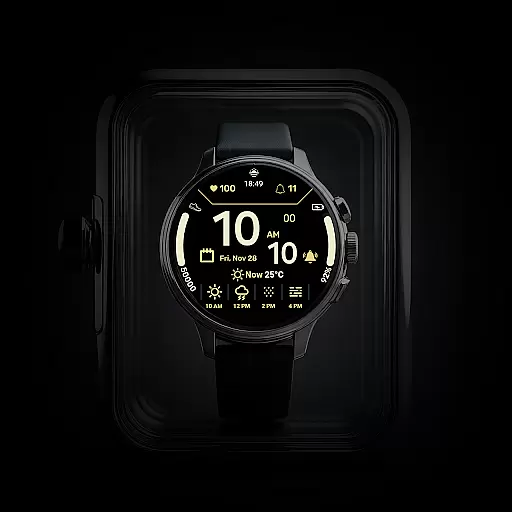
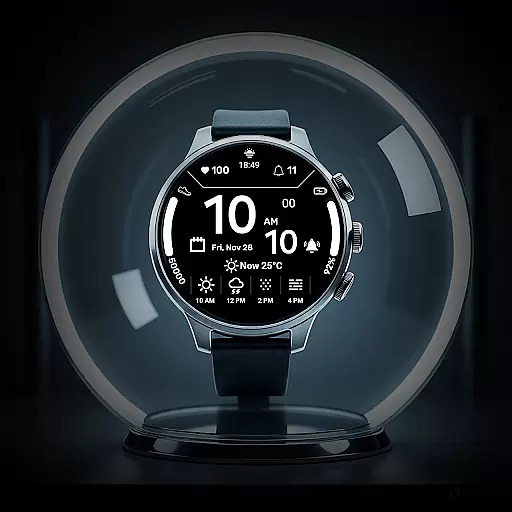
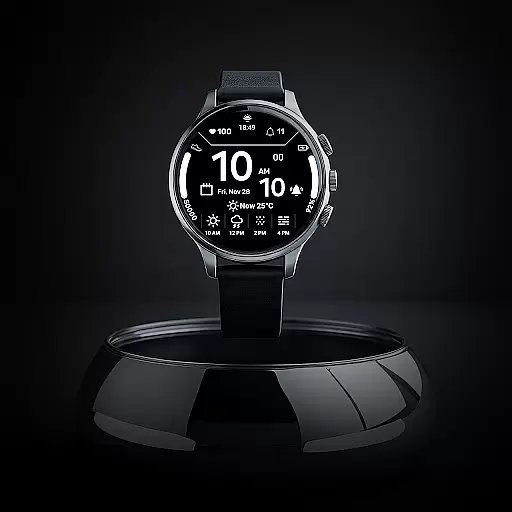
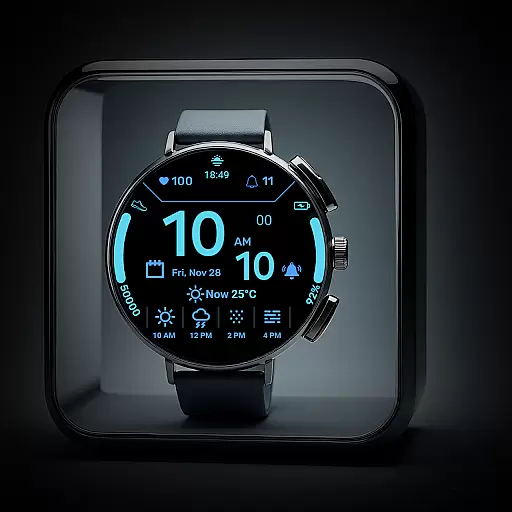
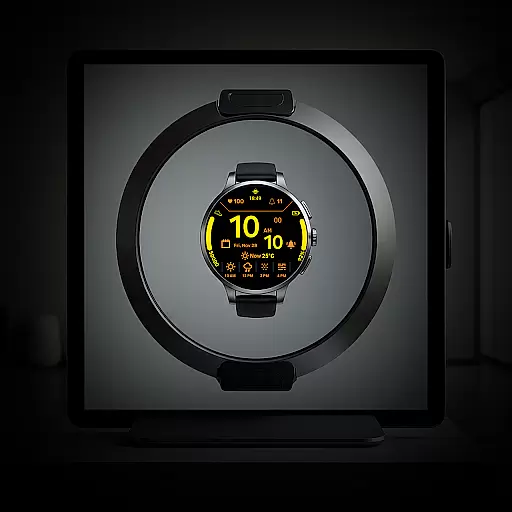
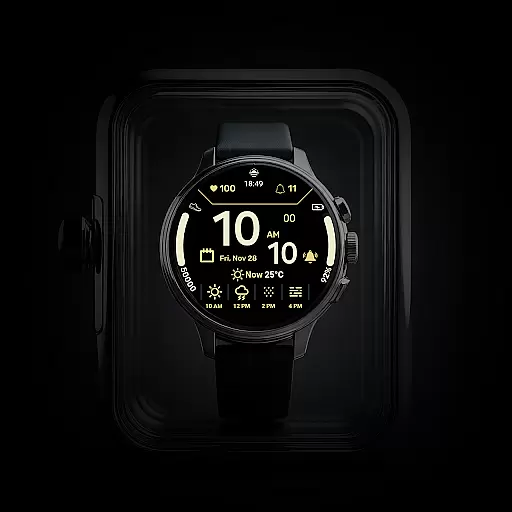
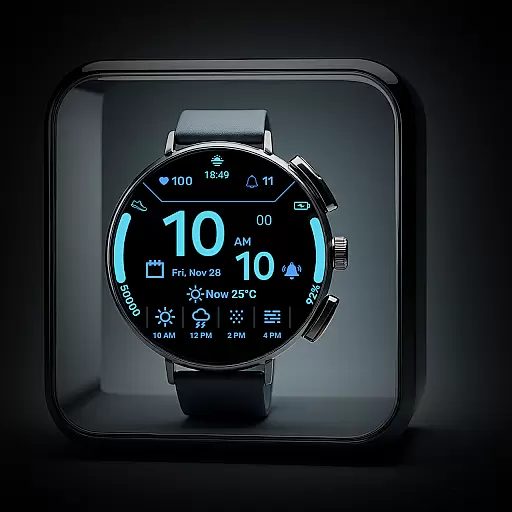
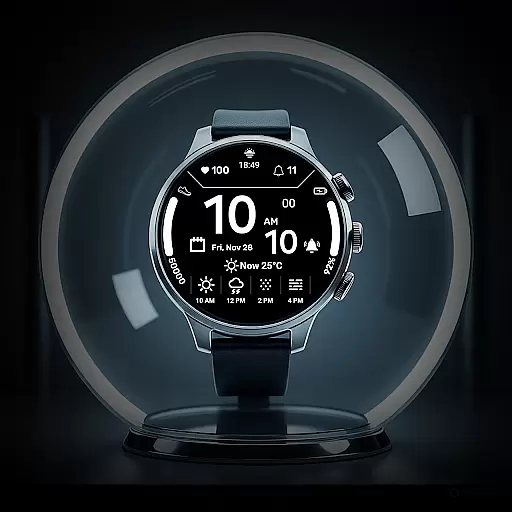
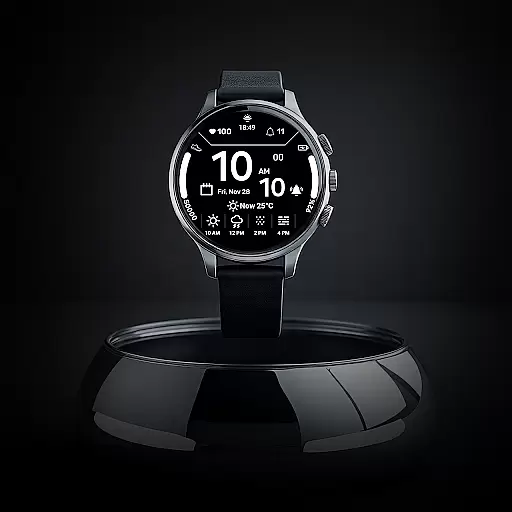
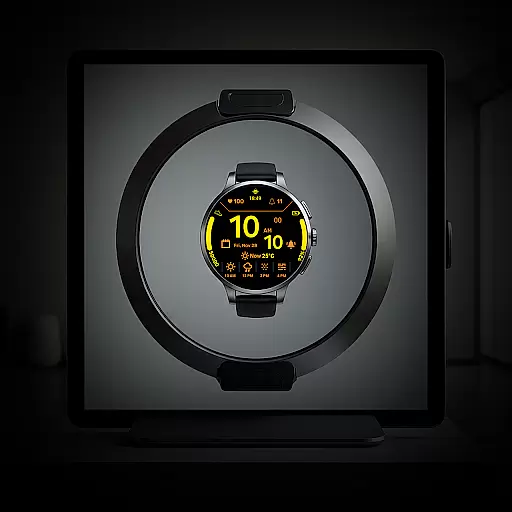
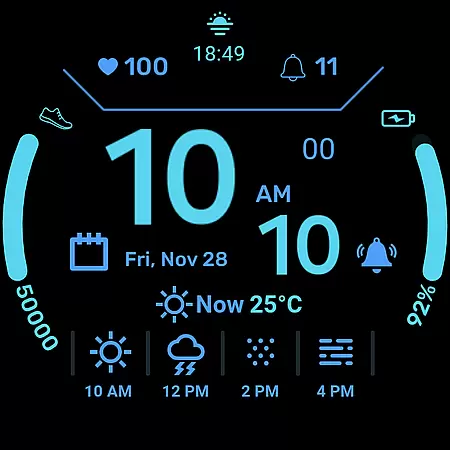
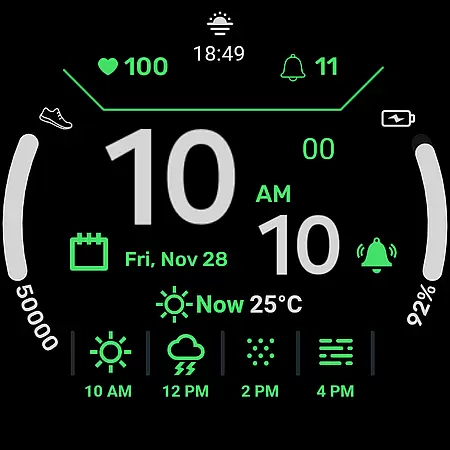
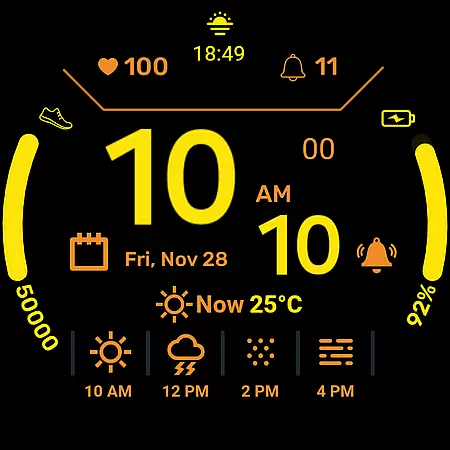
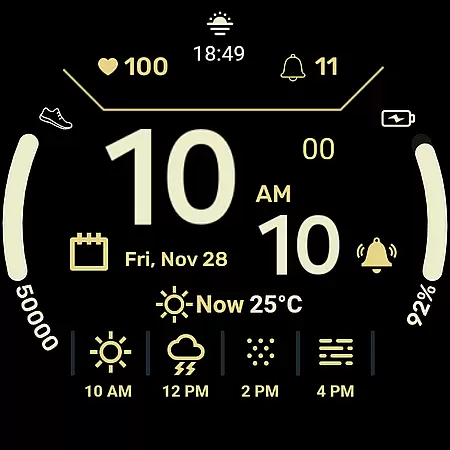
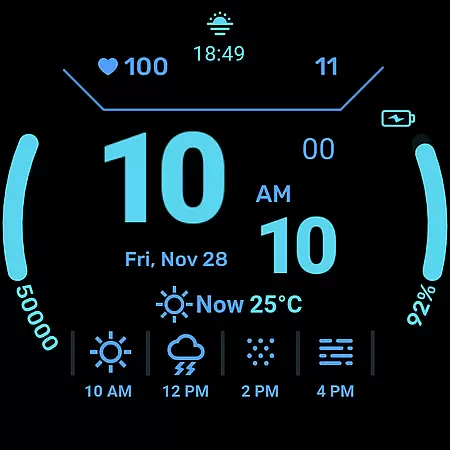
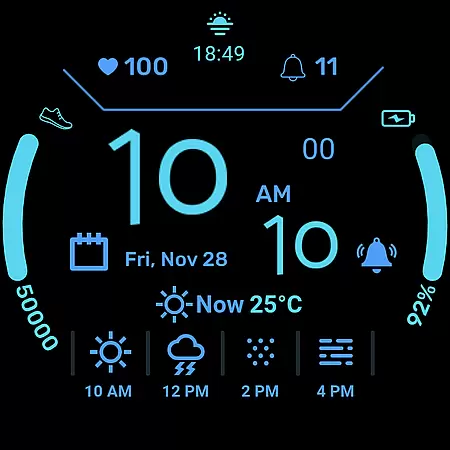
Daily Weather Forecast Watch Face is a comprehensive weather and fitness companion designed specifically for Wear OS devices. This application brings real-time weather updates, fitness tracking, and customizable watch face options directly to your wrist.
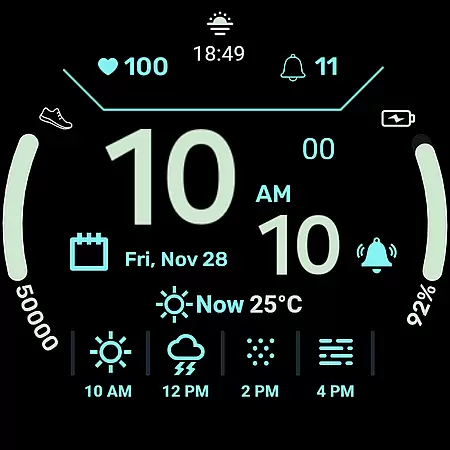
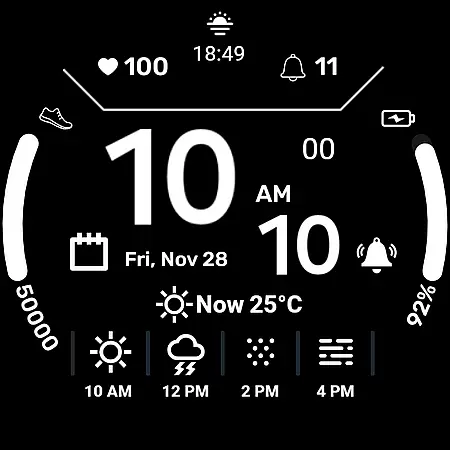
The app provides users with current weather conditions, temperature readings in both Celsius and Fahrenheit, and a 4-hour forecast through intuitive icons. Additionally, it displays essential information such as the digital clock, full date, heart rate monitor, step counter, battery indicator, and notification count. Its customizable color options allow personalization according to mood or outfit, making it not only functional but also stylish.
Designed for clarity and convenience, Daily Weather Forecast Watch Face ensures that all information is easily readable even in bright sunlight. It's an ideal tool for anyone who wants to stay informed about weather changes and motivated with their fitness goals throughout the day.
Daily Weather Forecast Watch Face offers a variety of features that cater to both weather enthusiasts and fitness-conscious users. The real-time weather forecast provides instant updates on current weather conditions, including temperature readings and a 4-hour forecast represented by easy-to-understand icons like Sunny, Rainy, Snowy, and Cloudy.
In addition to weather information, the app includes comprehensive fitness tracking tools. Users can monitor their heart rate, daily steps, and progress towards fitness goals directly from their watch face. The inclusion of a battery indicator and notification count further enhances user convenience by providing essential device information at a glance.
Customization is another key feature of this app. With a selection of vibrant accent colors for weather icons, time display, and other data elements, users can personalize their watch face to match their style. The high-contrast design ensures optimal readability in various lighting conditions while maintaining battery efficiency, allowing users to enjoy all features without frequent recharging.
When it comes to weather applications, the accuracy of forecasts and credibility of data sources are paramount. Daily Weather Forecast Watch Face ensures that users receive precise weather predictions directly on their Wear OS devices. The app aggregates information from reputable meteorological services, providing real-time updates on current conditions, temperature, and a four-hour forecast.
The reliability of this data allows users to plan their day with confidence, knowing they have trustworthy information at their fingertips. Whether it's checking if it's going to rain or preparing for a sunny afternoon, the intuitive icons such as Sunny, Rainy, Snowy, and Cloudy offer clear indications of what to expect.
Furthermore, the application is designed not only for casual everyday use but also serves well for those with active lifestyles by including features like heart rate monitoring and step counting. This integration of health stats with weather information means that users can maintain their fitness routines while being informed about environmental conditions.
In summary, Daily Weather Forecast Watch Face stands out in its category through delivering dependable weather forecasts that empower users to make informed decisions regarding their daily activities.
Daily Weather Forecast Watch Face offers an impressive temporal and spatial forecast range, ensuring users are well-informed about upcoming weather patterns. With updates that include the day of the week, month, and date alongside weather predictions, individuals can anticipate changes in climate not just for the present moment but also for the near future.
This application goes beyond basic forecasting by providing comprehensive details such as temperature readings in both Celsius or Fahrenheit and presenting them via a user-friendly interface on your smartwatch display. Such functionality enables you to prepare adequately whether you're stepping out for a few hours or planning ahead for several days.
Additionally, its high-contrast design optimized for readability makes certain that no matter where you are or what time it isu2014even under bright sunlightu2014you'll be able to read your watch face easily. This feature guarantees that all vital information remains accessible at any given time without straining your eyes.
Ultimately, Daily Weather Forecast Watch Face enhances user experience by combining extensive forecasting capabilities with practical usability features, making sure you're always ready for whatever weather comes your way.
Real-time weather updates
Fitness tracking integration
Customizable watch face
High-contrast design
Battery efficient
Limited to Wear OS
No advanced analytics
Basic customization
Occasional sync issues
Requires smartphone connection

Live Alabama weather from James Spann—forecasts, radar, alerts, Spanncams.
 4.70
4.70
Your Personal Weather Assistant
4.00
Weather forecast & live radar map
4.20
Detailed weather info and moon phase, subtle animation, customizable
4.2
Check room temperature with this indoor thermometer. thermostat & hydrometer
4.70
Local forecast, alerts, rain, snow and wind radar, air quality & weather widget
4.60
The weather channel, tiempo weather forecast, weather radar & weather map
4.70
Magnetic Compass meets smart tech: Get directions and weather alerts seamlessly
3.30
Prepare for severe weather with notifications, future radar, and live alerts.
4.60
Weather for Indiana, Kentucky and Ohio
4.90
Live Weather Forecast app with acu weather radar, weather alert & weather widget
4.80
My Tide Times Pro is the only tide tables and forecasts application you'll need.
4.80
NOAA forecast & radar for your exact location.
4.80
Thermometer shows indoor and outdoor temperature
4.70
72-hour weather & daily forecasts with extreme weather alerts
4.60
Room Temperature Thermometer meter shows indoor, outdoor temperature, humidity.
4.40
Your Trusted Weather Companion
4.40
All-in-one weather radar launcher with rain, temperature maps & local forecast.
4.30
Determine Best Hunting Times for any date, any location.
2.50


User Reviews