
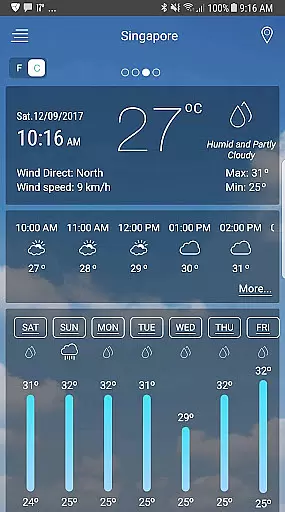
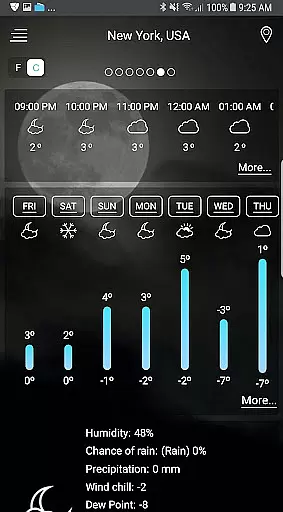
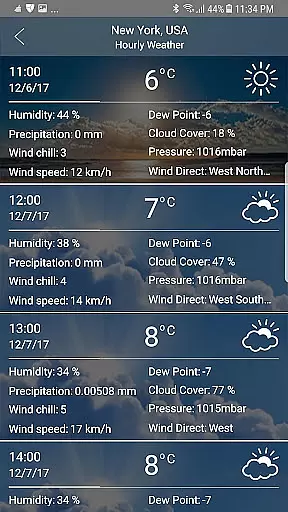
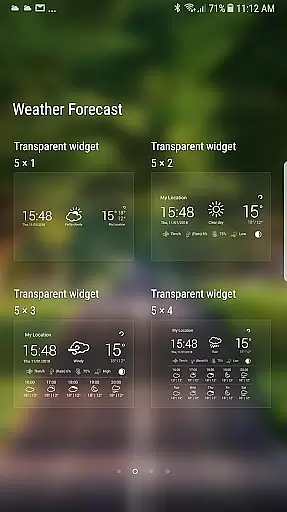
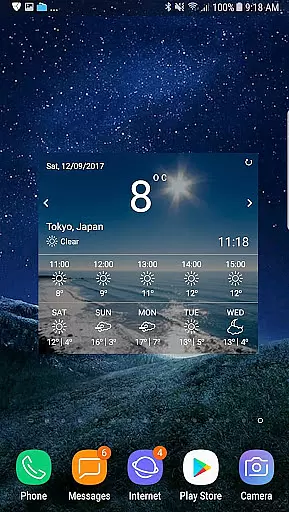
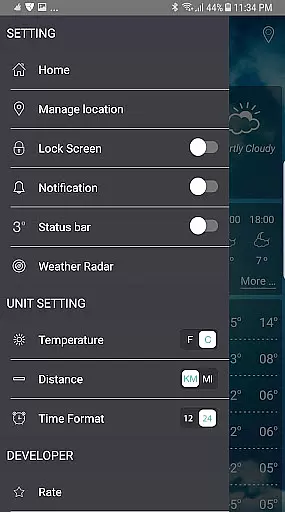
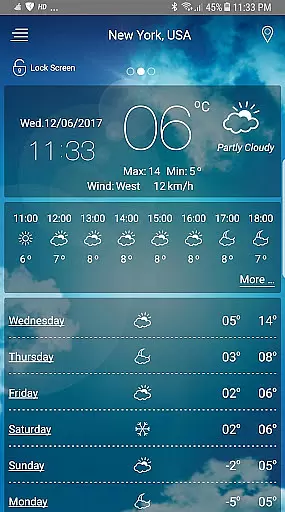
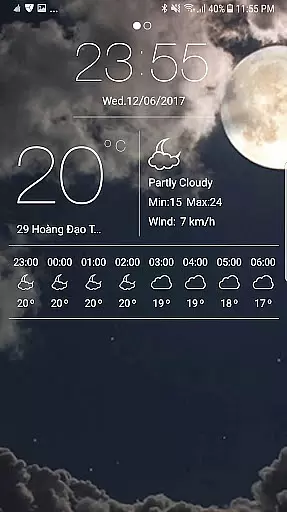
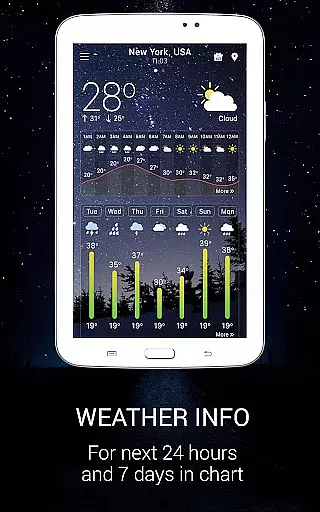
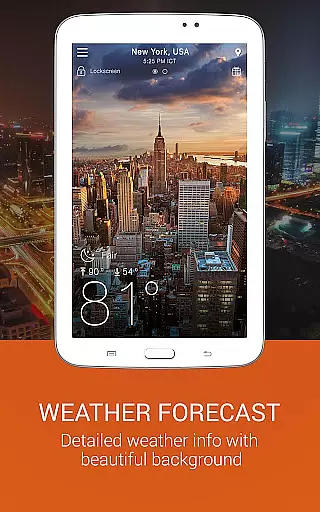
Weather app is a comprehensive weather application that provides users with detailed local and worldwide weather forecasts. The app offers current temperature readings in both Celsius and Fahrenheit, sunrise and sunset times according to city time zones, atmospheric pressure, visibility distance, relative humidity, precipitation in different units, dew point, wind speed and direction, and ten-day future and hourly weather forecasts.
In addition to its forecasting capabilities, Weather app also features animated weather conditions with live background images, weather alerts three times a day, storm warnings and notifications, and a temperature converter that automatically detects whether to use Celsius or Fahrenheit based on the user's country. Users can track weather in multiple locations and view chances of rain, moon phases, and moon cycles.
This app is particularly useful for planning trips, work, and daily life activities by providing accurate and up-to-date weather information. Its intuitive design and wide range of features make it an essential tool for anyone who needs reliable weather data at their fingertips.
Weather app stands out due to its extensive feature set tailored to meet the needs of weather enthusiasts and casual users alike. One of its key features is the ability to provide hourly and weekly forecasts, including detailed information for the next seven days. This allows users to plan their activities with precision, knowing exactly what weather conditions to expect.
The app also includes a weather map service and radar maps that cover various scopes such as rain/snow, temperature, pressure, wind, clouds, humidity, waves, and storm tracking. These interactive maps offer a visual representation of weather patterns, enhancing the user's understanding of meteorological phenomena. Additionally, the app offers beautiful weather widgets for Android, featuring a weather radar widget and clock widget with stylish designs.
Another notable feature is the ongoing notification system that keeps weather updates running in the background, allowing users to see the temperature on the Android system bar without opening the app. With functionalities like auto-reloading data for notifications even when the app is not active, lock screen info, and the ability to function without GPS by detecting network location, Weather app ensures users are always informed about the latest weather conditions.
When it comes to weather applications, forecast accuracy and data credibility stand as the pillars of user trust. This Weather app employs advanced meteorological algorithms and integrates data from reputable sources to ensure precision in every update. The application provides real-time atmospheric measurements including temperature, humidity, wind speed, and direction, all based on your current location or any selected global city.
The app's forecasting extends up to ten days into the future, with hourly breakdowns that allow users to plan their activities with confidence. By offering detailed insights such as sunrise and sunset times according to local time zones, the app ensures that users are well-informed about changing weather patterns. Additionally, the inclusion of atmospheric pressure, visibility distance, and precipitation forecasts in various units enhances the reliability of the information provided.
Users benefit from timely weather alerts three times a day, ensuring they are prepared for sudden changes like storms or heavy rain. With features like storm warnings, tornado notifications, and animated weather conditions with live background images, this app not only informs but also keeps users visually engaged. Such comprehensive coverage empowers individuals to make informed decisions regarding travel, work, and daily life.
The temporal and spatial forecast range is crucial for planning both short-term and long-term activities. This Weather app offers extensive coverage by providing localized weather reports alongside a worldwide forecast service. Users can access detailed weather maps and radar scopes covering rain, snow, temperature fluctuations, pressure systems, wind patterns, cloud coverage, humidity levels, and even wave heights.
One standout feature is the animated weather maps that display dynamic changes across different geographical areas. These visuals help users understand complex meteorological phenomena at a glance. Moreover, the app supports temperature conversion between Celsius and Fahrenheit, automatically detecting which unit best suits the user's regional preferences.
For those managing multiple locations, the app allows tracking weather conditions across various cities simultaneously. Whether you need precise wind speed readings using the built-in wind guru tool or want to stay updated on moon phases and cycles, this app delivers accurate el tiempo data tailored to individual needs. Its ability to run in the background ensures continuous updates, keeping users abreast of real-time weather developments without needing to open the app frequently.
User-friendly interface
Accurate forecasting
Comprehensive weather data
Beautiful widgets
Global coverage
Occasional inaccuracies
Ads in free version
Heavy on battery
Complex for beginners
Limited offline functionality

Local weather forecast, reliable daily weather report
 4.30
4.30
Track rainfall totals with ease using our rain gauge app. Accurate rain tracker.
4.50
My Tide Times Pro is the only tide tables and forecasts application you'll need.
4.80
Storm Radar, Alerts & Live Weather Forecasts Right on Your Home Screen
3.70
Weather watch face for Wear OS 5+
4.40
Weather watch face for Wear OS 5+
4.10
A professional, comprehensive and accurate weather forecast app
4.90
Check room temperature with this indoor thermometer. thermostat & hydrometer
4.70
Your ultimate app for real-time weather information!
4.70
Live Weather Forecast app with acu weather radar, weather alert & weather widget
4.80
Live Alabama weather from James Spann—forecasts, radar, alerts, Spanncams.
4.70
Powerful US and worldwide earthquake feed with earthquake alerts and maps.
4.70
Local forecast, alerts, rain, snow and wind radar, air quality & weather widget
4.60
Get the ad-free version of the highly rated WeatherBug app for accurate weather!
4.50
Weather watch face for Wear OS 5
4.40
Accurate Local Weather Forecast, let you easily understand the nearby weather!
4.20
Analog Weather Watch Face for Wear OS 5+
4.10
A powerful weather forecast to get real-time weather information
3.60
A powerful tool for ultimate weather awareness
3.50


User Reviews