
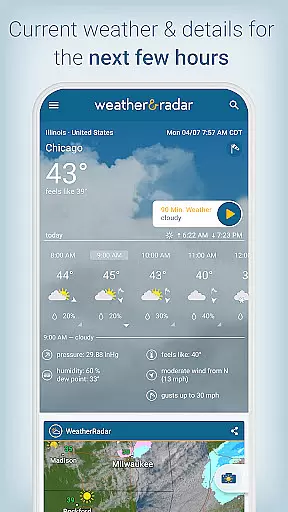
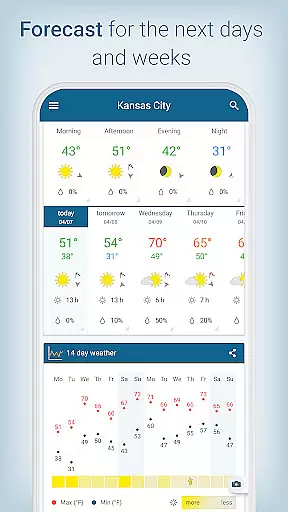
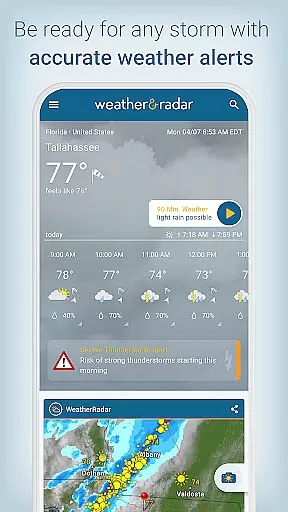
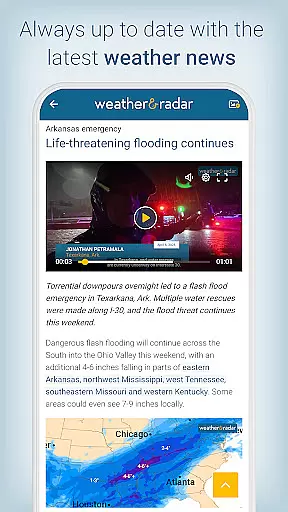
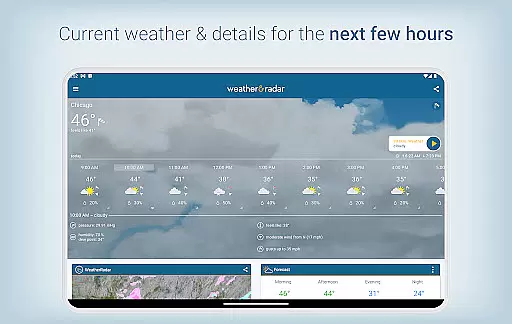
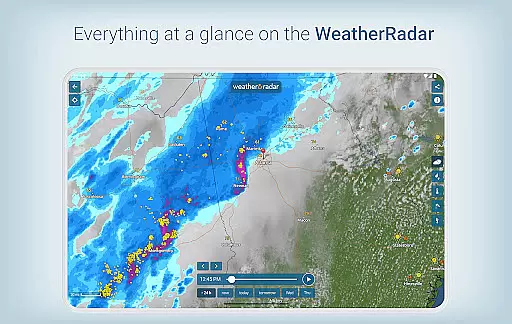
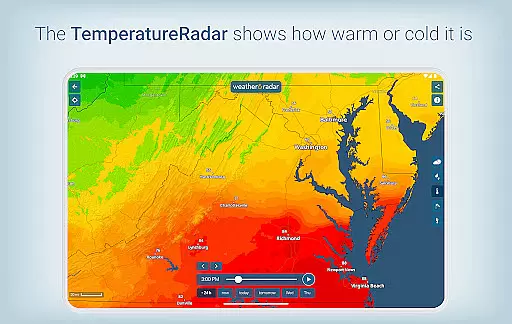
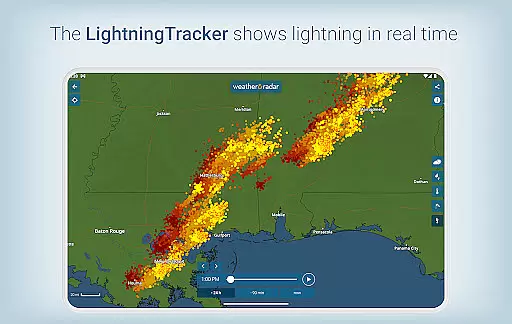
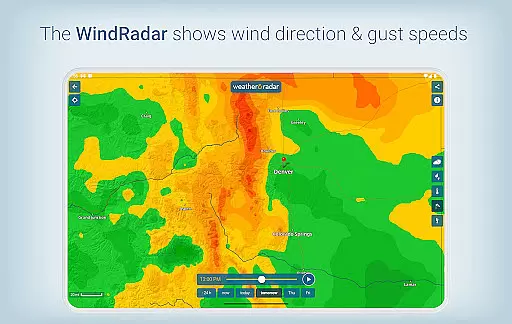
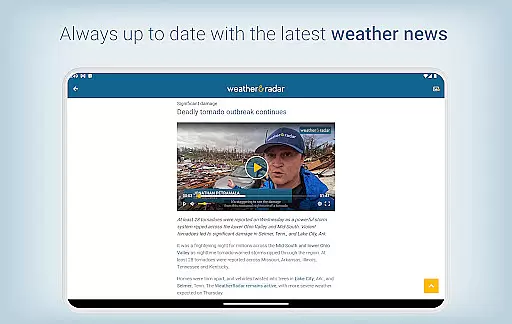
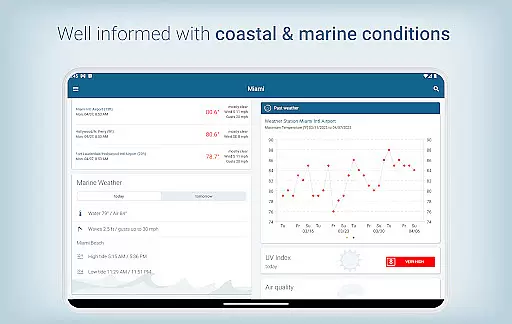
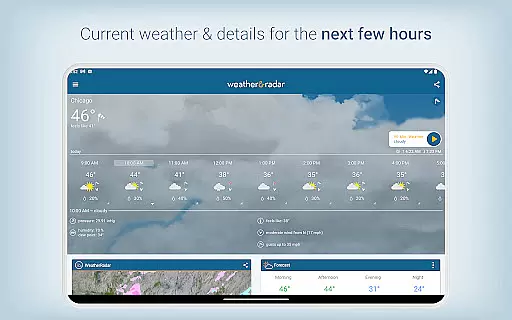
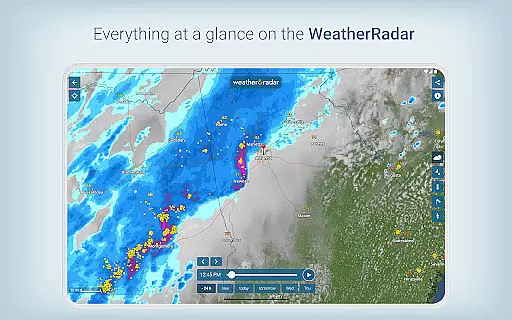
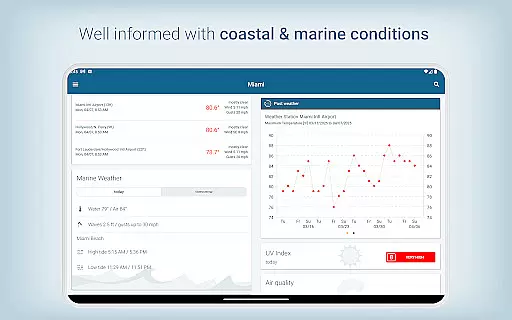
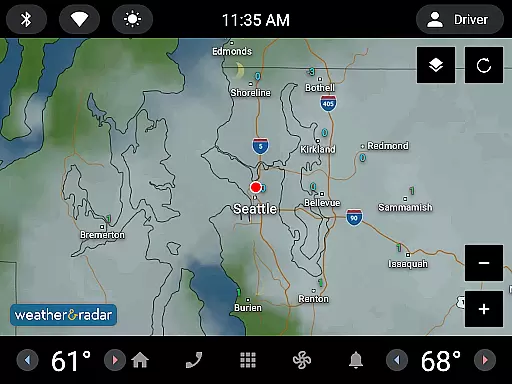
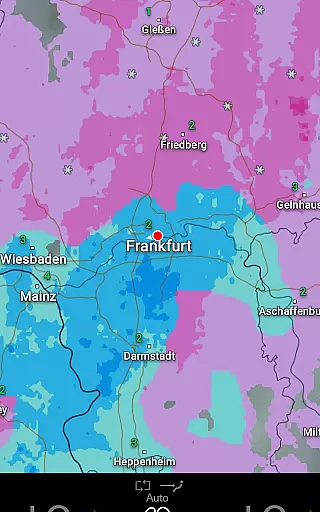
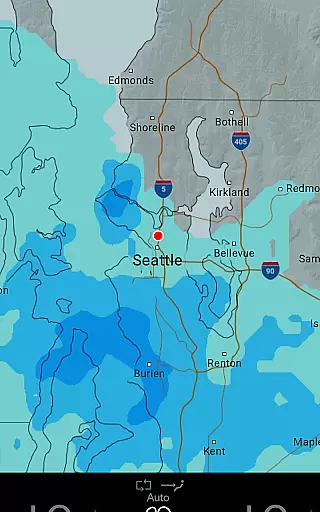
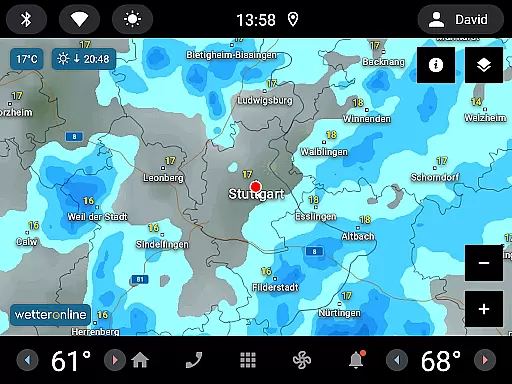
Weather & Radar is a comprehensive weather application that provides users with accurate and localized weather forecasts. The app offers detailed hourly and daily predictions, innovative weather maps, and specialized radars for rain, snow, wind, and lightning. Its standout features include Android Auto compatibility, personalized notifications, and coastal condition reports. Whether you're planning your day or monitoring severe weather, Weather & Radar ensures you stay informed and prepared.
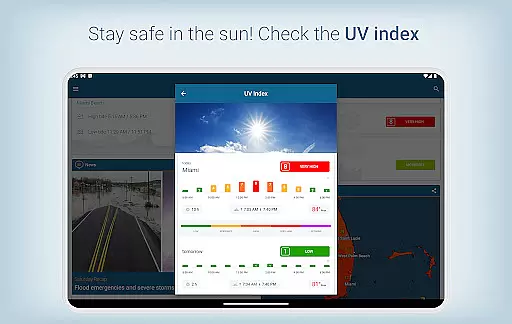
The app's all-in-one weather maps allow users to track real-time weather conditions down to city and county levels, while its 14-day forecast trend helps in long-term planning. With additional tools like UV-index tracking, air quality information, and winter sports data, Weather & Radar proves invaluable for both everyday use and specialized activities. The app also includes a widget for quick access to forecasts directly from your device's home screen.
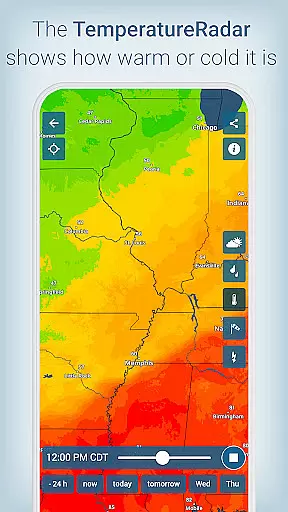
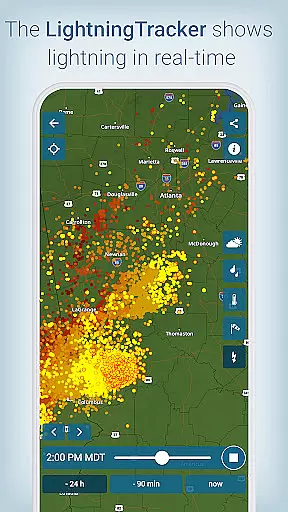
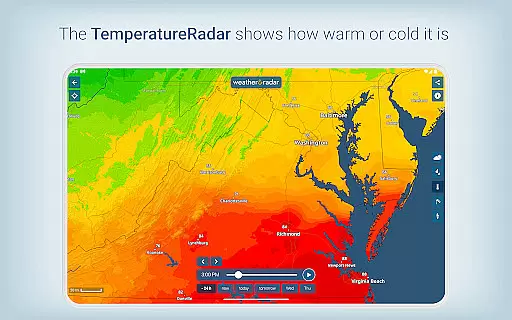
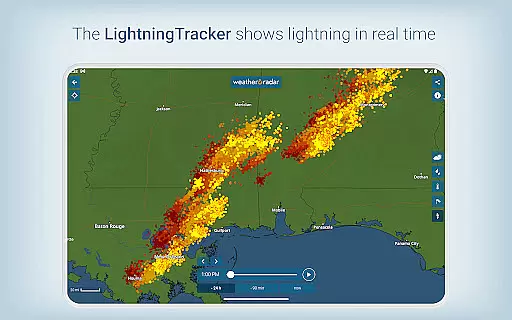
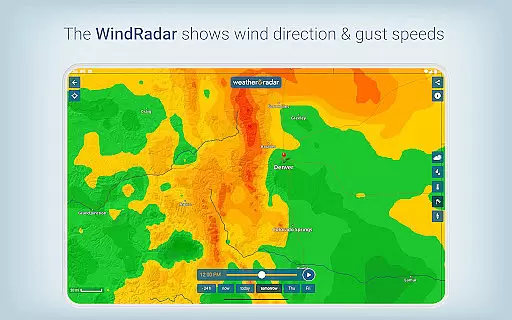
Weather & Radar stands out with its robust feature set tailored for weather enthusiasts and everyday users alike. The app provides an industry-leading all-in-one weather map that displays rain, snow, temperature, and wind patterns on a single screen. This functionality allows users to visualize current and future weather conditions across local, national, and global scales. Additionally, the app's radar technology tracks lightning strikes and storm movements in real time, offering critical safety information during severe weather events.
Another key feature is the app's personalized notification system, which delivers location-specific updates about sudden weather changes, such as thunderstorms or sunny breaks. For drivers, the Android Auto compatibility ensures access to essential weather data while on the road. Meanwhile, skiers and winter sports enthusiasts can benefit from detailed ski reports and snow forecasts. These capabilities, combined with tools like the 90-minute nowcast and air quality forecasts, make Weather & Radar a versatile and indispensable tool for staying ahead of the weather.
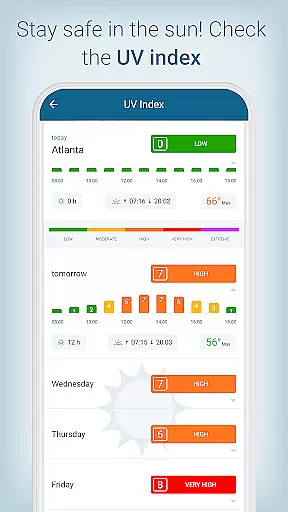
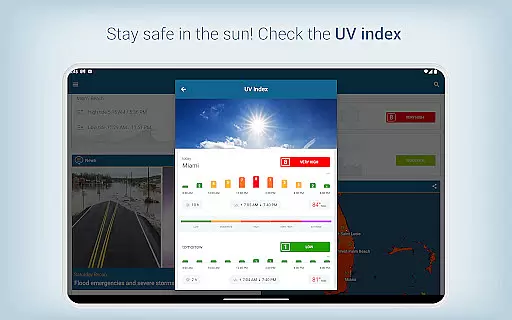
Forecast accuracy and data credibility are essential for any weather application, ensuring users receive reliable information to plan their daily activities. Weather & Radar excels in this area by providing precise hourly and daily forecasts, including detailed insights into temperature fluctuations, UV index levels, and precipitation amounts.
The app leverages advanced weather modeling and storm tracking technologies to deliver real-time updates and future weather predictions down to city and county levels. This granular approach allows users to make informed decisions based on accurate meteorological data tailored to their specific locations.
Moreover, the inclusion of a 90-minute nowcast feature blends local observations with high-resolution forecast models, offering time-critical data about incoming rain or storms. Such comprehensive forecasting tools not only enhance user preparedness but also build trust in the app's ability to provide credible and actionable weather information.
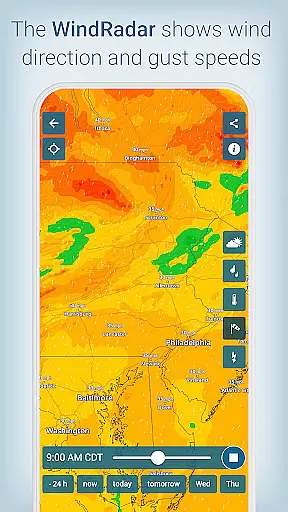
Temporal and spatial forecast range is crucial for understanding upcoming weather patterns across different geographical areas. Weather & Radar offers an extensive reach with its innovative all-in-one weather maps that cover local, national, and global scales. Users can access detailed radar images for rain, snow, wind, and lightning, enabling them to track severe weather conditions as they develop.
The app's mapping capabilities extend beyond basic visualizations by incorporating real-time data and predictive analytics. This empowers users to view current weather dynamics alongside projected trends, facilitating better planning whether itu2019s for travel, outdoor activities, or emergency preparedness.
Additionally, personalized notifications ensure timely alerts about significant weather changes in users' exact locations. By combining broad spatial coverage with temporal precision, Weather & Radar equips users with the necessary tools to stay ahead of the weather curve, no matter where they are located.
User-friendly interface
Accurate forecasts
Real-time alerts
Customizable widgets
Global coverage
Premium version costly
Occasional ads
Heavy battery usage
Complex for beginners
Limited offline mode

Moon phase calendar with live wallpaper, lunar widget, & 3D simulation.
 3.60
3.60
Thermometer shows indoor and outdoor temperature
4.70
Accurate Thermometer: indoor & outdoor temperature, humidity, pressure, and wind
4.50
Hurricane Tracker, Rain Map
4.80
Dynamic weather watch face with glass effect, bold time & 7 complications.
4.1
Local Weather provides accurate and current hourly and daily forecasts.
4.80
Accurate Weather App: various widgets, real-time storm radar, hurricane tracker.
4.50
Analog Weather Watch Face for Wear OS 5+
4.10
A powerful weather forecast to get real-time weather information
3.60
Weather for Indiana, Kentucky and Ohio
4.90
My Aurora Forecast Pro is the app for the Northern Lights and Aurora Borealis.
4.70
My Aurora Forecast is the app for Northern Lights and Aurora Borealis alerts.
4.60
Prepare for severe weather with notifications, future radar, and live alerts.
4.60
NOAA radar, weather forecasts, hurricane tracking & customizable alerts.
4.50
Your Personal Weather Assistant
4.00
3D Animation Weather Icon
4.00
Check forecasts, watch live news & track storms with FOX Weather.
3.80
Most precise & accurate compass app give true North South East West directions.
3.00
Retro TV-style digital watch face with weather, heart rate, steps & events!
4.4


User Reviews