
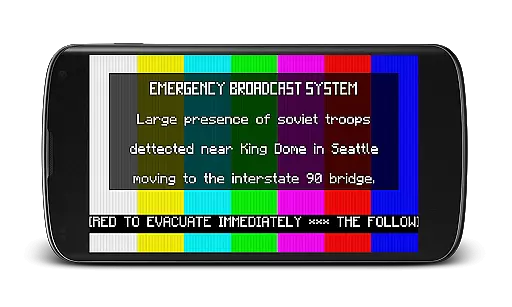
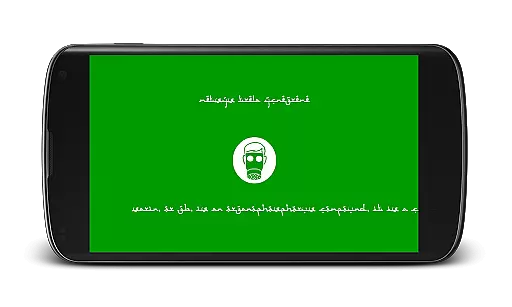
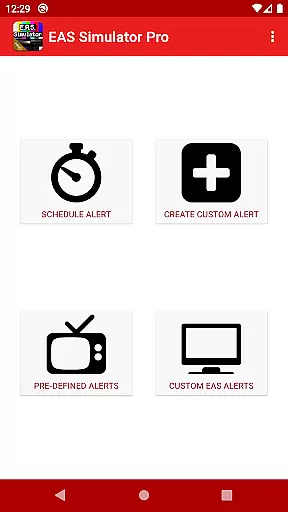
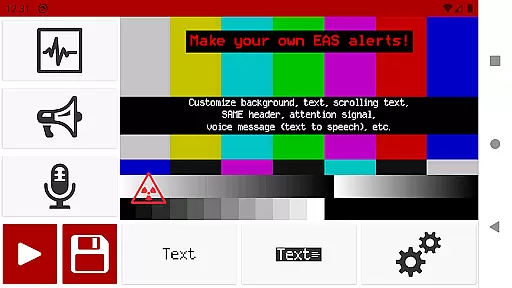
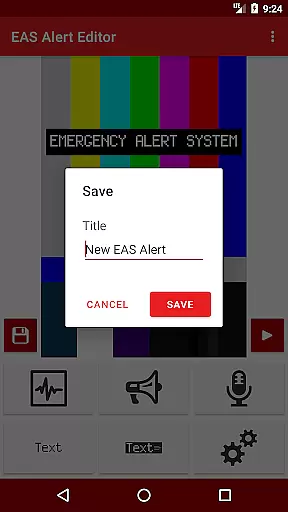
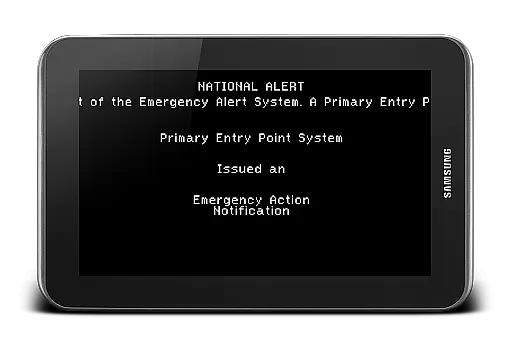
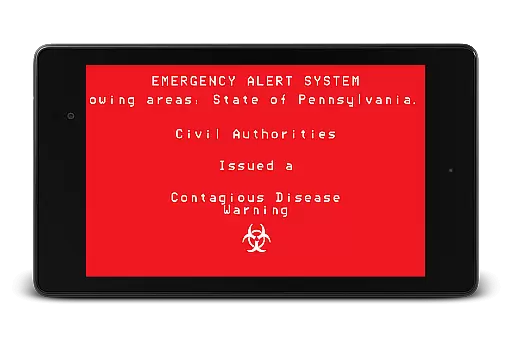
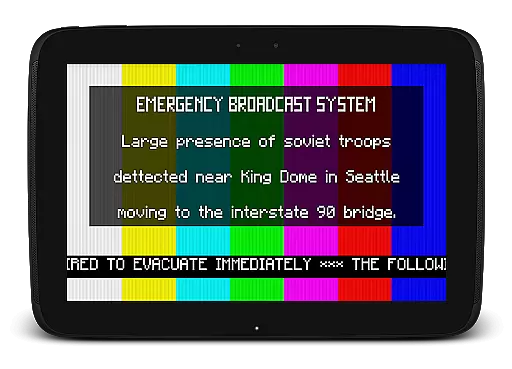
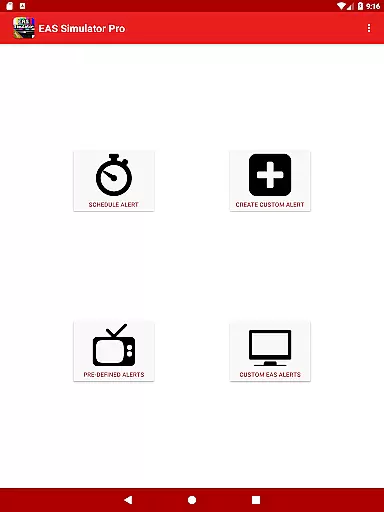
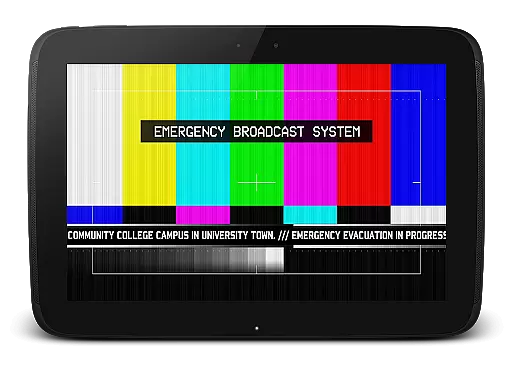
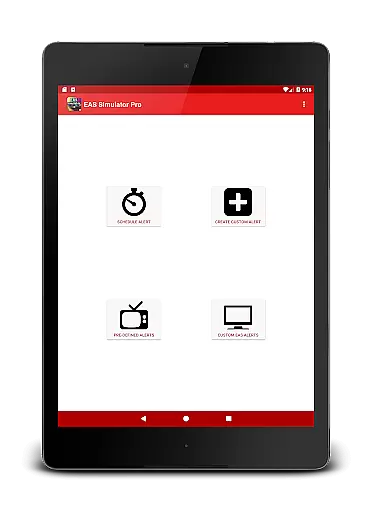
EAS Simulator Pro is an innovative entertainment app that allows users to simulate realistic Emergency Alert System messages on their Android devices. The app offers a comprehensive suite of features including full access to the EAS alert editor, enabling users to create and save custom alerts without limitations. With the ability to convert alerts into videos using screen recording and microphone audio, this app provides a unique way to engage with emergency scenarios.
Users can schedule alerts to play at specific times, even when the device is locked, making it ideal for drills or role-playing activities. The app comes pre-loaded with real-life disaster alerts as well as fictional emergency scenarios inspired by popular video games and movies. Whether you want to simulate a zombie apocalypse or a natural disaster, EAS Simulator Pro delivers an immersive experience while maintaining a touch of realism through its detailed attention to audio-visual elements.
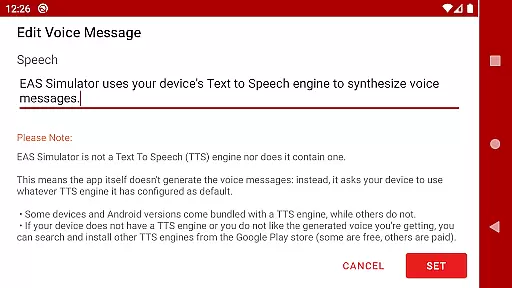
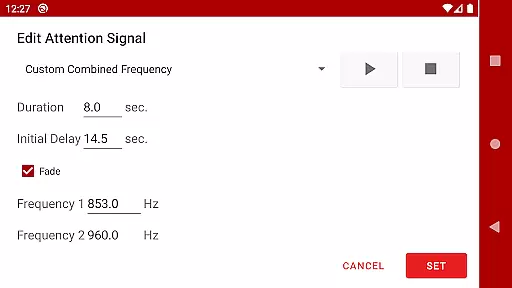
The standout feature of EAS Simulator Pro is its robust alert creation system. Users have access to various customization options such as backgrounds similar to TV alerts, static or blinking texts, scrolling texts like a news ticker, and SAME headers with authentic beeping sounds. The app also supports voice messages generated by the device's Text to Speech engine, adding another layer of authenticity to the simulated alerts.
Additionally, the app allows exporting and importing of alerts as files, which is perfect for sharing with friends who own either the Demo or Pro version. Despite some minor issues related to newer Android versions, the developer actively addresses these concerns, ensuring a smooth user experience. With no ads and extensive creative freedom, EAS Simulator Pro stands out in the entertainment category by offering both educational and recreational value.
In the realm of digital entertainment, content variety and freshness are paramount to maintaining user engagement. EAS Simulator Pro excels in this area by offering a broad spectrum of Emergency Alert System scenarios that cater to different interests. From simulating real-life natural disasters like flash floods and tornadoes to more fictional situations such as zombie apocalypses or nuclear strikes, the app provides an extensive selection designed to captivate users' imaginations.
Moreover, EAS Simulator Pro ensures that its content remains fresh through regular updates and by including thrilling emergency scenarios inspired by popular video games and movies. This dynamic approach not only keeps the material engaging but also allows for creative expression as users can craft their own custom alerts without limitations. The ability to schedule these unique alerts adds another layer of personalization and replayability, making each experience feel new and tailored to individual preferences.
The app's dedication to variety is further demonstrated by the inclusion of pre-defined alerts featuring both historical events and imaginative crises. By combining realistic visual elements with audio cues generated via Text-to-Speech technology, EAS Simulator Pro creates immersive experiences that are both informative and entertaining. With such a diverse array of options at their fingertips, users will find themselves returning to explore all that this innovative entertainment tool has to offer.
User engagement duration and retention are critical metrics for any entertainment application, indicating how well it holds the attention of its audience over time. EAS Simulator Pro addresses these aspects by providing features that encourage prolonged interaction and repeated use. One key feature is the alert scheduling system which allows users to set up drills or pranks even when their device is locked, ensuring that they remain engaged with the app throughout the day.
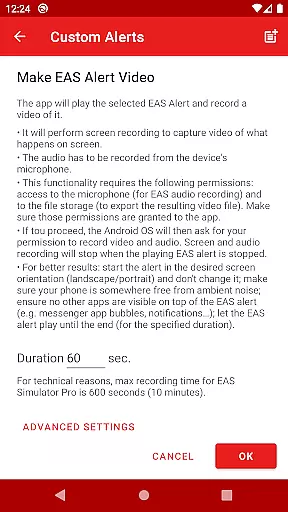
Additionally, the app's ability to convert EAS alerts into videos using screen recording and microphone audio offers a novel way for users to share their creations with others. This export functionality not only extends the lifecycle of each created scenario but also fosters a community around the app where users can exchange ideas and content. Such social interactions significantly boost retention rates as users become part of a larger ecosystem centered on creativity and collaboration.
Furthermore, EAS Simulator Pro enhances user retention by continuously refining its offerings based on feedback from thousands of purchases and reaching top charts within paid Android apps. By listening to user suggestions and addressing known issues promptly, the developers demonstrate a commitment to quality that resonates with users. As a result, individuals who invest in this premium version enjoy an ad-free experience filled with rich features designed to keep them coming back for more simulated emergencies and creative storytelling opportunities.
User-friendly interface
Highly customizable alerts
Realistic simulation effects
No advertisements
Active developer support
Limited TTS functionality
Minor compatibility issues
Paid version only
Requires additional setup
Permissions needed for full functionality

Ultimate VR movie player for android mobile videos
 4.0
4.0
Exclusive creator communities
4.70
Open-source, fast, simple and powerful IPTV app
4.90
SpiritWave is paranormal ITC application.
5.00
Wodfix Air aggregates popular online content for you.
4.80
Come and watch short dramas, reels with diverse genres!
4.40
Series,Películas y Telenovelas
4.50
Explore the unknown!
3.00
With the Steam Mobile App, you can take Steam with you anywhere.
3.00
The OFFICIAL PeeWee Purpdrank Soundboard!
4.80
Tarot & Oracle Card Readings
4.50
Heroclix search units with multi filter , team builder, collection manager.
4.40
Earn gift cards for playing games. Become a real game tester!
4.40
Fire effects for your Philips Hue lights
4.20
Binge-worthy short dramas on DramaRush—engaging stories that fit your day.
3.90
Alice Box is an Instrumental Trans Communication app.
3.80
Unofficial Game Companion App” “Guides • Builds • Tips • Progression
4.3
A wonderful collection of the most beautiful sounds of animals and birds
4.2
See the frequencies! Watch the magic!
4.1


User Reviews