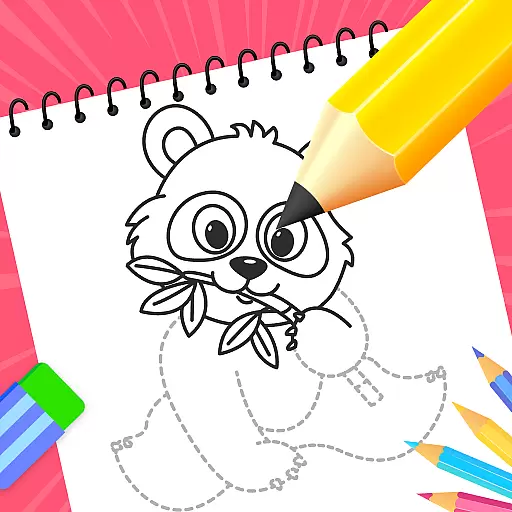
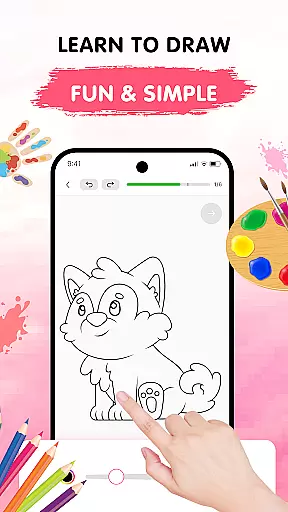
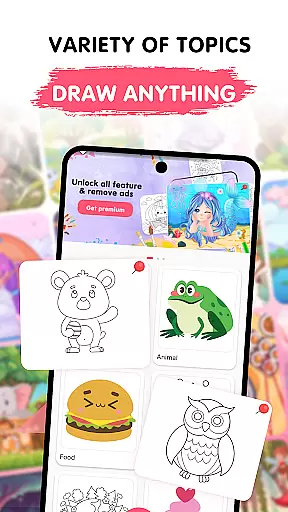
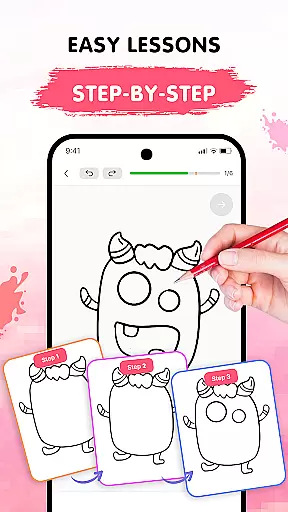
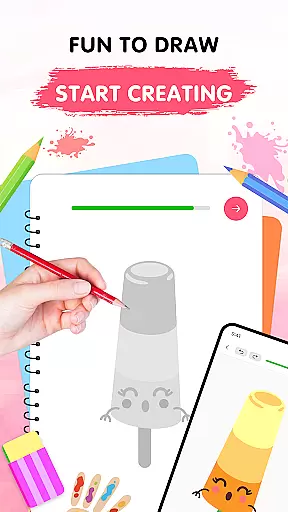
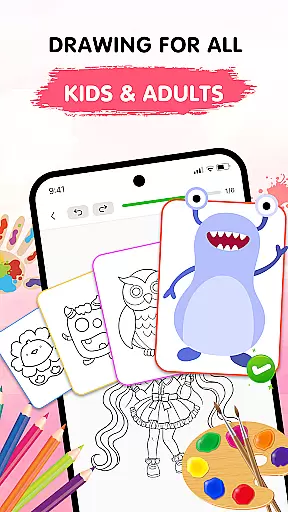
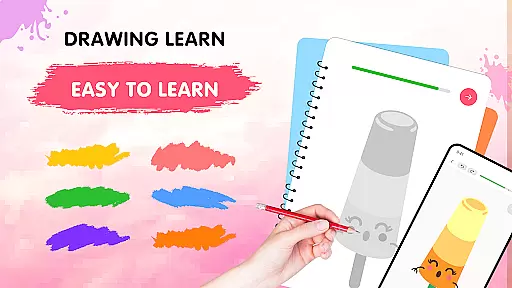
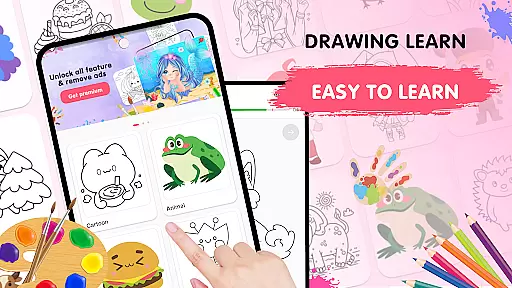
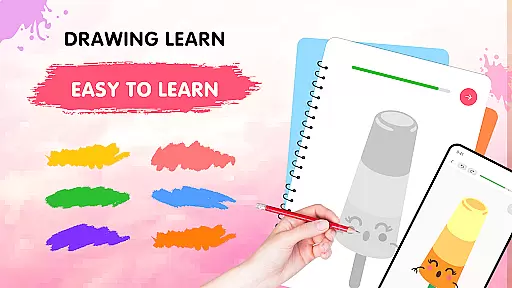
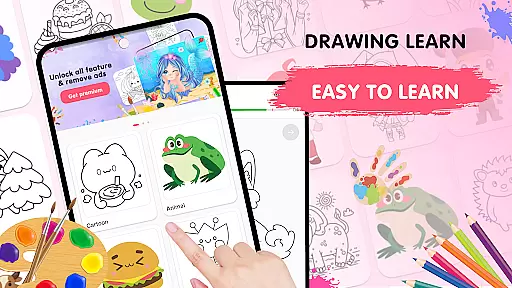
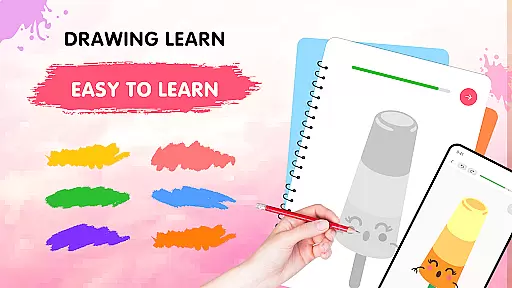
Easy Draw: Learn How to Draw is an innovative educational app designed to help users develop their artistic skills. This app serves as a personal art tutor, offering step-by-step drawing tutorials suitable for beginners and those looking to refine their techniques. With its user-friendly interface and guided experience, Easy Draw makes the process of learning how to draw both accessible and enjoyable.
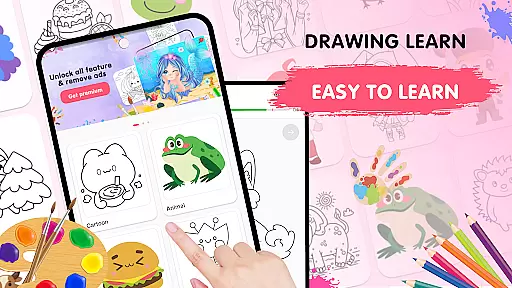
The app features a wide variety of drawing themes, including animals, cartoons, food, and more, catering to different interests and styles. Users can follow structured lessons at their own pace, experiment with adjustable brush settings, and express their creativity through a vibrant color palette. Easy Draw also allows users to save and share their artwork effortlessly, making it perfect for anyone who wants to showcase their progress or simply enjoy a relaxing creative outlet.
Easy Draw stands out with its comprehensive set of features tailored to enhance the drawing experience. One of the key highlights is the guided drawing steps, where each tutorial is broken down into manageable stages, allowing learners to follow along easily and build their confidence gradually. This feature ensures that users of all skill levels can benefit from the app's structured approach.
In addition to the guided tutorials, Easy Draw offers a suite of intuitive drawing tools. These include essential functions like undo, redo, erase, and reset, which empower users to experiment freely without fear of mistakes. The app also provides adjustable brush and eraser sizes, enabling precise control over details and coloring. With a rich color palette at their disposal, users can personalize their creations and bring their drawings to life with vibrant hues.
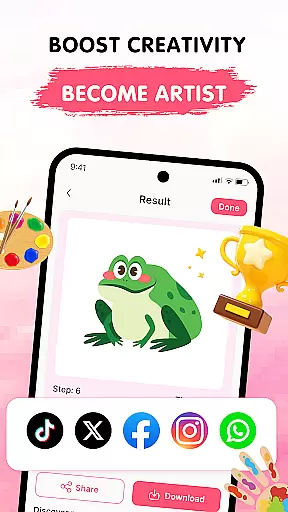
Another notable feature is the ability to save and share artwork directly from the app. This functionality not only helps users preserve their progress but also encourages them to connect with others by showcasing their work on social media or with friends and family. Overall, Easy Draw combines these features to create a supportive and inspiring environment for artistic growth.
In the realm of digital learning, content accuracy is paramount, especially for an educational app like Easy Draw. This application ensures that each drawing lesson is crafted with precision and care, adhering to realistic representations and artistic standards. The developers collaborate with professional artists to design step-by-step tutorials that are both educational and engaging.
Easy Draw offers a diverse range of themes, from animals to environments, each backed by well-researched references. This guarantees that users not only learn how to draw but also gain knowledge about different subjects. For instance, while sketching an animal, users receive insights into its characteristics and habitat, enhancing their overall understanding.
The app's authority in teaching drawing is reinforced by its structured approach. Each lesson is broken down into manageable steps, allowing learners to progress at their own pace. This methodical process builds foundational skills and boosts confidence, ensuring that users can replicate their learnings beyond the app.
Ultimately, Easy Draw stands out by combining accurate content with authoritative instruction, making it a reliable tool for anyone eager to develop their artistic abilities. Whether you're a beginner or looking to refine your technique, this app provides a trustworthy platform to nurture your creativity.
One of the standout features of Easy Draw is its ability to offer personalized learning paths tailored to individual preferences and skill levels. Upon starting the app, users can choose from a wide array of themes and difficulty levels, ensuring that the learning experience is relevant and challenging. This customization empowers users to focus on areas they are passionate about, whether it be cartoon characters or intricate landscapes.
The app employs an adaptive algorithm that adjusts the complexity of tutorials based on user performance. If a learner excels in basic sketches, the app seamlessly transitions them to more advanced lessons. Conversely, if someone struggles, Easy Draw provides additional support and simpler exercises to build confidence. This dynamic approach keeps users motivated and engaged.
Moreover, Easy Draw allows users to revisit and revise past lessons, reinforcing their learning journey. The save and share feature enables learners to track their progress over time, offering a sense of accomplishment as they witness their improvement. By exporting their creations, users can gather feedback from peers, further personalizing their educational path.
By integrating personalized learning paths, Easy Draw transforms the often daunting task of learning to draw into an enjoyable and fulfilling experience. Users can express themselves freely, knowing that the app adapts to their unique pace and style, ultimately fostering a deeper connection with their artistic endeavors.
User-friendly interface
Step-by-step tutorials
Variety of themes
Adjustable drawing tools
Save and share options
Limited advanced tools
Few customization options
Occasional ads
Basic brush settings
No offline mode

Learn math, step-by-step
 4.30
4.30
scanner body part for fun Prank friends realistic scan effects
3.00
Nighty Night Circus - Bedtime story for kids
4.10
The official CCM Glossary app, including 700+ terms and definitions.
2.90
An interactive enhancement of the Sesame Street classic.
4.50
Guitar chord finder, analyzer, smartly visualized theory, progressions, quizzes.
4.70
Stack the Countries makes learning world geography fun!
4.50
An aviator’s preparation, study and test tool for FAA Knowledge Exams.
3.80
Learn to make peaceful contact with extraterrestrial civilizations
4.10
Learn Japanese in an immersive educational game set in Japan!
4.90
Learning the ancient Viking language made simple
4.70
Perform physics experiments with your phone. (by the RWTH Aachen University)
4.70
Engage in learning science and math with the award-winning PhET simulations!
4.70
2026 DVSA Driving Theory Test revision with Hazard Perception + Highway Code
4.60
Turn scrolling hours into improving your knowledge, communication, intelligence
4.50
Astronomy Guide to the Night Sky
4.40
Our most popular app series returns, better than ever!
3.90
THE MOST COMPREHENSIVE JUMPMASTER STUDY RESOURCE AVAILABLE.
3.40
Hasbro’s classic CANDY LAND game is now a gorgeous interactive storybook app.
2.30


User Reviews