
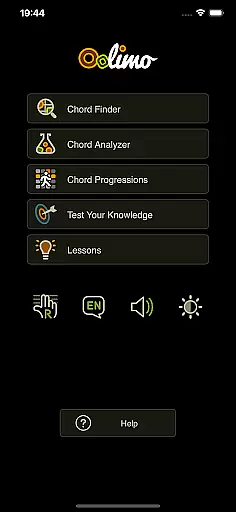
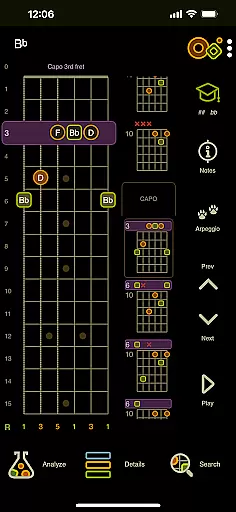
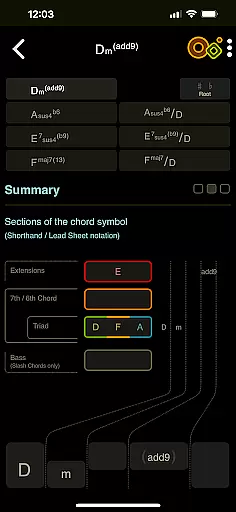
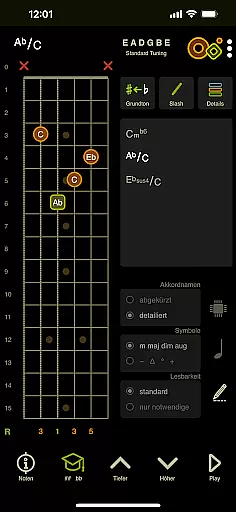
Oolimo Guitar Chords is an innovative educational app designed to deepen your understanding of guitar chords and harmonic relationships. Created by guitarist Oliver Mochmann, this app combines musical depth with user-friendly features, making it suitable for both beginners and experienced players.
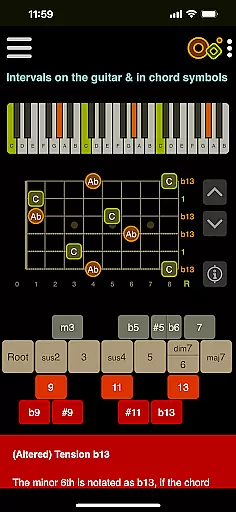
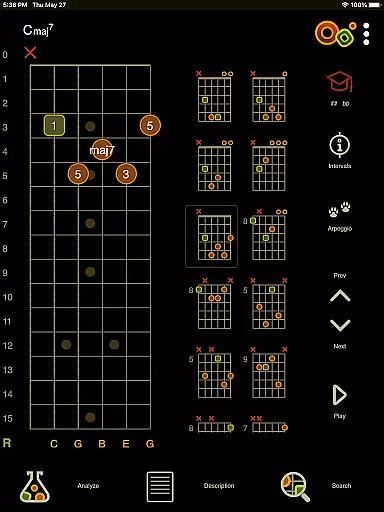
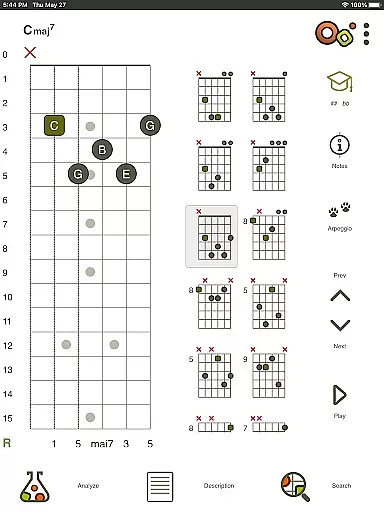
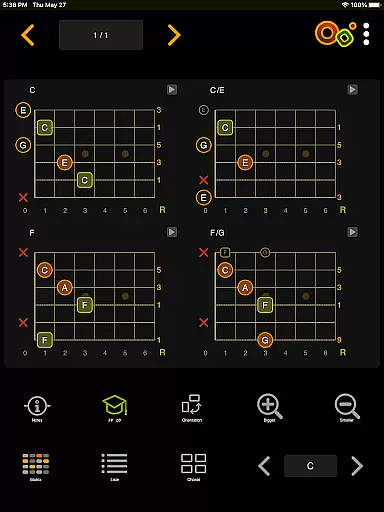
The app offers interactive tools like the Chord Finder, Chord Analyzer, and a library of 22 theory lessons. These features help users learn chord construction, analyze fingerings, and explore harmonic progressions in detail. With playback functionality and visual aids such as fretboard diagrams, Oolimo transforms abstract music theory into practical knowledge that can be applied directly to playing.
Whether you're practicing scales, mastering new voicings, or exploring complex progressions, Oolimo provides a structured approach to learning that enhances creativity and technical skill. Its accurate theoretical framework ensures lasting musical insight rather than superficial tips.
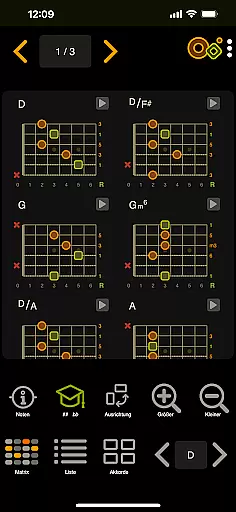
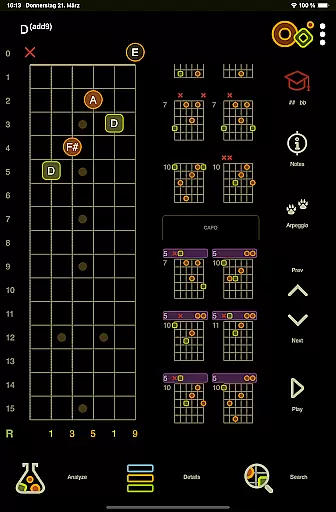
Oolimo Guitar Chords stands out through its comprehensive and interactive features tailored for guitarists. The Chord Finder allows users to discover musically relevant chords from a curated database, while intelligent algorithms adapt these shapes based on selected keys. This feature bridges the gap between theory and application seamlessly.
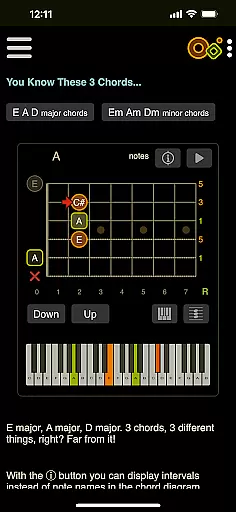
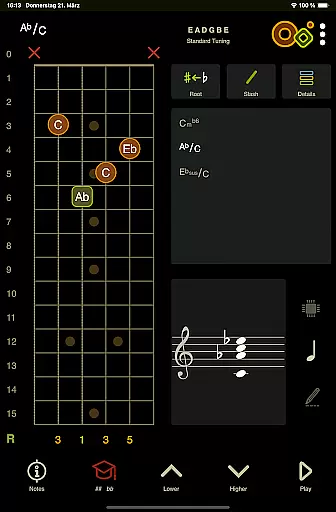
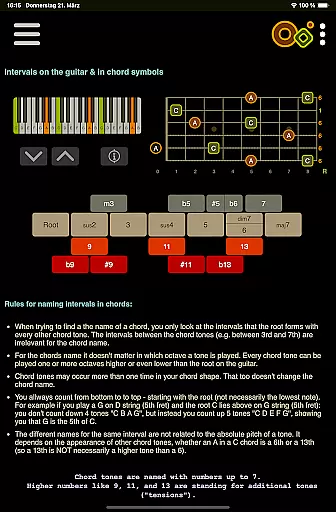
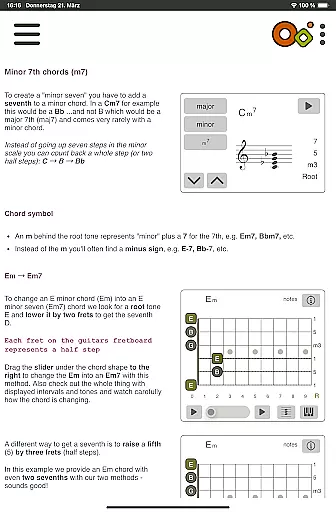
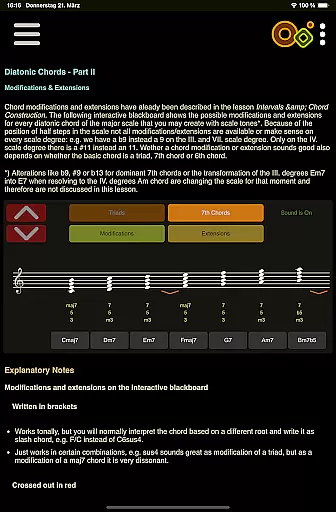
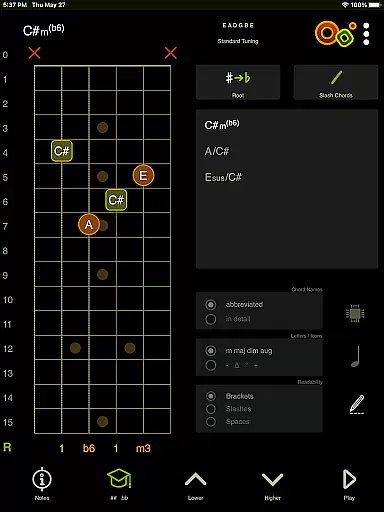
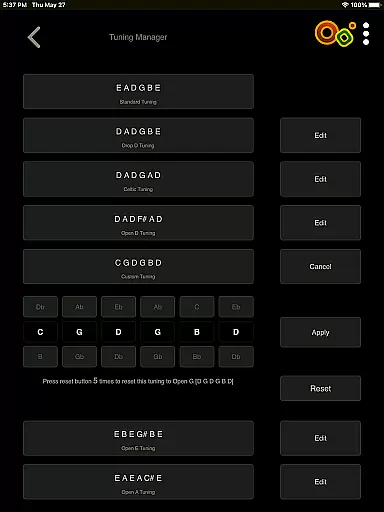
The Chord Analyzer lets users input any fingering on a virtual fretboard and instantly receive accurate chord names without errors. It supports various tunings and advanced notation options like slash chords and double accidentals. Additionally, the Theory Lessons module includes 22 interactive sessions covering essential topics such as intervals, diatonic harmony, and altered chords.
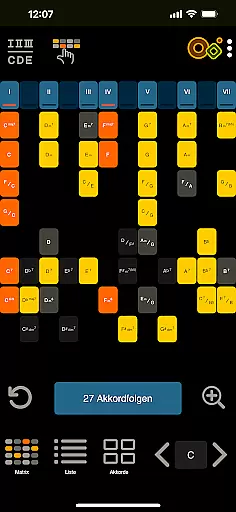
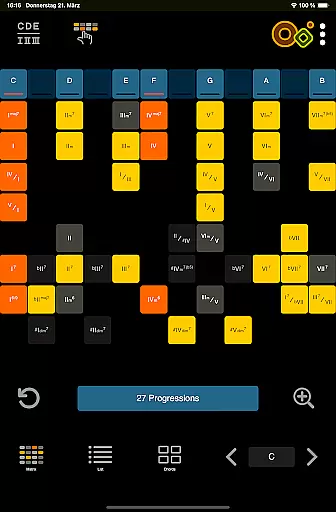
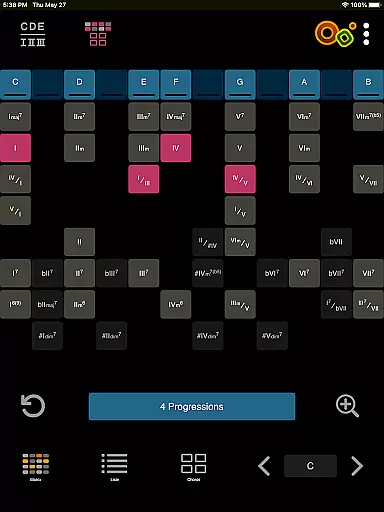
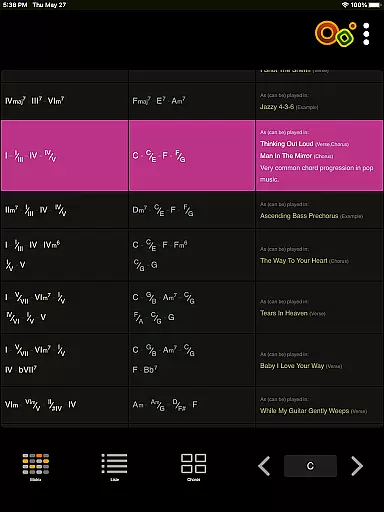
Other notable features include an innovative matrix for exploring chord progressions, quizzes for testing knowledge, and general usability enhancements like day/night mode and left-handed support. Playback of single notes or full chords further enriches the learning experience, ensuring users can hear what they're studying.
When it comes to learning guitar chords, the accuracy and authority of the content are paramount. Oolimo Guitar Chords stands out by providing a structured and unified approach to chord theory, ensuring that every piece of information is both reliable and educational. The app's creator, guitarist and developer Oliver Mochmann, has meticulously curated a database of usable voicings that adapts intelligently to the selected musical key, offering users a trustworthy resource for expanding their chord knowledge.
Oolimo goes beyond just presenting chord charts; it explains why chords work the way they do. This focus on foundational understanding allows users to gain lasting insights into harmonic relationships rather than just memorizing shapes. With features like the Chord Analyzer, which instantly identifies any fingering on the virtual fretboard, learners can be confident in the correctness of each chord name provided. Advanced notation options further reinforce the app's commitment to precision, accommodating slash chords, double accidentals, and enharmonics.
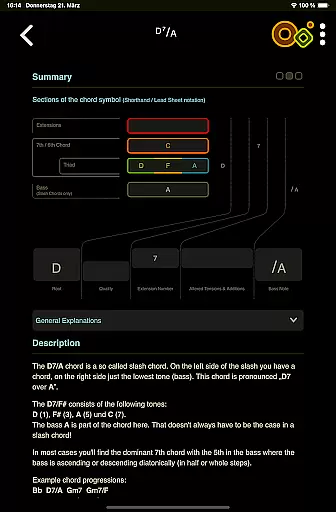
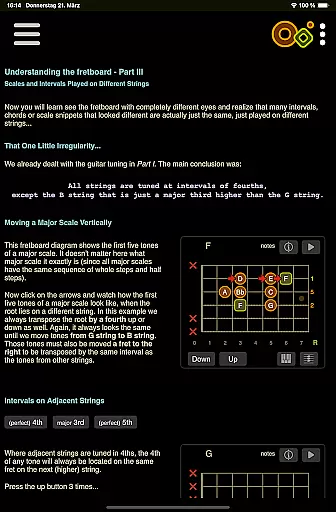
Theory Lessons included in Oolimo cover essential topics such as intervals, chord construction, voicings, and more. These lessons use smart visualizations to make complex concepts accessible, demonstrating the app's dedication to delivering authoritative music education. Whether you're a beginner or an experienced player, Oolimo equips you with accurate theoretical knowledge that translates directly to your playing, enhancing both comprehension and performance.
Oolimo Guitar Chords offers personalized learning paths that cater to individual needs and skill levels, making it an invaluable tool for guitarists at any stage of their musical journey. Through its interactive modules, users can explore different aspects of chord theory at their own pace, focusing on areas that matter most to them. For instance, the Chord Finder feature helps players discover new chords within a context that makes musical sense, adapting automatically to the user's selected key and providing a customized learning experience.
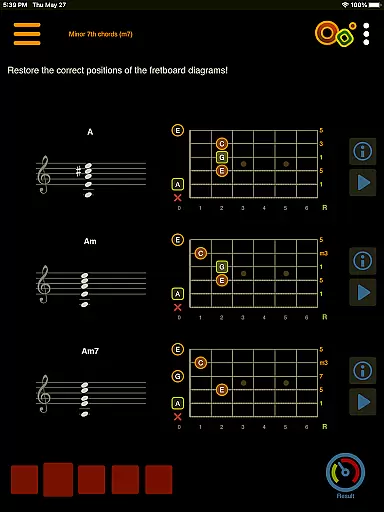
The app also includes quizzes that test knowledge and train the ear, covering topics from chord construction to harmonic context. These quizzes adapt to the learner's progress, presenting challenges that are neither too easy nor overwhelmingly difficult. By engaging with these adaptive tests, users receive immediate feedback on their understanding, allowing them to adjust their study habits accordingly and develop a more intuitive grasp of guitar harmony.
Furthermore, Oolimo supports various learning styles through its general features. Users can switch between detailed or compact chord names, toggle day/night mode for comfortable studying conditions, and even access content in multiple languages including German, English, and Spanish. Such flexibility ensures that each musician can tailor their interaction with Oolimo to best suit their personal preferences and goals, creating a truly bespoke educational environment.
Comprehensive theory lessons
Accurate chord analysis
Interactive learning tools
User-friendly interface
Multilingual support
No real-time collaboration
Limited advanced tunings
Occasional bugs reported
Premium content locked
Steep learning curve

Build math skills in: addition, subtraction, multiplication and division.
 4.10
4.10
Gain new skills in 10 minutes
4.70
Pickleball guide complete with illustrated Pickleball drills and helpful info
4.2
The official CCM Glossary app, including 700+ terms and definitions.
2.90
Visit Daniel's house & make believe. Play doctor, make music, & feed fish.
3.20
An aviator’s preparation, study and test tool for FAA Knowledge Exams.
4.10
A realistic sky map to observe stars, planets, satellites and constellations!
4.80
Learn & Speak New Languages
4.70
Adventures await with Spider-Man and other Marvel characters!
4.10
Explore myths and gods across cultures with in-depth insights and stories.
5.00
Engage in learning science and math with the award-winning PhET simulations!
4.70
The Only Official DVSA Theory Test Kit App
4.50
THE ESTABLISHED "GO TO" ARMY BOARD PREPARATION APP!
4.30
Astronomy Guide To Night Sky
4.30
School Communication
4.30
Turns you phone or tablet into TI graphing calculator (ROM required).
4.20
Hasbro's Classic Board Game - Make Cavity Sam better or get the buzzer!
3.50
Master the NRP with 700+ questions, rationales, and updated NREMT scenarios.
3.00
Animals pop up and make sounds—learn names and noises in Peekaboo Barn!
4.5


User Reviews