
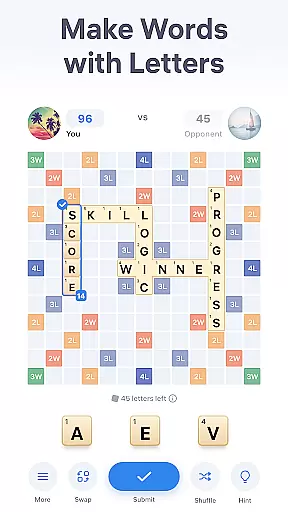
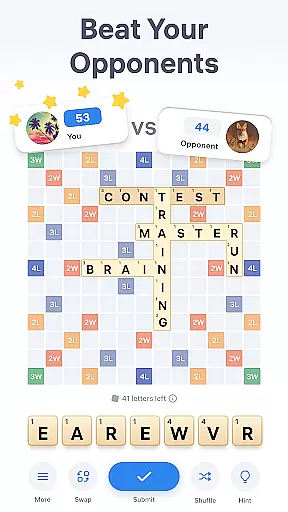
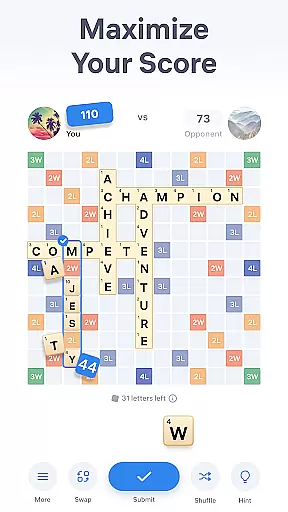
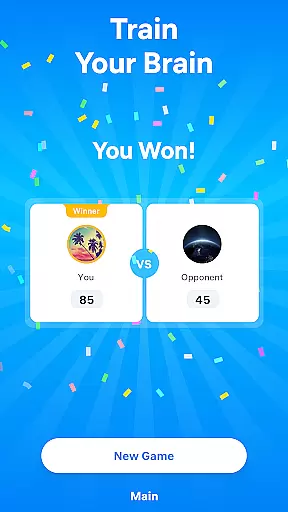
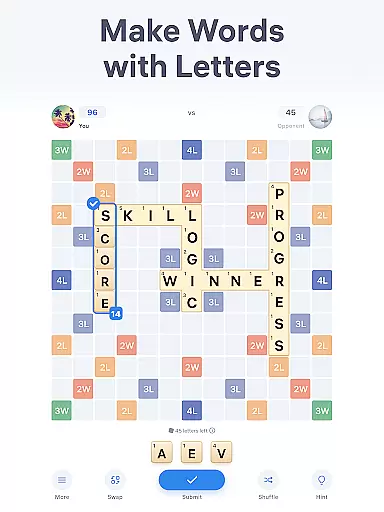
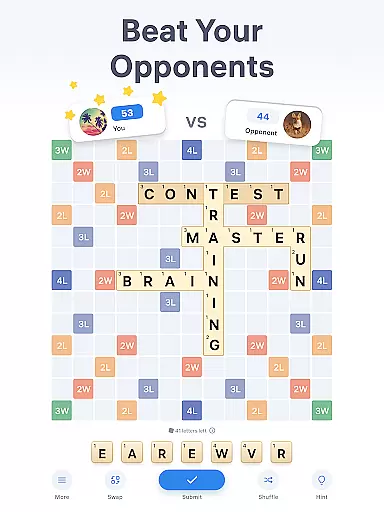
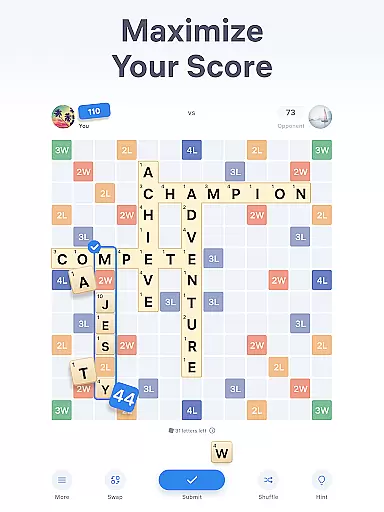
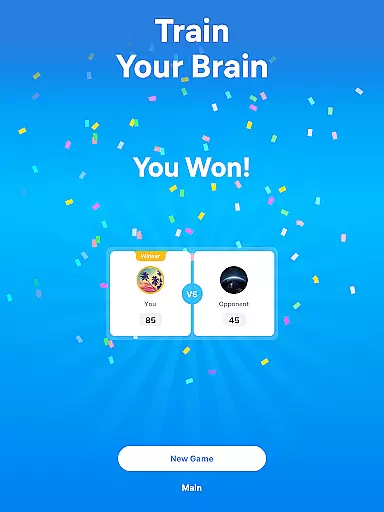
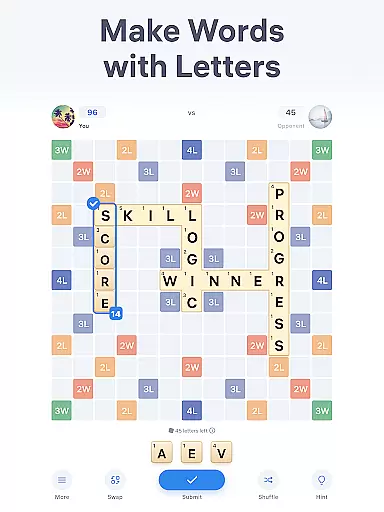
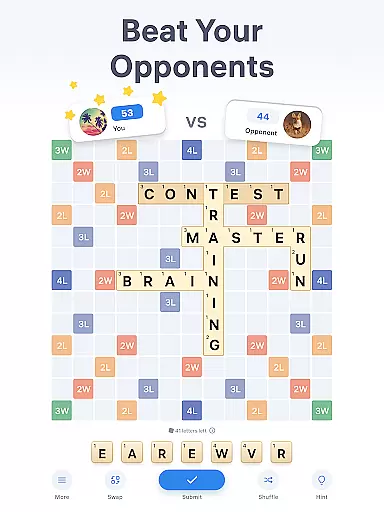
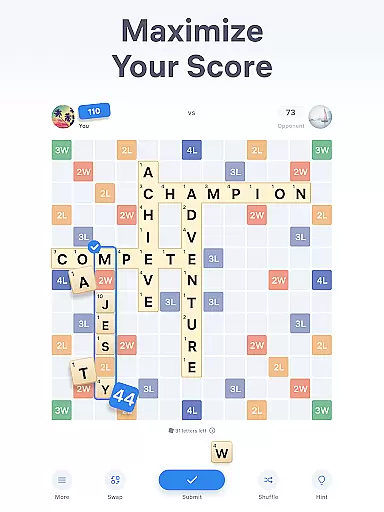
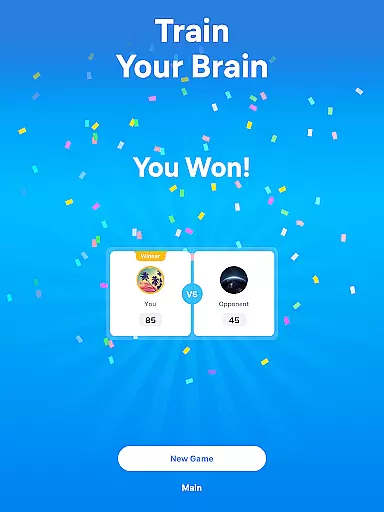
Easy Words - Word Puzzle Games is a captivating word game designed to train your brain while providing hours of entertainment. The core function revolves around composing words on a 13x13 board using letter tiles, aiming for the highest score possible. Players compete against opponents by strategically placing words either horizontally or vertically, utilizing bonus cells to maximize points.
Apart from its competitive gameplay, Easy Words offers unique features such as a built-in dictionary for word definitions, hints to assist in solving challenging puzzles, and options like Swap and Shuffle to inspire new word creations. These elements not only enhance the gaming experience but also enrich vocabulary and sharpen logic skills, making it ideal for both casual players and word game enthusiasts.
This app is perfect for those who enjoy mental challenges during breaks or while commuting. Its engaging mechanics provide an immersive experience that combines learning with fun, ensuring users remain entertained while improving their cognitive abilities through strategic wordplay.
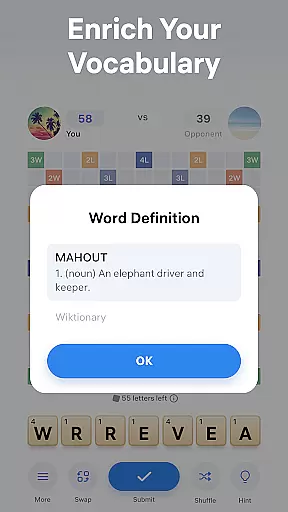
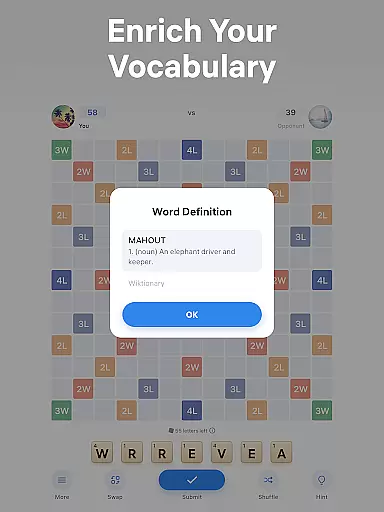
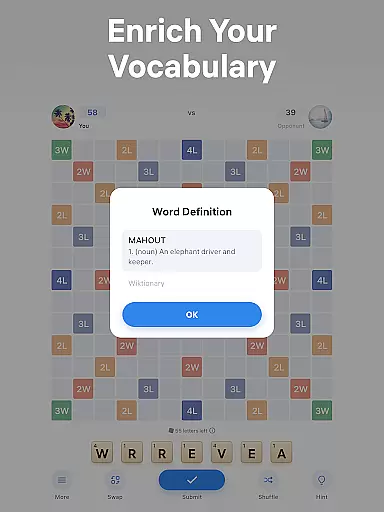
Easy Words stands out with its diverse set of features tailored to enhance the word puzzle experience. One notable aspect is the inclusion of a built-in dictionary, which provides definitions for all words placed on the board. This feature allows players to expand their vocabulary while enjoying the game, offering an educational twist to traditional word puzzles.
The game also incorporates strategic elements such as bonus cells, which multiply points for letters or entire words when tiles are placed on them. Additionally, players can utilize special tools like Hints, Swap, and Shuffle. Hints help compose high-scoring words, Swap allows exchanging unwanted tiles, and Shuffle rearranges letters for fresh perspectives. These features collectively create a dynamic and engaging gameplay environment.
Each feature is designed to add value by enhancing both strategy and enjoyment. Whether you're a beginner looking for assistance or a seasoned player seeking to optimize your score, these tools ensure every session is both challenging and rewarding, setting Easy Words apart from other word games.
Clue quality and clarity are essential in word puzzle games like Easy Words, where players must unscramble words using given letters. The game provides clear guidance through its built-in dictionary feature, which defines all words added to the board. This not only aids in solving puzzles but also enriches players' vocabularies as they learn new words during gameplay.
The hints system further enhances clue quality by suggesting the best possible word a player can create with their current letters. These hints take into account bonus cells on the board to maximize scoring potential, ensuring that each move is both strategic and understandable. By offering well-thought-out suggestions, Easy Words maintains a balance between challenge and accessibility.
Players benefit from these high-quality clues as they improve their logic skills and enjoy competing with opponents for higher scores. With clear definitions and strategic hints, users can focus on enjoying the game rather than struggling with ambiguous instructions. This approach fosters an engaging and educational experience, making it easier for players to immerse themselves in the world of word puzzles.
Puzzle variety is a key feature of Easy Words, providing players with diverse challenges that keep the gameplay fresh and exciting. In this word puzzle game, players take turns composing words with letters from their deck, ensuring that each session offers unique opportunities to form new words. The 13x13 board layout allows for numerous combinations, encouraging creativity and strategic thinking.
Each letter tile comes with its own point value, adding another layer of complexity to the puzzles. Bonus cells scattered across the board multiply points for either a single letter or an entire word, creating varied strategies for maximizing scores. Additionally, special tiles like jokers can substitute any letter, offering unexpected twists and enhancing puzzle diversity.
With features such as swapping tiles to gain new letters and shuffling existing ones for a fresh perspective, Easy Words ensures that no two games feel the same. These mechanics provide ample room for experimentation and learning, keeping players engaged as they strive to solve increasingly complex word puzzles. By continuously introducing new challenges, Easy Words captivates users and enhances their problem-solving skills over time.
Engaging gameplay
Educational value
User-friendly interface
Variety of strategic tools
Competitive multiplayer mode
Limited offline functionality
In-app purchases required
Occasional ads disruption
Complex rules for beginners
High competition difficulty

Get the Party Started with the Ultimate Charades Game! Give Hints, Make Guesses.
 3.90
3.90
Visit the wonders of the world while you connect letters to create great words!
4.90
Challenge your brain with online learning and solve word puzzles!
4.90
Play word games to find as many words as you can. Use mode of crossword puzzles!
4.80
Explore the world playing word puzzle games. Relax your brain by finding words
4.80
Who is the Imposter? The ultimate group game for 3 to 30 players!
4.2
Unleash your inner codebreaker! Solve challenging cryptograms & word puzzles.
4.70
Zen Word - where challengers relax, solve word games, and train their minds!
4.80
Word Solitaire: sort words by category in a relaxing word puzzle game!
4.40
Solve crossword puzzles challenge your brain and expand your vocabulary
4.90
Best Word Game with Friends!
4.90
Play this visually-pleasing word game specially designed for seniors!
4.90
Great Word Game with Friends!
4.80
A smart word game that's challenging your mind with more than 1000 levels
4.80
Enjoy the beautiful scenery and endless word search puzzles!
4.70
Heads Up, charades for kids family & friends. Enjoy guessing game in holiday!
4.60
Word Puzzles from the hit TV show! Spin the wheel for fun word games!
4.60
Relax and have fun with a combination of word games and solitaire!
4.60
The classic word game with advanced AI and built-in definitions
4.60


User Reviews