
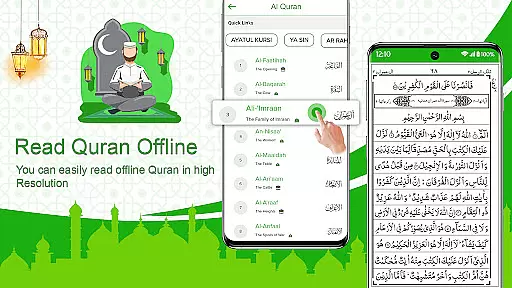
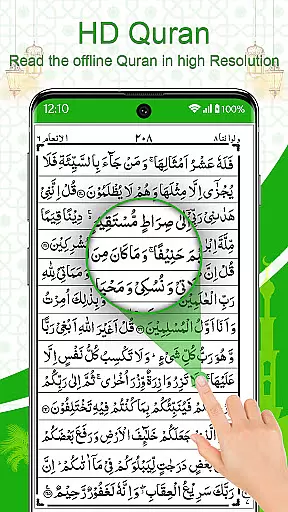
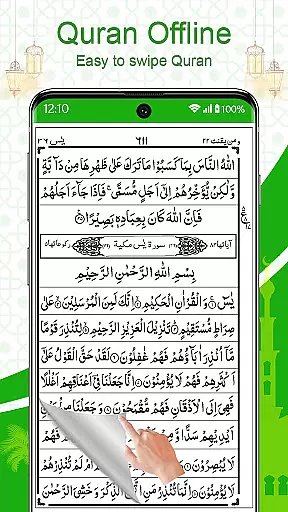
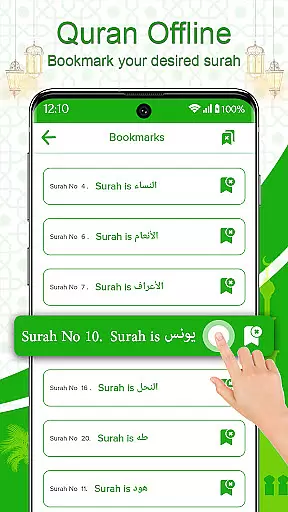
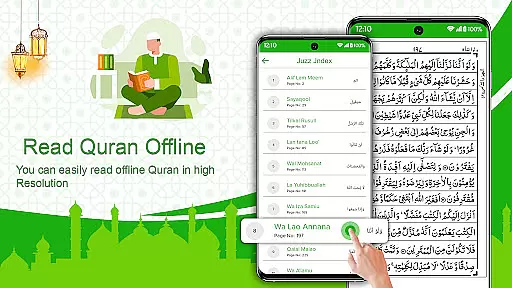
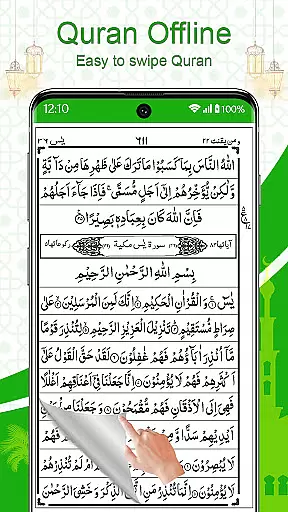
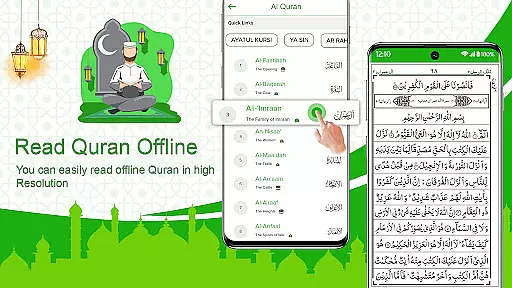
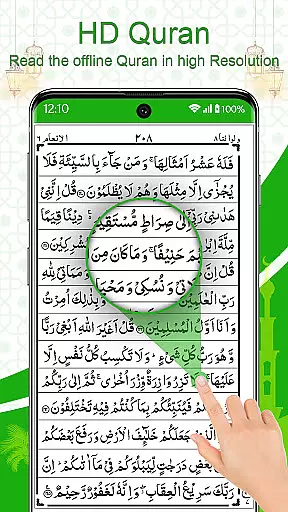
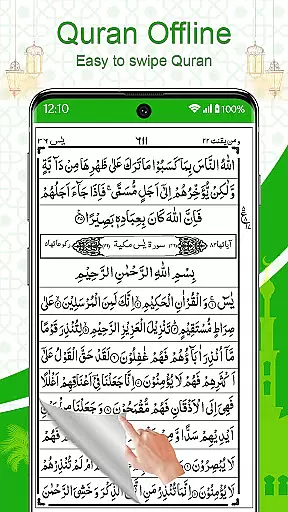
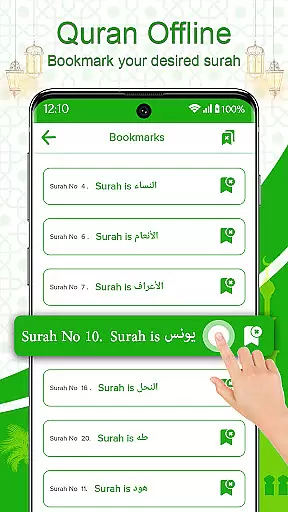
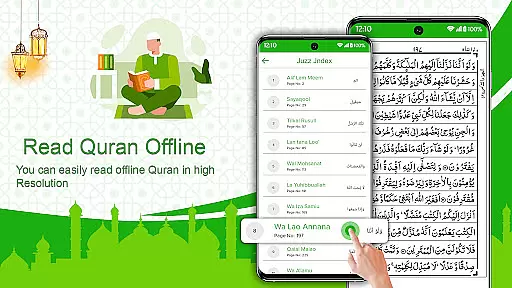
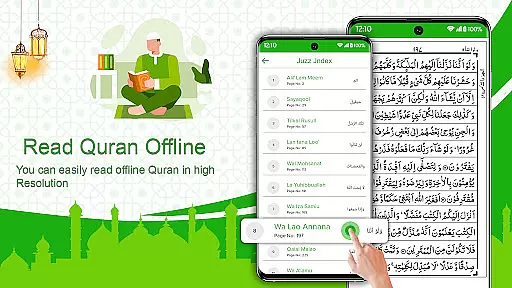
Holy Quran Offline Reading is a comprehensive mobile application designed for Muslims worldwide to access the Holy Quran conveniently. This app allows users to read and recite the Quran offline, ensuring uninterrupted worship anytime and anywhere. With its user-friendly interface, it replicates the experience of reading from an actual Quran book, making it ideal for both personal spiritual growth and religious study.
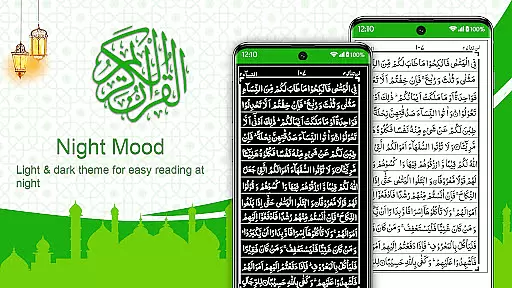
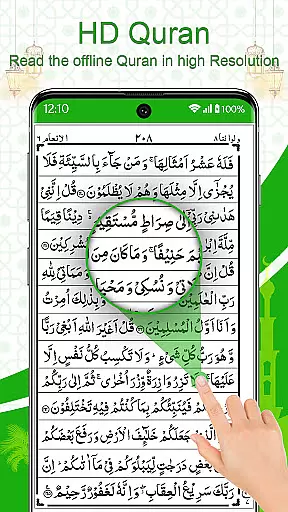
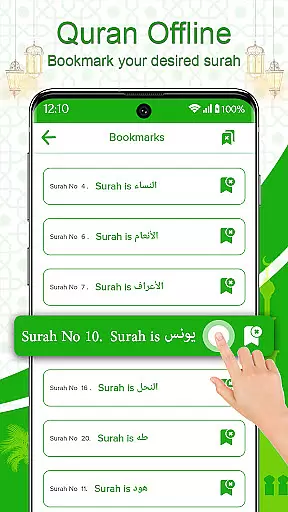
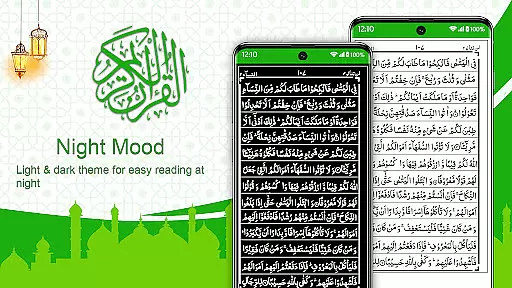
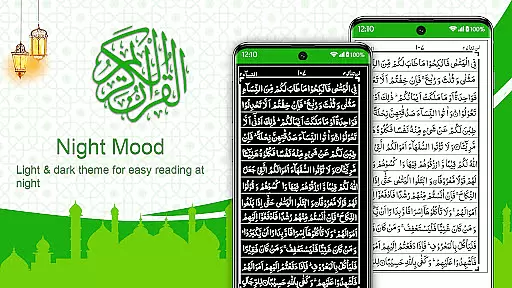
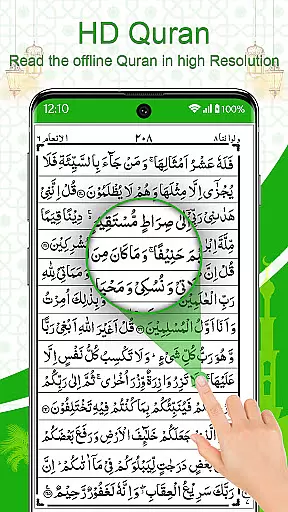
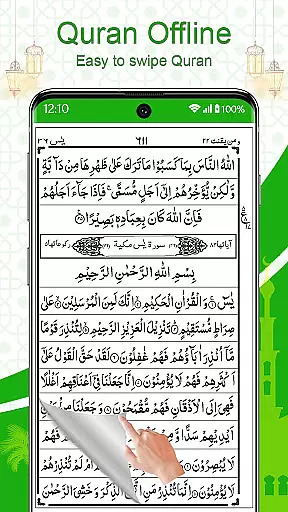
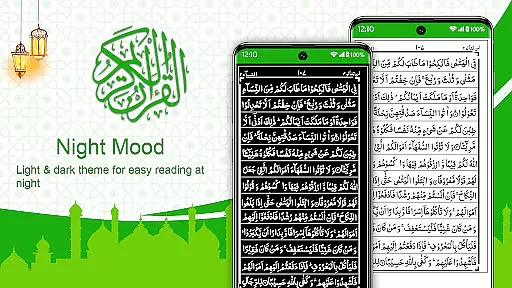
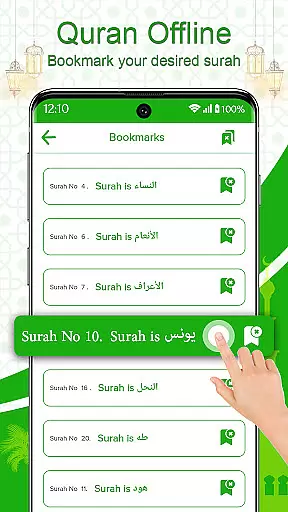
The app includes essential features such as a bookmarking system to save favorite Surahs or Juz, advanced search options for specific Surahs, and pinch-to-zoom functionality for ease of reading. It also offers light and dark modes for better readability and a page-turning effect that mimics a real Quran. These features make it especially beneficial for Hafiz-e-Quran and those learning the Quran in religious institutions.
Holy Quran Offline Reading stands out with its unique set of features tailored for devout Muslims. One of the core functionalities is the ability to read the entire Quran offline, which means users can access the holy text without needing an internet connection. The app presents the Quran in a 13-line format per page, maintaining the traditional layout and providing a genuine reading experience.
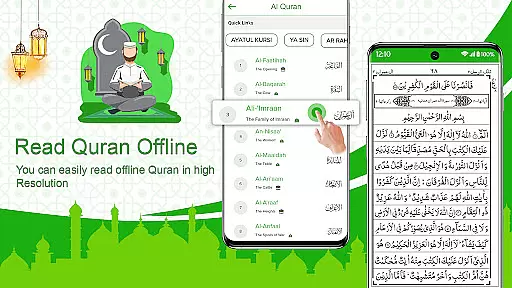
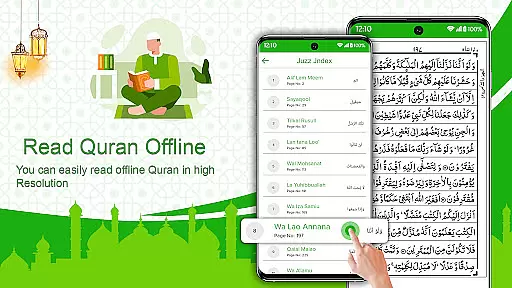
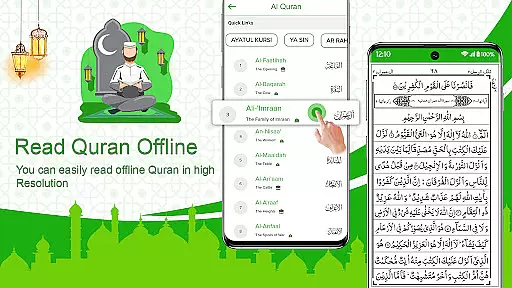
Another significant feature is the resume capability, allowing users to pick up exactly where they left off. The app also includes quick links to commonly read Surahs, direct search options for specific Surahs or Juz, and stop signs indicating where to pause during recitation. Additionally, the inclusion of light and dark modes ensures comfortable reading in various lighting conditions, enhancing the overall user experience.
In the realm of digital religious texts, functionality completeness is paramount for an optimal user experience. Holy Quran Offline Reading app excels in this area by providing a comprehensive suite of features that cater to the needs of the Muslim community worldwide. The app includes non-stop recitation options, complete 13-line page views, and compatibility with Android devices, ensuring that users can engage with the text in a manner that closely mirrors reading from a physical Quran.
Moreover, the app's ability to operate entirely offline addresses one of the most critical aspects of functionality coverage u2013 accessibility. Users can access the entirety of the Quran without an internet connection, making it an indispensable tool for those living in or traveling to areas with limited connectivity. This feature ensures that no matter where you are, whether in Mecca or any other part of the world, uninterrupted Quranic recitation is at your fingertips.
The inclusion of advanced search options, quick links to common Surahs, and bookmarking capabilities further solidifies the app's stance on functionality completeness. These tools not only enhance the ease of navigation through the holy text but also allow for personalized learning and memorization experiences. With these comprehensive features, the Holy Quran Offline Reading app provides a robust platform for both casual readers and serious students of the Quran.
Usability and operational smoothness are crucial factors that determine the success of any application, especially one as significant as a Holy Quran app. The Holy Quran Offline Reading app offers an intuitive interface that mimics the experience of reading from an actual Quran book, thus maintaining the sanctity and familiarity of the act. Its design incorporates a page-turning effect and comfortable brightness settings, which contribute to a seamless and enjoyable reading experience.
Operational smoothness is evident in the app's performance, which boasts features such as pinch-to-zoom for enlarging text and stop signs indicating pause points during recitation. Such functionalities ensure that users can read and recite the Quran with minimal distractions and maximum focus. Additionally, the app prevents the screen from turning off during recitations, allowing for continuous engagement without interruptions.
Furthermore, the app's light and dark mode feature enhances readability under various lighting conditions, catering to individual preferences and environments. By offering direct access to any Surah or Juz from the index and enabling users to resume their reading from where they last left off, the app demonstrates its commitment to providing a fluid and user-friendly experience. These thoughtful inclusions underscore the app's dedication to facilitating a meaningful connection with the Quran for Muslims everywhere.
User-friendly interface
Offline accessibility
Bookmarking system
Advanced search options
Light and dark modes
Limited language support
No audio recitation
Basic UI design
Occasional bugs
Ads in free version

Connect and find your Smart Tag 2 devices through our app.
 3.60
3.60
Study Bible King James Version: the correct way to learn the Bible with audio
4.80
Mirror link car connector to share your screen with car dashboard
3.80
CloudEye 365 is a easy-handling APP
3.60
Barcode scanning made simple!
4.40
Game booster GFX may reduce interruptions and improve gaming experience.
4.50
Ps2 plugins for 64 bit artitechture
3.70
Now Available on Android ™
3.40
Expo is a free & open source platform to build apps using JavaScript and React.
4.70
Explore The Holy Quran Majeed for Muslim. Listen to MP3 Quran & Al Quran Kareem.
4.80
Read Holy Quran Feel Like Real Quran & Listen Al Quran Mp3 Audio Online Offline.
4.70
The Free Catholic Latin American Bible in complete Spanish
4.60
Popular mods fnaf mods for melon playground
4.50
Wireless reverse charging using phone now is possible
4.30
use your smartphone as Remote control drones .
4.20
Test DPC is a sample device policy controller for use with Android Enterprise.
4.20
Sad ringtones full of feeling, sad music ringtones
3.90
Use your Phone as Drone Controller.
3.70
Endoscope camera an app to connect with endoscope cam or any device
3.30


User Reviews