
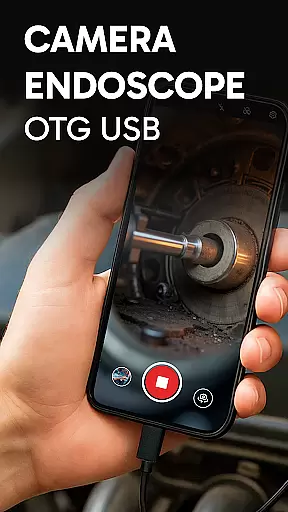
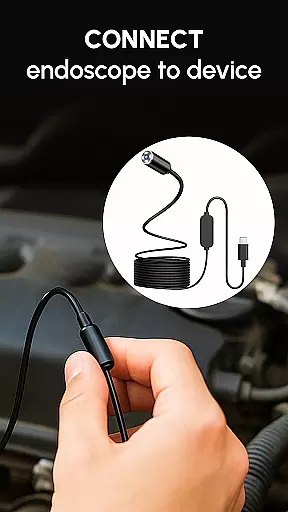
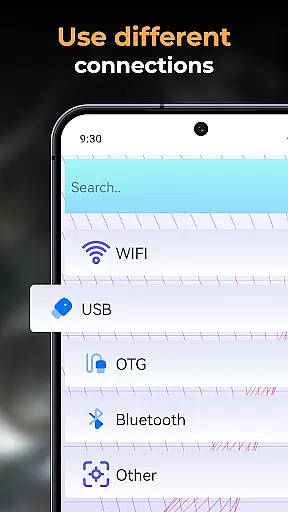
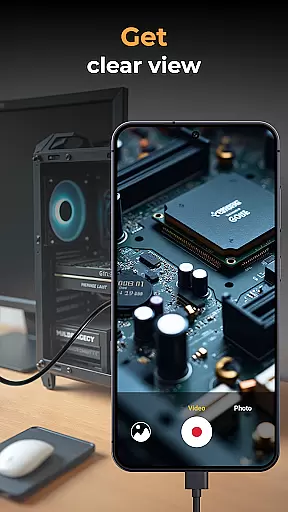
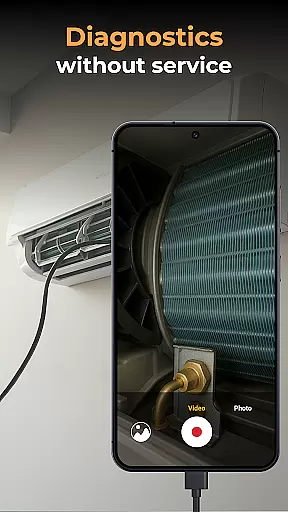
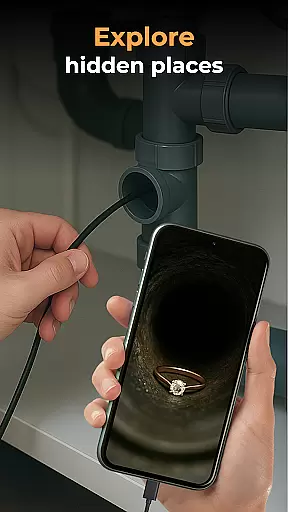
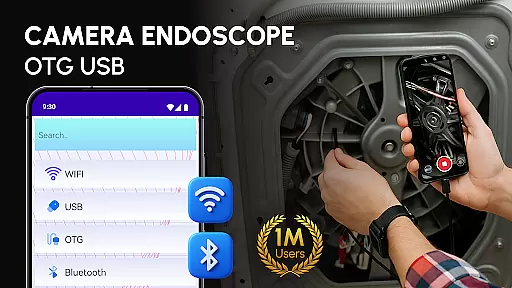
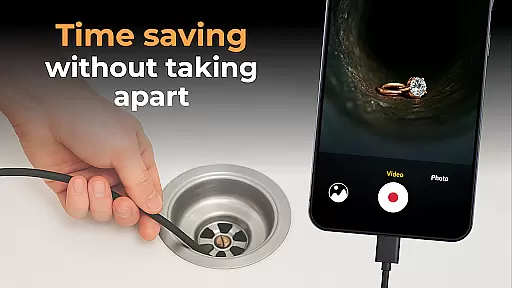
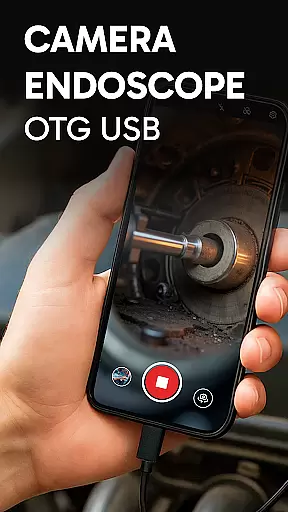
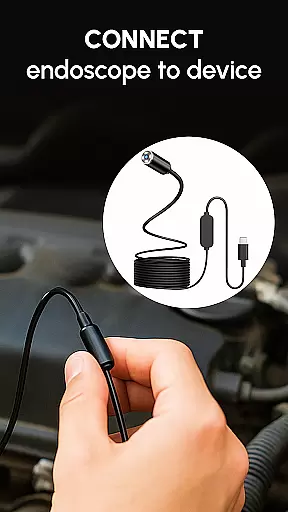
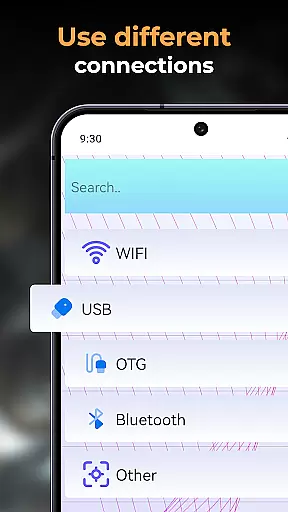
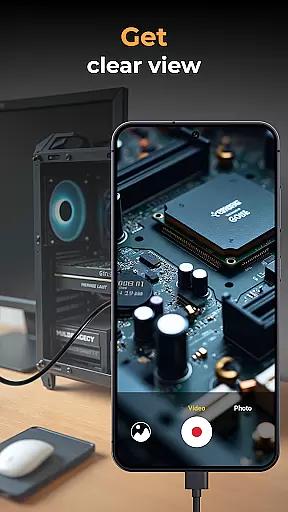
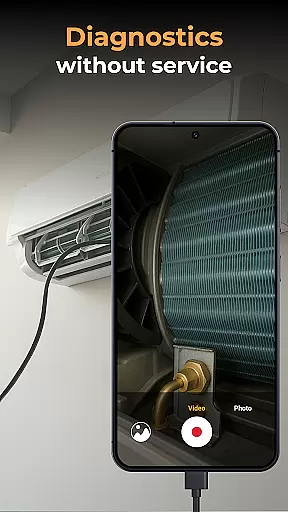
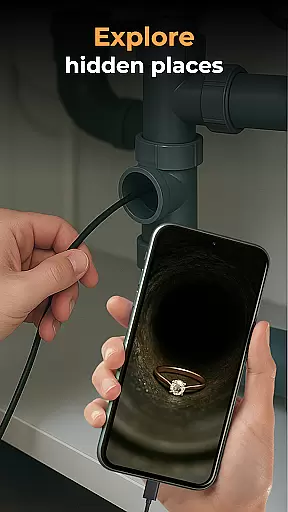
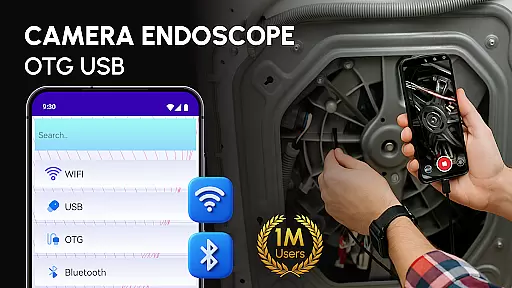
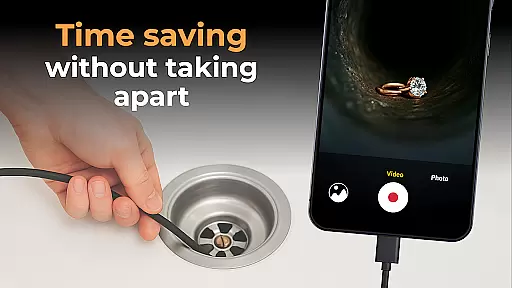
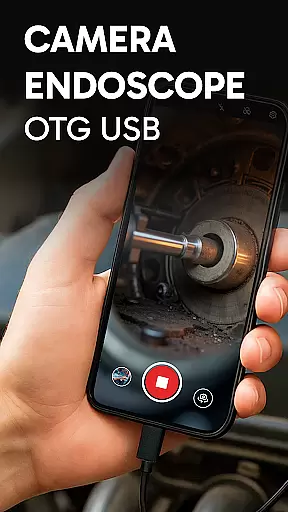
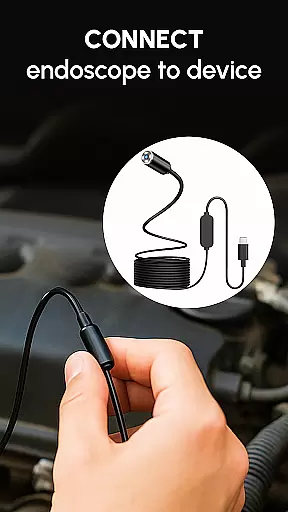
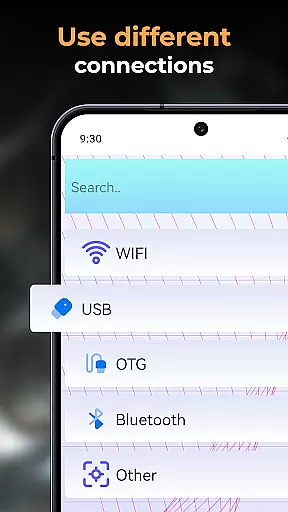
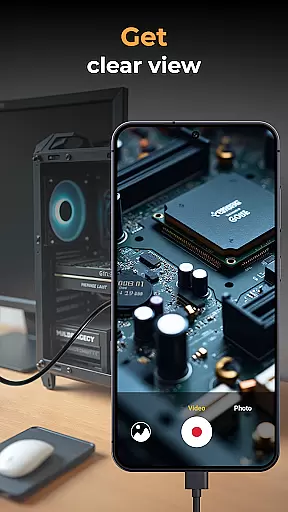
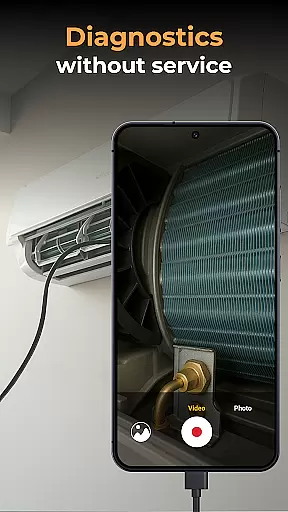
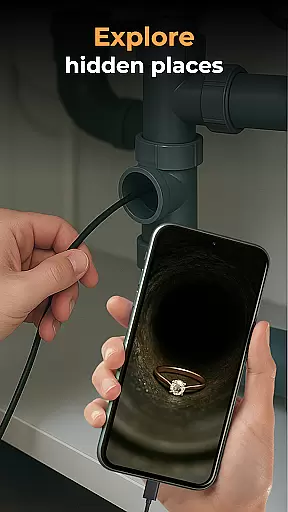
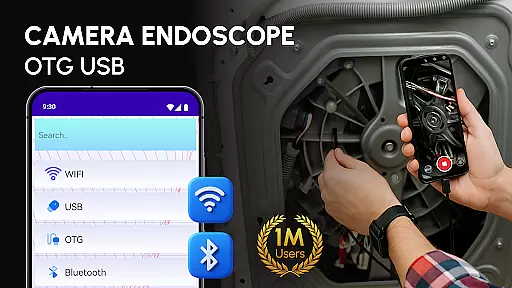
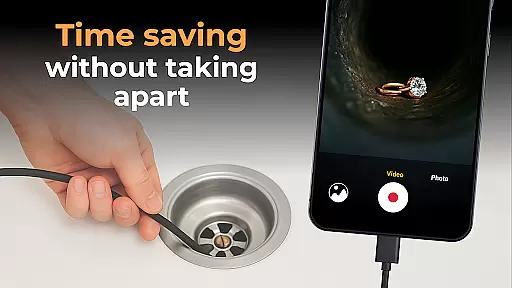
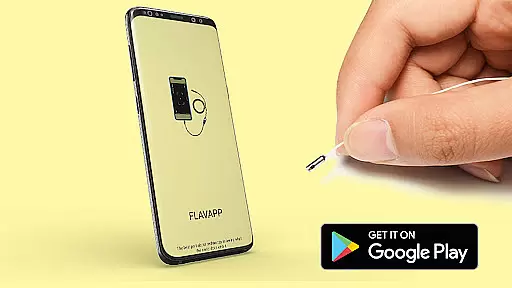
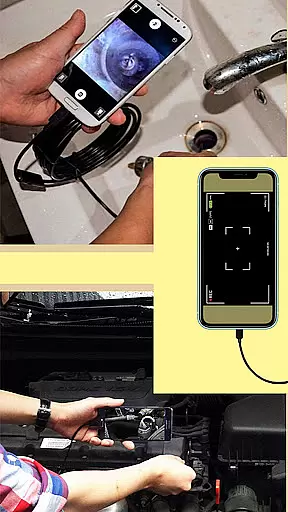
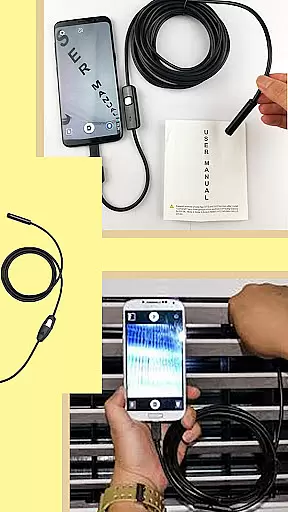
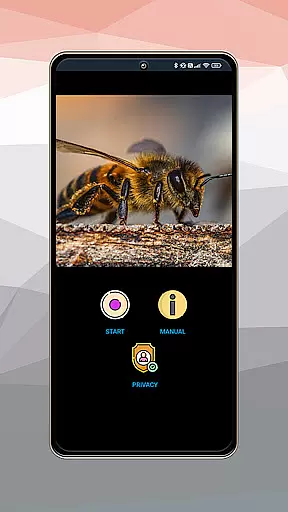
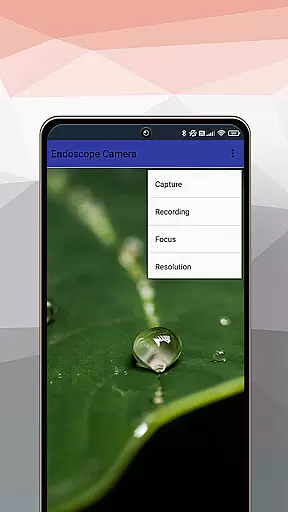
Camera endoscope / OTG USB is a powerful inspection tool that transforms your Android device into a professional diagnostic system. Designed for both professionals and DIY enthusiasts, this app allows users to connect external cameras such as borescopes, microscopes, and other inspection tools via USB OTG interface. With real-time video capturing capabilities, it supports detailed exploration of tight spaces, broken machinery parts, or narrow objects.
The app offers seamless integration with various external devices, ensuring high-quality video and image recording. Its intuitive gallery management system lets users store, view, delete, and share media files effortlessly. Whether you're conducting plumbing work, car repairs, or electronics diagnostics, Camera endoscope / OTG USB provides clear visuals and precise control over connected devices, making inspections easier than ever before.
One of the standout features of Camera endoscope / OTG USB is its ability to support real-time video capturing through external cameras. This functionality is ideal for inspecting hard-to-reach areas, offering users a live view of their target area. The app's compatibility with various devices, including borescopes and microscopes, ensures versatility across multiple use cases.
In addition to its robust capture capabilities, the app includes an integrated media gallery where users can manage their photos and videos efficiently. Media management functions like viewing, deleting, and sharing are straightforward, enhancing productivity during inspections. Furthermore, the plug-and-play feature simplifies setup, allowing users to start exploring immediately after connecting their compatible devices.
Optimized for performance, Camera endoscope / OTG USB delivers stable connections and high-quality outputs, whether used for pipe inspections or close-up work with microscopes. Its user-friendly interface makes it accessible even for non-technical users, while its advanced functionalities cater to professionals seeking reliable diagnostic tools.
In the realm of inspection and diagnostic tools, the Endoscope Camera: USB OTG Camera app offers comprehensive functionality that covers a wide array of needs. This application is designed to transform your Android device into a versatile inspection tool, suitable for various tasks such as plumbing work, car maintenance, or electronics diagnostics.
The app supports real-time video image capturing, making it an indispensable companion for professionals who require immediate visual feedback from hard-to-reach areas. With compatibility for external devices like borescopes and microscopes through the USB OTG interface, users can seamlessly connect their equipment and start inspecting with minimal setup.
One of the key strengths of this app is its ability to record high-quality videos and images, which are essential for detailed analysis and documentation. The built-in gallery feature allows for efficient media management, enabling users to store, view, delete, and share their captured content effortlessly.
Furthermore, the app's optimization for Android ensures a stable and fast connection, providing users with a smooth experience whether they're examining tight pipes or conducting close-up inspections of intricate machinery parts. Its plug-and-play functionality makes it accessible even to non-technical users, enhancing its appeal across different user groups.
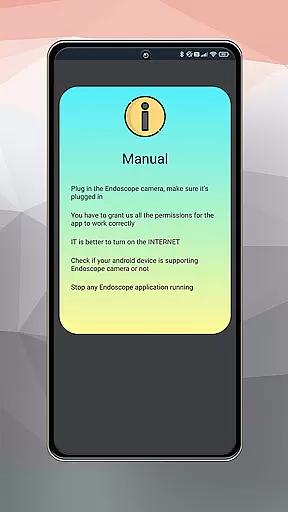
When it comes to usability, the Endoscope Camera: USB OTG Camera app excels by offering an intuitive and straightforward user experience. The setup process is remarkably simple; users only need a compatible device and a USB OTG cable to begin exploring the capabilities of their external cameras.
Upon launching the app, users are greeted with a clean interface that provides quick access to the camera's live view. This immediacy is crucial for professionals who need to make timely assessments without being hindered by complex configurations or slow connection speeds.
The app's operational smoothness is further enhanced by its support for multiple devices, ensuring that a broad range of users can benefit from its features. Whether you're using a borescope for pipe inspections or a microscope for detailed work, the app maintains a reliable connection that minimizes disruptions during critical tasks.
Additionally, the Microscope Camera: Endoscope App simplifies file management with its easy-to-use media gallery. Users can organize their photos and videos efficiently, accessing options like delete or share with a simple long press on any media file. This streamlined approach not only saves time but also enhances productivity, allowing users to focus more on their work and less on managing digital files.
User-friendly interface
Real-time video capture
Wide device compatibility
Efficient media management
Plug-and-play functionality
Limited to Android devices
Requires compatible hardware
No iOS version available
Dependent on OTG cables
Basic editing tools

Record with Double Camera Video Recording using Dual Camera Front and Back Video
 3.00
3.00
Read Holy Quran Feel Like Real Quran & Listen Al Quran Mp3 Audio Online Offline.
4.70
Demo for Key Attestation feature of the Android system.
4.80
Test DPC is a sample device policy controller for use with Android Enterprise.
4.20
TV USB connector app provides you a seamless cast option from your phone to tv.
4.70
Study Bible King James Version: the correct way to learn the Bible with audio
4.80
Al QURAN-القرأن الكريم app to read Quran offline just like an actual Quran book
4.30
Phone Software Update Quick Checker helps you to keep your phone apps up to date
4.50
Unlock the hidden menus of your phone with our mobile secret codes app.
4.20
MirrorLink for connecting your Android phone to your car’s infotainment screen.
4.50
Enjoy Minecraft Mod Scary Neighbor Granny for Minecraft PE.
4.30
Recite Quran Majeed القران with special 16 line real Kuran page in hand
4.30
a wireless controller that provides a seamless and gaming experience for players
3.80
Ps2 plugins for 64 bit artitechture
3.70
Connect and find your Smart Tag 2 devices through our app.
3.60
CloudEye 365 is a easy-handling APP
3.60
Mobs maker Minecraft help MCPE creators make their own mob by using Blockbench
3.50
Collection of Maps and Mods for Dmod
3.30
A great tool help you to format Micro SD memory Card
3.10


User Reviews