
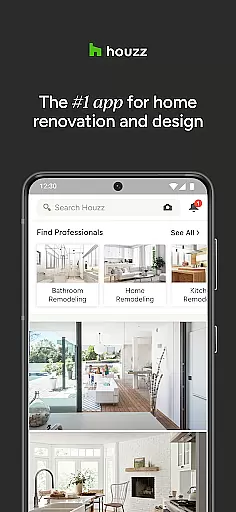
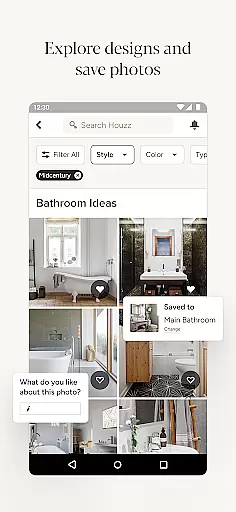
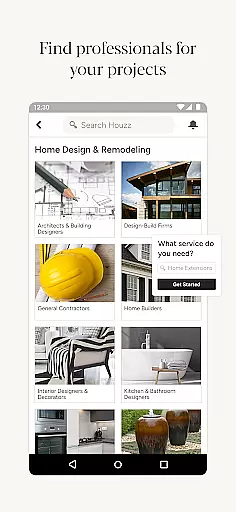
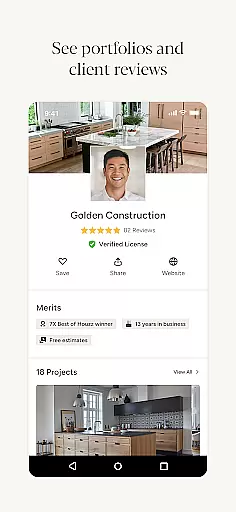

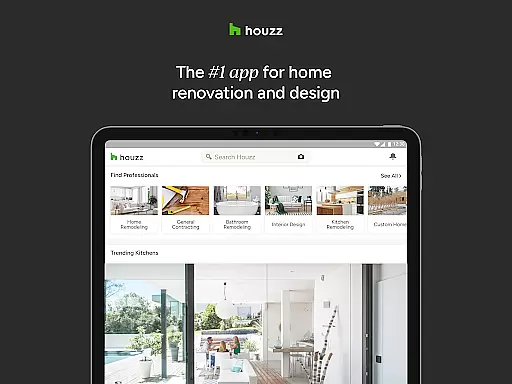
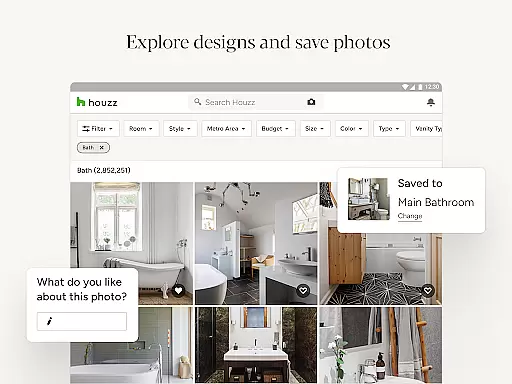
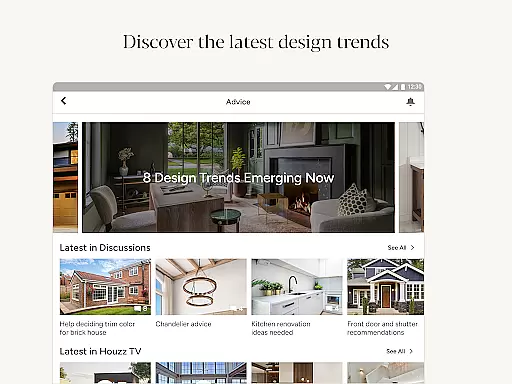
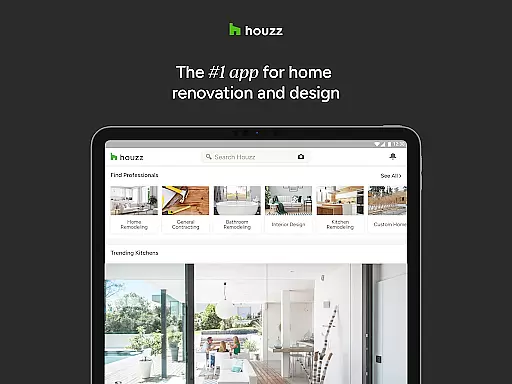
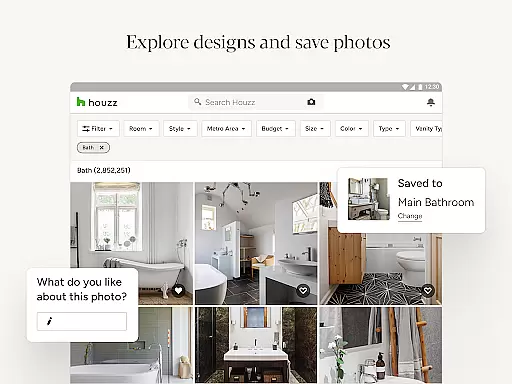
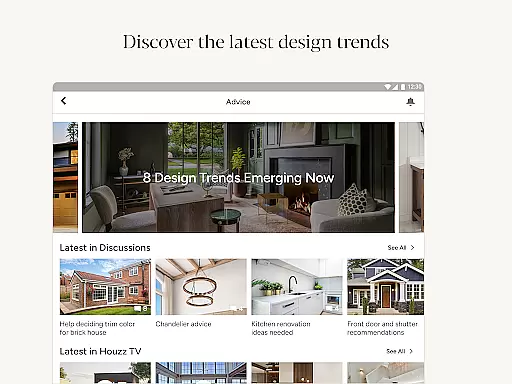
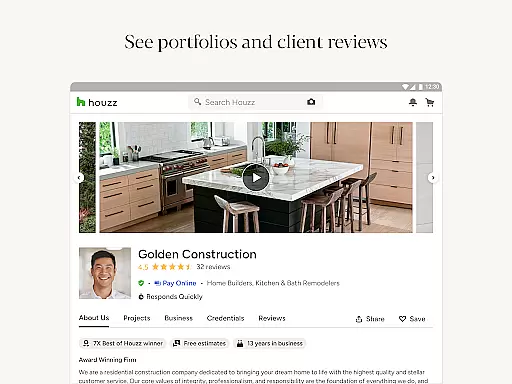
Houzz is a comprehensive home design and renovation app that serves as an essential tool for homeowners, designers, and professionals alike. With access to over 25 million high-resolution photos, users can explore design ideas by style, location, or specific rooms such as kitchens or bathrooms. The app's intuitive interface allows you to save and share these inspiring images with friends, family, or potential contractors.
One standout feature is the ability to shop directly from the app, offering more than 5 million products ranging from vanities to lighting fixtures. Verified product reviews and exclusive sales of up to 75% off make it easier to find quality items at great prices. Additionally, Houzz incorporates innovative technologies like Visual Match and View in My Room 3D, enabling users to visualize how products would look in their own space using augmented reality.
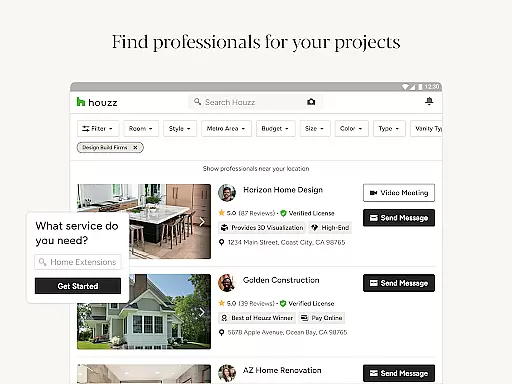
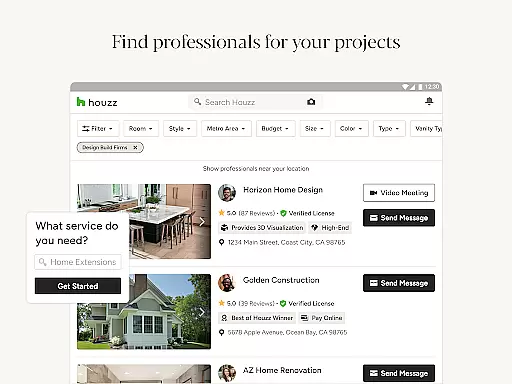
Beyond its design resources, Houzz connects users with over 3 million home improvement professionals, including architects and contractors, ensuring you have expert support for any project. Whether planning a full remodel or seeking decor inspiration, Houzz streamlines the process while providing valuable advice through articles, videos, and community discussions.
Houzz stands out due to its extensive range of features tailored for both DIY enthusiasts and industry professionals. A key highlight is the vast library of over 25 million photos showcasing interior and exterior designs. These images are meticulously categorized by room type, style, and location, making it easy to find relevant inspiration. Users can also utilize the Sketch feature to annotate photos, fostering better communication when collaborating with designers or contractors.
The integrated shopping experience sets Houzz apart from other design apps. With millions of products available, users can browse everything from furniture to building materials. Verified reviews and limited-time sales enhance trust and affordability. Moreover, advanced tools like Visual Match allow users to identify similar products within photos, while View in My Room 3D leverages AR technology to preview items in their actual environment.
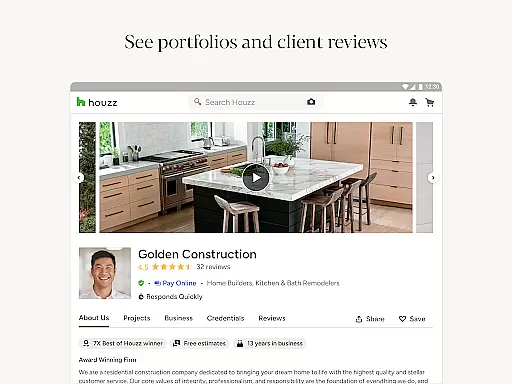
Another significant advantage is the platform's professional network. Homeowners can connect with over 3 million vetted professionals across various specialties, ensuring they find the right fit for their projects. Coupled with educational content like biweekly newsletters and original video series, Houzz not only inspires creativity but also empowers informed decision-making throughout every stage of home improvement.
When it comes to home renovation and design, having access to authentic and reliable property listings is crucial. Houzz ensures the authenticity of its property listings by partnering with trusted professionals in the industry. Each listing on Houzz is verified, ensuring that users have access to accurate and up-to-date information.
Houzz goes a step further by providing users with more than 25 million high-resolution photos of home interiors and exteriors. These photos are not only visually appealing but also serve as a valuable resource for users looking for inspiration and ideas for their own homes. Whether you're interested in browsing by style, location, or specific room, Houzz has got you covered.
By offering a diverse range of property listings, Houzz allows users to explore different design possibilities and find the perfect match for their needs. From modern and minimalist designs to cozy and rustic styles, Houzz provides a comprehensive collection that caters to various preferences and tastes.
In addition to browsing and saving photos, Houzz also enables users to connect with home professionals directly. This feature allows users to collaborate with architects, interior designers, and contractors who can bring their design visions to life. By facilitating these connections, Houzz ensures that users have access to the expertise and guidance needed to make informed decisions about their home projects.
Managing a home involves various tasks, from organizing and decorating to maintaining and renovating. Houzz offers a range of features that simplify and enhance the home management experience. One notable feature is the ability to shop for products and materials directly through the app. With over 5 million products available, including furniture, lighting, and decor, users can easily find and purchase items to transform their spaces.
To assist users in making informed purchasing decisions, Houzz provides verified product reviews. These reviews offer valuable insights from real customers who have already purchased and used the products. By considering these reviews, users can ensure that they are investing in high-quality items that meet their expectations.
Houzz also incorporates innovative technologies to enhance the shopping experience. The View in My Room 3D feature allows users to virtually place products in their own space using augmented reality. By leveraging the camera on their Android devices, users can see how a particular piece of furniture or decor would look in their home before making a purchase. This feature eliminates the guesswork and helps users make confident buying decisions.
Furthermore, Houzz facilitates collaboration between homeowners and professionals. Users can connect with over 3 million home improvement professionals, including architects, interior decorators, and contractors. This network of professionals provides users with the opportunity to hire experts who can assist with their home renovation projects. By bringing together homeowners and professionals, Houzz streamlines the process of finding and hiring the right individuals for each project.
User-friendly interface
Extensive photo library
Innovative AR tools
Vetted professional directory
Educational content
Premium subscription costs
Limited offline functionality
Occasional ad clutter
Product availability varies
Steep learning curve

Design house plans in 2D & 3D, style furniture, and preview renovation layouts
 3.70
3.70
Parcel Pending Resident App
4.50
Control Fire TV & mirror your phone screen instantly over Wi-Fi.
3.30
Resident Center, powered by Buildium, is designed with simplicity in mind.
4.50
Find contractors for all home renovation projects. Remodeling, repair, and more.
4.20
Design your dream home with 3D planning app, Visualize your dream home in 3D.
4.20
Control your Vivint Smart Home with the next generation Vivint App.
4.30
Search for Homes, Rentals, Agents & Schools
4.70
Control your thermostat, comfort, and home monitoring from your phone
4.30
Real estate app to find homes for sale or rent in the right neighborhood for you
4.70
MLS-powered real estate app to find homes for sale & apartments for rent
4.70
Find homes for sale and apartments for rent in the best neighborhood.
4.70
Looking for the perfect apartment finder app? Find beautiful rental homes here!
4.60
Make Renting Easy
4.40
The official app for Home Assistant. Control your home anywhere in the world.
4.30
AI floor creator to design your dream house, plan rooms & style your home
4.00
Our app allows Sunrun customers to monitor systems, pay bills, and get support.
3.80
Find the perfect paint color with advanced tools to explore and visualize color.
3.80
Use Home by ShowingTime to easily manage showings, tours, feedback and more
3.60


User Reviews