
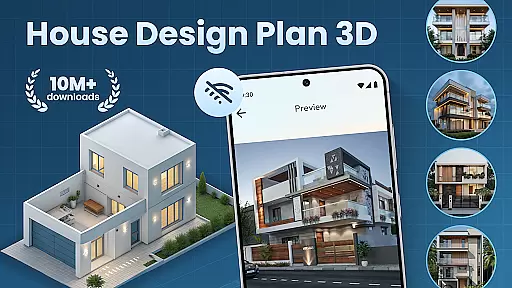
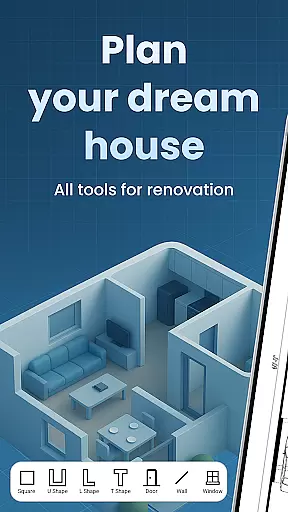
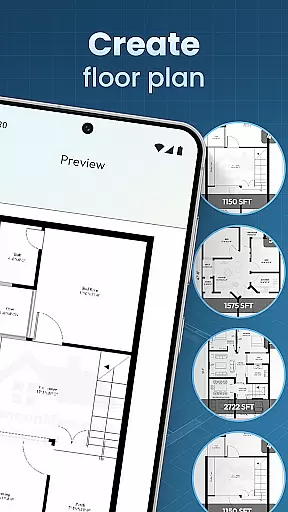
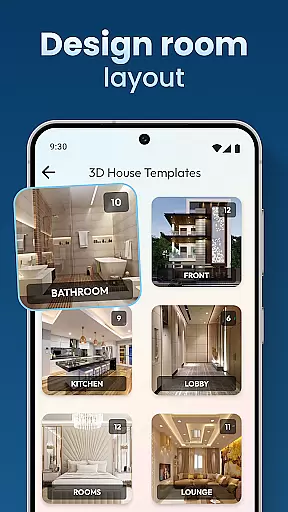
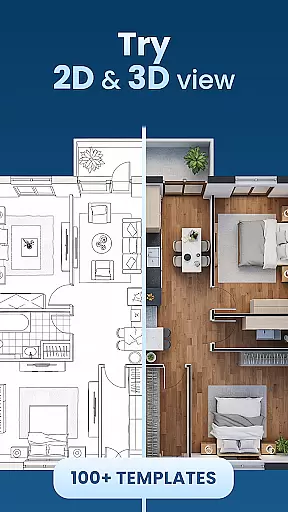
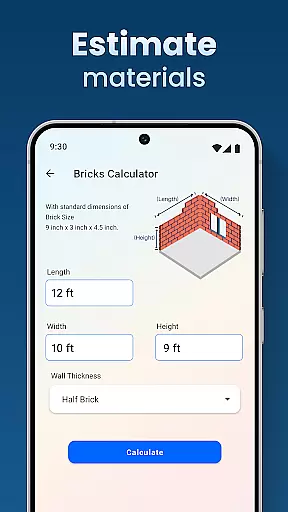
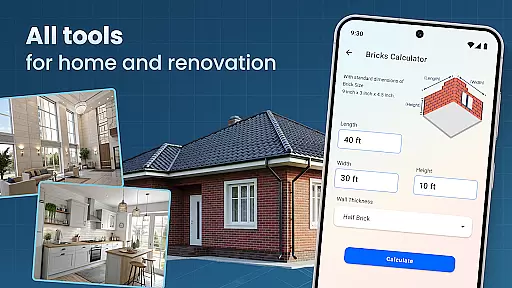
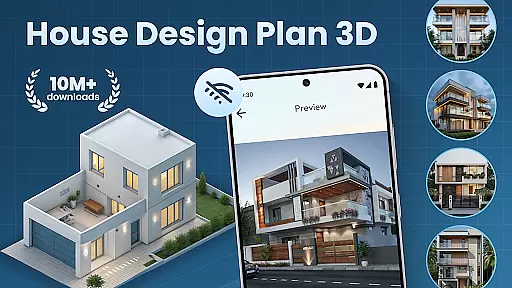
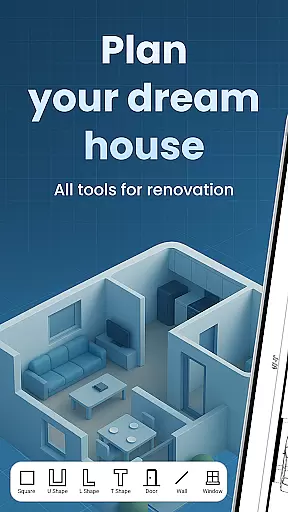
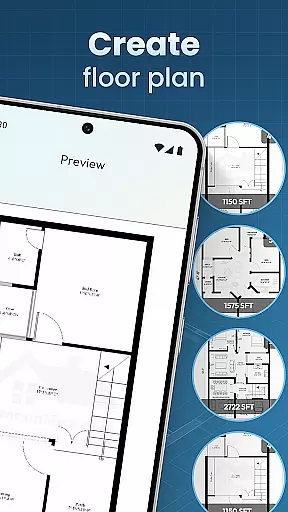
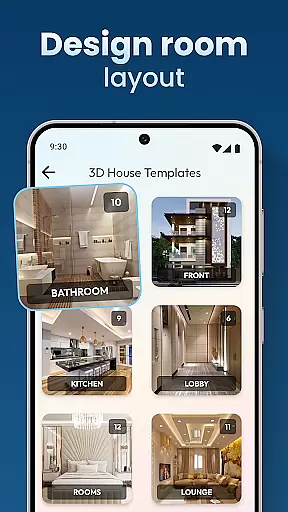
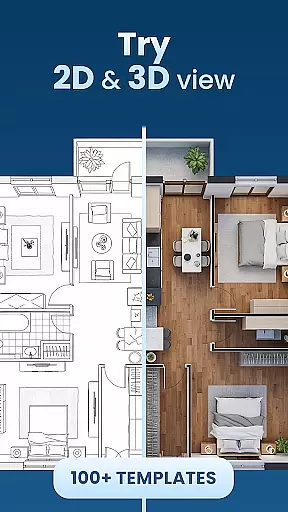
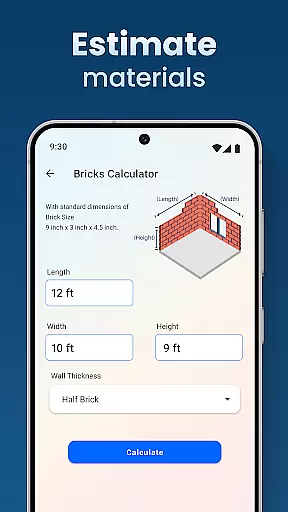
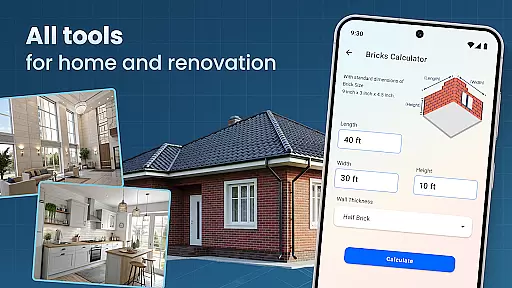
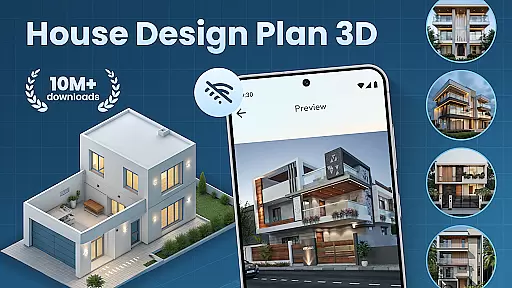
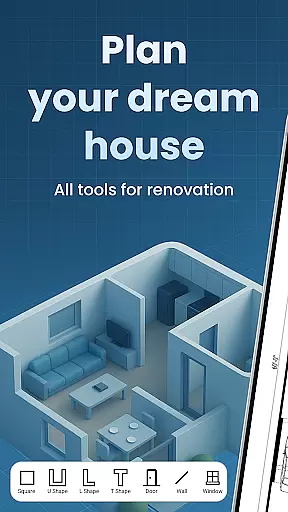
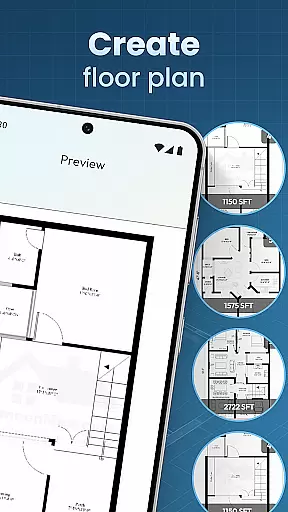
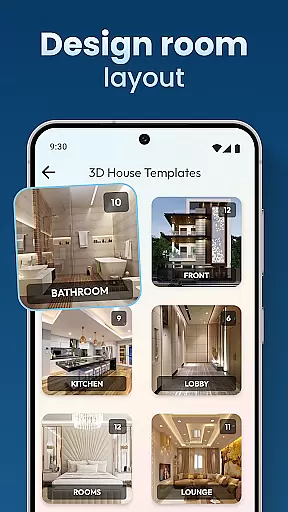
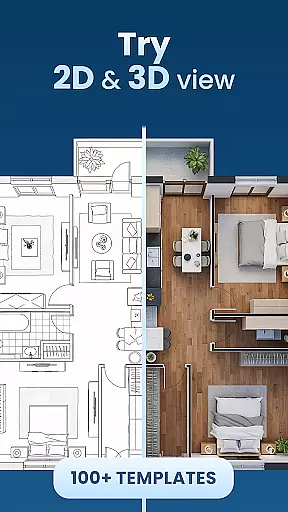
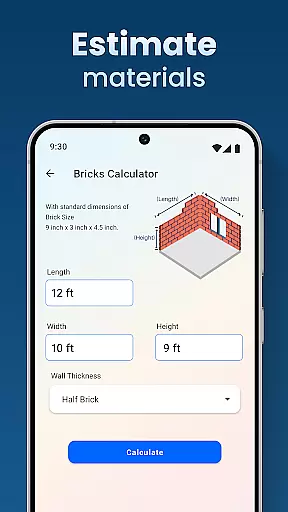
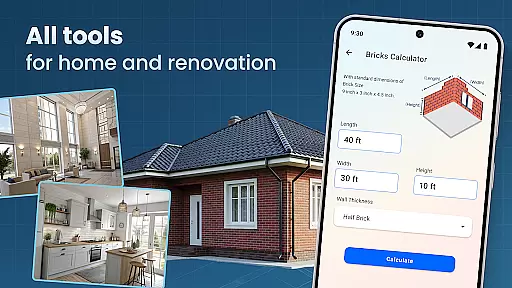
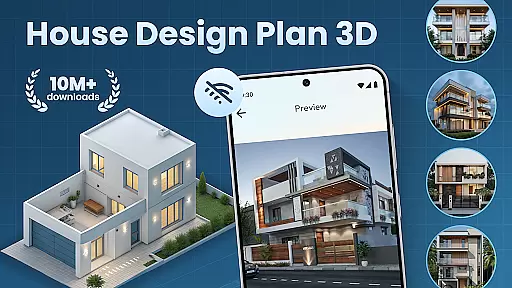
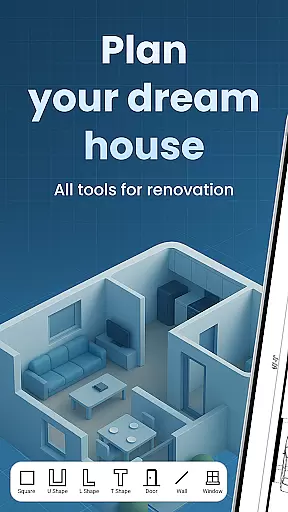
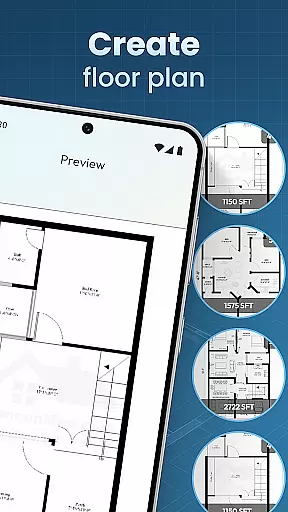
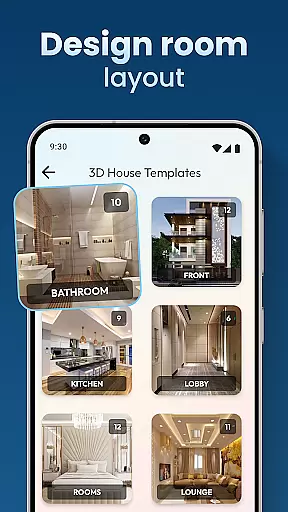
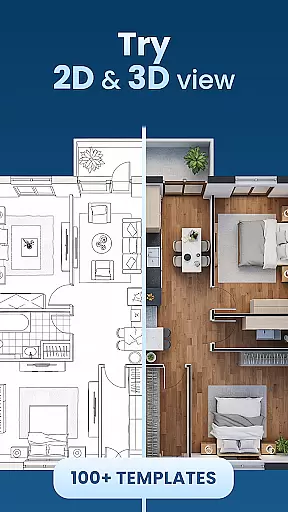
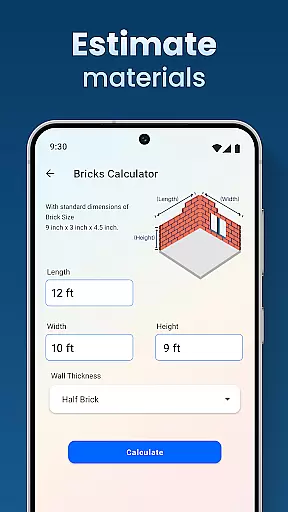
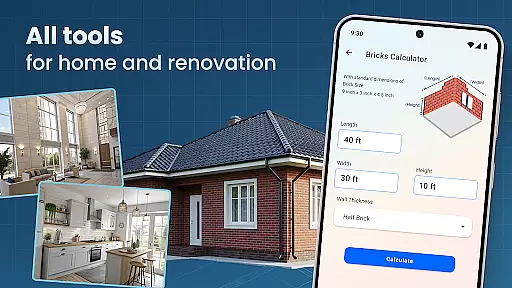
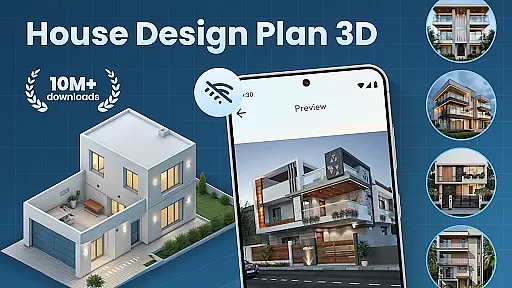
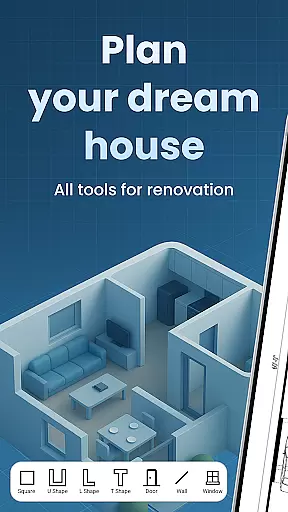
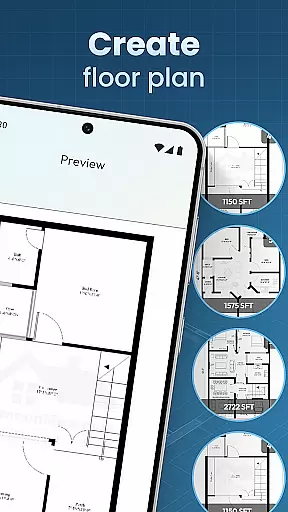
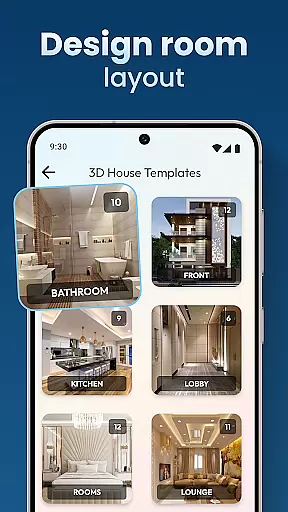
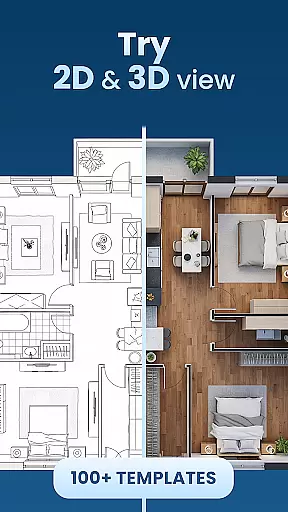
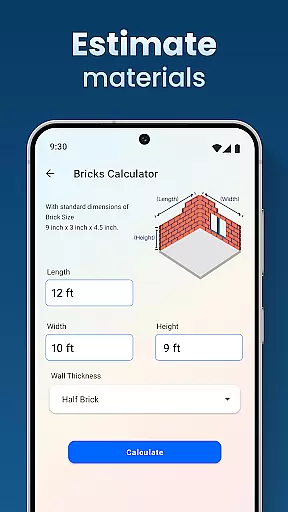
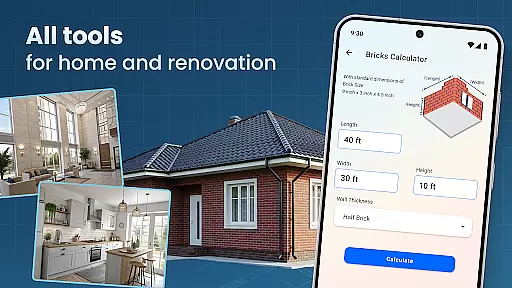
House Design Plan 3D App is a comprehensive home design tool that allows users to create detailed floor plans and visualize their dream homes in fully-rendered 3D. The app provides an intuitive drag-and-drop interface for designing room layouts, customizing interiors, and experimenting with various furniture arrangements and color schemes.
This powerful application supports both beginners and experienced designers by offering guided step-by-step assistance alongside professional-grade features. Users can access pre-made design templates while having the freedom to personalize every aspect of their space, from wall textures to lighting solutions. The app's real-time 3D rendering capabilities enable users to view their design choices instantly, ensuring precise planning before any physical construction begins.
Whether you're redesigning a single room or planning an entire multi-level house, House Design Plan 3D App provides all necessary tools to bring your vision to life. Its professional-grade features make it suitable for both personal projects and commercial use, helping users create meticulous plans that meet industry standards while saving time and resources through accurate virtual prototyping.
The House Design Plan 3D App stands out through its robust feature set tailored for both casual users and professional designers. At its core, the application offers advanced 3D modeling capabilities that allow users to create detailed floor plans using an intuitive drag-and-drop interface. This functionality extends to real-time 3D visualization, enabling users to immediately see how their design choices translate into three-dimensional spaces.
One of the app's key strengths lies in its comprehensive customization options. Users can modify every aspect of their virtual space, including wall dimensions, flooring materials, furniture placement, and lighting arrangements. The inclusion of professional design templates and guided assistance makes complex architectural planning accessible to beginners while still providing depth for advanced users. Additionally, the app maintains project integrity through its save and preview system, allowing designers to return to and refine their work over time.
What truly sets this application apart is its seamless integration of design and functionality. The app provides a complete suite of tools for interior design, from basic room planning to sophisticated decor customization. Users can experiment with different color schemes, furniture styles, and architectural elements without limitations. Furthermore, the application's ability to handle both simple room redesigns and complex multi-level constructions demonstrates its versatility and value as a professional-grade design tool.
In the realm of house and home design, ensuring the authenticity of property listings is paramount. The House Design Plan 3D App addresses this by providing users with tools to create accurate and realistic 3D models of their envisioned or existing spaces. This precision in design allows for a truthful representation of what can be achieved within a given space.
The app's robust feature set includes guided assistance through Build A House: 3D Room Designer, which helps users step-by-step to ensure that every detail from floor plans to furnishings aligns with reality. By offering architecture design templates and meticulous planning capabilities, it guarantees that each project meets professional standards.
Users benefit from the ability to visualize their designs vividly in fully 3D, allowing them to sculpt entire rooms and view every aspect as if they were already constructed. With these powerful visualization tools at hand, one can trust that any creation within the app will closely match real-world possibilities.
This level of accuracy not only enhances user experience but also instills confidence when planning renovations or new constructions. As such, Property listing authenticity becomes an integral part of the app's value proposition, empowering users to bring their dream homes into reality with certainty.
Effective home management features are essential for anyone looking to design or redesign their living space. The House Design Plan 3D App offers comprehensive tools that cater to all aspects of home planning and organization. From creating detailed floor plans using drag-and-drop functionality to customizing room furnishingsu2019 interiors, it provides everything needed for efficient home management.
With this app, users have access to a complete set of tools for interior design projects. They can easily navigate through options like furniture selection, wall textures, flooring choices, and lighting setups. This ease of use ensures that even those new to home design can quickly become proficient in crafting their ideal environments.
The integration of Decorate House Designer functionalities means every aspect of your homeu2019s aesthetics is under control. Whether you're working on a single-room makeover or designing a multi-level residence, these features support both simplicity and complexity in equal measure.
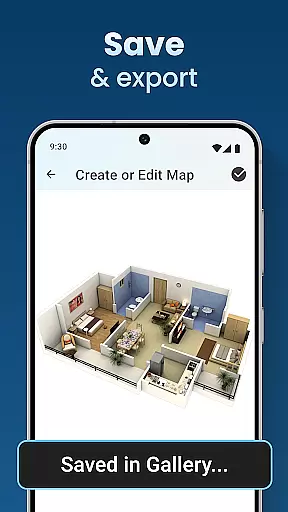
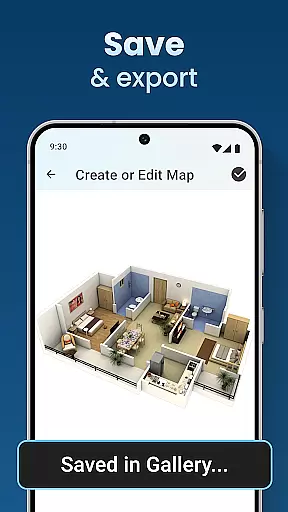
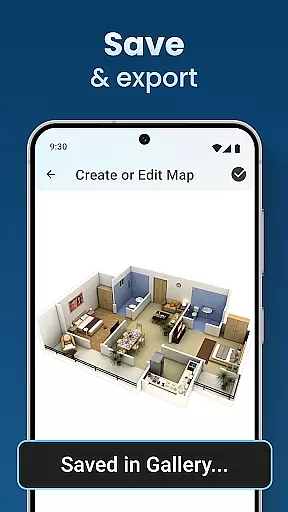
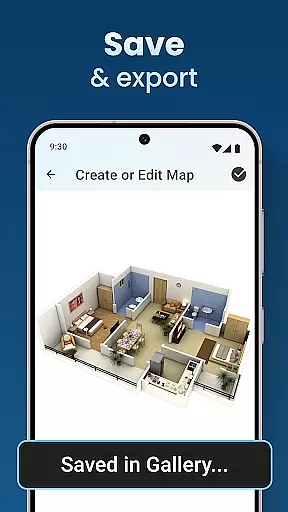
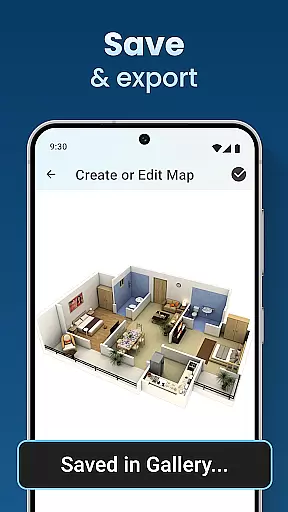
Moreover, projects created with the app can be saved and previewed at any time, thanks to its Home Builder Decoration App capabilities. Such flexibility empowers users not only to manage current projects effectively but also to revisit past ideas with easeu2014making it an indispensable tool for ongoing home improvement endeavors.
User-friendly interface
Real-time 3D rendering
Comprehensive design tools
Professional templates available
Excellent customization options
Steep learning curve
Occasional performance issues
Limited free features
Requires powerful device
Subscription fees apply

The official app for Home Assistant. Control your home anywhere in the world.
 4.30
4.30
Technology powering many in-home services for residents across the United States
3.80
Tailored Care Guides For Houseplants, Indoor Plants, Garden Plants & Flowers.
4.60
Rent on-the-go with TurboTenant’s app made just for renters
4.50
Smart AI plant care schedules, Real plant experts, support & Thriving community!
4.20
IP camera view and playback, for your WiFi cam or home security cctv system.
3.70
Plan your remodel AI home renovation easily using planner 5D and home decor AI.
4.40
Turn old phones into security cameras, baby monitors, pet cams, and more.
4.70
An easier way to make payments and maintenance requests from anywhere.
3.50
Home Ideas | Renovation Advice | Local Pros. Go From Dream to Home with Houzz.
4.70
Convert your Phone to HiSense Smart TV Remote Control
4.70
Innovative and budget-friendly housing options
4.60
Night Owl Protect helps you secure, protect, and connect your world!
4.60
AI-powered home design, interior design, home decor, and room design solutions
4.50
Set up your devices, customize settings, and monitor your home—from anywhere
4.40
Turn your phone into a wifi cam with smart features and umlimited reach.
4.20
Find contractors for all home renovation projects. Remodeling, repair, and more.
4.20
Book your local plumber 24/7, track your service order & get exclusive coupons
4.00
Find paints using a Color Muse & ColorSnap® Match
3.60


User Reviews