
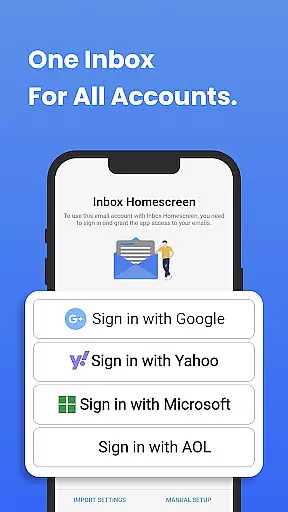
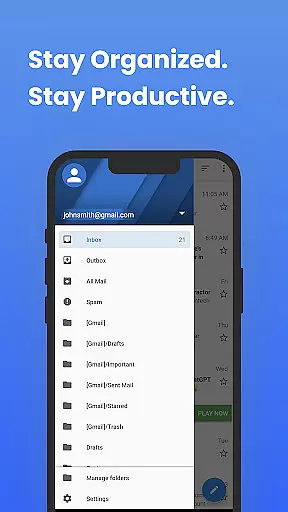
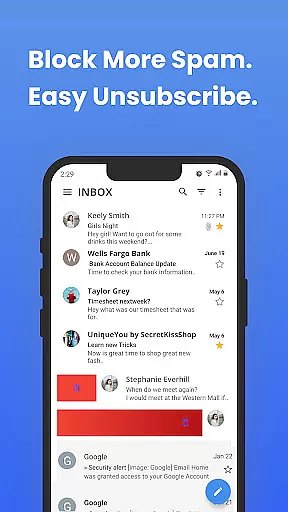
Inbox Homescreen is a communication app designed to streamline email management by consolidating all your email accounts into one accessible platform. Whether you use Gmail, Outlook, Yahoo, or other services, this app integrates seamlessly, allowing you to send, receive, and organize emails efficiently.
One of the standout features of Inbox Homescreen is its advanced organizational tools. You can set up filters for automatic email sorting, prioritize important messages, and even schedule emails for later delivery. Additionally, the app offers customization options with various themes and layouts, ensuring that your email experience aligns with your personal preferences.
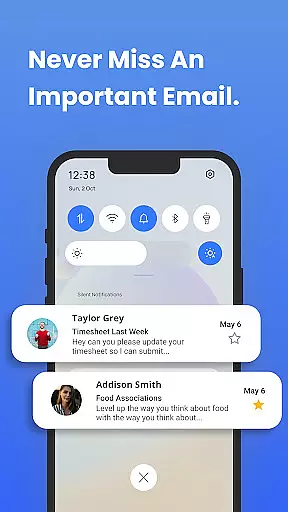
This app is particularly useful for professionals who need to manage multiple email accounts and want to maintain an organized inbox. By providing a centralized solution, Inbox Homescreen enhances productivity and ensures you never miss an important email.
Inbox Homescreen boasts a variety of features aimed at improving your email management experience. The app supports integration with multiple email services including Gmail, Outlook, and Yahoo, offering a unified inbox for streamlined communication.
Advanced functionalities such as automated email filtering and prioritization help users keep their inboxes organized. You can categorize emails, flag important messages, and schedule emails to be sent at optimal times. These features ensure that you handle emails more effectively and maintain better control over your communications.
Customization is another key aspect of Inbox Homescreen. Users can choose from different themes and layouts to personalize their email interface. This flexibility not only enhances usability but also makes the email management process more enjoyable and tailored to individual preferences.
In the realm of digital communication, the speed and reliability of message delivery are paramount. Inbox Homescreen excels in providing real-time messaging capabilities that ensure your emails are sent and received instantly without delays. This immediacy is crucial for maintaining timely correspondence in both personal and professional settings.
The app achieves this through seamless integration with major email services like Gmail, Outlook, and Yahoo. By connecting all your accounts in one place, it optimizes the sending and receiving process, ensuring that you never miss an important message. The synchronization across multiple platforms further enhances the reliability of your communications.
For users, this means peace of mind knowing that their messages will reach the intended recipients promptly. Whether you're coordinating a project at work or catching up with friends, the assurance of rapid and dependable message delivery allows you to focus on what truly matters.
Moreover, Inbox Homescreen's robust infrastructure supports uninterrupted service even during peak usage times. This stability ensures consistent performance, making it a reliable tool for managing your daily communications efficiently.
In todayu2019s interconnected world, the ability to share media effortlessly is a key feature of any communication tool. Inbox Homescreen addresses this need by offering comprehensive media sharing support, allowing users to exchange photos, videos, and documents with ease. This functionality enriches conversations and facilitates more dynamic interactions.
The app supports a wide range of file formats, ensuring compatibility with various types of media. Whether you're sending vacation photos, business reports, or video clips, Inbox Homescreen handles them all seamlessly. This versatility makes it an ideal choice for users who frequently share multimedia content.
Additionally, the appu2019s user-friendly interface simplifies the process of attaching and sending files. With just a few clicks, you can enhance your emails with rich media, making your communications more engaging and informative. This ease of use boosts productivity and enhances the overall user experience.
By prioritizing media sharing capabilities, Inbox Homescreen not only meets but exceeds the expectations of modern communicators. Its efficient handling of diverse file types ensures that users can share their stories and data without limitations, fostering more meaningful connections.
User-friendly interface
Multi-account support
Advanced filtering options
Customizable themes
Email scheduling feature
Limited third-party integrations
Occasional sync issues
Basic free version
Privacy concerns with search settings
Resource-intensive

Fast and simple walkie talkie app
 4.20
4.20
Enjoy secure messaging & calling. Safe Messenger: group chats, calls, messages.
4.20
Phone Dialer with Caller ID, Address Book & Contacts Manager.
4.30
Message and video call your family and friends in HD!
3.80
Manage Phone Calls, call history, and contacts easily with Phone Pro.
4.5
Threema is the messenger with the most consistent focus on security and privacy.
4.00
SMS Messenger is a lightning-fast messaging app.
4.20
BE PRIVATE
Anonymous. No Trace. Fast.
4.20
Simple tool for businesses to talk to their customers.
4.40
Enhance browsing with AI-powered features and Copilot.
4.70
Adblock & VPN Browser: Blocks banners, pop-ups and video ads, fast downloader!
4.60
Manage BoostMobile Account
4.60
Smart and simple anti-wiring application - IMSI-catchers catcher
4.40
Block spam calls & scam - no more annoying calls with the call blocker function
4.30
2nd Phone Number Line for Anonymous Texting, Calling, and Picture Messages
4.30
This app enables the phone to receive and send FT8 traffic!
3.80
Pure modern IRC experience for Android
3.70
Quickly and easily identify and block unknown callers
3.70
Call & Text Anywhere With A Canadian Number.
3.60


User Reviews