
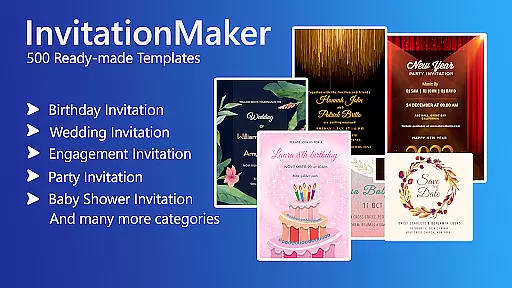

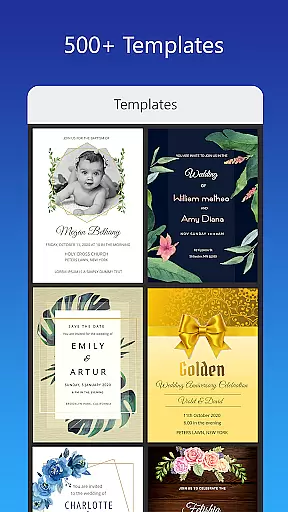


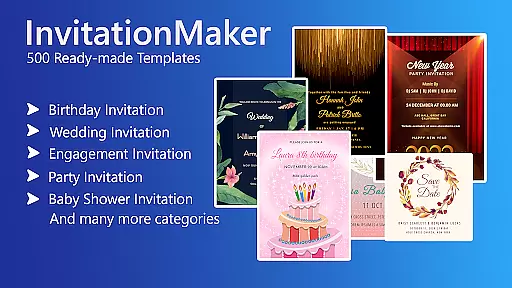



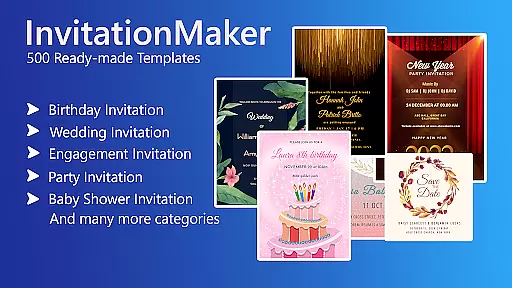



Invitation Card Maker, Design is a versatile app that allows users to create personalized invitations and greeting cards for various events such as birthdays, weddings, engagements, anniversaries, and baby showers. With over 200 ready-made templates, it simplifies the design process, enabling users to craft unique invitations in just minutes.
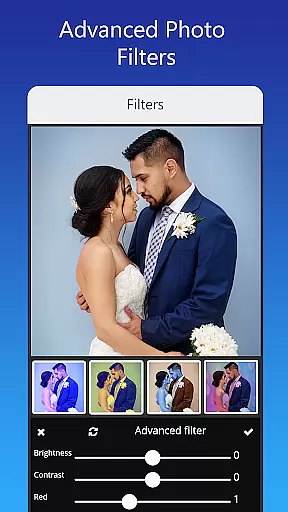
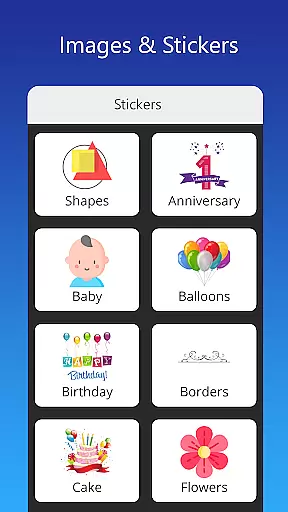
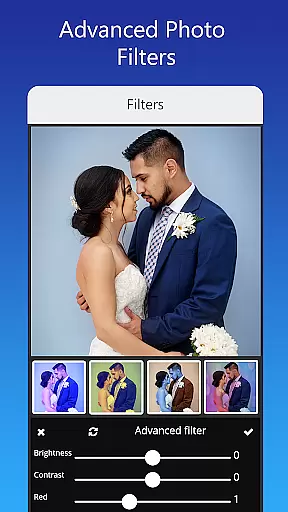
The app provides an extensive range of customization options including background images, gradient colors, photo frames, and unlimited stickers. Users can easily edit text, names, event locations, and timings, while also having the ability to upload personal fonts or download new ones. Advanced editing features like photo filters, brightness adjustment, contrast, overlay image, and cropping by shape ensure professional-quality designs.
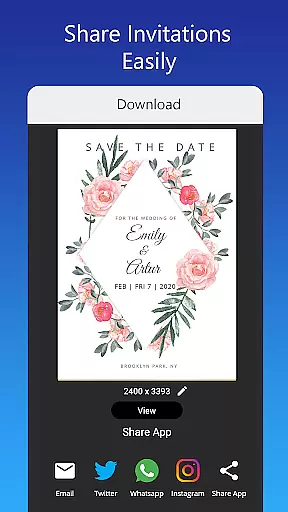
Whether you're planning a themed birthday party or a formal wedding, Invitation Card Maker caters to diverse cultural and stylistic preferences. It supports sharing digital e-cards on social networks, saving projects for future edits, and downloading or printing the final card. This makes it an all-in-one solution for creating memorable and visually appealing invitations.
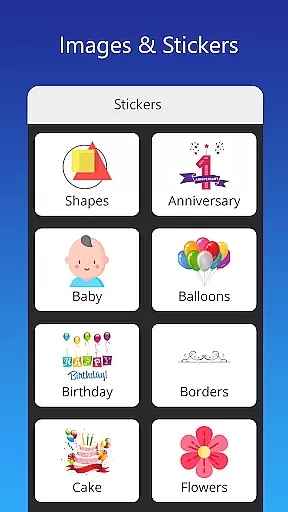
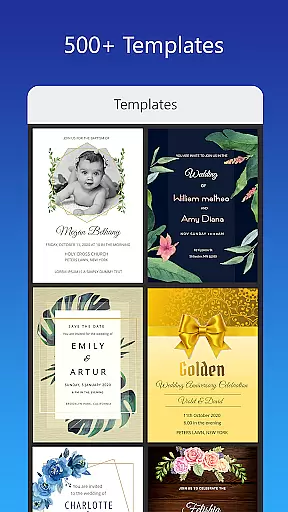
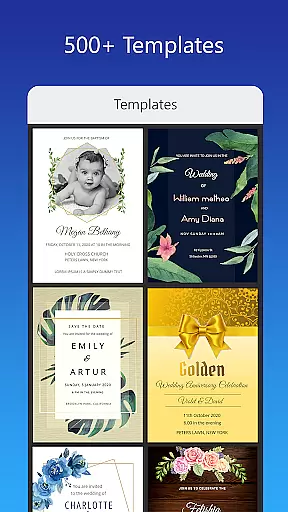
One of the standout features of Invitation Card Maker is its vast library of ready-made templates and design elements. Users have access to more than 200 templates tailored for different occasions, along with a rich collection of stickers, icons, and images. The app's powerful editing tools allow for detailed customization, from replacing images with one tap to adjusting brightness, contrast, and applying beautiful photo filters.
Another key feature is the flexibility in text editing. Users can modify existing text or add their own quotes using various font styles. The option to upload custom fonts or download language-specific ones adds another layer of personalization. Additionally, the app supports resizing the invitation card to fit various formats, ensuring compatibility across different platforms and uses.
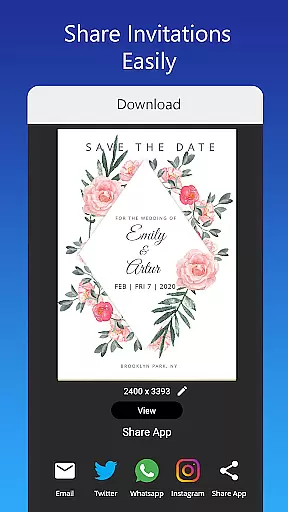
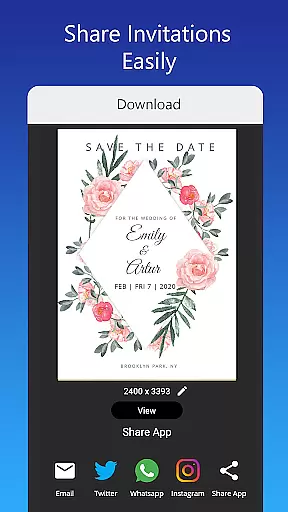
Sharing and saving capabilities further enhance the user experience. Digital invitations can be shared directly on popular social media platforms like Facebook, Instagram, Snapchat, WhatsApp, and Twitter. Projects can be saved locally for future editing, and final designs can be downloaded as digital cards or printed. These comprehensive features make Invitation Card Maker a robust tool for both casual users and those seeking professional-grade designs.
Creating personalized invitations and greeting cards is made effortless with the Invitation Card Maker app. This feature allows users to design unique cards for various events such as birthdays, weddings, and anniversaries. With over 200 ready-made templates, users can customize every detail including text, names, event locations, and timings.
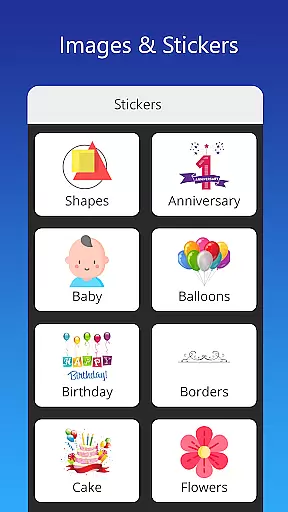
The app provides an extensive range of customization options, from uploading personal images to choosing from a vast library of stickers and icons. Users can also adjust fonts and styles to match their theme, ensuring that each invitation reflects personal touches and creativity.
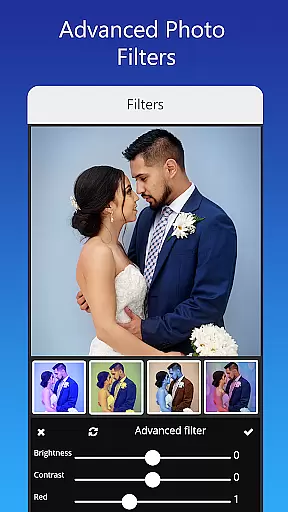
Advanced editing tools further enhance the customization experience. The app includes photo filters, brightness and contrast adjustments, and image overlays. These features ensure that the final invitation card not only conveys the necessary information but also stands out visually, making it memorable for recipients.
Ultimately, Task Creation & Detail Customization empowers users to craft invitations that are truly their own. Whether planning a virtual greeting card or a printed invite, this app ensures that every element aligns perfectly with the user's vision, resulting in beautifully crafted invitations that impress guests and loved ones alike.
While the Invitation Card Maker app focuses primarily on design, its utility extends to helping users manage event reminders effectively. Although not its main feature, reminder settings within the app contribute significantly to event planning by ensuring timely notifications and updates.
Users can save their created invitations within the app, allowing them to revisit and edit designs at any time before the event. This feature indirectly serves as a reminder tool, prompting users to finalize details and distribute invitations ahead of schedule. It helps maintain organization and prevents last-minute rushes.
Moreover, the ability to share digital invitations via social networks like Facebook, Instagram, and WhatsApp enhances communication efficiency. By disseminating invites quickly, users can receive RSVPs sooner, aiding in better event preparation and logistics management. This seamless sharing capability reinforces the importance of timely reminders in successful event coordination.
In summary, while Reminder Settings may not be the central focus, they play a crucial role in the overall functionality of the Invitation Card Maker app. They ensure that users stay on track with their planning, ultimately contributing to the success of their events through organized and thoughtful execution.
User-friendly interface
Extensive template library
Advanced customization options
Supports multiple languages
Seamless social media integration
Limited free content
Some features require premium
Occasional ads
Learning curve for beginners
Font uploads may need improvement

Mobile Event Guide for Greater NY Dental Meeting
 4.2
4.2
Some connections are better kept private
4.0
Browse events, find transportation, keep up with the latest news from your team
4.5
Here you can choose tickets for films, performances, concerts and other events
4.60
Get live football here
4.30
The official app of the Carmel Christkindlmarkt!
4.3
Find EDM shows near you! See your favorite artists live, and discover new music.
4.90
The Official App
3.70
Buy and Sell Tickets for Concerts, Sports, and Theater.
4.70
CUE Live utilizes ultrasonic sound waves to sync devices at CUE enabled events
4.80
Listen Full Quran MP3 Offline - Qibla Compass, Salah Timing & 99 Names of Allah
4.60
Text message invitations for birthday party, wedding, graduation, baby shower +
4.60
PheedLoop Go! is the mobile event app for events powered by PheedLoop.
4.40
The world's largest selection of tickets is now at your fingertips
3.90
No invest, Easy way to earn USDT through crypto cloud mining
3.80
ETH Mining provides secure way to mine Ethereum & earn ETH in Cloud mining app
3.50
TV.Garden is a video player to play your own TV streams from around the world!
3.40
RAISE-365 makes fundraising easy and fun!
3.20
Buy event tickets easily with our user-friendly App. Stay updated on hot events
4.2


User Reviews