
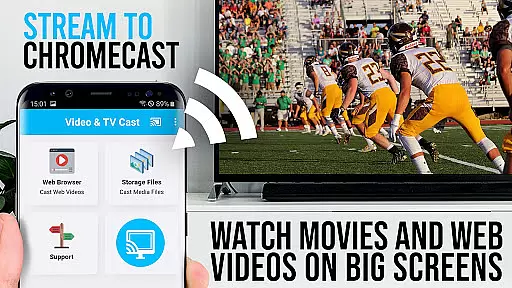
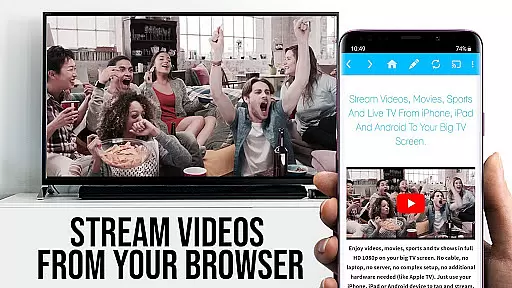
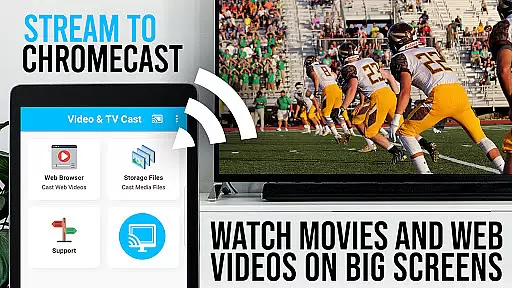
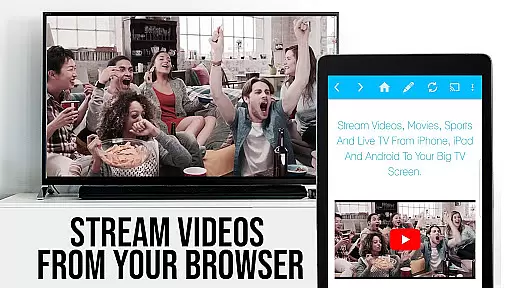
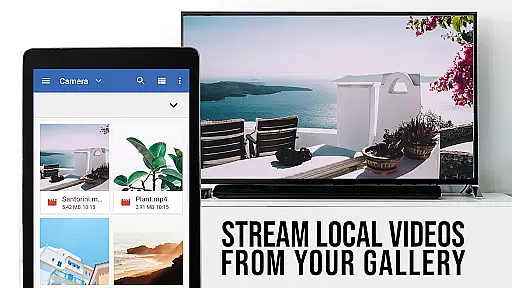
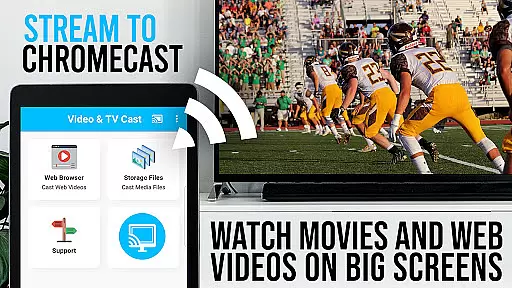
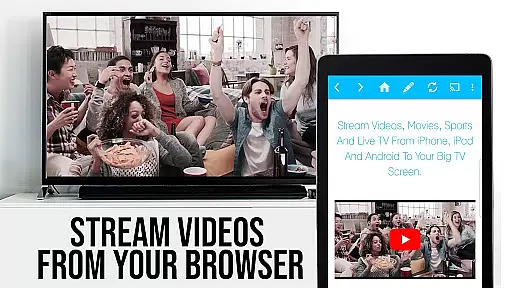
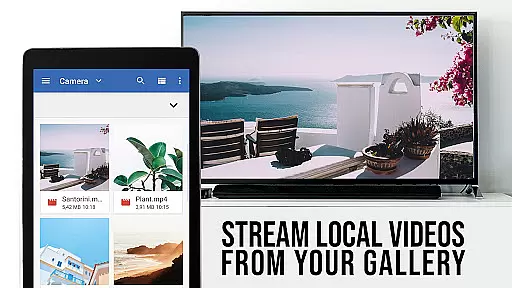
TV Cast Pro for Chromecast is the premier browser app designed specifically for streaming video content to Chromecast-enabled devices. With over 10 million users across Android and iOS platforms, it stands as a leading solution for casting web videos, online movies, IPTV, livestreams, and live TV shows directly to your TV screen.
This PRO edition unlocks all premium features, allowing you to browse the web and cast any video with ease. Supporting formats like MP4, M3U8, HLS livestreams, and Full HD, it ensures broad compatibility. The app's intuitive interface lets you send videos to your Chromecast with a single tap, making it simple to enjoy content on the big screen.
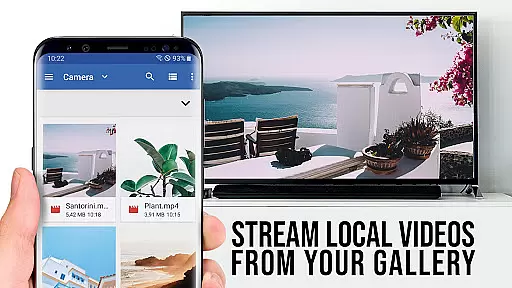
Ideal for enhancing your home entertainment experience, TV Cast Pro transforms your Chromecast into a versatile media player. Whether you're streaming personal media or online content, this app provides a seamless bridge between your mobile device and TV, offering advanced controls and customization options that elevate your viewing sessions.
TV Cast Pro offers an array of sophisticated features that set it apart from basic casting apps. One standout capability is the Remote Playbar, which allows precise video control while browsing, including functions like scrubbing, forward, rewind, play, pause, and stop. This feature syncs across all Android and iOS devices running the app, providing a unified control experience.
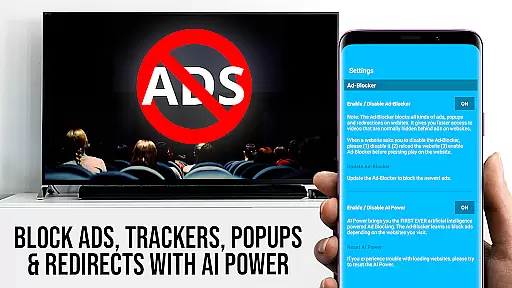
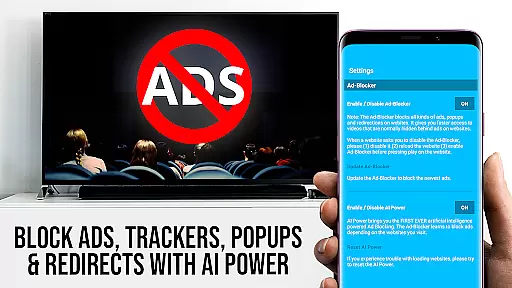
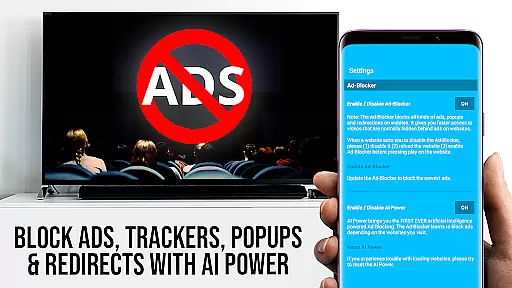
The app includes a robust Ad-Blocker that eliminates ads and popups on most websites, creating a cleaner viewing environment. Unlike the free version, the PRO edition comes completely ad-free, ensuring uninterrupted entertainment. Additionally, the Bookmarks feature lets you save and manage unlimited bookmarks, accessible both in the dedicated menu and directly within the browser.
For users seeking more control over their browsing experience, Desktop Mode enables you to view desktop versions of websites, potentially unlocking higher-quality video streams. You can also customize your homepage and change the browser user-agent, though Flash videos remain unsupported even in desktop mode. These features collectively enhance usability and provide greater flexibility in how you access and enjoy content.
TV Cast Pro for Chromecast offers a diverse range of content options, allowing users to stream web videos, online movies, IPTV, livestreams, and live TV shows directly on their largest screen. The app supports various video formats including mp4, m3u8, hls livestreams, and Full HD over https, ensuring that users can enjoy high-quality streaming experiences.
The application's strength lies in its ability to browse the web and cast any video with a single tap to your Chromecast Player. This feature not only enhances user convenience but also broadens the scope of accessible content by enabling direct video URL entry or pasting into the browser address bar. Such flexibility ensures that users are not limited to pre-set content libraries but can explore and stream from a vast array of online sources.
Moreover, the app includes advanced features such as the Remote Playbar, which allows for sophisticated video control while browsing. With functionalities like video scrubbing, forward, rewind, play, pause, and stop, users gain unprecedented control over their viewing experience. These capabilities underscore the app's commitment to providing fresh and varied content options, tailored to meet the dynamic preferences of today's entertainment seekers.
User engagement is a critical metric for evaluating the success of entertainment applications, and TV Cast Pro for Chromecast excels in this area through several innovative features designed to enhance viewer retention. One standout feature is the Ad-Blocker, which significantly improves the user experience by eliminating ads and popups on most visited websites. This uninterrupted viewing environment encourages longer session durations and repeat usage.
In addition to ad-free browsing, the app offers a Desktop Mode that changes the browser user-agent, cloaking the Android device as a desktop PC. This functionality enables users to load desktop versions of websites, potentially unlocking more content options and maintaining interest over extended periods. By catering to both mobile and desktop preferences, TV Cast Pro ensures that users remain engaged regardless of their preferred browsing style.
Furthermore, personalized settings such as custom homepages and bookmark management empower users to tailor their experience according to individual tastes. These customization options foster a sense of ownership and investment in the platform, leading to increased loyalty and sustained engagement. Overall, TV Cast Pro for Chromecast combines technical prowess with user-centric design to deliver an engaging and enduring entertainment solution.
User-friendly interface
Wide format support
Advanced video controls
Effective ad-blocking
Unlimited bookmarks
No Flash video support
Device-specific functionality
Limited DRM compatibility
Occasional connectivity issues
Premium price point

Disney Stickers: Zootopia 2
 4.3
4.3
EVP Recorder / Voice Recorder for ghost hunting, to communicate with ghosts.
4.0
Colorful flows will relax and calm you down, or get you trippy and creative!
4.90
Come and watch short dramas, reels with diverse genres!
4.40
5 funny and lovely ponies waiting for you to style them!
4.80
Realistic Baby Simulator App
4.00
Premium version to enjoy your favorite anime
4.60
Watch Reels, Drama Shorts & TV Series Anytime. Download DramaWave Now!
4.70
With the Steam Mobile App, you can take Steam with you anywhere.
3.00
Wodfix Air aggregates popular online content for you.
4.80
Original short dramas with diverse genres for a rich viewing experience!
4.80
Watch short films, dramas, reels, series and movies anytime on Micro Drama.
4.60
Direct access to the most complete Guitar Tab Archive in Spanish: LaCuerda.net
4.60
Create, chat & bond with AI souls who truly listen.
4.50
Earn gift cards for playing games. Become a real game tester!
4.40
Create and play realistic-looking mock Emergency Alert System messages.
4.30
Himnario LLDM - Fast and Easy to read , updated Hymnal 2019 Edition Official
4.20
Real ghost box scanner with echo, reverb, EMF, & multi-stream channels.
3.80
Simulation of Dashboard / Touch Screen for Tesla. (Works without actual Tesla).
4.2


User Reviews