
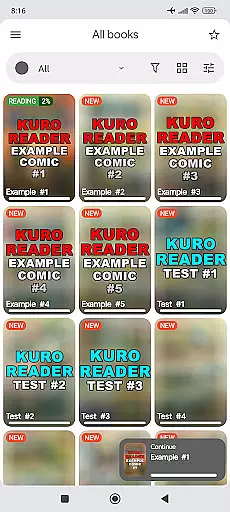
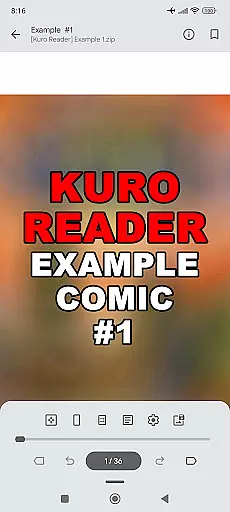
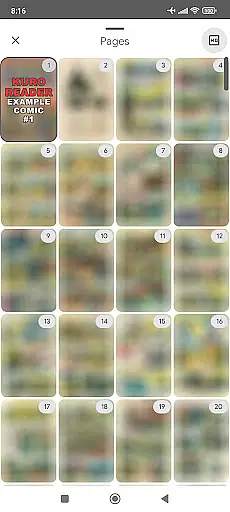
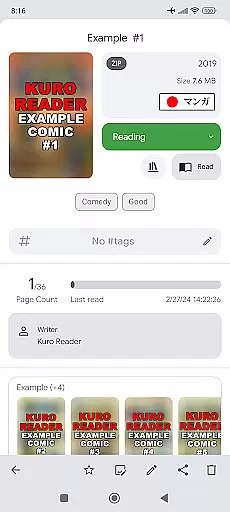
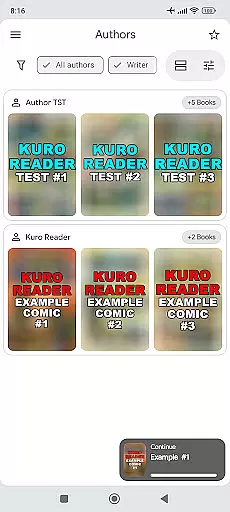
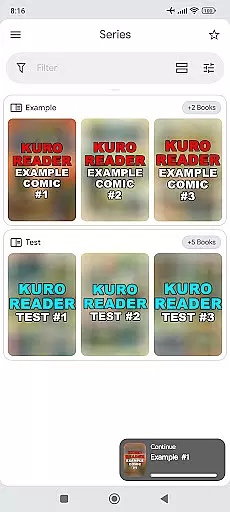
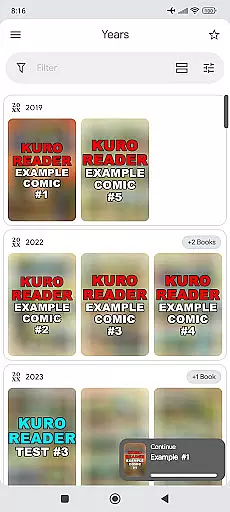
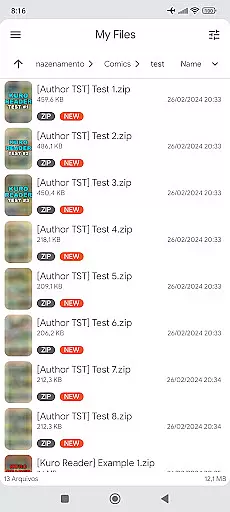
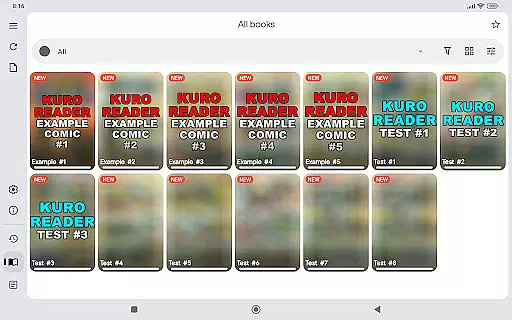
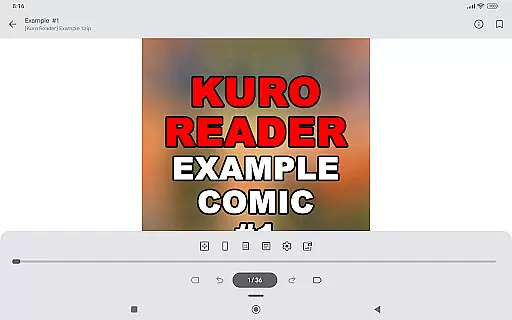
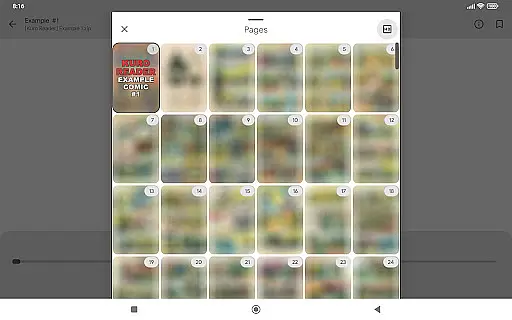
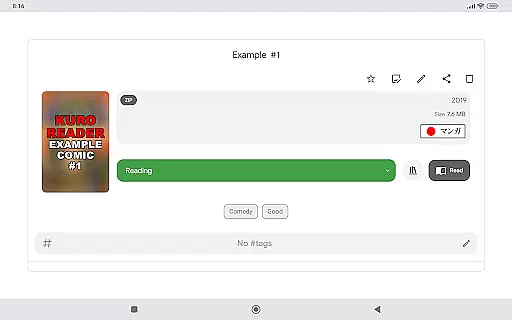
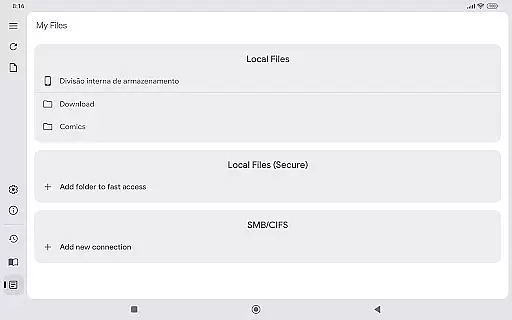
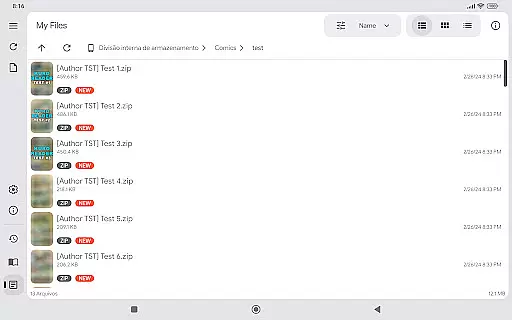
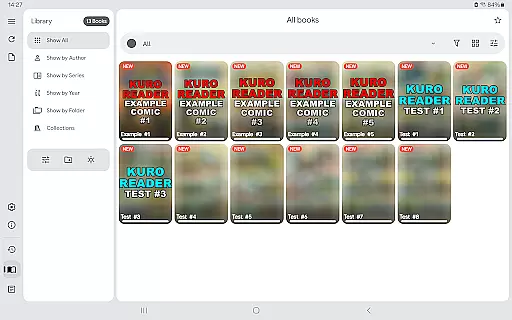
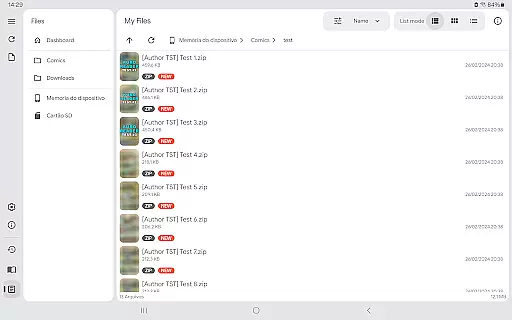
Kuro Reader+ Pro is a feature-rich comic and eBook reader designed for book enthusiasts who value both functionality and customization. This application supports an extensive range of file formats including cbz, cbr, cbt, cb7, zip, rar, tar, 7z, and PDF files, making it versatile for various reading materials. With advanced library organization features such as sorting by series, authors, and years, users can efficiently manage their digital collections.
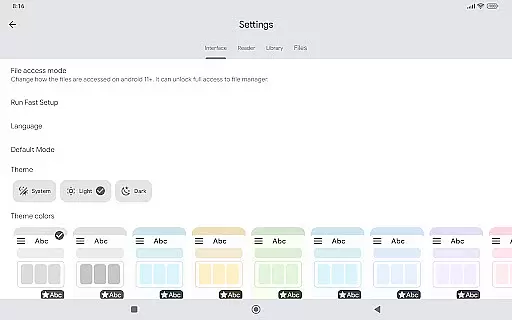
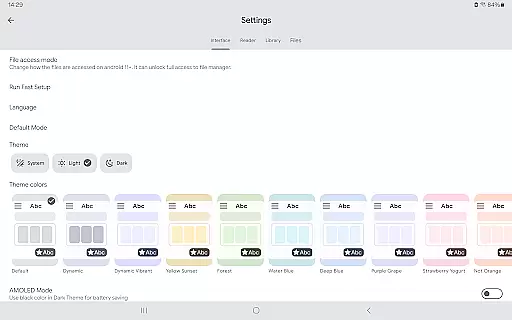
One of the standout features of Kuro Reader+ Pro is its interface customization options. Users can choose from multiple themes, including dark and AMOLED variants, to tailor their reading experience. The app also offers specialized reading modes like Manga mode with right-to-left reading and Webtoon mode with vertical strip reading, catering to diverse reading preferences. Additionally, functionalities such as fingerprint and screenshot lock enhance user privacy, while metadata editing and tagging provide deeper content management capabilities.
The app's support for ComicInfo.xml extends its metadata handling, allowing for richer content descriptions. Moreover, users can create custom collections, bookmark favorite pages, and even save images from comics directly to their device. By purchasing the Pro version, users not only enjoy these premium features but also support the ongoing development of the application, encouraging continuous improvement and updates. Available in multiple languages, Kuro Reader+ Pro ensures accessibility for a global audience.
Kuro Reader+ Pro stands out with its comprehensive set of features tailored for avid readers and comic enthusiasts. One of the primary highlights is its wide file format support, accommodating cbz, cbr, cbt, cb7, zip, rar, tar, 7z, and PDF files. This versatility allows users to access a multitude of content types without compatibility issues. The app further enhances user experience through extended metadata support using ComicInfo.xml, enabling detailed cataloging and organization of digital libraries.
Customization is at the core of Kuro Reader+ Pro's offerings. Users can personalize their interface with seven extra themes, including dark and AMOLED options, ensuring a comfortable reading experience in any environment. The app provides specialized reading modes such as Manga mode, which supports right-to-left reading, and Webtoon mode for vertical strip reading, catering to specific content formats. Additional features like fingerprint and screenshot lock offer enhanced security, particularly useful for safeguarding sensitive content on supported devices.
Beyond basic reading functionalities, Kuro Reader+ Pro includes advanced tools for content management. Users can edit comic metadata, tag books for easier searching, and create custom collections to organize their libraries effectively. The app also supports SMB networks, allowing seamless integration with networked storage solutions. With multi-language support covering English, Brazilian Portuguese, Chinese, French, German, and more, Kuro Reader+ Pro ensures that readers worldwide can enjoy its robust feature set in their preferred language.
Kuro Reader+ Pro offers a comprehensive reading experience for digital comic enthusiasts, ensuring that users can manage and read their legally purchased content with ease. Although the app does not include any files itself, it supports an extensive range of file formats such as cbz, cbr, cbt, cb7, zip, rar, tar, 7z, and PDFs, which collectively contribute to a versatile and sizable personal e-book library.
The app places a strong emphasis on copyright authenticity by encouraging users to use only legally acquired materials. This approach not only respects intellectual property rights but also promotes ethical consumption of digital media. By supporting ComicInfo.xml, Kuro Reader+ enhances metadata support, allowing for better organization and management of your e-books.
With features like basic comic metadata editing and custom collections, users can curate their libraries to reflect personal tastes and preferences. The tagging system further refines this process, making it easier to categorize and retrieve specific titles. These functionalities ensure that your e-book collection remains both expansive and authentic, providing a richer reading experience.
One of the standout features of Kuro Reader+ Pro is its wide file support, accommodating numerous comic book archive formats including cbz, cbr, cbt, cb7, zip, rar, tar, and 7z. This extensive format compatibility ensures that no matter where or how you've obtained your digital comics, they are likely supported within the app.
In addition to traditional comic book formats, Kuro Reader+ Pro also supports PDF files, broadening its utility beyond just comics to include other types of documents. Whether you're reading a graphic novel or reviewing a document, the app provides a seamless experience across different file types.
The inclusion of advanced features such as fingerprint and screenshot lock (on devices with hardware support) adds another layer of security, protecting your content from unauthorized access. Furthermore, the ability to save images directly from comics to your device in one touch highlights the app's commitment to user convenience and flexibility.
Wide file format support
Customizable themes
Advanced metadata handling
Specialized reading modes
Multi-language availability
No included content
Paid features only
Requires technical knowledge
Limited free version
Device compatibility issues

Bible, Catechism, Study, Saints, Mass Readings, Rosary, Prayer, Bible in a Year
 4.80
4.80
Words spoken by native English speakers and full definitions.
4.60
Read popular romance books and web novels on the fantastic ebook reader
3.50
F9 Cookbook Mobile App
4.60
"Do you like green eggs and ham?"
4.70
Holy Bible, a KJIV Bible study, audios & daily verses, talk with God now.
4.80
Daily Devotional Widgets & Hourly Verses. Listen to Bible & Watch Holy Stories
4.70
Enjoy daily devotionals, Bible verses, audio courses, and more.
4.80
Build family tree & discover DNA, family history heritage, origins and ancestors
4.60
Offline dictionary for learning Cantonese as a second language
4.90
Universal Zoom, learn about sizes & distances of the universe and microcosmos
4.80
World's most comprehensive dictionary app: 13 languages, all online or offline!
4.80
This is the pro version King James bible Offline that we have
4.70
Translate into 100+ languages with the world’s most accurate AI translator.
4.70
Find, discuss, and organize your world of books and shows.
4.60
Full text, sheet music, and recordings of the print edition
4.60
Pretty Moon information App with Complications and Tile
4.30
Zerobooks Light Novel Reader by GOLDENAGATO
4.20
CleverBook Pro makes the popular guide for the game even better!
4.00


User Reviews