
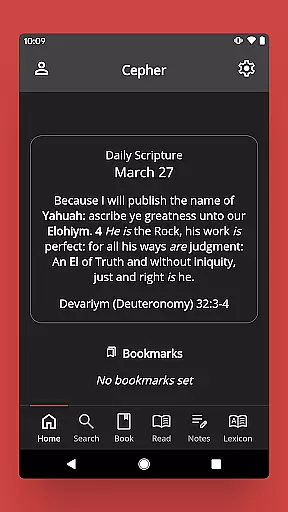
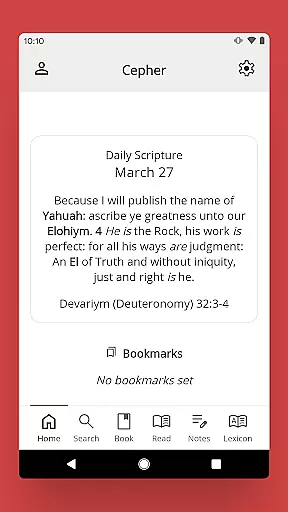
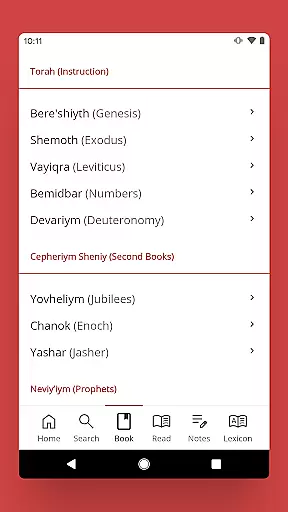
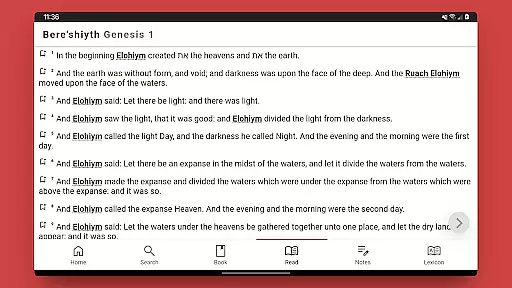
The Cepher is a comprehensive digital scripture library that restores and transliterates sacred texts, offering users an authentic experience of ancient biblical writings. This app provides access to 87 books, including restored texts like Chanok (Enoch) and Yovheliym (Jubilees), while maintaining original Hebrew names and places throughout the scripture.
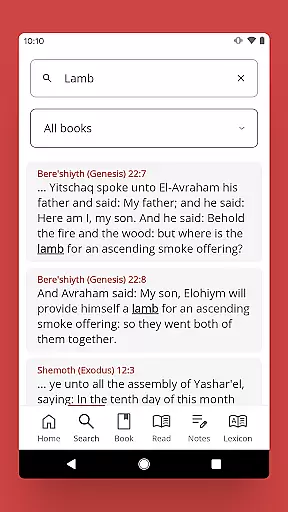
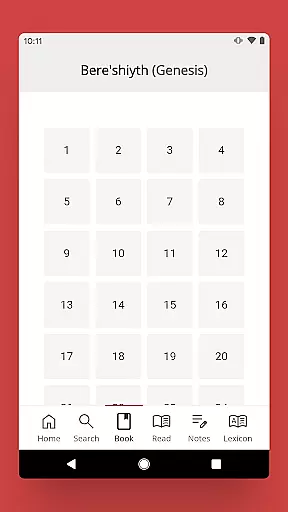
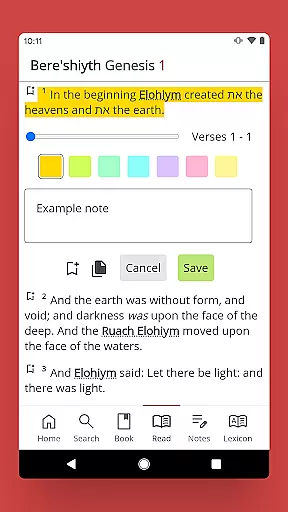
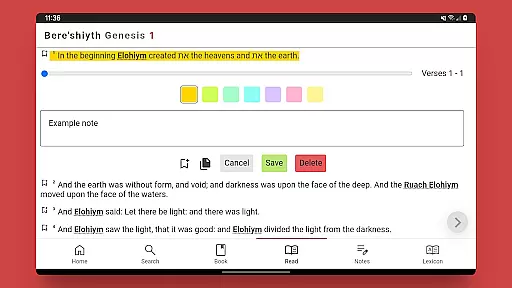
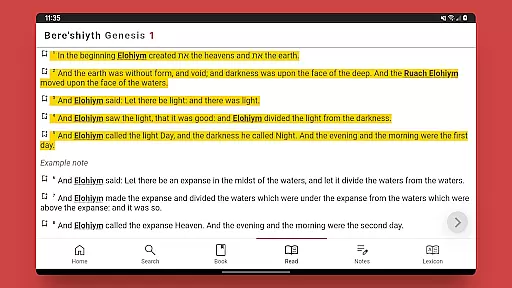
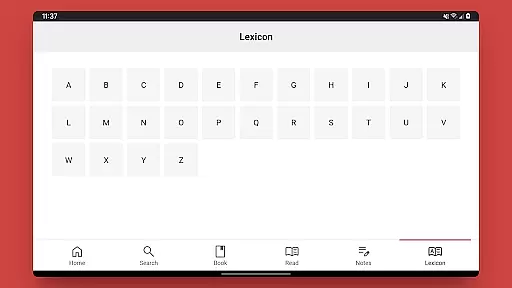
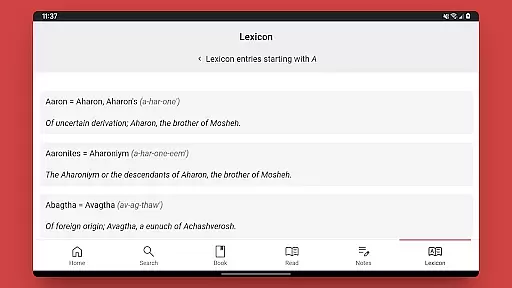
Designed for both scholars and casual readers, The Cepher app enables easy navigation through its extensive collection. Users can search by keyword, book, chapter, or verse while enjoying additional features such as note-taking capabilities, highlighting options in seven colors, and a complete lexicon of transliterated Hebrew words found within the text.
This reference tool proves invaluable for those seeking deeper understanding of biblical texts. Its unique restoration work and accurate ordering of books make it particularly useful for academic research and personal study, ensuring users have access to the most complete version of these sacred writings available today.
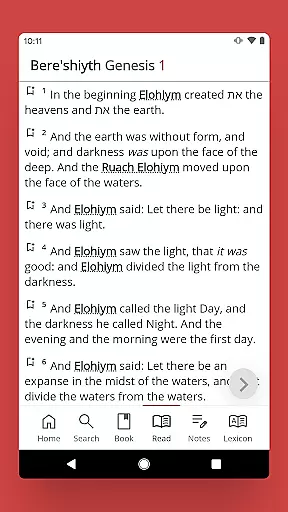
The Cepher app stands out with its meticulous attention to detail in presenting sacred texts. It uniquely transliterates over 3,100 Hebrew names and places without substitution, while restoring crucial elements like the Aleph Tav throughout the text. The inclusion of previously omitted books and restoration of notorious translation errors sets this app apart from other biblical references.
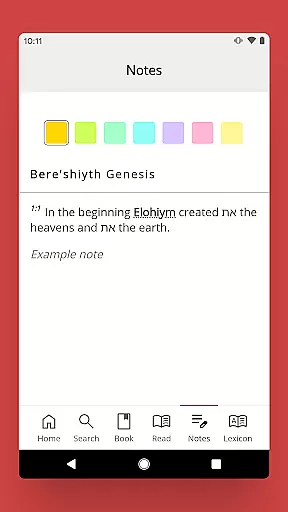
Functionality-wise, the app offers powerful tools for scripture study. Users can create sorted notes, apply color-coded highlights to important passages, and access a comprehensive lexicon of transliterated Hebrew words. Additional features include Daily Hebrew Prayers, links to weekly Torah portions, and connections to scholarly resources through Dr. Stephen Pidgeon's blog and articles.
What makes The Cepher app particularly valuable is its commitment to accuracy and authenticity. The restoration of missing fragments, acrostic psalms marked with Hebrew indicators, and corrected chapter order demonstrate its dedication to preserving the integrity of these sacred texts while providing modern study tools for enhanced understanding.
The Cepher offers an extensive e-book library that includes 87 books, significantly surpassing many traditional Bible compilations. This collection not only encompasses the standard 81 canonized books but also integrates six additional texts of historical and spiritual significance. Among these are ancient manuscripts like Chanok (Enoch) and Yovheliym (Jubilees), which have been sourced from the Dead Sea Scrolls, thus ensuring a rich diversity in its literary offering.
Regarding copyright authenticity, The Cepher app assures users of the legitimacy of its content. It provides transliterations rather than substitutions for names and terms, reflecting a dedication to accuracy and respect for original texts. This approach underlines the app's commitment to intellectual integrity and offers readers confidence in the authenticity of their readings.
By including unique restorative elements such as the Aleph Tav throughout the text and reinstating missing fragments like the 70 verses in 4 Ezra Chapter 7, The Cepher app showcases its meticulous attention to detail. These features not only enhance the textual experience by preserving historical accuracy but also reinforce the credibility of the digital library provided.
The Cepher app excels in format compatibility, ensuring that sacred scriptures are accessible across various devices without loss of quality or functionality. Whether on Android smartphones or tablets, this application maintains consistent performance and presentation standards, making it versatile for user preferences and tech setups.
One notable feature is its seamless integration with Google Play's update system, which allows users upgrading from previous versions to retain their notes and highlights effortlessly. By simply clicking 'Update,' all personal annotations transfer smoothly to the latest versionu2014a testament to its forward-thinking design in data management and format synchronization.
Additionally, The Cepher supports multiple interactive functions such as keyword searches, note-taking capabilities, and highlighting options in seven colorsu2014all optimized for different device formats. Such comprehensive support ensures that whether you're using an older model or the latest gadget, your experience remains uninterrupted and engaging.
Extensive scripture collection
Accurate transliterations
Powerful study tools
Regular content updates
Scholarly resources included
Initial learning curve
Large storage requirements
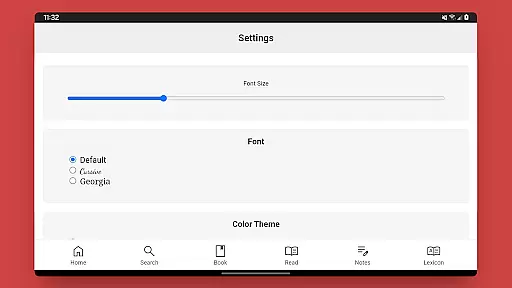
Limited visual customization
No audio versions
One-time purchase cost

Contains the 365 daily readings and everything other thing needed for catholics
 4.70
4.70
Sea tide predictions for all coastal U.S. locations.
4.0
Track your Star Wars book collection across Canon & Legends
4.80
Battle Royale Chapter 5 Season 2 HD Wallpapers Emotes Skins and BattlePass
3.00
Prime novels await! Fantasy & Romance on JoyRead. Immersive reads!
4.20
Unlock unlimited access to bestselling ebooks, novels, stories, and audiobooks
4.60
Read unlimited novels, audiobooks, stories & Unlock ebooks, fanfiction and more!
4.70
King James Bible read offline, AI Priest, Bible Quiz, Guiding Prayers & Plans
4.80
Fast loot guide for ARC Raiders. Simple tips, stats, maps, and item details.
4.2
Audiobook player with cross-device progress sync, playlists, and widget support.
4.80
Universal Zoom, learn about sizes & distances of the universe and microcosmos
4.80
Enjoy daily devotionals, Bible verses, audio courses, and more.
4.80
Powerful Bible study tools linked to every verse in an easy-to-use Bible reader!
4.60
Pretty Moon information App with Complications and Tile
4.30
Holy Bible with verses and audio for studying and prayer
4.30
A wonderful reader for good time spend.
4.20
Zerobooks Light Novel Reader by GOLDENAGATO
4.20
A companion for prayer, with Azan alarm, Quibla direction, and Holy Quran book
4.10
Novels, audiobooks, ebooks & fanfiction. Read anytime, anywhere!
3.40


User Reviews