
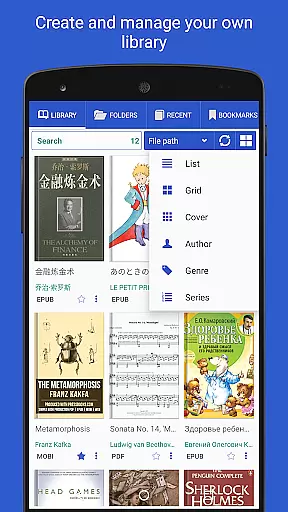
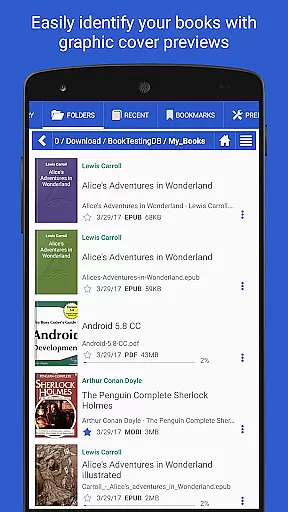
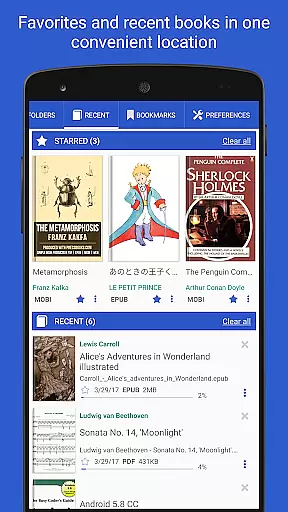
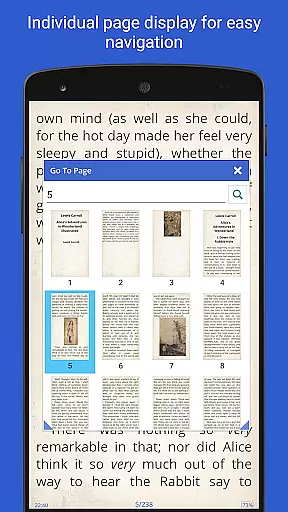
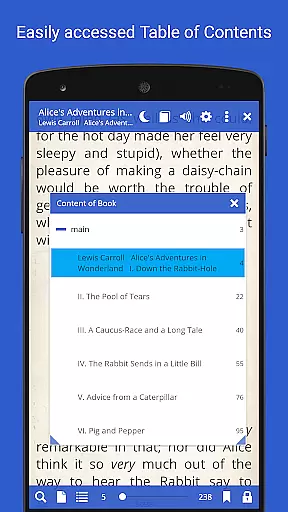
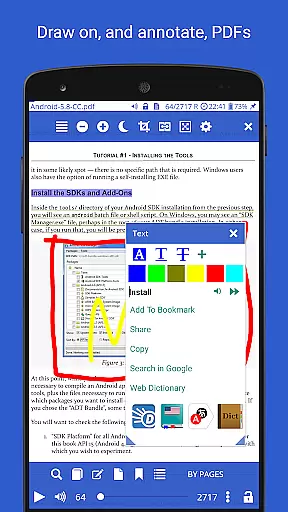
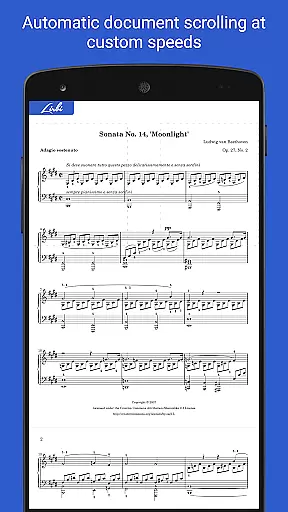
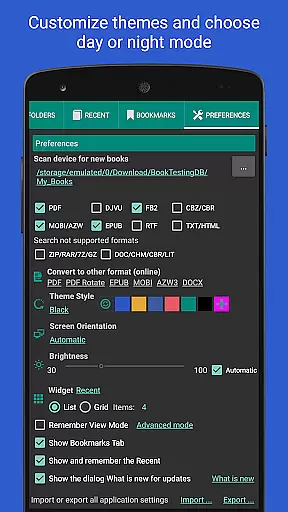
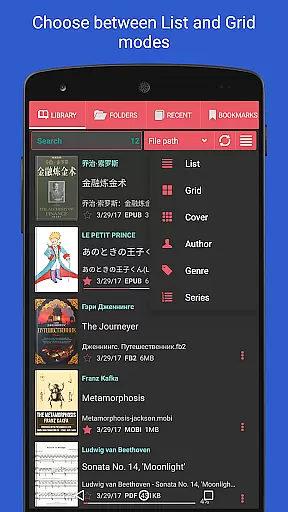
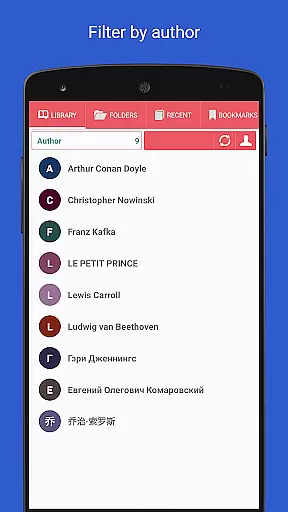
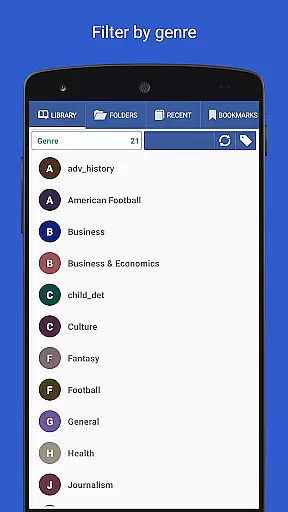
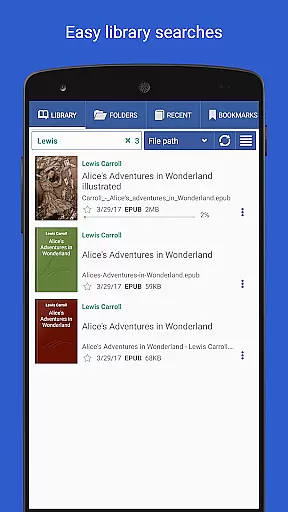
Librera PRO is a versatile and highly customizable e-reader app designed for book enthusiasts who require support for multiple document formats. This app supports PDF, EPUB, MOBI, DjVu, and many other formats, making it an essential tool for readers across various platforms. Its unique features include an intuitive interface, configurable reading modes, and advanced search capabilities.
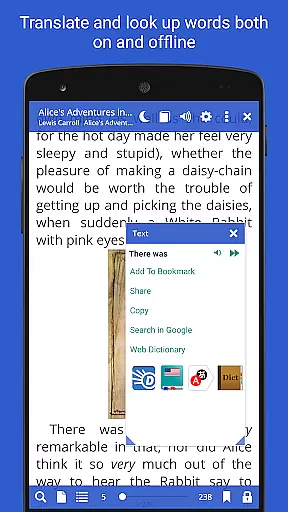
One of Librera PRO's standout functionalities is its Musician's mode, which allows for hands-free reading with adjustable scrolling speeds. Additionally, the app offers integration with online translators and offline dictionaries, enhancing the reading experience. Users can create personalized libraries by scanning specific folders and organizing documents by tags, names, or dates. Whether you're reading eBooks or technical documents, Librera PRO provides a seamless and enjoyable experience.
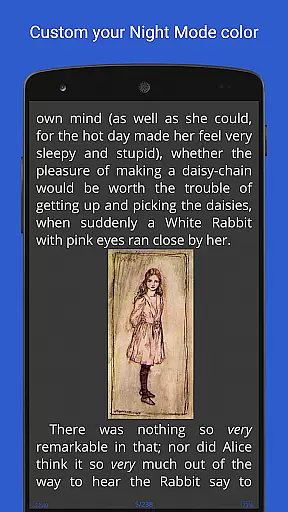
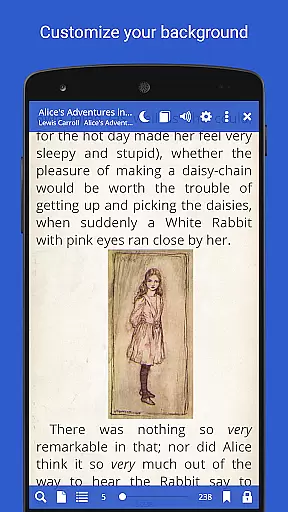
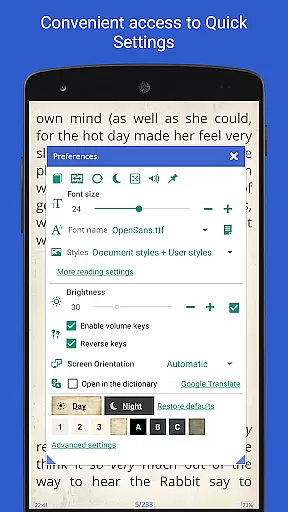
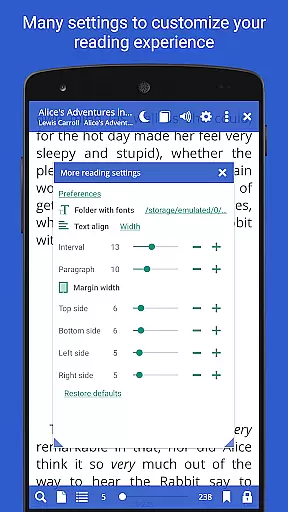
Librera PRO stands out due to its extensive list of features tailored for avid readers. The app supports bookmarks, annotations, and configurable Day and Night reading modes, ensuring comfort during extended reading sessions. It also includes vertical-scroll lock and auto-centering options for zoomed pages, providing users with precise control over their reading environment.
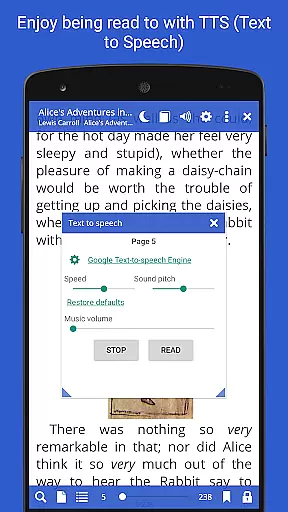
Another remarkable feature is the Read-aloud capability powered by TTS engines, allowing users to listen to their documents. The app supports custom CSS for enhanced readability and syncs reading progress across multiple devices. With functions like online document format conversion and support for right-to-left languages, Librera PRO caters to a global audience. These comprehensive features make Librera PRO a top choice for managing and enjoying digital libraries efficiently.
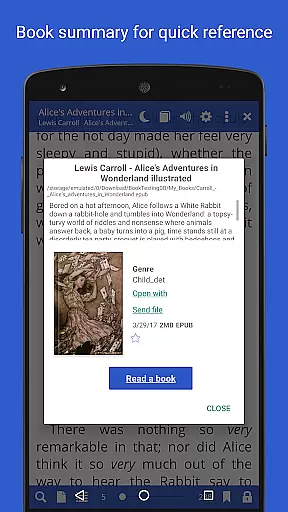
Librera PRO offers an extensive e-book library that supports a wide array of document formats including PDF, EPUB, MOBI, and more. This ensures users have access to a vast collection of reading materials tailored to their preferences.
The app's support for various formats not only enhances its library size but also guarantees the authenticity of copyrighted materials by providing accurate rendering and proper formatting. Users can trust that the integrity of the original documents is maintained.
With features like online document format conversion and support for archived books, Librera PRO makes it easy to manage and expand one's digital library. These capabilities ensure that users can enjoy a diverse selection of content without compatibility issues.
Additionally, integration with online catalogs and book search functionalities allows users to discover and download new titles seamlessly. This enriches the overall library experience while ensuring all content is legally obtained and properly credited.
One of Librera PRO's standout features is its exceptional format compatibility, accommodating over ten different file types such as EPUB3, DjVu, FB2, DOCX, and TXT among others. This versatility allows readers to access virtually any book or document format they encounter.
The app provides robust support for right-to-left languages like Arabic and Hebrew, ensuring comprehensive linguistic inclusivity. Such broad language support underscores Librera PRO's commitment to serving a global audience with varied literary needs.
Furthermore, advanced options like custom CSS code enhance the reading experience by allowing personalized styling adjustments. Users can tailor the appearance of texts to suit their visual preferences, making each reading session more enjoyable.
By offering these flexible format compatibilities, Librera PRO empowers users to curate a personalized and expansive digital library. Readers can confidently collect and read diverse materials knowing that the app will consistently deliver high-quality rendering across all supported formats.
User-friendly interface
Wide format support
Customizable reading modes
Advanced search options
Cross-device syncing
Occasional bugs in older devices
Complex settings for beginners
Limited free version features
High system requirements
Ads in non-PRO version

Plan of Life that Saint Josemaría recommended
 4.80
4.80
Crowd-sourced listing of businesses with anti-gun signs, and pro-2a alternatives
4.60
University of North Carolina Herbarium presents the flora of TN, AL, & MS.
4.3
Improve your vocabulary and grammar with the 15 biggest Oxford Dictionaries.
4.30
Find, discuss, and organize your world of books and shows.
4.60
8 Dr. Seuss short stories in 1 app!
4.70
Read unlimited novels, audiobooks, stories & Unlock ebooks, fanfiction and more!
4.70
Enjoy daily devotionals, Bible verses, audio courses, and more.
4.80
Fast loot guide for ARC Raiders. Simple tips, stats, maps, and item details.
4.0
The Original Tropical Freshwater Aquarium Fish And Plant Care Guide
4.80
Bible, Catechism, Study, Saints, Mass Readings, Rosary, Prayer, Bible in a Year
4.80
Track your Star Wars book collection across Canon & Legends
4.80
Read the KJV Bible with Strong’s offline: reading plans, audio Bibles, and more.
4.70
"Do you like green eggs and ham?"
4.70
Watch real short episodes in just minutes— addictive, you won't be able to stop!
4.70
Build family tree & discover DNA, family history heritage, origins and ancestors
4.60
“There was one last piece of cake. My little sister said ‘Me too!’”
4.00
Battle Royale Chapter 5 Season 2 HD Wallpapers Emotes Skins and BattlePass
3.00
A guide for the Court of Atonement spiritual healing process.
4.4


User Reviews