
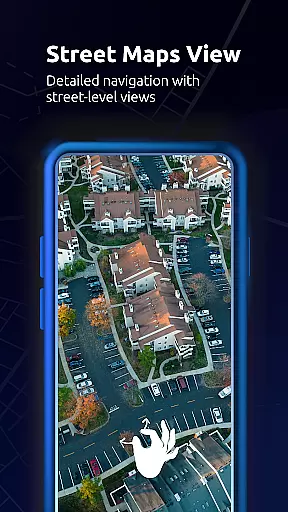
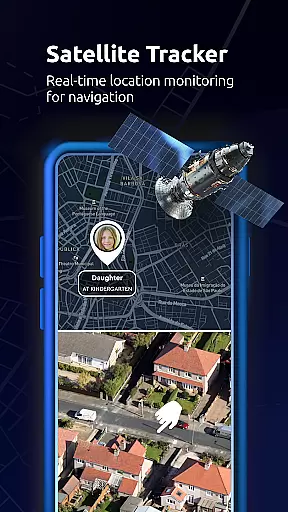
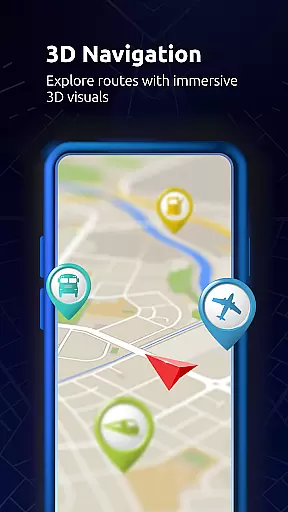
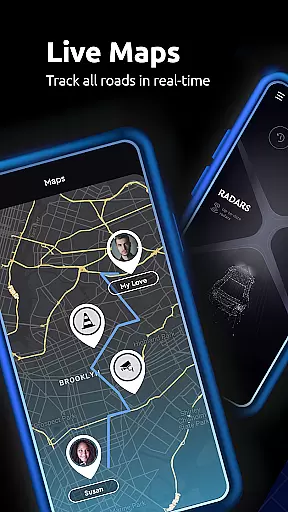

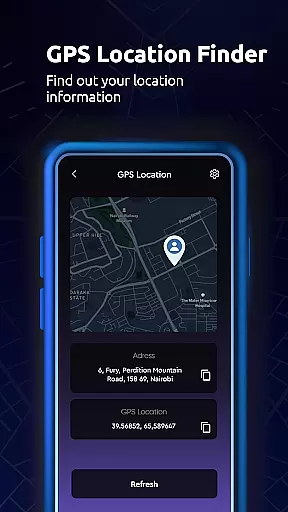
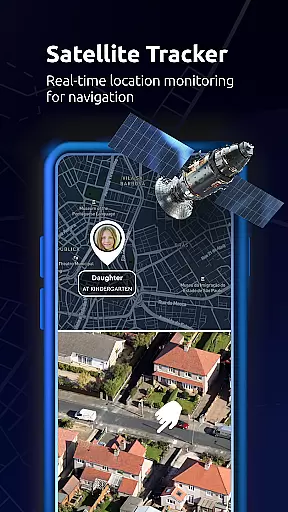
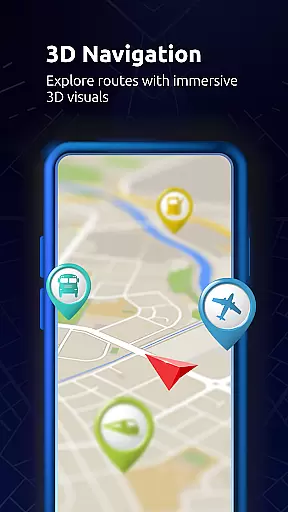
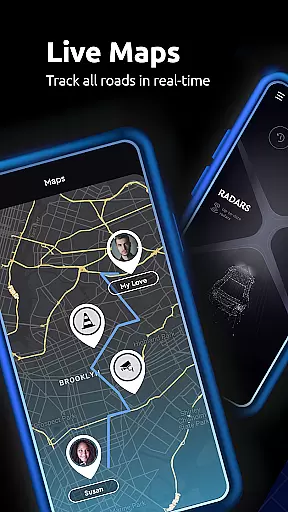

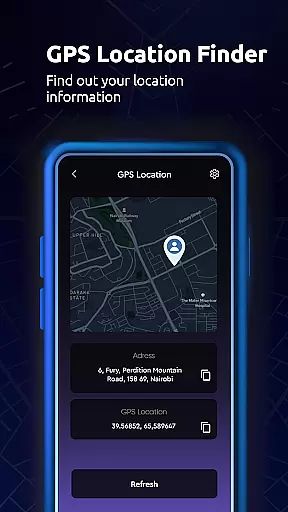
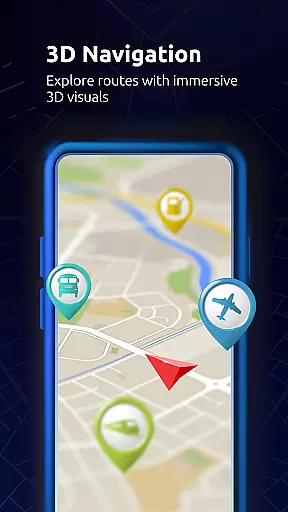
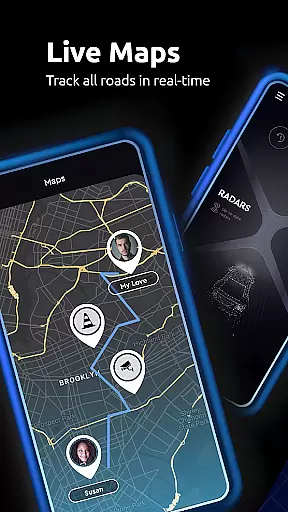
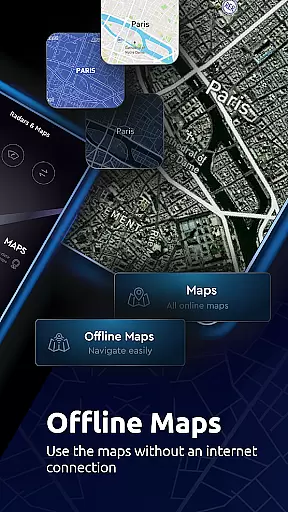

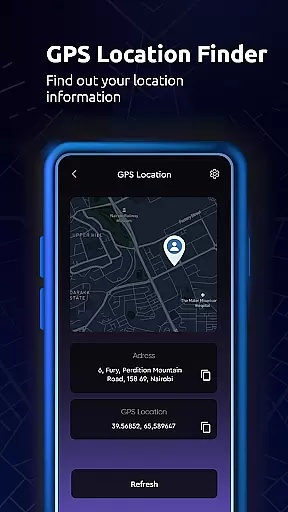
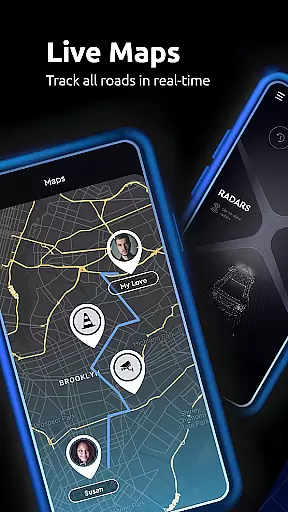

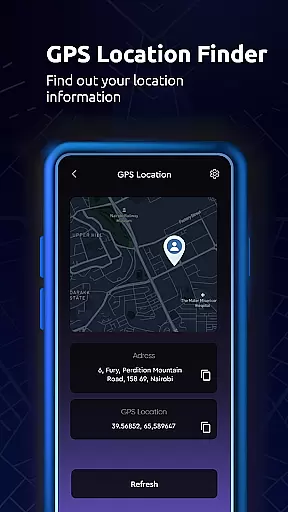
Maps All in One, Speedometer is a comprehensive navigation app designed to enhance your travel experience. The app provides users with detailed maps, real-time traffic updates, and multiple route options for efficient trip planning. With its offline functionality, users can access maps and directions without an internet connection, making it reliable for remote areas.
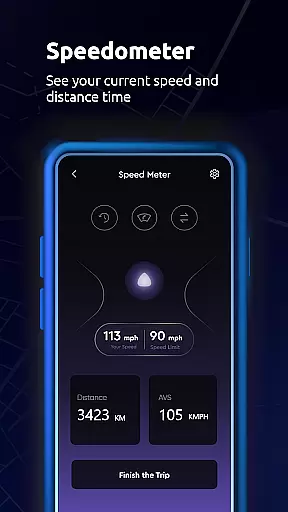
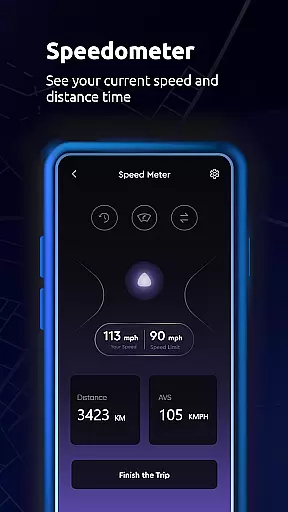
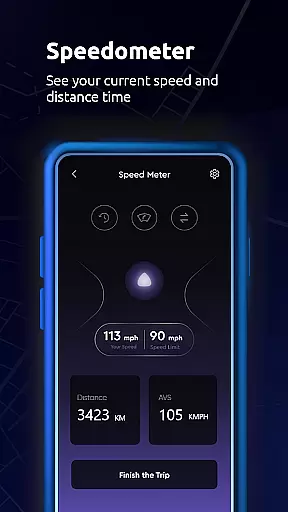
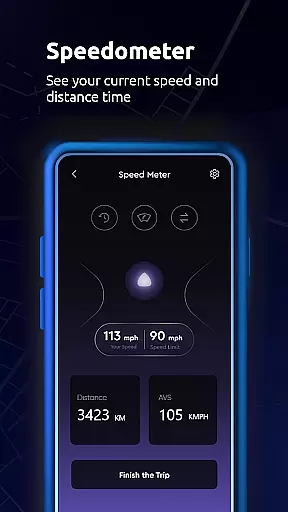
In addition to basic navigation, the app includes advanced features such as speedometer and altitude tools. These features allow users to track their speed and monitor elevation changes during their journeys. Whether you're driving, cycling, or walking, Maps All in One ensures you have all the necessary information at your fingertips.
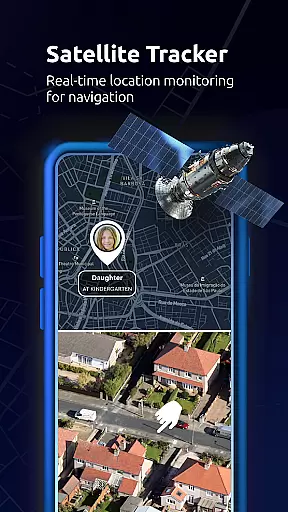
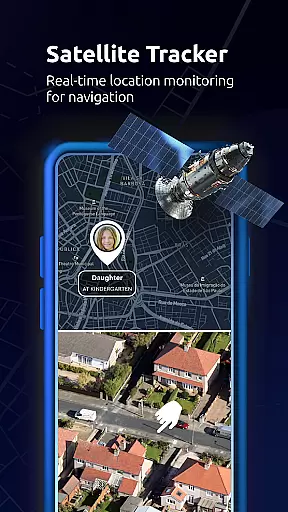
The app also supports location sharing, enabling users to share their current position with friends or family easily. Its ability to sync data across devices means that users can seamlessly transition between their smartphone, tablet, or other gadgets while maintaining access to saved locations, routes, and GPS tracks.
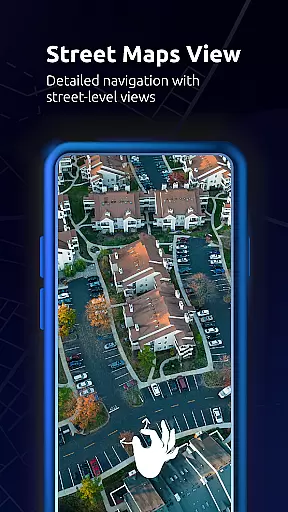
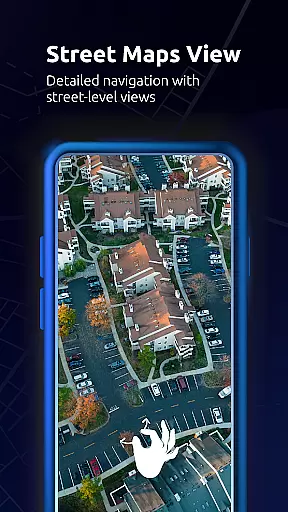
One of the standout features of Maps All in One, Speedometer is its robust mapping system. It offers various map types including road maps, satellite views, and topographic maps. Users can customize their map layers, adding elements like live traffic updates or weather overlays to tailor the map to their specific needs.
The app's real-time traffic alerts are particularly useful for avoiding delays. By analyzing current traffic conditions, Maps All in One suggests alternative routes when unexpected disruptions occur. This feature not only saves time but also reduces stress by keeping users informed about potential obstacles on their journey.
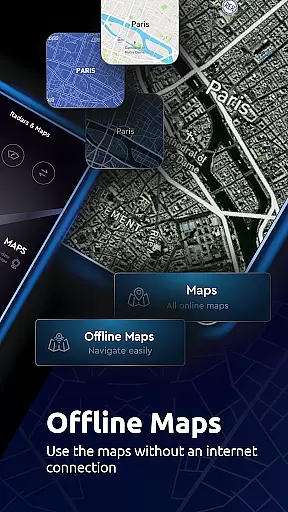
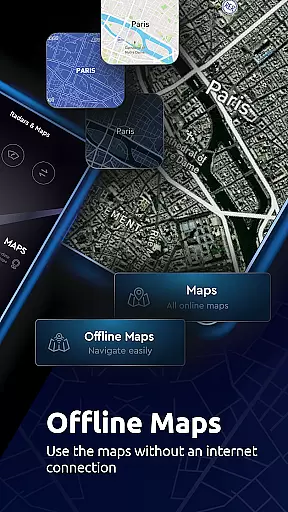
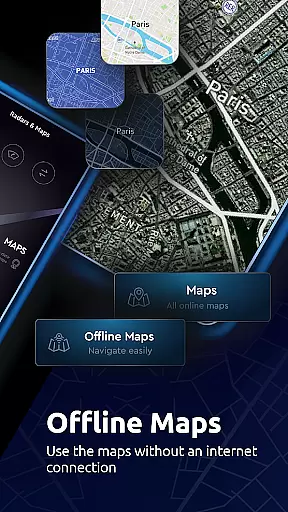
Another notable aspect is the app's offline capabilities. Users can download maps for offline use, which is especially beneficial in areas with poor connectivity. Additionally, the built-in compass and Qibla direction finder provide added convenience for travelers who need to determine their orientation quickly and accurately.
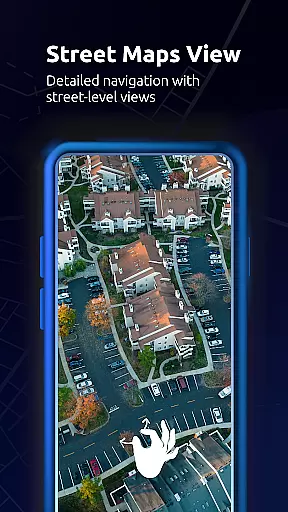
Map accuracy is a crucial feature for any navigation app, and Maps All in One, Speedometer excels in this area. The application provides users with multiple map options including road maps, offline maps, radar, topographic maps, and satellite maps. This variety ensures that users can select the most appropriate map type for their specific needs, whether it's for simple route planning or more complex navigation involving terrains and elevations.
The app also offers real-time traffic alerts, which contribute to its map accuracy. When unexpected delays such as car crashes, traffic jams, or road construction occur, the app suggests alternate routes. This dynamic rerouting capability ensures that users are always following the most efficient path to their destination, based on current conditions.
Additionally, Maps All in One supports offline maps, allowing users to navigate without an internet connection. These offline maps are optimized to save memory space and reduce data usage while maintaining accuracy. Users can rely on these maps to find directions, locate important places like gas stations and restaurants, and even track their speed with a built-in speedometer.
Overall, the map accuracy provided by Maps All in One, Speedometer enhances the user experience by ensuring reliable and precise navigation information, regardless of the situation or environment.
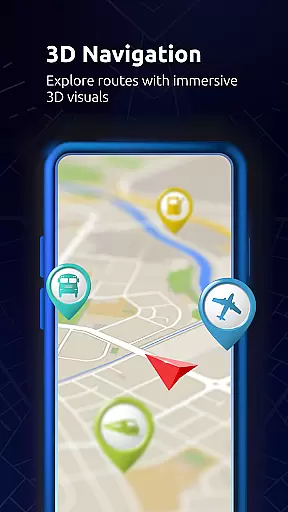
Route planning is an essential aspect of any maps and navigation app, and Maps All in One, Speedometer offers robust features to ensure efficient trip preparation. With the ability to find, create, and share routes, users can meticulously plan their journeys. The app allows exporting these planned routes to GPS devices and other navigation apps, streamlining the process from planning to execution.
One standout feature is the app's capability to suggest the best alternate routes during unexpected delays. By leveraging real-time traffic alerts, Maps All in One can dynamically adjust the planned route to circumvent obstacles such as traffic jams or road constructions. This ensures minimal disruption and maintains travel efficiency.
Moreover, the app includes comprehensive tools for trip planning, such as altitude information and speed tracking via a built-in speedometer. These tools not only aid in crafting a detailed route plan but also enhance the overall travel experience by providing additional data points that could be critical for certain types of trips.
Finally, Maps All in One supports offline route planning, making it an invaluable tool for travelers who may venture into areas with limited connectivity. By offering accurate and reliable route suggestions without the need for constant internet access, the app empowers users to explore confidently, knowing they have a well-thought-out plan at their fingertips.
User-friendly interface
Offline map availability
Real-time traffic updates
Speedometer and altitude tools
Data synchronization across devices
Occasional inaccuracies in GPS
Heavy battery consumption
Limited customization options
Some features require premium subscription
Interface can be overwhelming for new users

Explore the world with Live Satellite View, 3D Maps, GPS Navigation & Earth Map.
 2.90
2.90
Fully offline 1:50k New Zealand topographical map North Island
4.0
Your guide to the recreational opportunities of the Bureau of Land Management!
3.40
Number locator, real connection map
4.10
Navigate via GPS Maps of GPS Voice Navigation, driving directions to find routes
3.60
Bolt is a ride-hailing app for requesting fast, safe, and affordable transport
4.80
Gas Station & Fuel Rewards Points
3.70
Park in Chicago, NYC, Boston, SF, Houston & more!
4.70
Avoid delays. Get real-time GPS navigation, safety alerts and live traffic.
4.10
Truck Safe GPS Navigation & Maps: Parking, Fuel, Diesel, Weight Station
4.80
Order a cab online. An affordable taxi ride and driver in no time. What a bolt!
4.80
GPX Viewer PRO shows tracks, routes and waypoints from gpx and kml files.
4.60
Navigate with your watch and keep the phone in your pocket!
4.60
The fastest and most convenient way to pay for parking on our lots.
4.40
Find radar, speed camera, flight tracker. Use hud, location tracker, speedometer
4.20
Use GPS Maps and GPS Voice Navigation to find your way and get directions
4.10
Route Planner is travel map to get turn by turn navigation & driving directions
3.90
Drive safe with real-time speed camera radar, police, and traffic alerts
3.80
Compass is an accurate compass and a great tool for any outdoor activities
4.0


User Reviews