
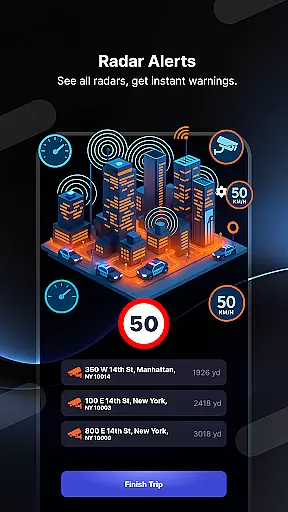
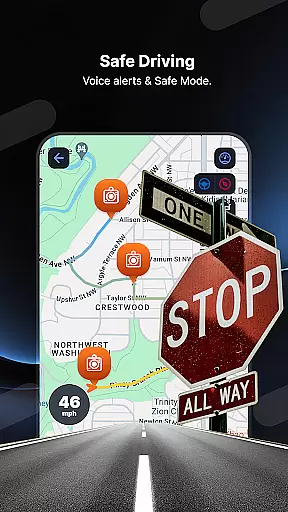
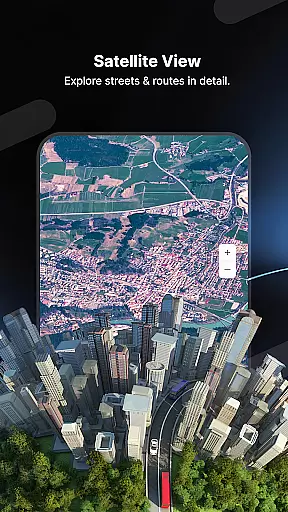
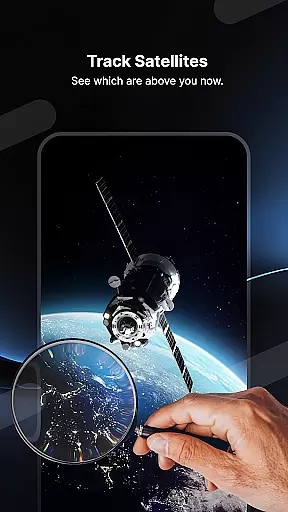
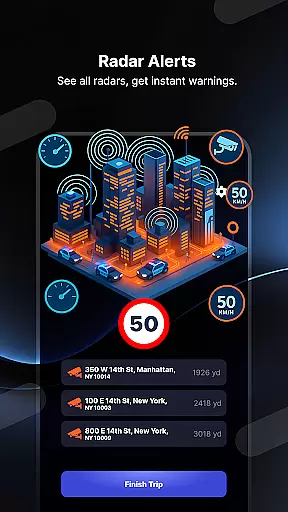
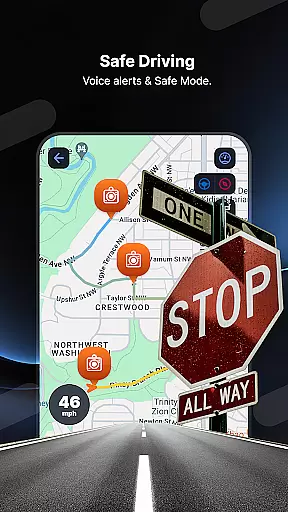
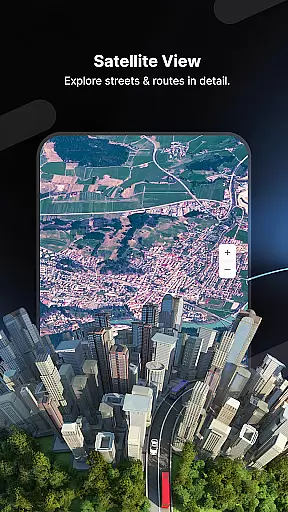
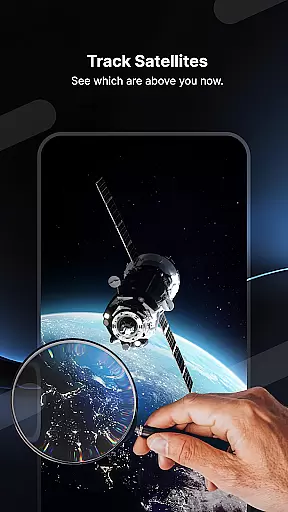
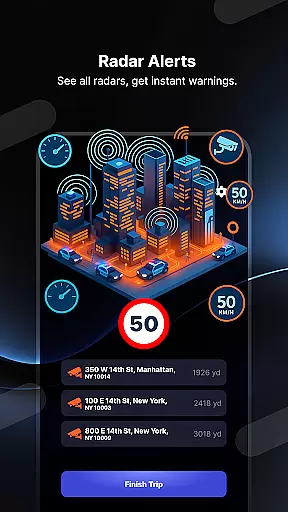
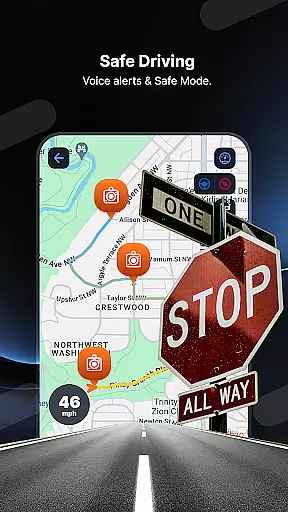
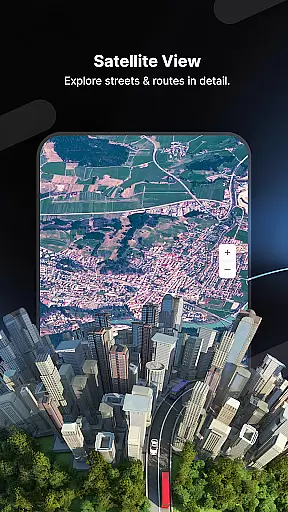
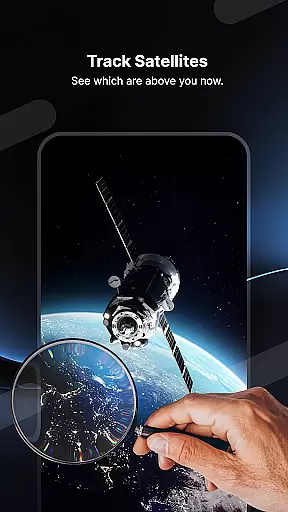
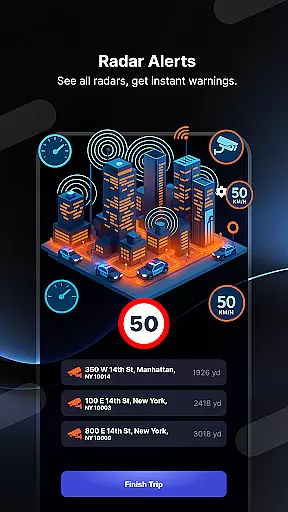
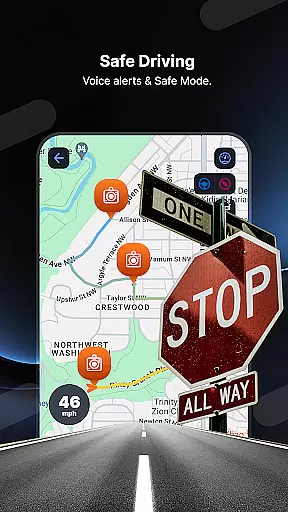
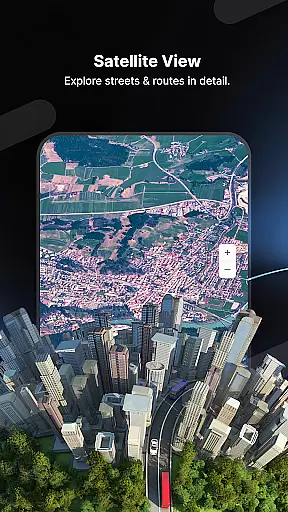
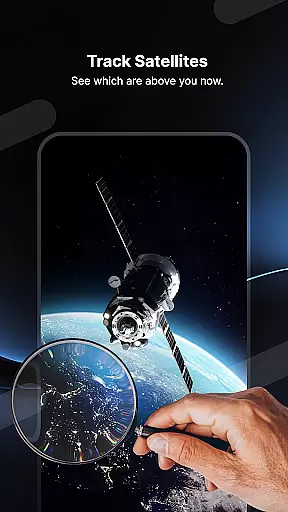
Radar GO-X is a comprehensive navigation and tracking app that transforms your smartphone into an advanced speed camera detector, GPS tracker, and real-time map system. With features like HUD display, police radar alerts, and flight inquiries, it offers users a versatile tool for both road and air travel.
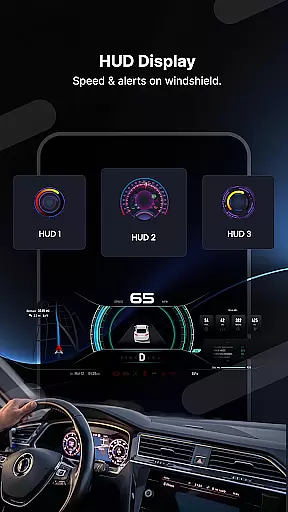
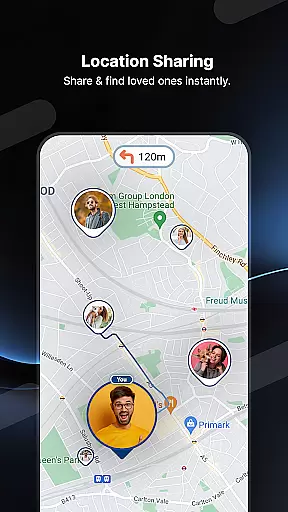
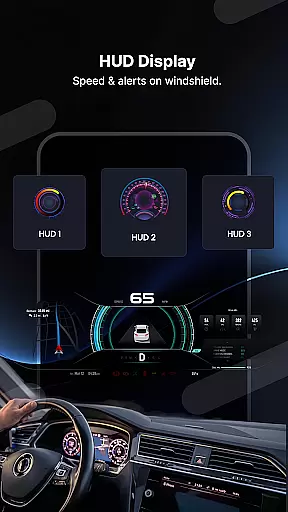
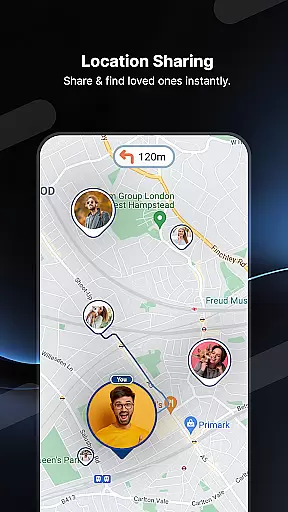
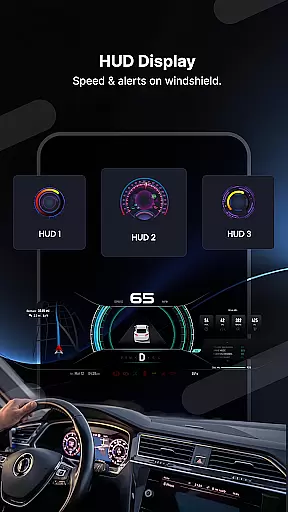
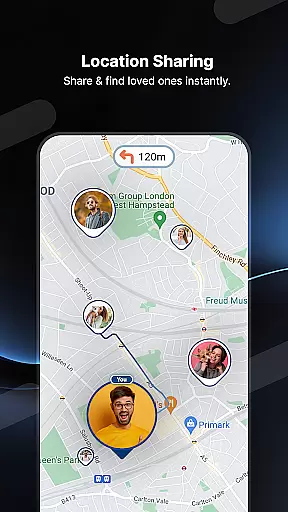
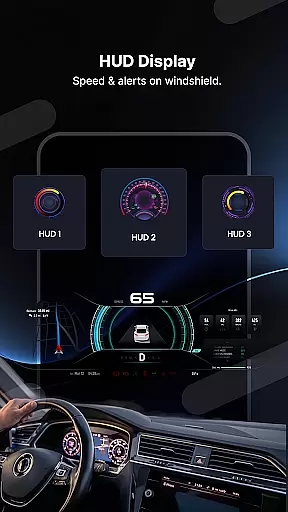
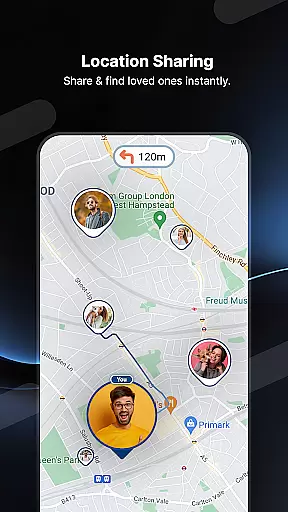
The app provides detailed information on speed cameras, nearby airports, and live traffic updates. Its unique heads-up display (HUD) projects crucial driving information directly onto the windshield, ensuring safer journeys. Additionally, the built-in family locator and GPS tracker allow users to share locations with loved ones, making it an all-in-one navigation solution.
Radar GO-X stands out with its extensive feature set tailored for modern travelers. The app's core functionality includes real-time speed camera detection and police radar alerts, helping drivers avoid fines and maintain safety. Its HUD feature projects essential driving data onto the windshield, allowing drivers to keep their eyes on the road.
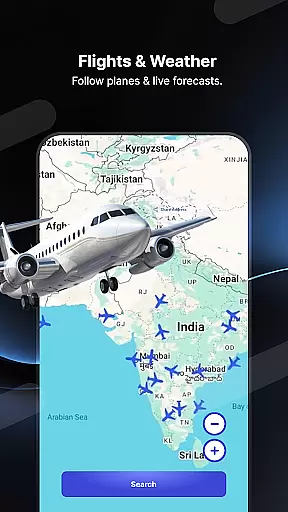
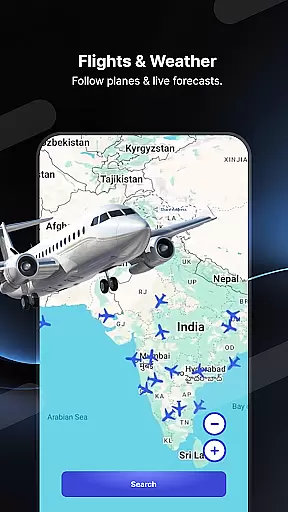
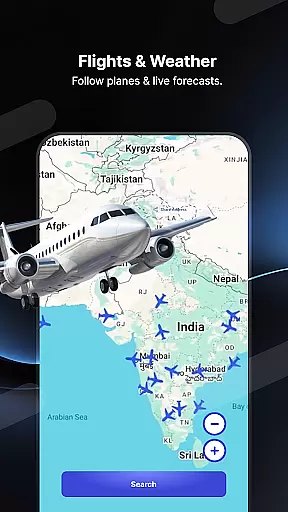
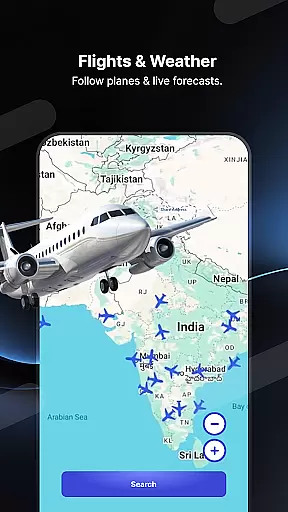
Beyond road navigation, Radar GO-X offers robust flight tracking capabilities. Users can monitor flight locations, view airport timetables, and calculate routes between airports. The app also functions as a weather forecaster and radio station hub, providing current weather conditions and access to thousands of local and international radio stations.
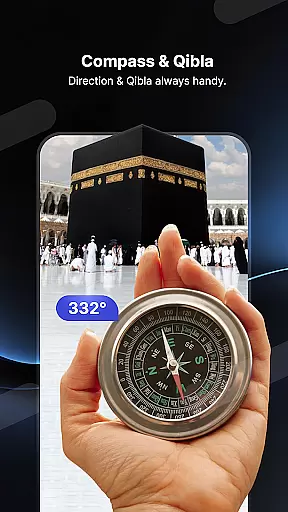
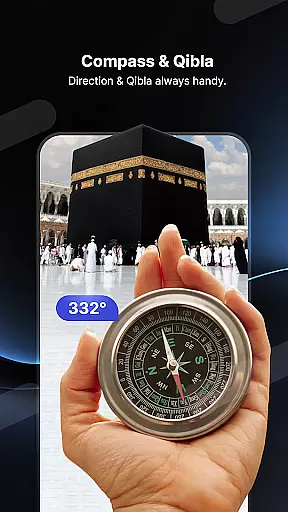
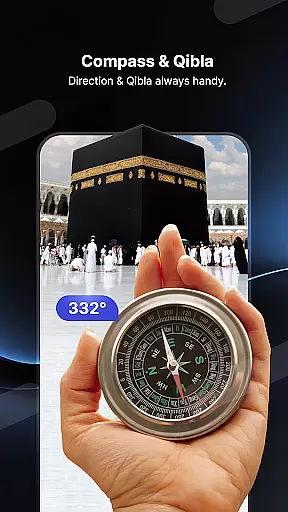
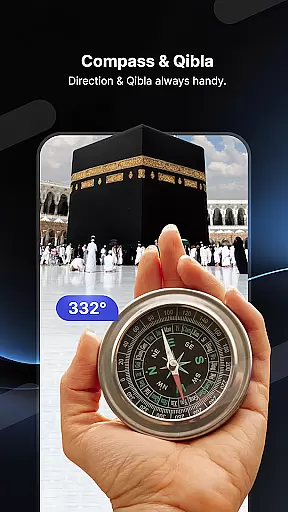
Additional features include a family locator system, Qibla compass, and offline maps with voice directions. These diverse capabilities make Radar GO-X a valuable tool for both daily commutes and long-distance travel, offering practical solutions for various navigation needs.
Map accuracy is a critical feature for any navigation app, and Radar GO-X excels in this area. The application provides real-time maps that are updated continuously to ensure users have the most precise location data available. This includes detailed information about speed cameras, police radar locations, and other essential points of interest on the map.
Radar GO-X uses advanced GPS technology to deliver high-precision mapping services. Users can rely on the app to navigate with confidence, knowing that the displayed map reflects the current road conditions and traffic situations accurately. Whether driving in urban areas or rural roads, the accuracy of the map ensures that users won't miss important details like sudden changes in speed limits or upcoming hazards.
The benefit of such accurate mapping extends beyond just avoiding fines; it enhances overall safety. Drivers can anticipate potential dangers ahead of time, allowing them to adjust their driving accordingly. Additionally, features like flight inquiries and airport locators add another layer of utility, making travel planning more efficient and reliable.
Ultimately, the precision offered by Radar GO-X's mapping capabilities empowers users to make informed decisions while traveling. By providing trustworthy and up-to-date geographical information, the app becomes an indispensable tool for anyone looking to enhance their navigation experience.
Route planning is a fundamental aspect of Radar GO-X, designed to optimize travel efficiency and convenience. The app offers comprehensive route calculation tools that take into account various factors such as distance, traffic conditions, and user preferences. This ensures that users receive the best possible guidance tailored to their specific needs.
One standout feature is the ability to calculate routes for aircraft, which adds versatility to the appu2019s functionality. For everyday drivers, the app provides multiple route options, including alternative paths that may help avoid congestion or roadblocks. Real-time traffic alerts further enhance these capabilities by notifying users of any disruptions along their planned journey.
In addition to traditional vehicle navigation, Radar GO-X supports diverse modes of transportation. Whether you're driving, walking, or cycling, the app adapts its route suggestions to suit your mode of travel. This flexibility makes it easier for users to plan trips effectively, regardless of how they choose to move from one place to another.
By integrating advanced algorithms and live data feeds, Radar GO-X delivers dynamic route planning that evolves with changing circumstances. This not only saves time but also reduces stress associated with unexpected detours or delays. Overall, the robust route planning features make Radar GO-X a valuable companion for both routine commutes and long-distance travels.
Comprehensive navigation tools
Real-time speed alerts
Advanced HUD display
Flight tracking capabilities
Family location sharing
Requires constant GPS usage
Complex interface for beginners
Some features need internet
Consumes significant battery
Limited offline functionality

The fastest and most convenient way to pay for parking on our lots.
 4.40
4.40
Discover over 800 points of interest along the canal.
3.70
GPX Viewer PRO shows tracks, routes and waypoints from gpx and kml files.
4.60
Find trails, organize your locations and navigate with offline maps.
4.60
Plan routes, share locations, and set custom alert zones
4.40
LIRR and Metro-North tickets and trips
4.80
Explore with GPS Navigation with GPS offline, voice GPS, speed camera radar
4.60
Explore Live Earth Map with 3D World Map & locate cites, mountains real time.
3.80
Use GPS Maps and GPS Voice Navigation to find your way and get directions
4.10
Bolt is a ride-hailing app for requesting fast, safe, and affordable transport
4.80
This app is military GPS coordinate systems helper. (MGRS, UTM & DMS Maps)
4.80
Find AI powered cameras, ALPRs, and other surveillance infrastructure near you
4.70
Offline maps & GPS for hiking, travel, fieldwork & outdoor adventures
4.70
Navigate MTA, NJ Transit, MBTA, SEPTA, BART, MARTA, CTA & 900+ cities
4.60
Find routes fast with GPS Maps, GPS Navigation & driving directions.
4.10
Navigate seamlessly with Real-Time Traffic, Offline Maps, and Voice Navigation.
4.10
Live Satellite view app for find GPS navigation Direction and live location map
3.70
Explore the world with Live Satellite View, 3D Maps, GPS Navigation & Earth Map.
2.90
Find 93 Octane Gas: Locate Gasoline Stations Selling Premium 93 Octane or Higher
4.4


User Reviews