
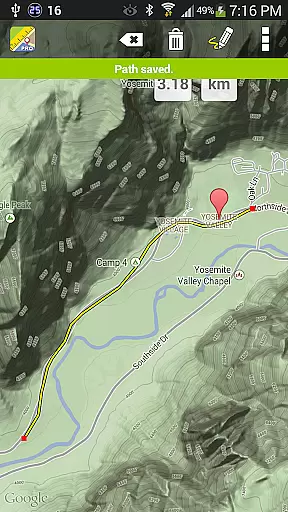
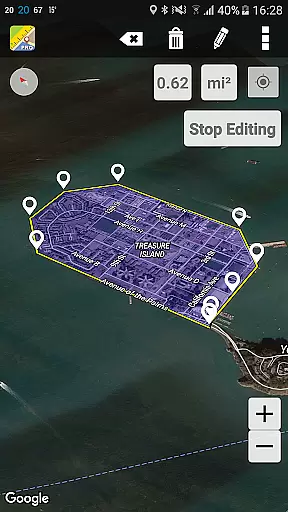
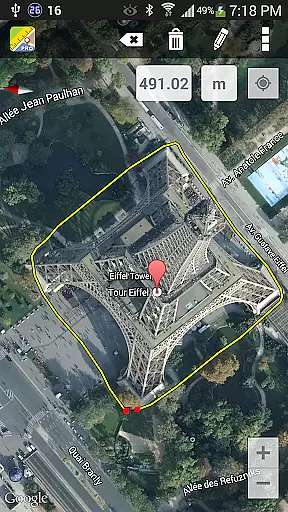
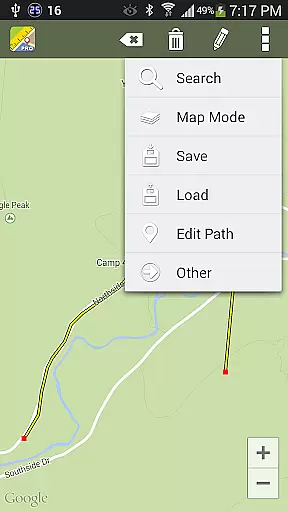
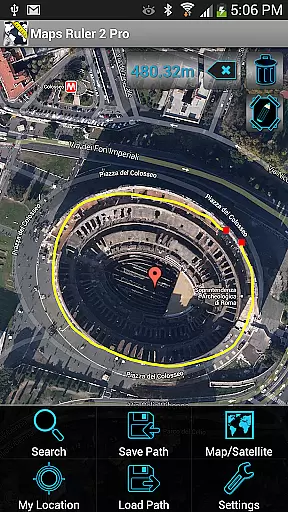
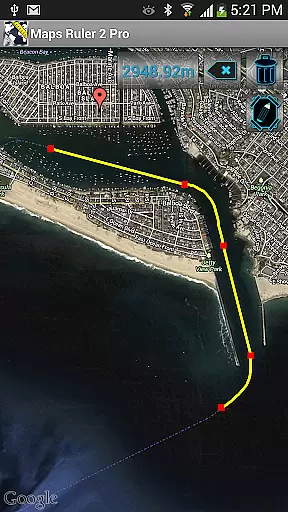
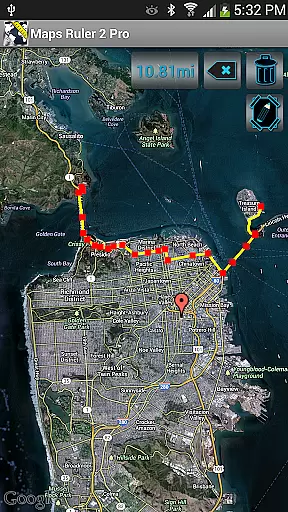
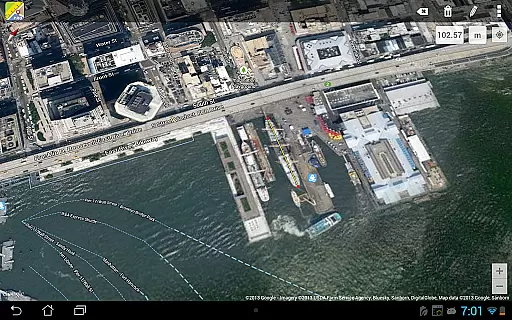
Maps Ruler Pro is a versatile mapping tool designed to calculate distances between multiple points on a map. This application is particularly useful for outdoor activities, allowing users to find the shortest routes, conserve energy, or even serve as a golf distance calculator in yards. The app also offers an area calculation mode currently in Beta, providing additional functionality for measuring land plots or zones.
Available on Android devices, Maps Ruler Pro stands out with its pro features such as continuous path calculation, custom path naming, and the ability to save and load paths. These capabilities make it an essential tool for hikers, real estate professionals, and anyone needing precise measurements on the go. With conversions available in meters, kilometers, miles, feet, and fathoms, this app ensures global usability and precision.
Maps Ruler Pro boasts several distinctive features that cater to a variety of needs. One of its primary functions is the ability to calculate continuous paths, akin to drawing on a map, which allows users to measure complex routes effortlessly. Users can also name their paths, ensuring easy identification and organization of different routes or areas measured.
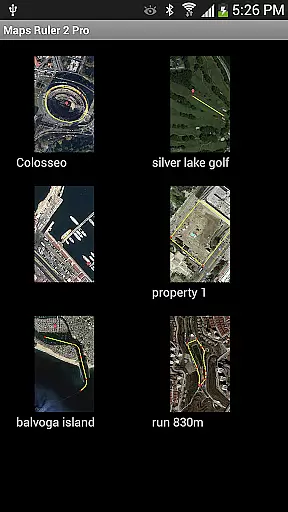
In addition to these features, Maps Ruler Pro supports saving and loading paths, making it convenient to revisit previous calculations without starting from scratch. The app handles multiple points efficiently, enabling detailed and accurate measurements. Conversion options are extensive, covering units like meters, kilometers, miles, feet, and fathoms, thus accommodating international users and various measurement preferences. These robust features collectively enhance user experience by offering both flexibility and precision.
Map accuracy is essential for any navigation or measurement tool, and Maps Ruler Pro excels in this area. The app provides precise calculations of distances between selected points on a map, ensuring users can rely on it for accurate measurements.
Whether you're calculating the shortest path to save energy during a hike or measuring yard distances for golf, Maps Ruler Pro delivers trustworthy results. Its meticulous attention to detail allows users to measure paths continuously, name them, and even save or load these paths for future reference.
The app supports multiple units of conversion including meters, kilometers, miles, feet, and fathoms, catering to various user preferences and needs. This versatility ensures that whether you're navigating urban streets or vast outdoor landscapes, Maps Ruler Pro adapts to your requirements with precision.
Route planning is a critical feature for anyone looking to navigate efficiently, and Maps Ruler Pro offers robust capabilities in this domain. With its continuous path calculation mode, users can draw their routes directly on the map, receiving real-time feedback on the distances involved.
This functionality is particularly useful when plotting complex journeys that involve multiple waypoints. Users have the ability to calculate and visualize different route options, empowering them to choose the most efficient path tailored to their specific travel conditions.
Additionally, Maps Ruler Pro includes pro features such as no ads, named paths, and saved routes which enhance the overall route planning experience. These tools collectively ensure that users can plan their journeys seamlessly while enjoying an ad-free interface conducive to focused navigation.
No ads
Continuous path calculation
Path save and load
Multiple point support
Extensive unit conversions
Beta mode for area calculation
Limited to Android platform
Interface may feel complex
Requires internet connection
Premium version cost

Complete offline 1:50k South Island topo map including DOC Hunting Permit Areas
 4.60
4.60
Route tracker, Speedometer, Odometer, Fuel, HUD mode, save route as .GPX
4.40
Number locator, real connection map
4.10
"Balad" is a map and navigator with a Persian voice assistant and a complete city guide
4.40
Voice GPS with driving directions, offline maps navigation GPS for safe travel
4.50
Track accurate speed & distance with GPS Speedometer. Check speed limit & time.
4.50
Use GPS maps or search by property owner, address or parcel to view parcel data
4.30
Truck Safe GPS Navigation & Maps: Parking, Fuel, Diesel, Weight Station
4.80
Track friends in real-time and explore worldwide live cameras.
4.60
Bolt is a ride-hailing app for requesting fast, safe, and affordable transport
4.80
Offline maps & GPS for hiking, travel, fieldwork & outdoor adventures
4.70
GPX Viewer PRO shows tracks, routes and waypoints from gpx and kml files.
4.60
ParkWhiz, an Arrive Mobility brand, part of the Arrive Network
4.30
Route schedules, maps, and real-time tracking of MTA buses in New York City.
4.20
Simple & easy to use a compass app. Get accurate directions.
4.20
Explore Earth with live GPS, satellite view & street navigation
3.60
Play in the outdoors with Android as your Handheld GPS and offline topo maps!
3.50
Explore the world with Live Satellite View, 3D Maps, GPS Navigation & Earth Map.
2.90
Fully offline 1:50k New Zealand topographical map North Island
4.1


User Reviews