
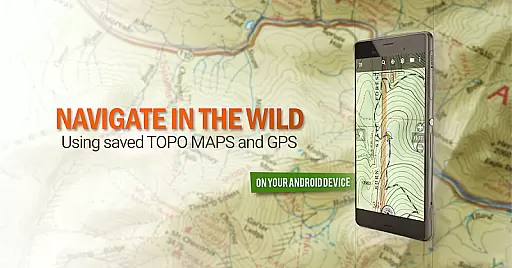
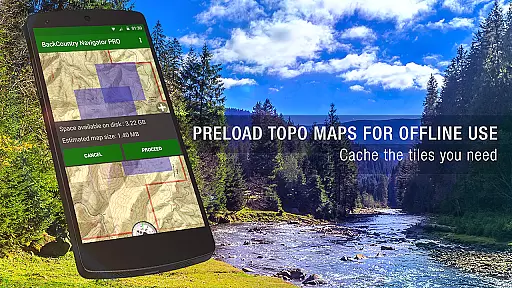
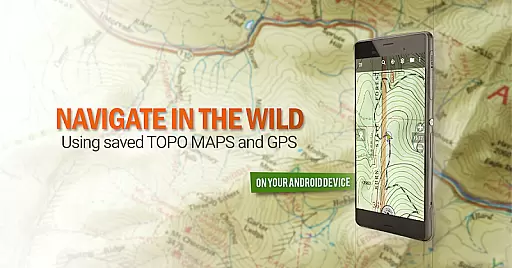
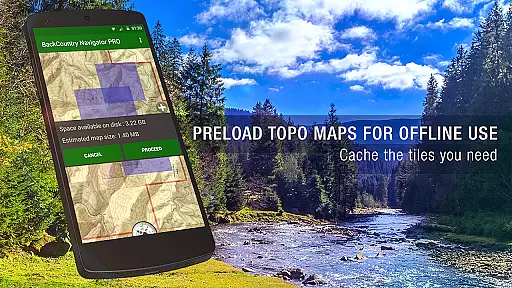
BackCountry Navigator GPS PRO is a top-tier offline outdoor navigation app designed for Android devices. It transforms your phone or tablet into a powerful handheld GPS, perfect for offroad adventures and hiking trips. The app allows users to download detailed topo maps in advance, ensuring reliable navigation even without cell coverage. With support for various map formats including GPX and KML files, it offers versatile navigation options.
The application supports multiple coordinate systems such as longitude/latitude and UTM, making it adaptable for different user preferences. Its standout feature is the ability to use publicly available map sources for free, with additional premium content available via in-app purchases. Whether you're exploring hiking trails, hunting grounds, or waterways, this app provides comprehensive mapping solutions tailored for outdoor enthusiasts.
BackCountry Navigator GPS PRO is particularly useful for activities like hiking, hunting, fishing, and geocaching. By leveraging your device's built-in GPS capabilities, it ensures accurate tracking and navigation without relying on cellular data. This makes it an essential tool for anyone venturing into remote areas where traditional connectivity might be unavailable.
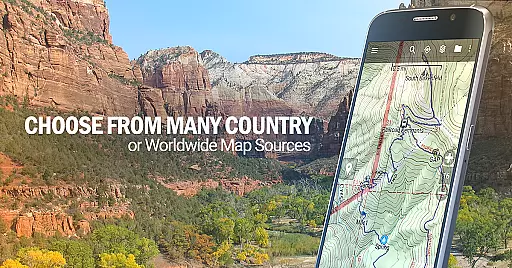
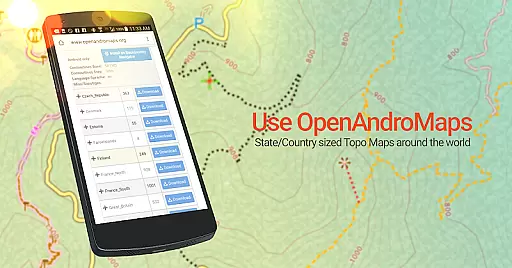
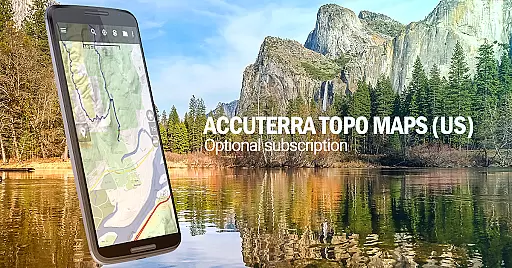
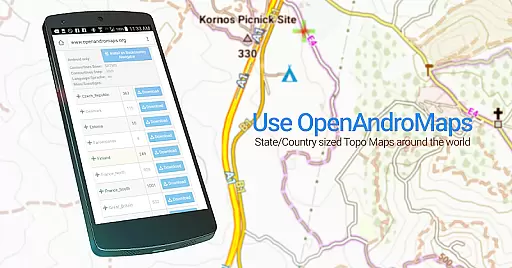
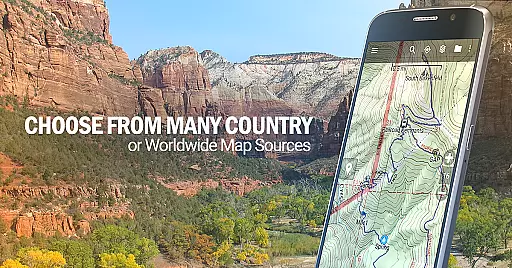
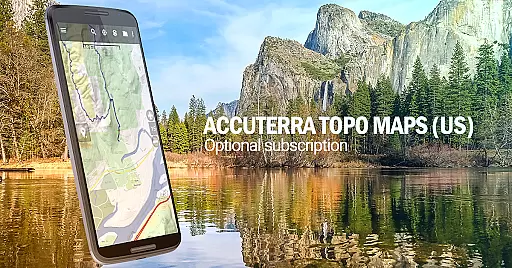
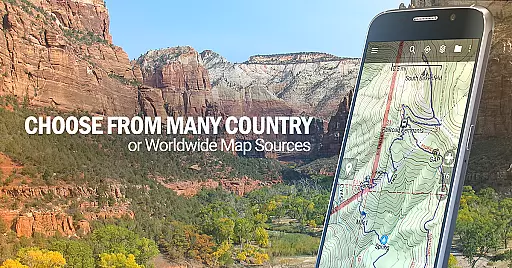
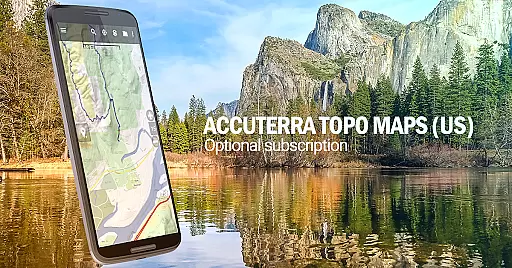
One of the key features of BackCountry Navigator GPS PRO is its extensive map library. Users can access topo maps from various countries, including the US, Canada, Spain, Italy, New Zealand, and Japan. These maps are downloadable for offline use, providing critical information when venturing beyond cell service boundaries. Additionally, the app supports advanced map layers such as Accuterra Topo and Thunderforest Map Sources, which are available through subscription.
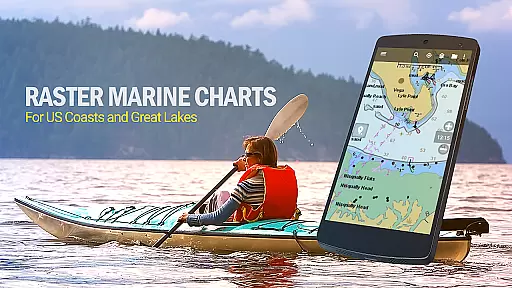
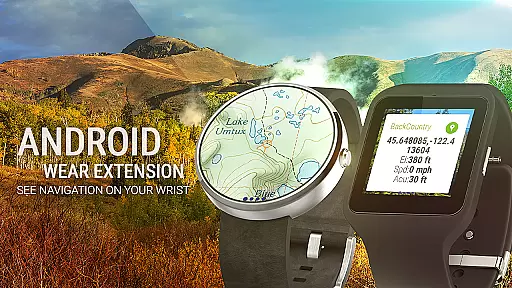
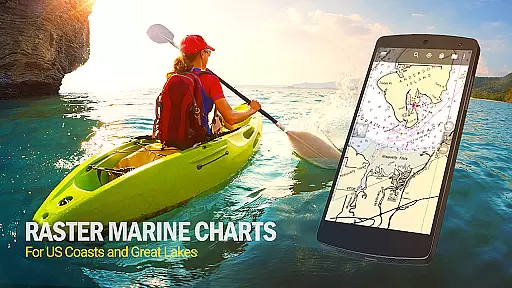
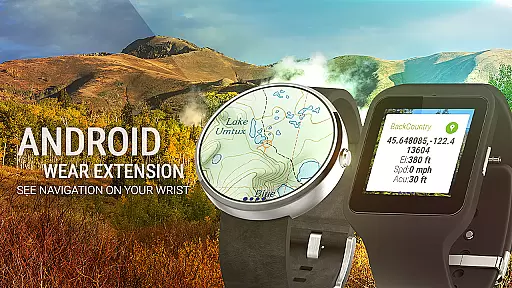
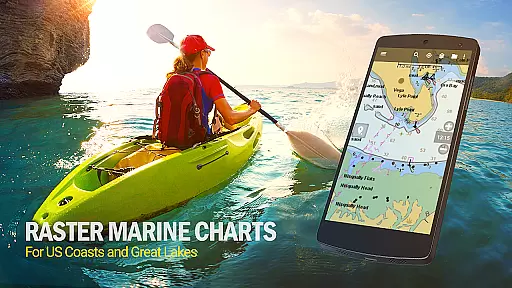
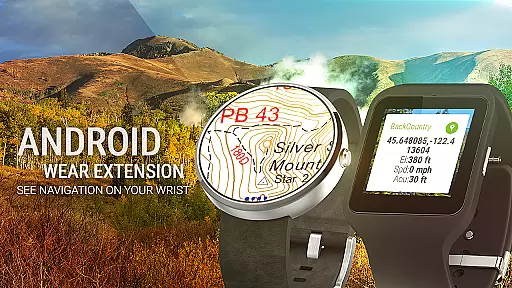
The app also includes specialized tools for outdoor activities. For instance, it allows users to create their own maps using Mobile Atlas Creator or specify custom tile servers. Outdoor enthusiasts will appreciate the inclusion of marine maps, aerial photography, and boundary maps that cater to specific interests like hunting and fishing. Furthermore, the Android Wear support enables quick glances at navigation details directly from your wrist.
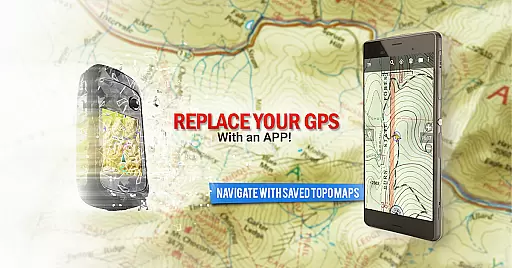
Another notable aspect is its compatibility with popular outdoor GPS devices. Many users have found that BackCountry Navigator GPS PRO can effectively replace dedicated GPS units from brands like Garmin and Magellan. The app's flexibility extends to its support for geocaching, track recording, and waypoint management, all while displaying your progress on detailed topographic maps. This versatility makes it an invaluable addition to any adventurer's toolkit.
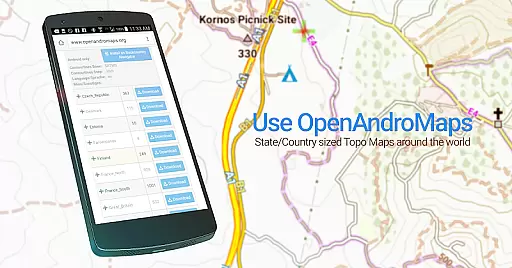
Map accuracy is a crucial feature for any navigation app, and BackCountry Navigator GPS PRO excels in this area. The app provides access to a wide variety of topographic maps from reliable sources such as the USGS, OpenStreetMaps, and more. These maps are known for their precision and detail, making them invaluable for outdoor activities where exact location matters.
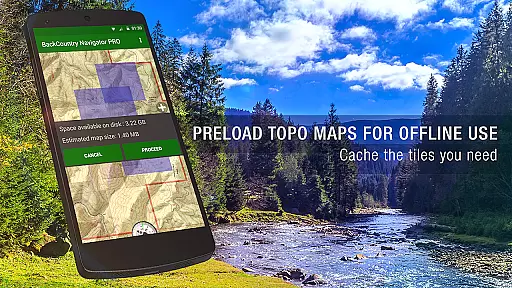
The app allows users to download maps in advance, ensuring that they have access to accurate mapping data even without cell coverage. This offline capability is essential for adventures in remote areas. With detailed terrain information conveyed through color and contour lines, these topo maps offer a comprehensive view of the landscape, which is critical for offroad navigation.
For users who require specialized maps, BackCountry Navigator GPS PRO offers additional premium content. Options like Accuterra Topo Map Source and Thunderforest Map Sources provide enhanced details tailored to specific regions or activities. Hunters, hikers, and other outdoor enthusiasts can benefit from overlays such as BLM boundaries and GMU delineations, adding another layer of accuracy to their navigational tools.
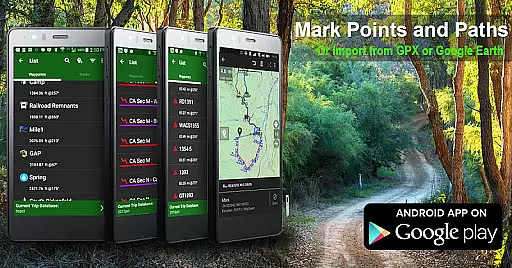
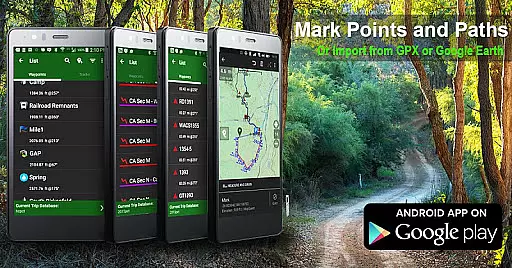
Route planning is an integral part of any outdoor adventure, and BackCountry Navigator GPS PRO equips users with powerful tools to chart their courses effectively. By leveraging GPS waypoints from various file formats like GPX or KML, adventurers can plot precise points of interest on their maps. This functionality enables users to enter coordinates using multiple systems including longitude/latitude, UTM, MGRS, or grid references.
The app's ability to use GOTO for navigation makes it easy to set a destination and follow a planned route. Whether you're hiking on established trails or exploring off-trail areas, having pre-set waypoints ensures you stay on course. Additionally, the Android Wear support allows quick glances at your wrist for real-time directional cues, keeping you informed without needing to pull out your device.
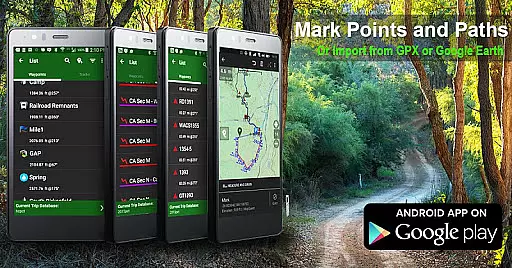
BackCountry Navigator GPS PRO also supports recording tracks during trips, allowing users to document their journeys while simultaneously tracking progress on topographic maps. This feature not only aids in current trip navigation but also serves as valuable data for future expeditions. Overall, these robust route-planning capabilities make the app suitable for diverse activities ranging from hunting and fishing to search and rescue operations.
Comprehensive map library
Offline functionality
Versatile coordinate systems
Specialized outdoor tools
Android Wear support
Premium content costs extra
Occasional map update delays
Complex interface for beginners
High storage requirements
Limited international map availability

Start your next adventure confidently using our Accurate Compass App
 3.70
3.70
This app is military GPS coordinate systems helper. (MGRS, UTM & DMS Maps)
4.80
Complete offline 1:50k South Island topo map including DOC Hunting Permit Areas
4.60
Navigate confidently with our precise Digital Compass app & Direction Compass!
4.70
Ride CTA, Metra & Pace: Manage your fares, buy Metra tickets, get arrivals.
3.00
Get directions, Maps, GPS navigation & GPS Maps using GPS App
4.10
NJ TRANSIT information and ticketing at your fingertips
3.70
Park in Chicago, NYC, Boston, SF, Houston & more!
4.70
Off-Roading Navigation App With Trails, Public Lands, & Private Property Info
3.30
Airport parking, with airport shuttle (TPS shuttle), reservations, and Spot Club
4.80
Route tracker, Speedometer, Odometer, Fuel, HUD mode, save route as .GPX
4.40
Route schedules, maps, and real-time tracking of MTA buses in New York City.
4.20
TACNAV-X: Precision MGRS navigation, built specifically for the military.
4.00
Navigation, weather, offline maps & tools for smarter, safer travel planning.
4.00
Route Planner is travel map to get turn by turn navigation & driving directions
3.90
Live Satellite view app for find GPS navigation Direction and live location map
3.70
Explore Earth with live GPS, satellite view & street navigation
3.60
Fully offline 1:50k New Zealand topographical map North Island
4.2
All of NHSA's trail information at your fingertips for the 2025-2026 season
4.0


User Reviews