
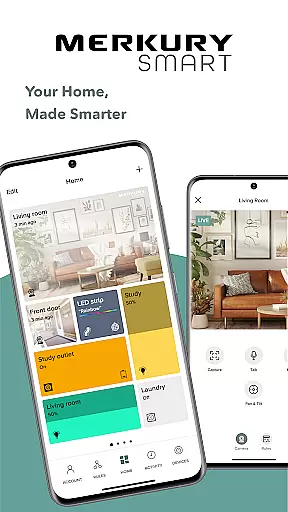
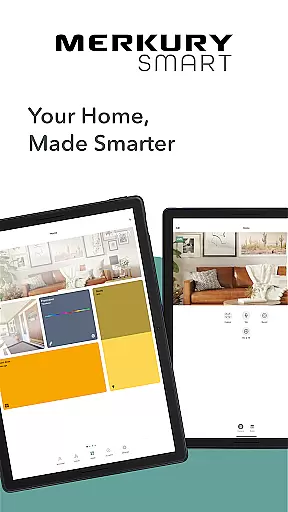
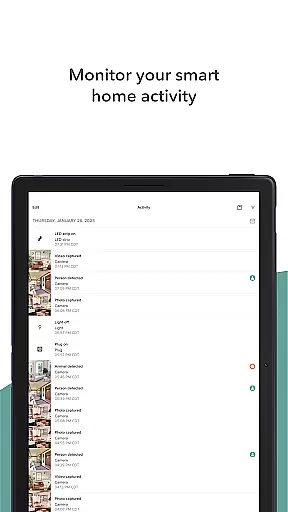
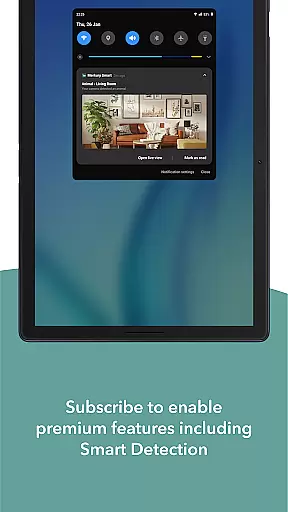
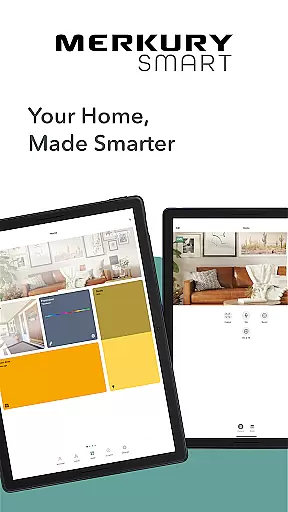
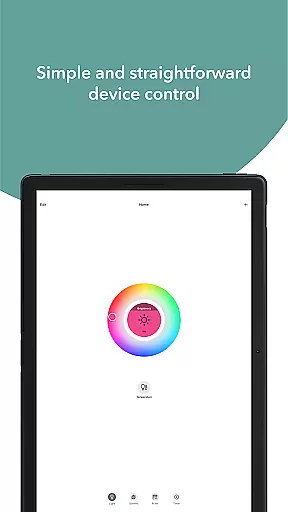
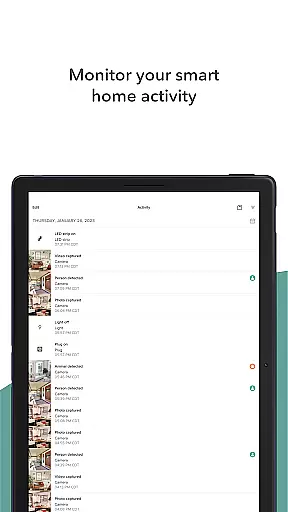
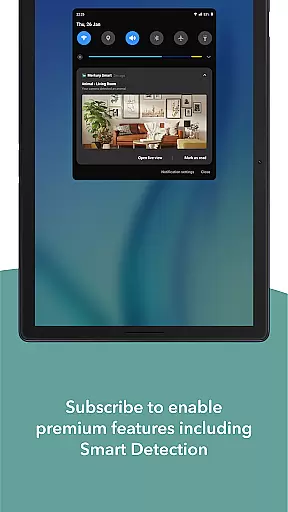
Merkury Smart is a comprehensive home automation application that allows users to control and monitor various smart devices from a single platform. The app supports multiple Merkury smart products including cameras, light bulbs, plugs, and LED strips. With its intuitive interface, users can easily manage their smart home ecosystem.
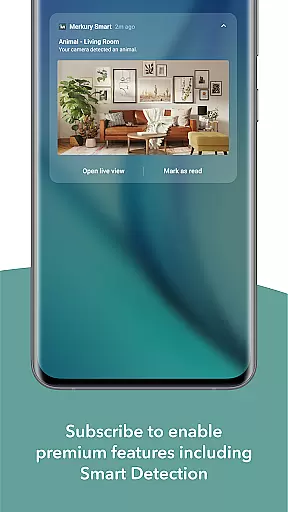
One of the standout features is the ability to watch live HD streaming from Merkury cameras, providing real-time monitoring and motion detection alerts. Users can also review recorded videos and photos, ensuring they never miss important events. The app's versatility extends to lighting solutions, offering customizable LED strips and Wi-Fi-enabled bulbs that bring vibrant illumination to any space.
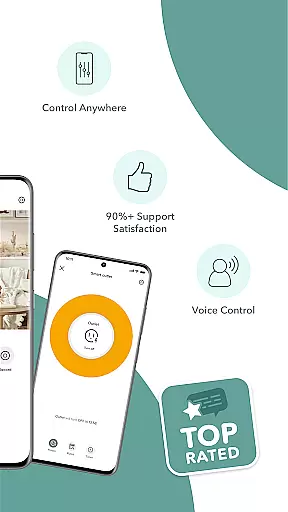
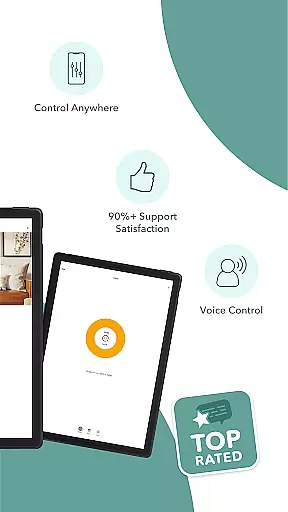
Whether you're at home or away, Merkury Smart provides peace of mind and convenience. Its remote access capabilities allow users to control their devices from anywhere, making it an essential tool for modern smart homes.
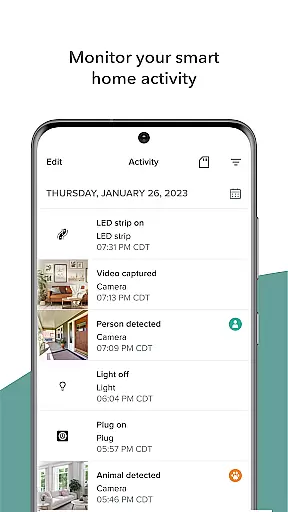
The Merkury Smart app boasts an impressive array of features designed to enhance your smart home experience. One of its key strengths is the seamless integration with various Merkury devices, allowing users to build a comprehensive smart home network. The app's live HD streaming functionality lets you monitor your property in real-time, with intelligent motion detection that triggers notifications and automatic event recording.
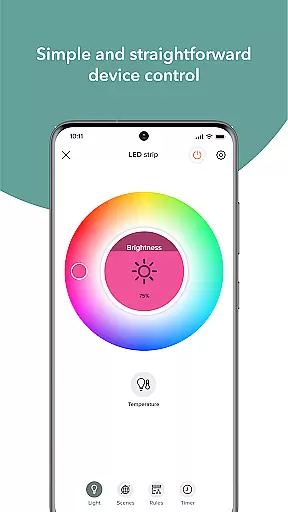
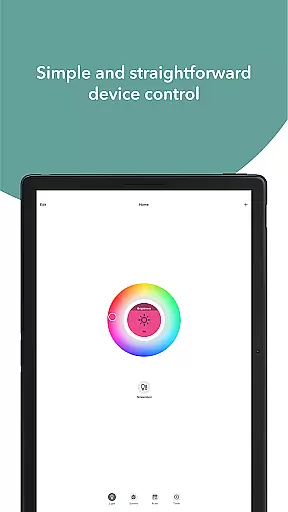
For lighting control, the app offers exceptional customization options. Users can adjust thousands of color variations and temperature settings for LED strips, creating perfect ambiance for any occasion. The Wi-Fi-enabled smart bulbs provide convenient dimming options and voice control compatibility, while the smart plug feature enables remote device management, optimizing energy usage.
Security is another crucial aspect of the app's feature set. It supports multi-location access, enabling users to monitor different properties through a single account. The DIY simplicity of adding multiple cameras ensures comprehensive coverage without complicated setup procedures. These robust features make Merkury Smart a powerful tool for both home security and smart living.
When managing smart devices for your home, ensuring the authenticity and accuracy of device listings is crucial. The Merkury Smart app provides users with reliable and verified listings of all compatible smart devices, including cameras, bulbs, plugs, and more. This verification process ensures that every product you connect to the app is genuine and fully supported, giving you peace of mind about the integrity and security of your smart home ecosystem.
The app meticulously updates and cross-checks each device's firmware and specifications against Merkuryu2019s official database. This guarantees that users are always interacting with authentic products that adhere to the highest standards of quality and safety. By maintaining stringent verification protocols, the app prevents unauthorized or counterfeit devices from being integrated into your smart home network.
For users, this means enhanced security and optimal performance of their smart devices. Whether it's an indoor camera or a smart bulb, knowing that each device is verified allows for worry-free automation and control. Ultimately, the Merkury Smart app not only simplifies smart home management but also fortifies it against potential vulnerabilities stemming from inauthentic devices.
Efficient home management is at the core of the Merkury Smart app's functionality, offering comprehensive tools to monitor and control various aspects of your living space. With features like live HD streaming, motion detection alerts, and automated recording, the app transforms how users interact with their home environment. These capabilities ensure that whether you're at home or away, you have complete oversight and control over your smart devices.
Beyond security, the app excels in convenience and customization. Users can manage multiple cameras across different locations, adjust smart lighting to fit any mood or occasion, and control appliances remotely via the smart plug. Such versatility makes daily home management tasks seamless and efficient, enhancing both comfort and energy savings.
Additionally, the app supports sophisticated automation rules, enabling users to create personalized scenarios that suit their lifestyle. From scheduling lights to turning off devices when not in use, these features contribute to a smarter, more responsive home environment. Overall, the Merkury Smart app empowers users with advanced yet user-friendly tools to elevate their home management experience.
User-friendly interface
Wide device compatibility
Remote access capability
Customizable lighting options
Comprehensive security features
Limited third-party integration
Requires stable internet connection
Subscription fees for cloud storage
Occasional connectivity issues
Learning curve for new users

Universal TV remote Control for Roku TV brands via WiFi remote
 4.4
4.4
Find paints using a Color Muse & ColorSnap® Match
3.60
Our app allows Sunrun customers to monitor systems, pay bills, and get support.
3.80
IP camera view and playback, for your WiFi cam or home security cctv system.
3.70
USHUD.com helps you find the best homes for sale in your area
4.00
AI Home Designer & Room Planner: Decorate your interior space with AI
4.40
Turn old phones into security cameras, baby monitors, pet cams, and more.
4.70
3D House Design and AI Room Planner - from floor plans to full interior design.
4.40
Universal Tv Remote Control for all Tv. Cast for chromecast & all Tv Controller
4.20
MLS-powered real estate app to find homes for sale & apartments for rent
4.70
Plants, Beauty, Collectibles
4.60
Looking for the perfect apartment finder app? Find beautiful rental homes here!
4.60
Security App with HD Video, 2-way Audio, and event detection for Home monitoring
4.40
For all of your Airthings devices
4.30
Control your Vivint Smart Home with the next generation Vivint App.
4.30
Fully control your Philips TV with this all-in-one remote control app.
4.20
Floor Plan Creator Home Design with 2D interior design and 3d view.
3.90
Draw your floor plan smartly. Make house design blueprint with home planner app
3.60
Universal TV Remote for TV, control all Smart TVs with your mobile phone.
4.2


User Reviews